
This page is not an official page of the app or its developer, but an independent editorial publication created for informational and commentary purposes. Unless expressly stated otherwise, neither the app nor its developer is affiliated with, endorsed by, sponsored by, authorized by, or otherwise officially connected with MWM, Apple, Google Play, the app publisher, or the app's developer, and nothing on this page implies that the app was developed using MWM's services. Any trademarks, logos, screenshots, and other content remain the property of their respective owners.

Slideshow Creator -MovieStudio
Create stunning HD videos for social media in just three easy steps. Choose from 1,000+ designer templates to make every family memory, travel vlog, and product showcase shine.
Downloads
3M+User Rating
Total Ratings
337K+Publisher
Category
Photo & VideoLocales
14Latest Version
16.8Size
168.4 MBFirst Released
Mar 8, 2013Turn Your Photos Into Movie Magic
The ultimate slideshow maker designed for your busiest days and biggest milestones. Create stunning, high-definition videos in just three simple steps.
Lightning Fast 3-Step Creation
No editing experience required. Simply pick a professional template, swap in your photos, and export your movie in seconds.
Templates for Every Milestone
From baby’s first steps to wedding vows, choose from over 1,000 curated themes designed to bring your most precious memories to life.
Frequently Asked Questions
Everything you need to know about Slideshow Creator -MovieStudio
What is MovieStudio Video Maker?
MovieStudio Video Maker is a photo video maker app that merges photos to create slideshows. It allows users to edit and share photo music videos on social media platforms like TikTok, YouTube, Instagram, Facebook, and Twitter.
How do I create a video with MovieStudio Video Maker?
Users create videos in three steps: choose a template, replace photos, text, videos, and music, then export the video. After export, it can be shared to social media or saved to an album.
Does MovieStudio Video Maker offer templates for different occasions?
Yes, MovieStudio Video Maker offers rich video templates for 9 scene themes, including Birthday, Wedding, Promos, Holiday, Travel, and Family. These templates are continuously updated.
Can I export videos in high definition using MovieStudio Video Maker?
Yes, MovieStudio Video Maker supports 1080p high-definition resolution rendering and export for produced videos. This ensures compatibility for playing on high-definition TVs and projectors.
What are the benefits of a MovieStudio VIP subscription?
A MovieStudio VIP subscription includes free access to all templates, no watermark exports, high-definition exports, removal of advertisements, and all paid functions within the app.
How much does a MovieStudio VIP subscription cost?
MovieStudio VIP offers three subscription durations: "Monthly Fee", "Quarterly Fee", and "Annual Fee”. The specific pricing is detailed within the app during the purchase process.
How do I cancel my MovieStudio VIP subscription?
To cancel a MovieStudio VIP subscription, go to iOS device Settings, then iTunes Store and App Store, select your Apple ID, click View Apple ID, then Subscribe, and select MovieStudio to cancel.
Does MovieStudio Video Maker allow sharing videos to social media?
Yes, MovieStudio Video Maker allows users to share videos to social media platforms such as YouTube, Instagram, TikTok, Facebook, and Twitter with one click after creation, making sharing convenient.
Does MovieStudio Video Maker have video effects like 3D or object tracking?
Yes, MovieStudio Video Maker includes over 1000 picture animation effects, professional film and television post-production technology, and key 3D effects such as photo wall and real-time object tracking.
Can I edit photos and text within MovieStudio Video Maker templates?
Yes, MovieStudio Video Maker provides easy template editing, enabling users to swap photos and text to customize their video creations. This ensures personalization of each video project.
The following screenshots and description are sourced directly from the app's official store listing and are the property of the app developer.
App Store
Screenshots
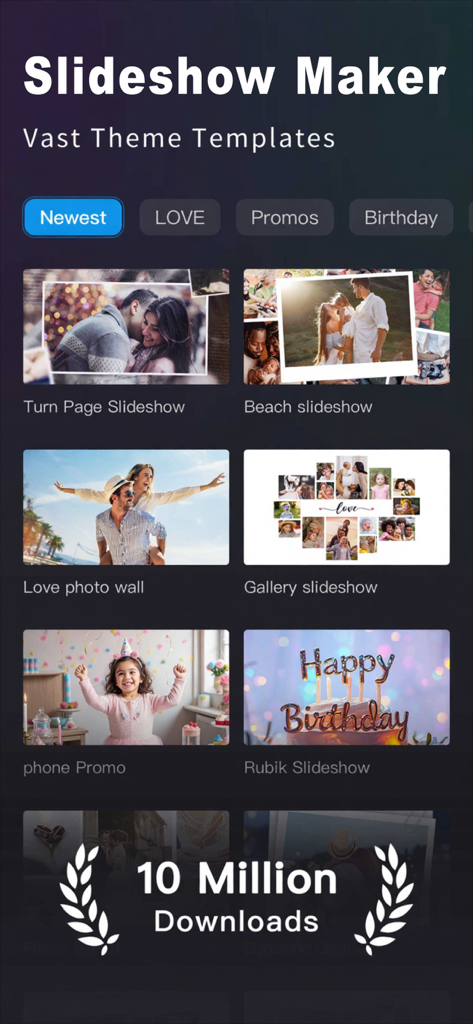
Interface of the Slideshow Creator MovieStudio app displaying various video templates and theme categories.
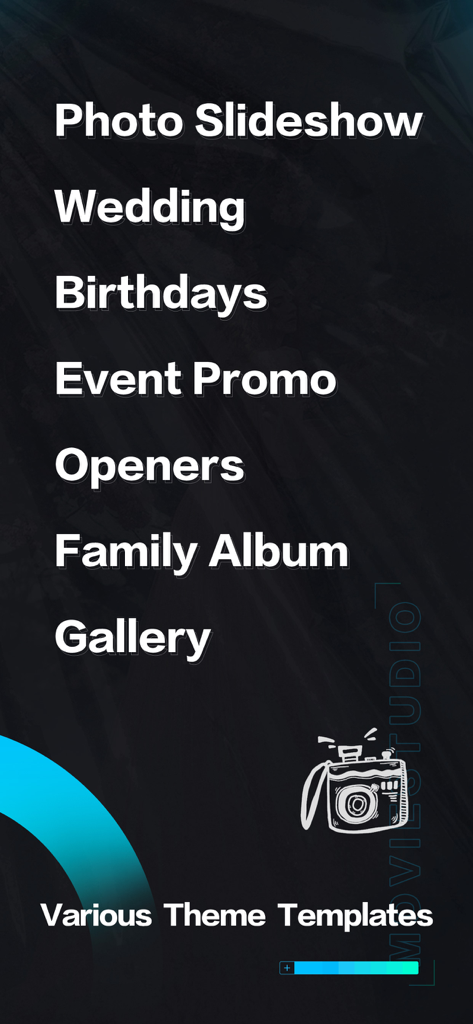
A list of video theme templates in the MovieStudio app including categories for Wedding Birthdays and Family Albums.
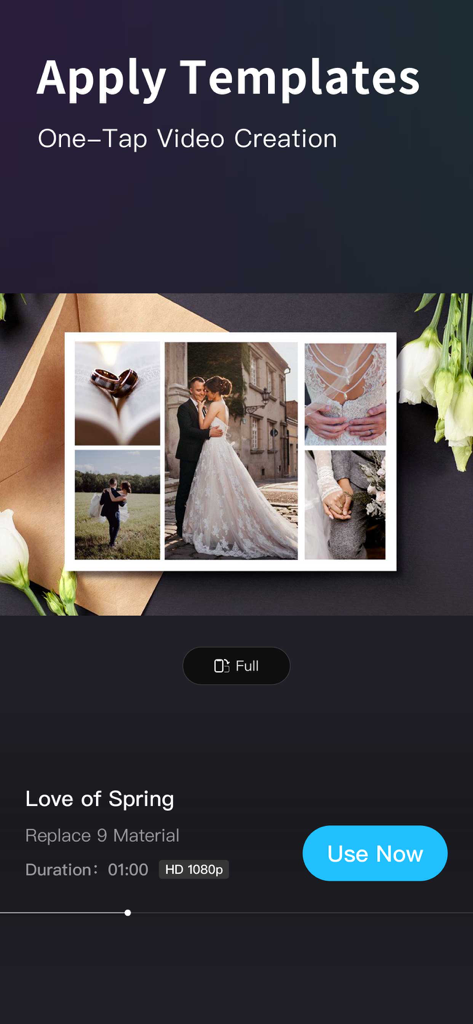
MovieStudio app interface showing a wedding themed video template with one-tap creation
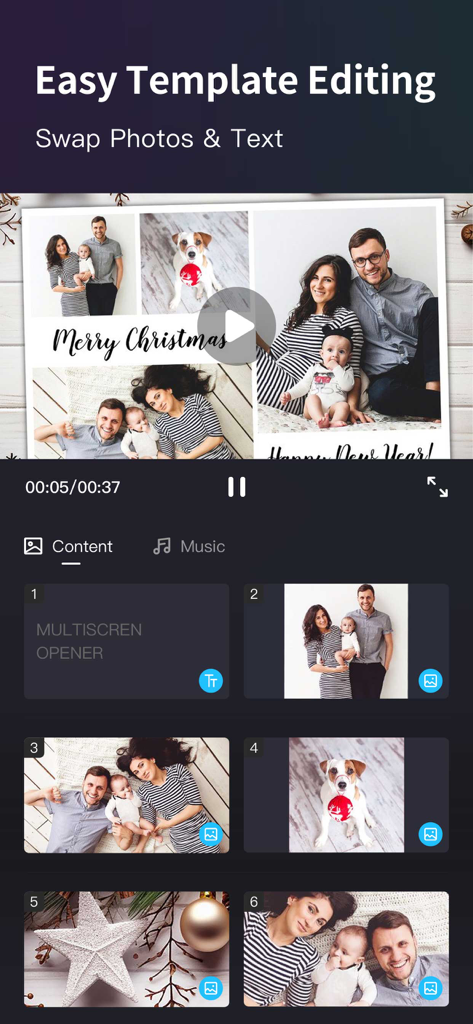
Mobile app interface showing easy template editing with family holiday photos and text swap features
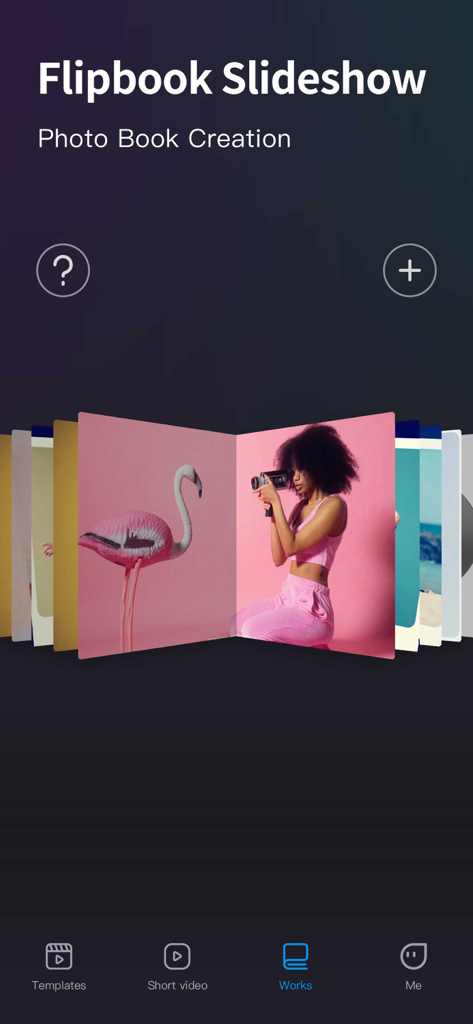
Flipbook Slideshow interface in MovieStudio app for creating digital photo books
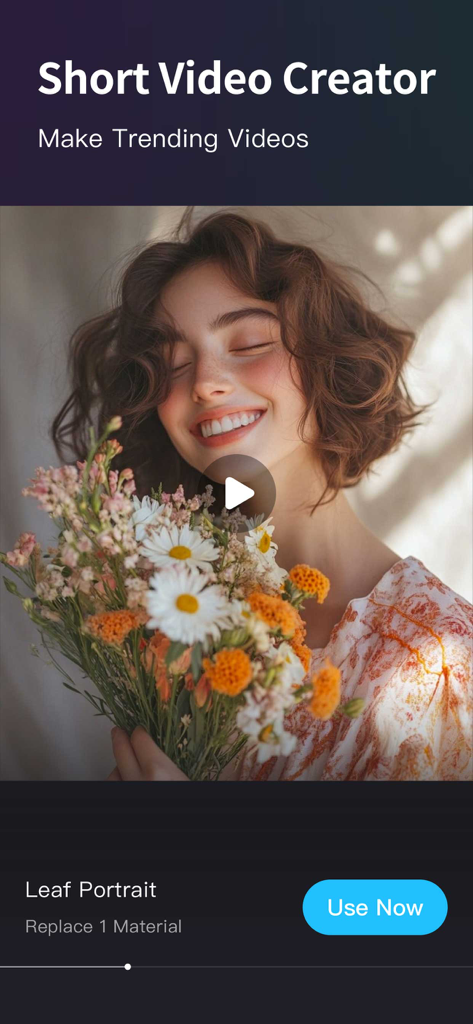
MovieStudio app interface showing a short video creator template for social media trends.
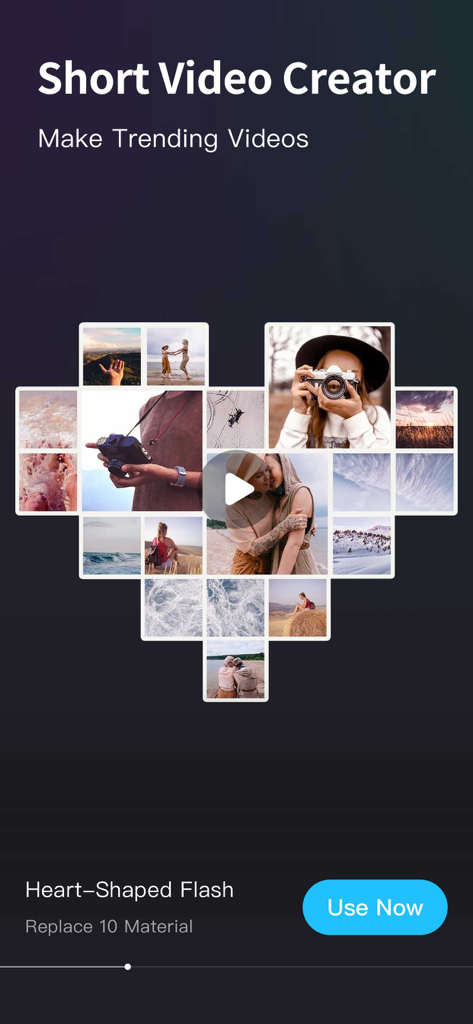
Heart-shaped photo collage video template in the MovieStudio app
Description
Download
More Like This
Apps with similar features and user experience

VEED Shorts: AI videos
VEED Ltd

AI Video Maker - Renderforest
Renderforest LLC

Filmigo Video Maker & Editor
VIDEOSHOW PTE. LTD.

Slideshow Maker Video & Photo
Honk Honk Punch Pty Ltd

Quick Slideshow Maker + Music
Zipo Apps Ltd.

Salad Video -Video Editor
ChengDu PinGuo Technology Co., Ltd.

Story Swag - Quick Reels
Slider LLC

StoryWave - Video Maker
UNSTATIC LTD

Smoozly: Animated Stories
Smoozly Inc.
This page is not an official page of the app or its developer, but an independent editorial publication created for informational and commentary purposes. Unless expressly stated otherwise, neither the app nor its developer is affiliated with, endorsed by, sponsored by, authorized by, or otherwise officially connected with MWM, Apple, Google Play, the app publisher, or the app's developer, and nothing on this page implies that the app was developed using MWM's services. Any trademarks, logos, screenshots, and other content remain the property of their respective owners.