
This page is not an official page of the app or its developer, but an independent editorial publication created for informational and commentary purposes. Unless expressly stated otherwise, neither the app nor its developer is affiliated with, endorsed by, sponsored by, authorized by, or otherwise officially connected with MWM, Apple, Google Play, the app publisher, or the app's developer, and nothing on this page implies that the app was developed using MWM's services. Any trademarks, logos, screenshots, and other content remain the property of their respective owners.

AiPPT - PPT & Slide Maker
Stop wasting hours on formatting and design. Just enter your topic and let our AI assistant generate logical outlines and professional slides instantly, so you can focus on your message.
Downloads
440K+User Rating
Total Ratings
25K+Publisher
Category
UtilitiesLocales
3Latest Version
4.8Size
114.3 MBFirst Released
Jun 13, 2024Your AI Presentation Partner
Transform your ideas into professional slide decks instantly. Stop staring at blank screens and let AI handle the layout, design, and structure for you.
One-Click Magic
Enter your topic and watch as AI generates a complete, professional presentation with layouts and visuals in seconds.
Instant Smart Outlines
Never struggle with structure again. Our AI builds a clear, logical flow for your message, giving you a perfect head start.
Frequently Asked Questions
Everything you need to know about AiPPT - PPT & Slide Maker
What is AiPPT?
AiPPT is an intelligent slideshow maker tool that provides convenient and efficient presentation production experiences. It features AI-powered functions like one-click PPT generation, AI-generated outlines, and a vast selection of templates.
How does AiPPT generate presentations?
AiPPT generates presentations by having users input a theme, keywords, and main points. The system then automatically matches templates, materials, and layouts to quickly create a beautiful presentation.
Does AiPPT offer AI-generated outlines?
Yes, the AiPPT app features an AI-generated outline function. This automatically sorts the logical structure based on user entry to produce a clear and organized outline.
Can I manage documents within the AiPPT app?
Yes, the AiPPT app includes powerful document background management capabilities. Users can efficiently create, edit, view, present, share, classify, and tag presentations from anywhere.
How can I export presentations from AiPPT?
The AiPPT app allows for one-click export of generated PPTs. This feature enables users to easily export their presentations for further editing and sharing as needed.
Does AiPPT have a variety of templates?
Yes, AiPPT provides a vast selection of templates and material resources. These are suitable for various industries and scenarios, allowing users to select appropriate resources to create personalized PPTs.
How do I cancel my AiPPT subscription?
To cancel an AiPPT subscription, navigate to Apple phone settings, then 'iTunes Store and App Store,' click 'Apple ID,' select 'View Apple ID,' go to 'Account Settings,' click 'Subscription,' and unsubscribe from VIP membership.
Does AiPPT support automatic renewal for subscriptions?
Yes, AiPPT subscriptions support automatic renewal. The system automatically renews and deducts fees from the iTunes account 24 hours before the service expiration, according to the subscription type.
What types of subscriptions does AiPPT offer?
AiPPT offers various subscription methods, including consecutive seasonal, monthly, and annual packages. Users can choose the option that best fits their presentation production needs.
Can I use AiPPT for different industries or topics?
Yes, AiPPT provides templates and topic-specific resources for various industries and scenarios. These include categories such as courseware, paper, workplace, and medical topics.
How many users trust the AiPPT app?
The AiPPT app is trusted by over 30 million users across the globe. It enables users to create PowerPoint presentations efficiently with a single click.
What AI tools does AiPPT offer in its toolbox?
AiPPT's toolbox includes AI Outline, AI Writing, and AI Polishing. It also offers tools for Article Summary, AI Teaching Plan, and Document Summary, alongside PDF tools.
The following screenshots and description are sourced directly from the app's official store listing and are the property of the app developer.
App Store
Screenshots
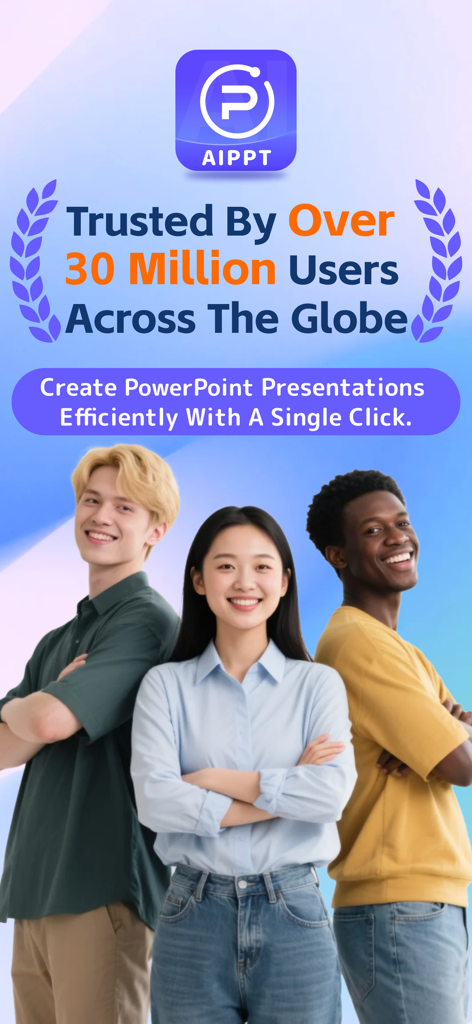
Promotional screen for AiPPT app showing diverse young professionals and highlighting over 30 million global users
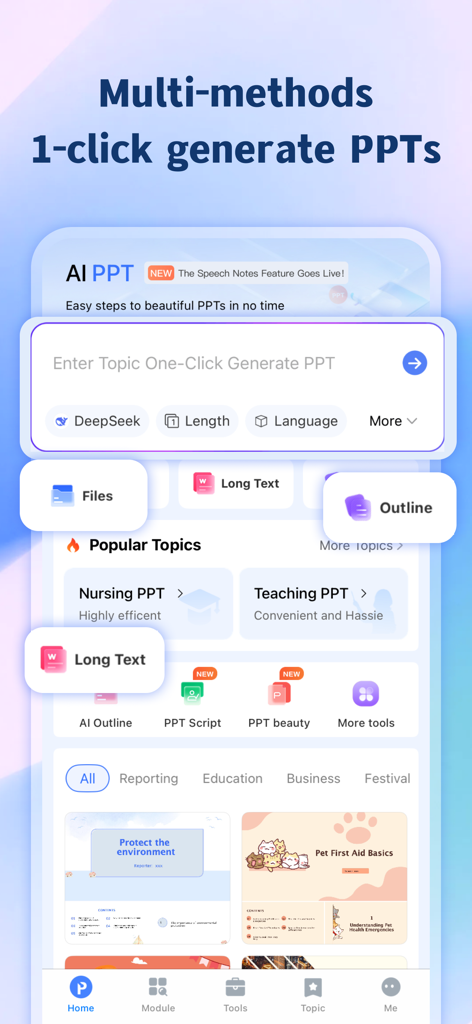
Mobile app interface showing AI powered one click PowerPoint generation features and templates
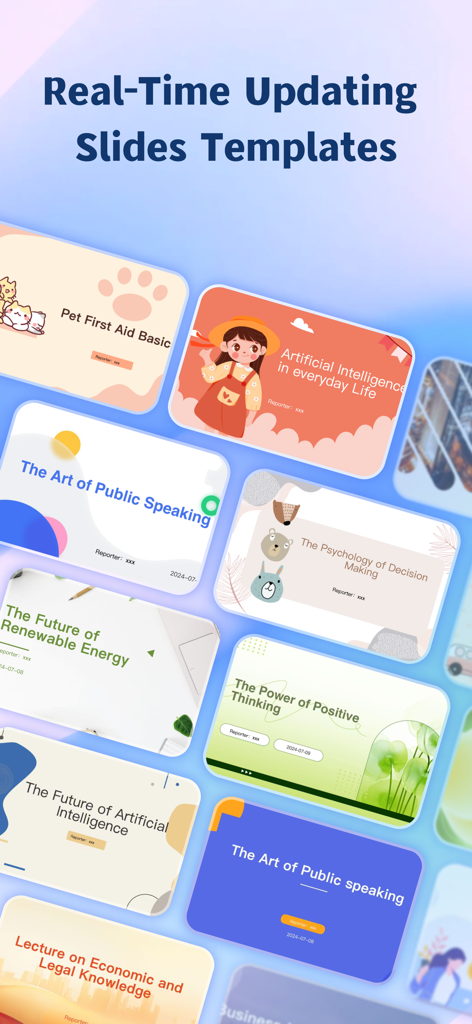
Variety of professional presentation slide templates available in the AiPPT app.
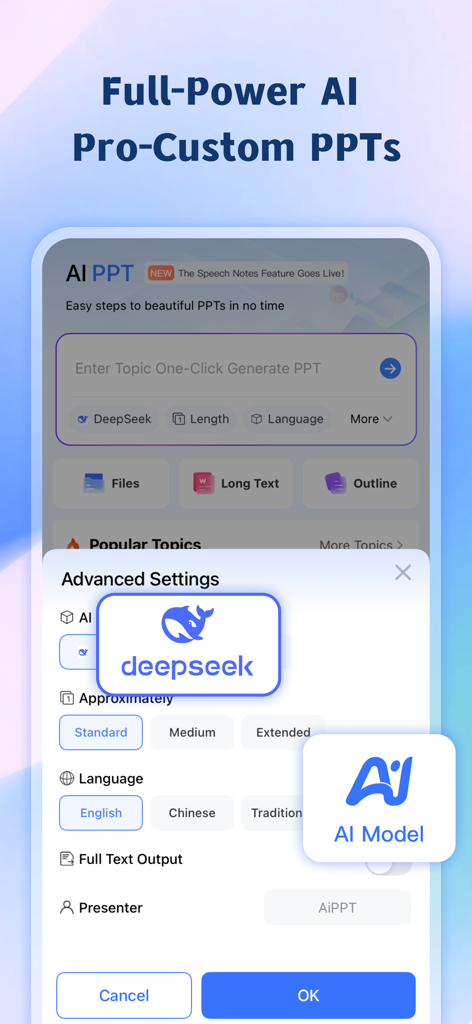
Interface of AiPPT app showing advanced AI settings for custom presentations including DeepSeek integration
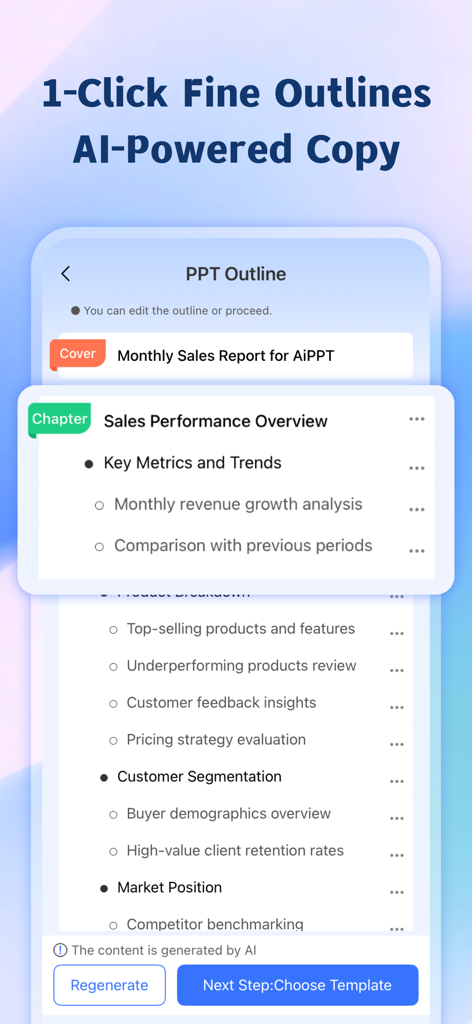
Mobile app screen showing an AI-powered presentation outline for a monthly sales report with chapters and key metrics.
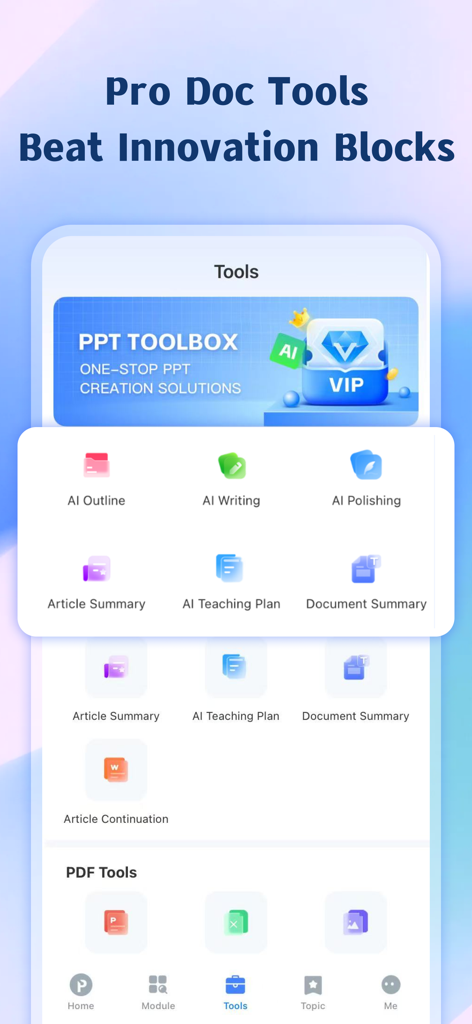
AiPPT app interface showing AI-powered tools for writing outlines and summarizing documents
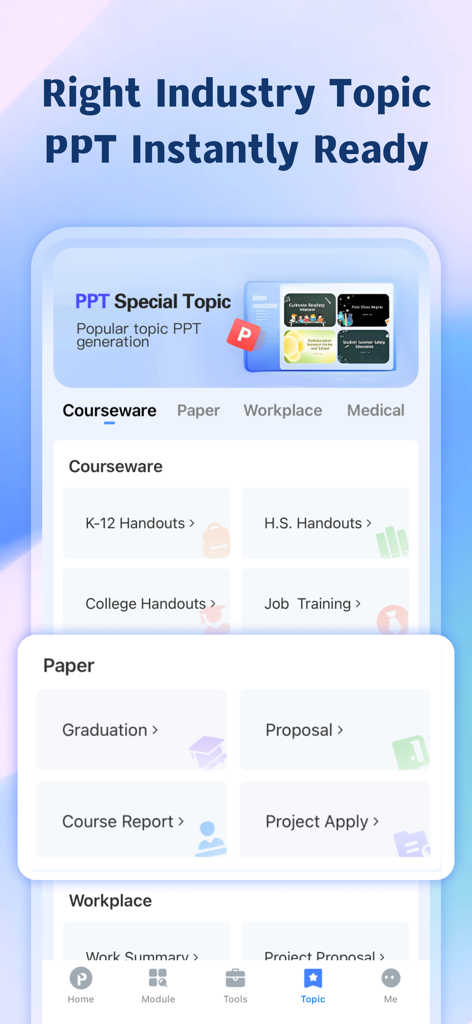
AiPPT app interface showing industry-specific presentation templates for students and professionals.
Description
Download
More Like This
Apps with similar features and user experience

Google Docs
Google LLC

Slidey: Ai Presentation Slides
Andrii Fomichov

iSlide - 海量PPT模板,专业团队原创设计
Chengdu iSlide Network Technology Co., Ltd.
Microsoft PowerPoint
Microsoft Corporation
Google Slides
Google LLC

Good Slide
ShenZhen Meiyinet Technology Co.,Ltd

Beautiful AI Slides by GammaAI
Manjinder Kaur

Visme - Presentation & Charts
Easy WebContent, Inc.
幻灯片手机版-实用幻灯片演示设计
卓臻 李
This page is not an official page of the app or its developer, but an independent editorial publication created for informational and commentary purposes. Unless expressly stated otherwise, neither the app nor its developer is affiliated with, endorsed by, sponsored by, authorized by, or otherwise officially connected with MWM, Apple, Google Play, the app publisher, or the app's developer, and nothing on this page implies that the app was developed using MWM's services. Any trademarks, logos, screenshots, and other content remain the property of their respective owners.