
This page is not an official page of the app or its developer, but an independent editorial publication created for informational and commentary purposes. Unless expressly stated otherwise, neither the app nor its developer is affiliated with, endorsed by, sponsored by, authorized by, or otherwise officially connected with MWM, Apple, Google Play, the app publisher, or the app's developer, and nothing on this page implies that the app was developed using MWM's services. Any trademarks, logos, screenshots, and other content remain the property of their respective owners.


AIReel:AI Video Generator
Experience the next generation of video creation. Leverage Sora-level AI to transform text or photos into stunning cinematic shorts for TikTok and Reels—no editing skills required.
Downloads
132K+User Rating
Total Ratings
100Publisher
Category
Photo & VideoLocales
15Latest Version
2.6.0Size
93.5 MBFirst Released
Apr 13, 2025Create Viral Videos in Seconds
Leverage the power of industry-leading AI models like Sora and Veo3 to transform your ideas into cinematic masterpieces for TikTok and Reels without any editing experience.
Text to Cinematic Video
Turn simple descriptions into professional-grade scenes. Our AI handles the lighting, framing, and motion so you can focus on storytelling.
Animate Your Photos
Breathe life into static images. Transform portraits, anime art, or pet photos into high-engagement motion content that stops the scroll.
Frequently Asked Questions
Everything you need to know about AIReel:AI Video Generator
What is AIReel: AI Video Generator?
AIReel is an AI-powered app that generates viral videos from text or images using advanced AI models like sora, veo3, and hailluo. It creates cinematic TikTok/Reels shorts quickly with various templates.
How does AIReel's Text to Video feature work?
AIReel's Text to Video feature allows users to input any text. The AI then automatically creates scenes and characters, producing narrative videos.
Does AIReel support creating videos from uploaded images?
Yes, AIReel supports Image to Video generation. Users upload photos, and the app creates motion masterpieces, supporting real-person, anime, or pet images.
What AI models does AIReel: AI Video Generator use?
AIReel integrates advanced AI models including sora, veo3, hailluo, Kling, Pixverse, Runway, and CogVideo to power its dual engines for video generation.
Does AIReel support multiple video aspect ratios?
Yes, AIReel provides multi-ratio support for video output. It offers 9:16, 16:9, 1:1, 3:4, and 4:3 formats for generated videos.
Does AIReel: AI Video Generator provide video templates?
Yes, AIReel features a Trend Template Hub with over 100 AI templates. These are daily updated and sync with current TikTok/Reels trends for quick video creation.
How quickly can AIReel create videos?
AIReel generates cinematic TikTok/Reels shorts in 3 seconds. It boasts 80% faster video creation compared to traditional tools.
Does AIReel offer a feature for expanding AI prompts?
Yes, AIReel includes an AI Prompt Expander. This feature transforms simple ideas into professional-level prompts for more detailed video generation.
Does AIReel moderate generated content for compliance?
Yes, AIReel ensures compliance through its self-developed AIGC engine combined with human moderation. This process verifies content suitability.
Can users share videos from AIReel to social media platforms?
Yes, AIReel allows users to share their created videos directly. Supported platforms include TikTok, Facebook, Instagram, and Whatsapp.
The following screenshots and description are sourced directly from the app's official store listing and are the property of the app developer.
App Store
Screenshots
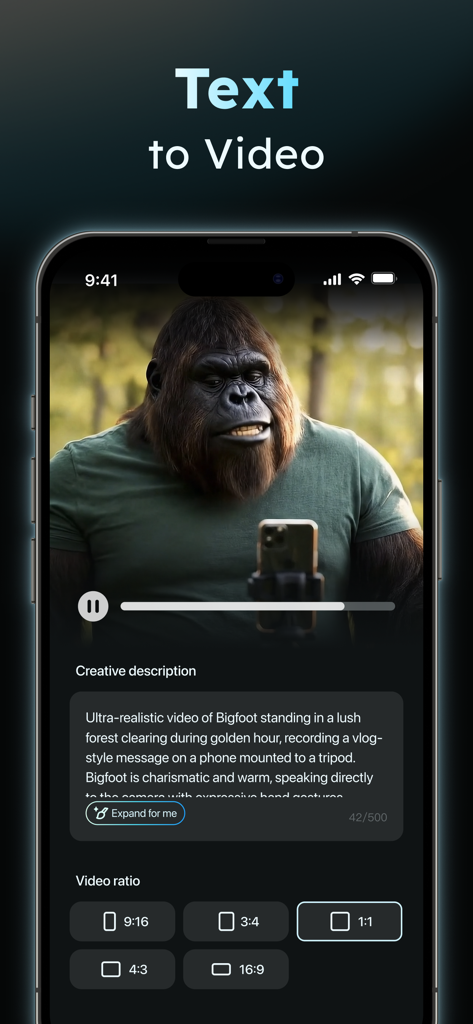
AIReel app interface showing the Text to Video feature with an AI-generated Bigfoot character recording a vlog.
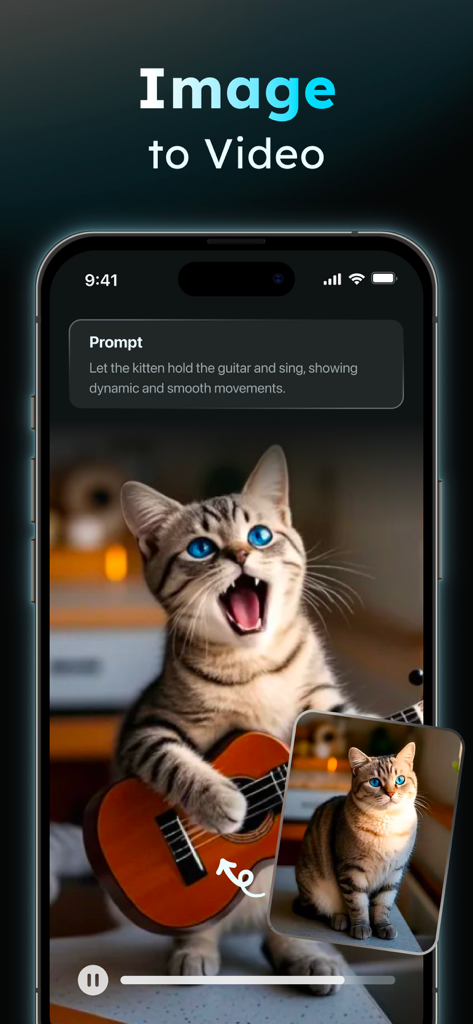
AIReel app interface showing a cat being animated to play a guitar through the image-to-video generation feature
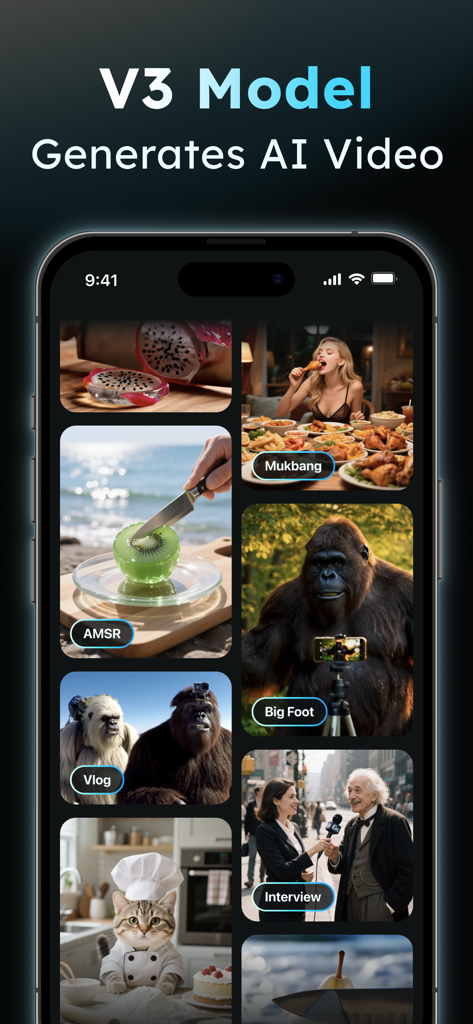
AIReel app interface displaying various AI generated video categories like Mukbang AMSR and Vlogs
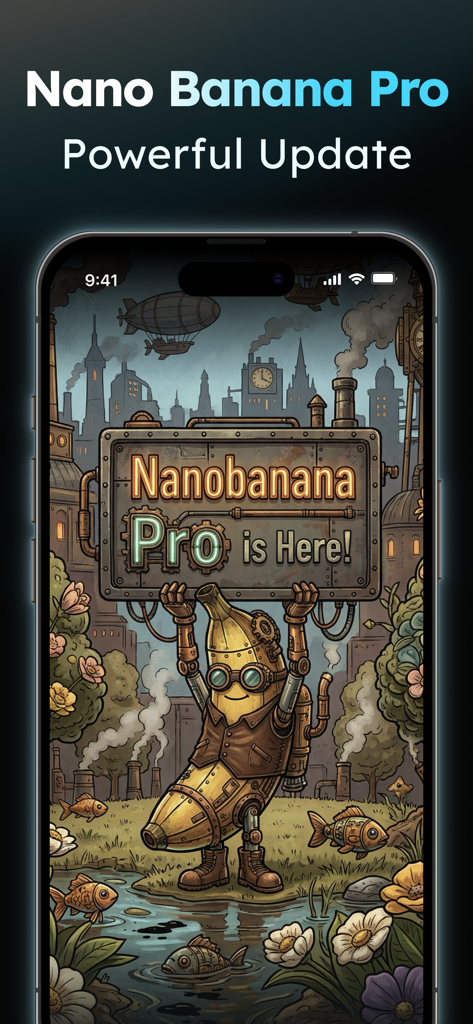
AI generated steampunk banana character holding a Nanobanana Pro announcement sign in the AIReel app
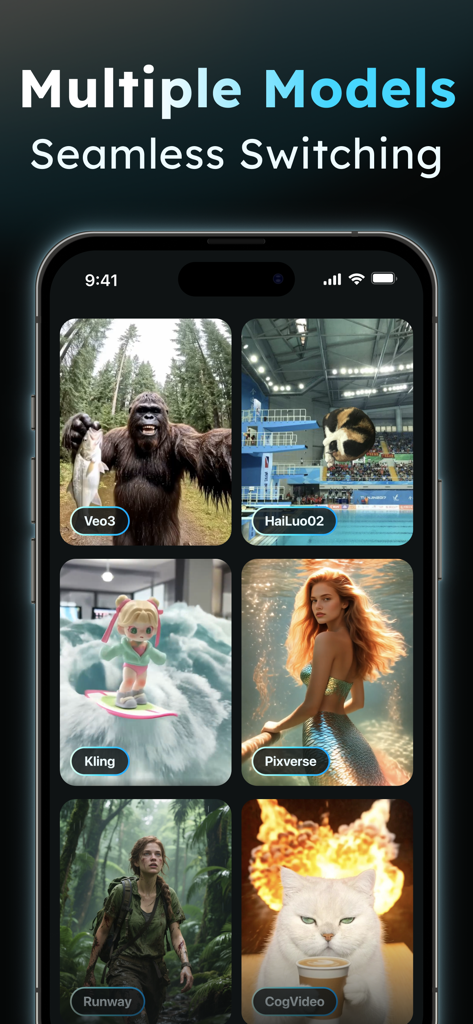
A showcase of multiple AI video generation models like Veo3 and Runway integrated into the AIReel app interface
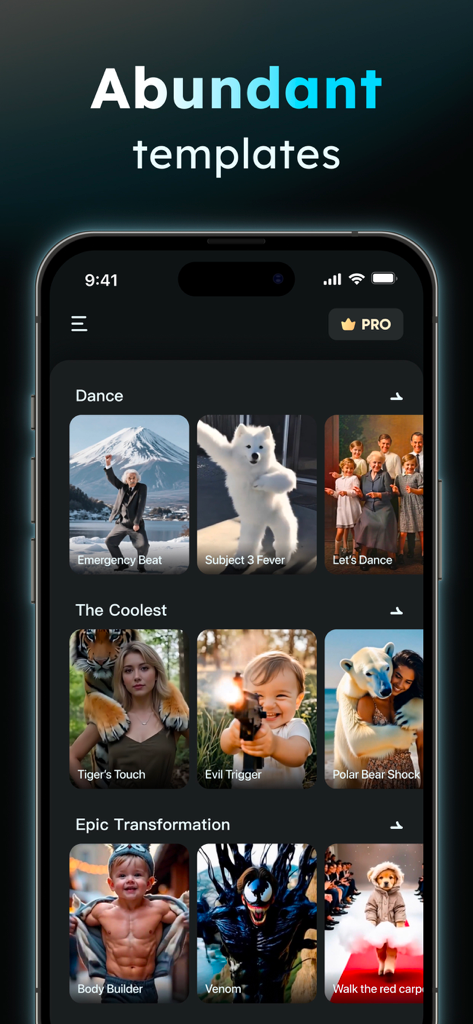
AIReel mobile app interface showing various AI video templates in categories like Dance and Epic Transformation
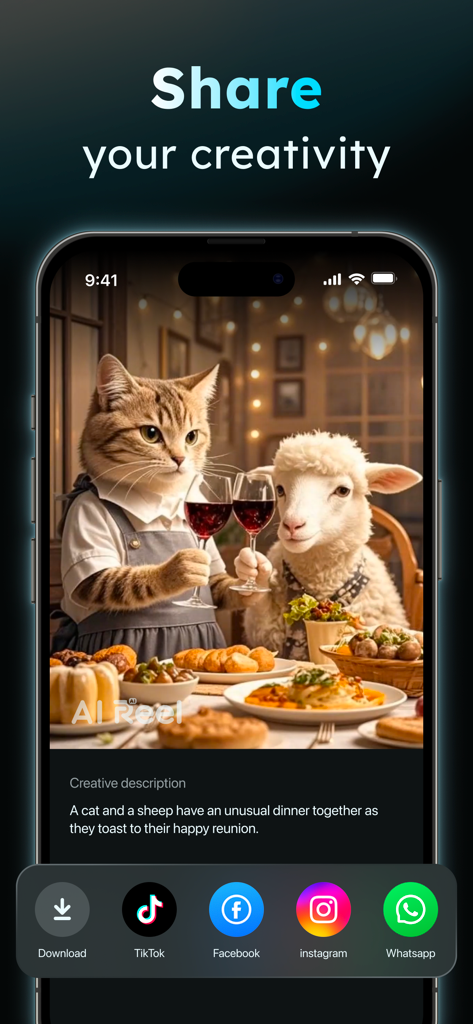
AIReel app interface showing sharing options for an AI-generated video of a cat and sheep at dinner.
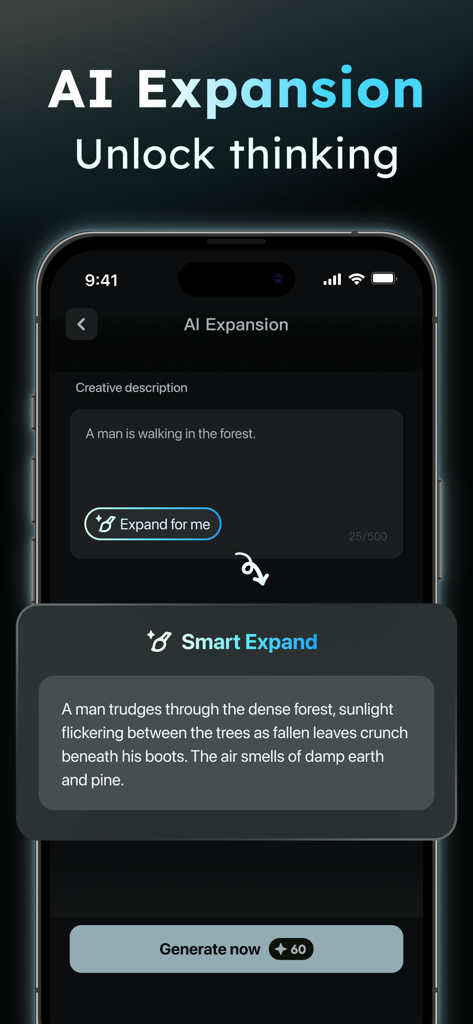
AIReel app interface showing the AI expansion tool transforming a simple text prompt into a detailed descriptive narrative for video generation.
Description
Download
More Like This
Apps with similar features and user experience

Sora by OpenAI
OpenAI OpCo, LLC

DreamFace: AI Video Generator
New Port LLC
AI Video Generator - Viddo AI
li lin

MiniMax AI - Video Generator
Noam Barzik

WOMBO Dream - AI Art Generator
Wombo Studios, Inc.

AI Canvas - AI Image Generator
Engcraft, LLC

Cat Language Keyboard DIY
HUYNH DUONG VAN

AI Art Generator Image
琴慧 冯

Loopsie: AI Image Effects
KRNL SRL
This page is not an official page of the app or its developer, but an independent editorial publication created for informational and commentary purposes. Unless expressly stated otherwise, neither the app nor its developer is affiliated with, endorsed by, sponsored by, authorized by, or otherwise officially connected with MWM, Apple, Google Play, the app publisher, or the app's developer, and nothing on this page implies that the app was developed using MWM's services. Any trademarks, logos, screenshots, and other content remain the property of their respective owners.