AirTouch 2+

AirTouch 2+

Download on App Store
Logo of AirTouch 2+

AirTouch 2+: The Ultimate Command Center for Your Home Climate

Take total control of your ducted air conditioning with professional-grade zoning and remote access. Adjust individual room comfort, set smart timers, and ensure your home is perfectly cooled or heated before you even arrive.

Download on App Store

Publisher

Polyaire Pty Ltd

Category

Lifestyle

Downloads

69K+

User Rating

2.2/5

Total Ratings

100

Locales

1

Smart Comfort, Visualized

Discover the interface used by 69K+ users.
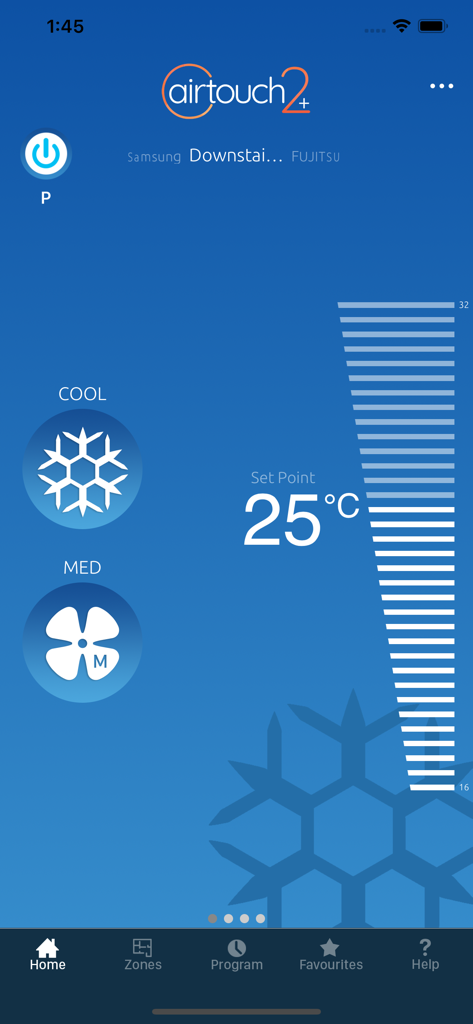
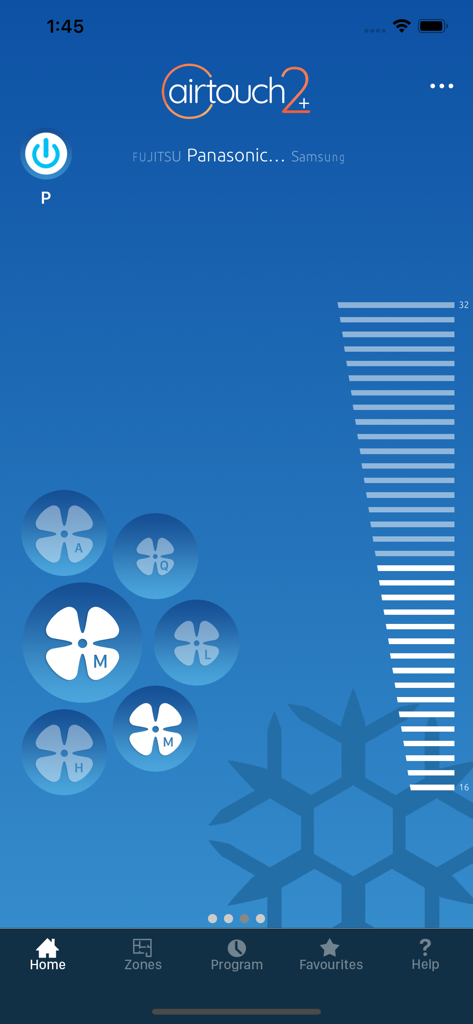
AirTouch 2 plus mobile app interface for home climate control showing cooling mode and temperature settings

AirTouch 2 plus mobile app interface for home climate control showing cooling mode and temperature settings

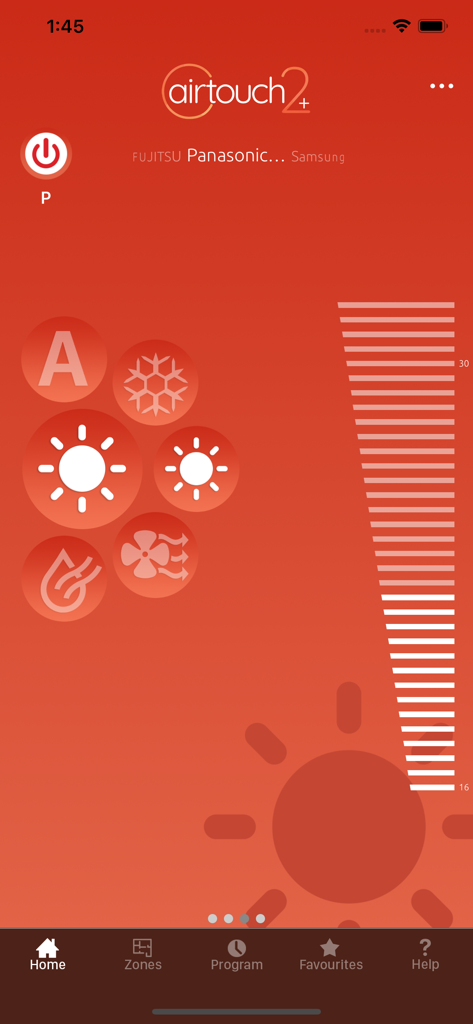
AirTouch 2 plus smart home climate control interface showing cooling mode active with individual room zone fan controls

AirTouch 2 plus smart home climate control interface showing cooling mode active with individual room zone fan controls

AirTouch 2 plus app home screen with climate control modes and temperature adjustment slider

AirTouch 2 plus app home screen with climate control modes and temperature adjustment slider

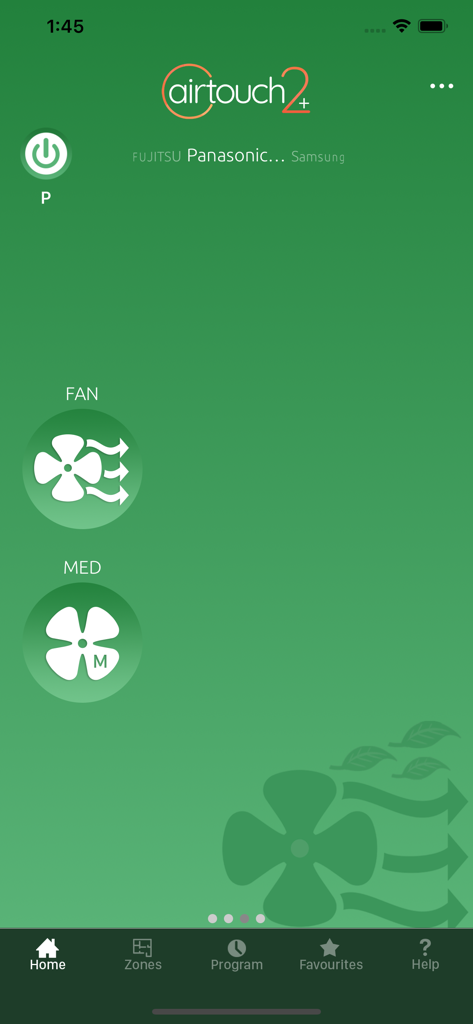
AirTouch 2 plus app home interface displaying fan speed and power controls

AirTouch 2 plus app home interface displaying fan speed and power controls

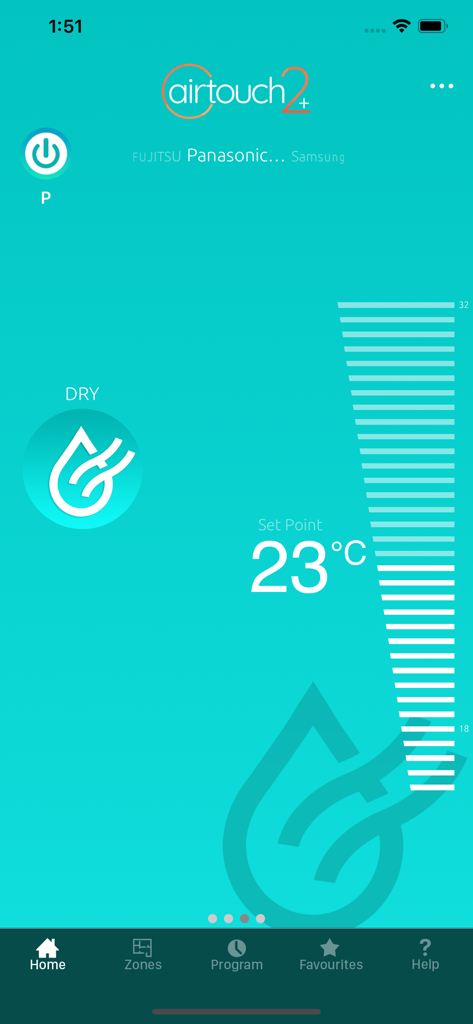
AirTouch 2 plus app interface showing 23 degrees Celsius temperature setting in dry mode

AirTouch 2 plus app interface showing 23 degrees Celsius temperature setting in dry mode

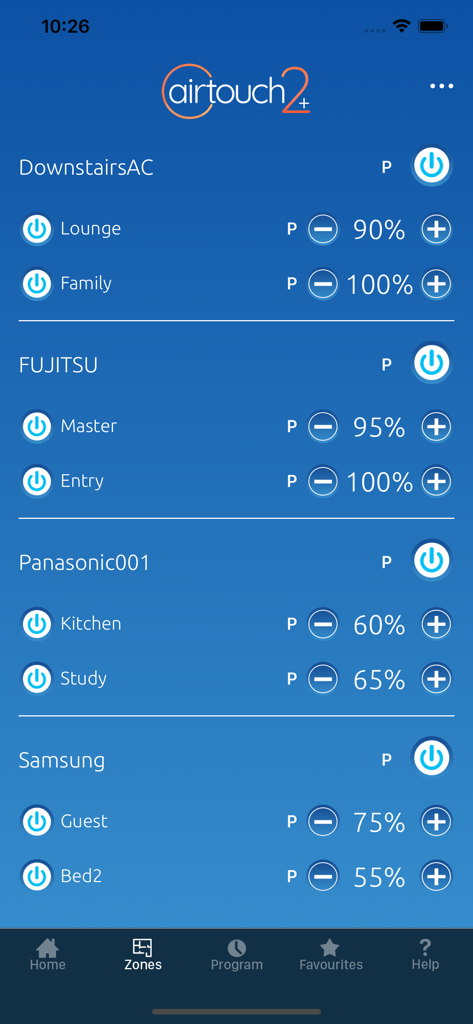
AirTouch 2 plus app Zones screen showing remote air volume and power controls for multiple rooms and HVAC units.

AirTouch 2 plus app Zones screen showing remote air volume and power controls for multiple rooms and HVAC units.

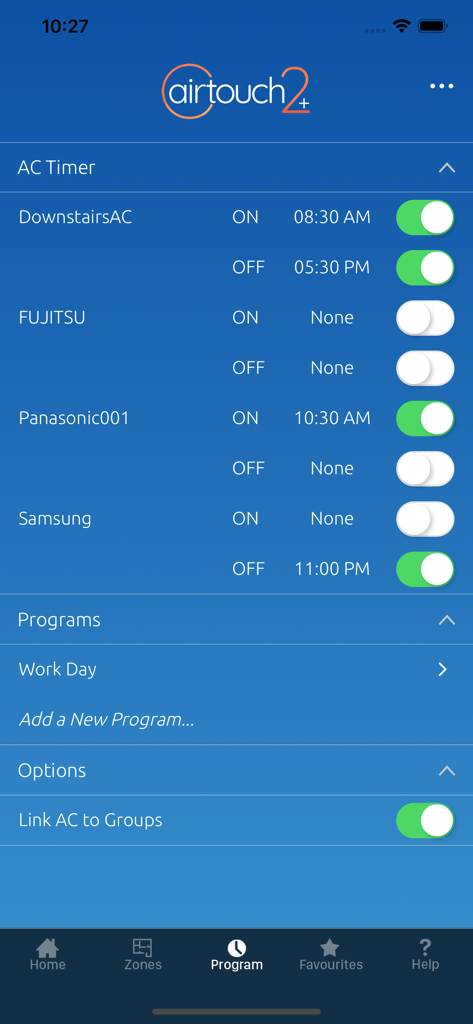
Airtouch 2 plus app interface showing the AC timer and program scheduling settings for different air conditioning units

Airtouch 2 plus app interface showing the AC timer and program scheduling settings for different air conditioning units

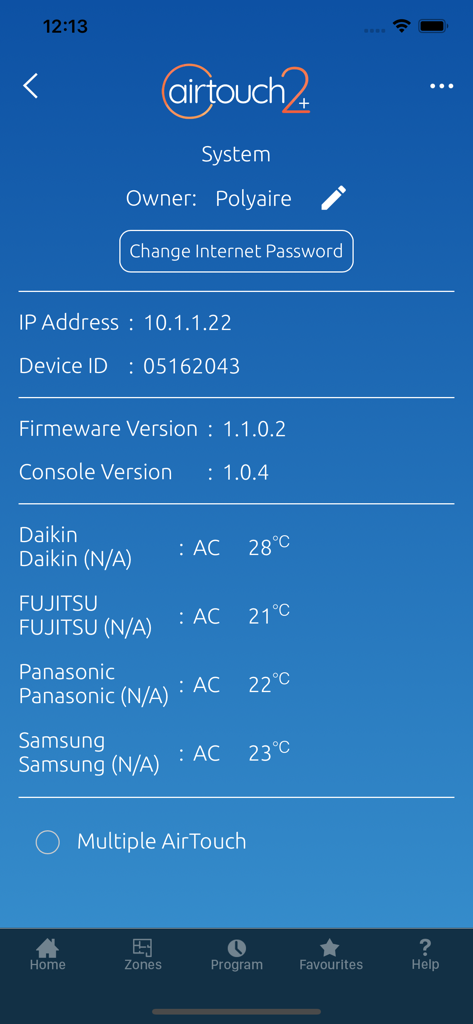
The AirTouch 2 plus app system settings screen displaying device information and current temperatures for connected air conditioning units like Daikin and Fujitsu.

The AirTouch 2 plus app system settings screen displaying device information and current temperatures for connected air conditioning units like Daikin and Fujitsu.

Precision Climate Control at Your Fingertips

The tools that make this app stand out, trusted by 69K+ users.

🌐

Global Remote Access

Never worry about leaving the AC on again. Monitor and adjust your home climate from the office or the airport with total peace of mind.

🎯

Custom Zone Comfort

Control individual room air volume to eliminate hot spots and end thermostat wars. Direct comfort exactly where it is needed most.

📉

Smart Energy Savings

Reduce utility bills with intelligent timers and schedules. Prime your home for arrival and ensure you are only cooling the rooms you use.

About the app

Everything you need to know about AirTouch 2+.

Description

You’re in control of your home climate with AirTouch 2+. Featuring a new smart and easy to use interface design, you can now use your smart device to control AC mode, temperature and fan speed of reverse cycle ducted air conditioning units connected to your AirTouch system at home, as well as the air volume for individual rooms. While you can control your system with your smart device over your WiFi network with internet connectivity at home, now you’ll never have to worry about leaving it turned on when you are out and about, as you can check and turn it on or off, and set a timer for when you get home remotely over the internet from anywhere. Requires an AirTouch 2+ system installed by a suitable air conditioning professional.

Latest Version

1.11

Size

11.2 MB

First Released

Aug 18, 2020

Complete Climate Control, Right in Your Pocket

Download the AirTouch 2+ app to manage your home’s comfort from anywhere. Save on energy, eliminate thermostat wars, and always come home to the perfect temperature.

Download on App Store

App information, icons, screenshots, and descriptions displayed on this page are sourced from the Apple App Store and are the property of their respective developers. Download estimates and rankings are based on MWM's proprietary models and may not reflect actual figures. This page is provided for informational and analytical purposes only.

Believe this page infringes your intellectual property? File a dispute