
This page is not an official page of the app or its developer, but an independent editorial publication created for informational and commentary purposes. Unless expressly stated otherwise, neither the app nor its developer is affiliated with, endorsed by, sponsored by, authorized by, or otherwise officially connected with MWM, Apple, Google Play, the app publisher, or the app's developer, and nothing on this page implies that the app was developed using MWM's services. Any trademarks, logos, screenshots, and other content remain the property of their respective owners.


Alto Pro
Don’t walk to the back of the speaker—walk the room. Master your mix with precision EQ, wireless linking, and real-time configuration for TS4, Busker, and Uber FX2.
Downloads
27K+User Rating
Total Ratings
0Publisher
Category
MusicLocales
1Latest Version
1.4.2Size
27.5 MBFirst Released
Sep 14, 2022Complete Sound Control From Center Stage
Skip the trips to the back of the speaker. Fine-tune your audio settings, manage EQ profiles, and link your system wirelessly—all directly from your iPhone.
Precise Acoustic Tuning
Shape your sound with customizable EQ and preset modes to match any venue, from echoey gym floors to outdoor wedding lawns.
True Stereo Wireless Linking
Eliminate cable clutter and tripping hazards. Wirelessly pair your speakers for a wide stereo image and a professional, clean setup.
The following screenshots and description are sourced directly from the app's official store listing and are the property of the app developer.
App Store
Screenshots
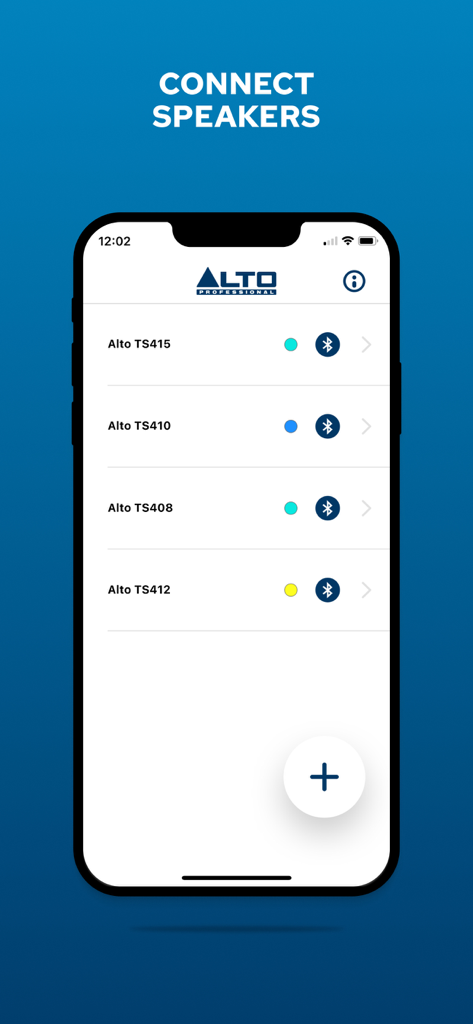
Interface of the Alto Pro app showing a list of Alto Professional TS4 series speakers available for Bluetooth connection
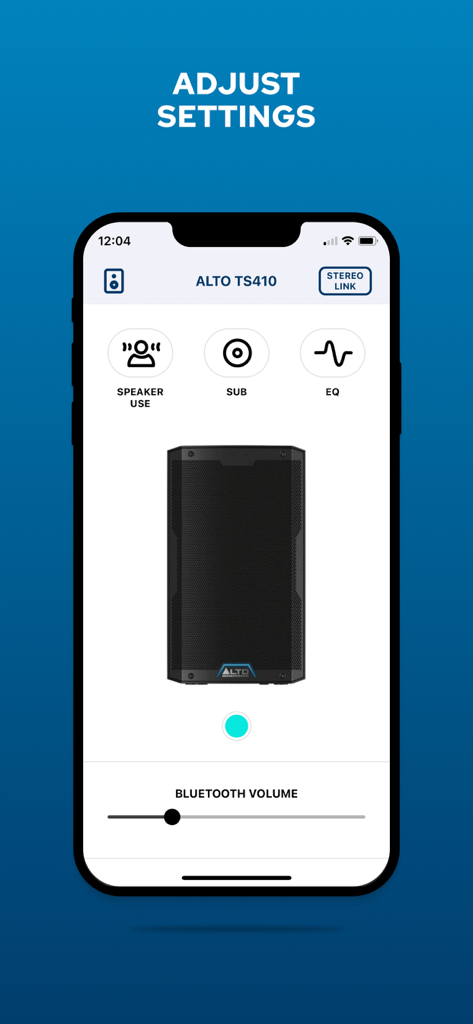
Interface of the Alto Pro app showing remote control settings for the TS410 speaker including volume and EQ adjustments
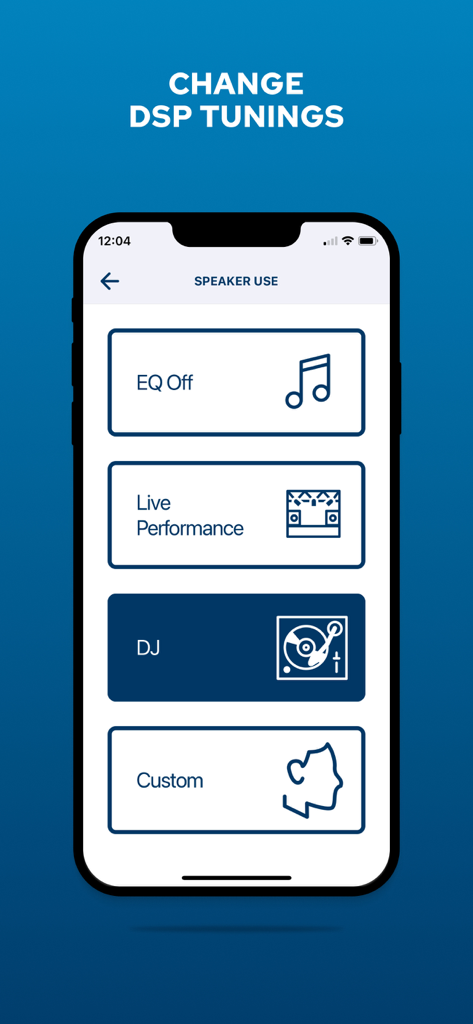
Alto Pro app interface for selecting speaker DSP tuning modes like DJ and Live Performance.
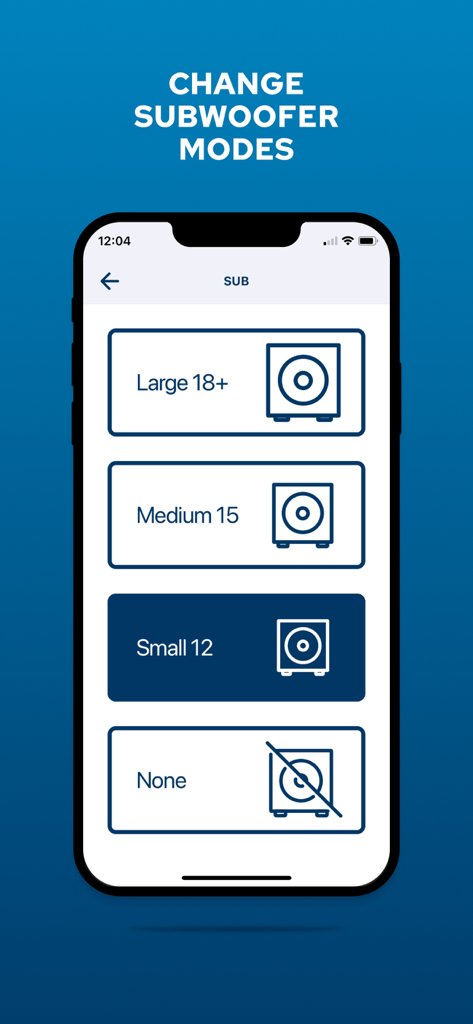
Alto Pro app interface showing subwoofer mode selection options for large medium and small speakers
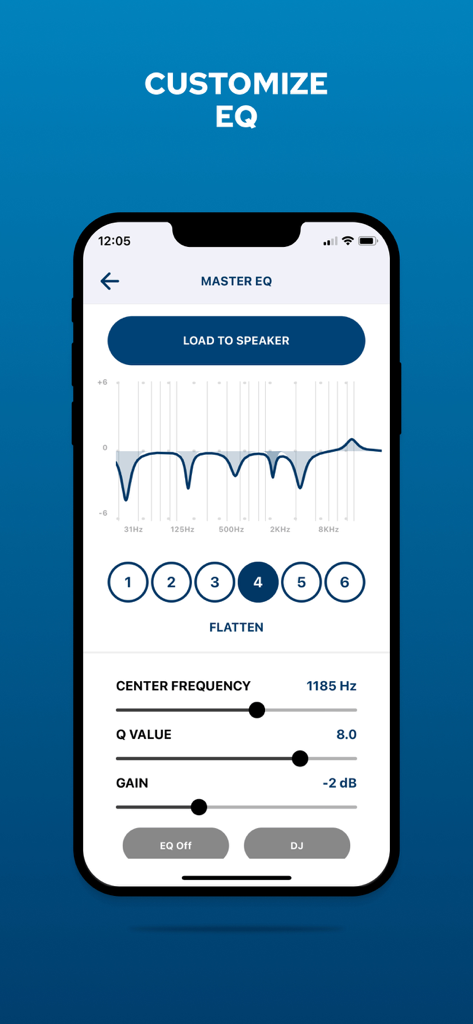
Alto Pro app master EQ customization screen for professional speakers
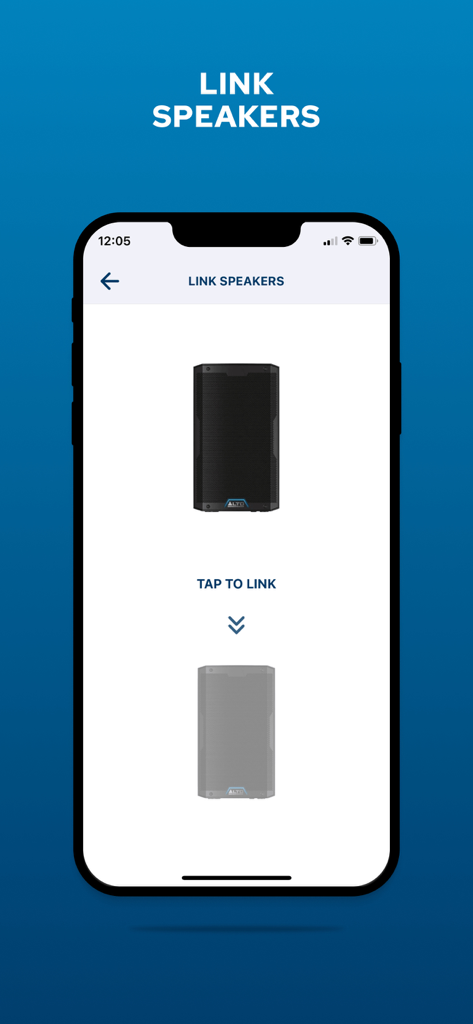
Smartphone screen showing the wireless speaker linking interface in the Alto Pro app
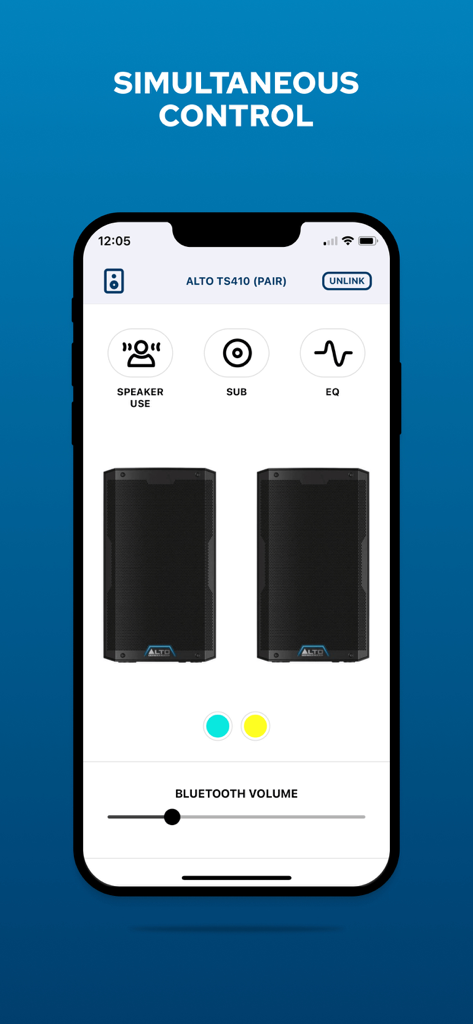
Alto Pro app interface showing simultaneous remote control of two paired speakers
Description
Download
More Like This
Top-ranked apps in the same category

Spotify: Music and Podcasts
Spotify

YouTube Music
Google LLC

Shazam: Find Music & Concerts
Apple Inc.

SoundCloud: The Music You Love
SoundCloud Global Limited & Co KG

Suno - AI Songs & Music
Suno Inc.

QQ音乐 - 听我想听
Tencent Technology (Shenzhen) Company Limited

Audiomack - Play Music Offline
Audiomack, Inc.

GuitarTuna: Tune & Play Guitar
Yousician Ltd

BandLab – Music Maker & Beats
BandLab Singapore Pte Ltd
This page is not an official page of the app or its developer, but an independent editorial publication created for informational and commentary purposes. Unless expressly stated otherwise, neither the app nor its developer is affiliated with, endorsed by, sponsored by, authorized by, or otherwise officially connected with MWM, Apple, Google Play, the app publisher, or the app's developer, and nothing on this page implies that the app was developed using MWM's services. Any trademarks, logos, screenshots, and other content remain the property of their respective owners.