
This page is not an official page of the app or its developer, but an independent editorial publication created for informational and commentary purposes. Unless expressly stated otherwise, neither the app nor its developer is affiliated with, endorsed by, sponsored by, authorized by, or otherwise officially connected with MWM, Apple, Google Play, the app publisher, or the app's developer, and nothing on this page implies that the app was developed using MWM's services. Any trademarks, logos, screenshots, and other content remain the property of their respective owners.

Amaziograph
Turn simple strokes into complex masterpieces with the ultimate symmetry drawing tool. Experience a relaxing flow state with 20 unique symmetries designed for professional artists and digital zen seekers alike.
Downloads
440K+User Rating
Total Ratings
6K+Publisher
Category
EntertainmentLocales
10Latest Version
7.4Size
15.4 MBFirst Released
Dec 14, 2012Master the Art of Symmetry
Discover why Amaziograph is the preferred digital canvas for creators seeking a perfect balance of professional precision and meditative flow.
20 Symmetries for Instant Flow
Transform a single stroke into mesmerizing mandalas and intricate tessellations in real-time, making complex art feel effortless.
Pro-Grade Creative Tools
Design with confidence using 4K canvas support, layers, and automatic shape correction optimized for your Apple Pencil.
The following screenshots and description are sourced directly from the app's official store listing and are the property of the app developer.
App Store
Screenshots
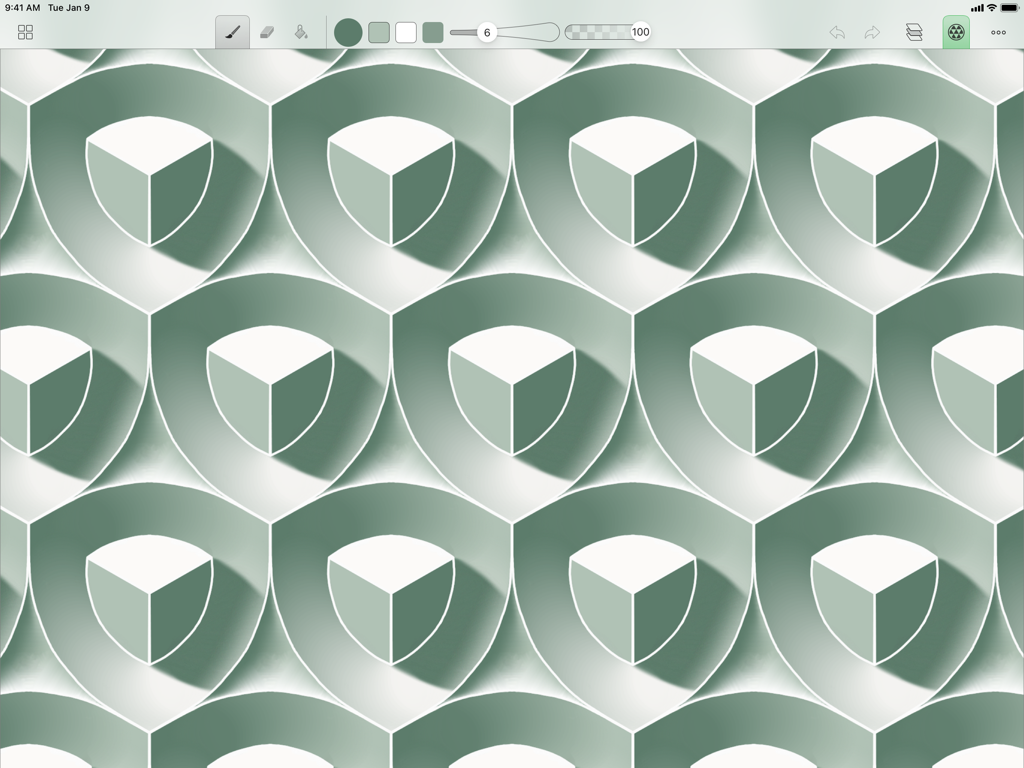
A green and white symmetrical tessellation pattern of cubes created in the Amaziograph app
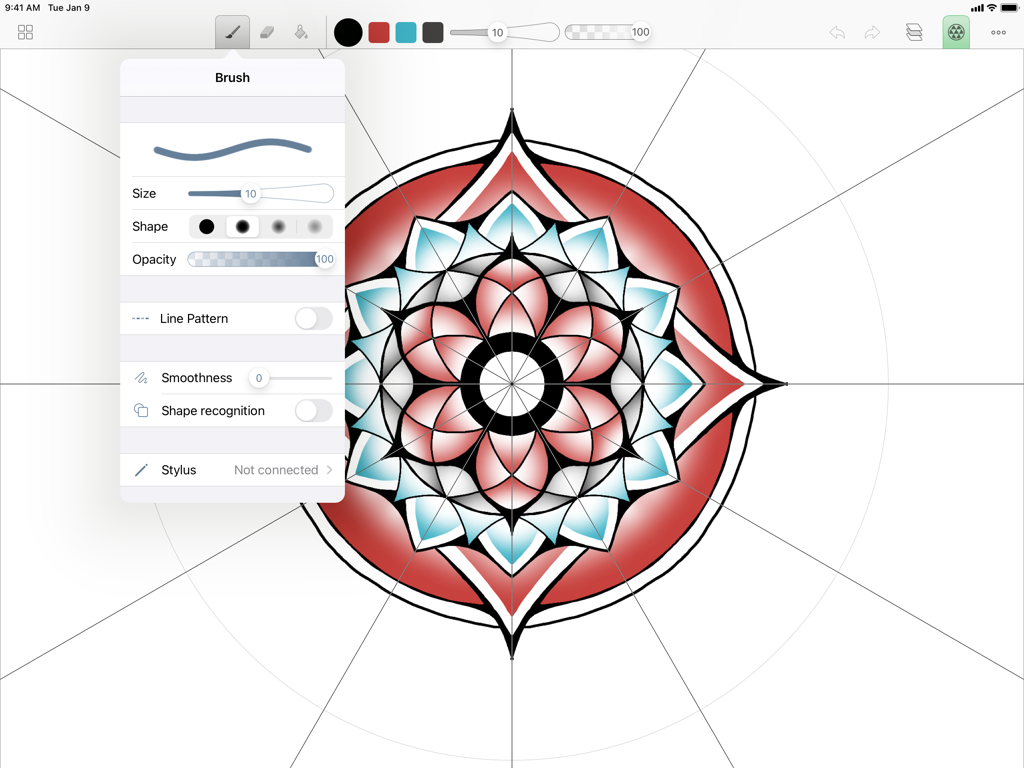
A symmetrical red and teal mandala design being created in the Amaziograph iPad app with an open brush settings menu.
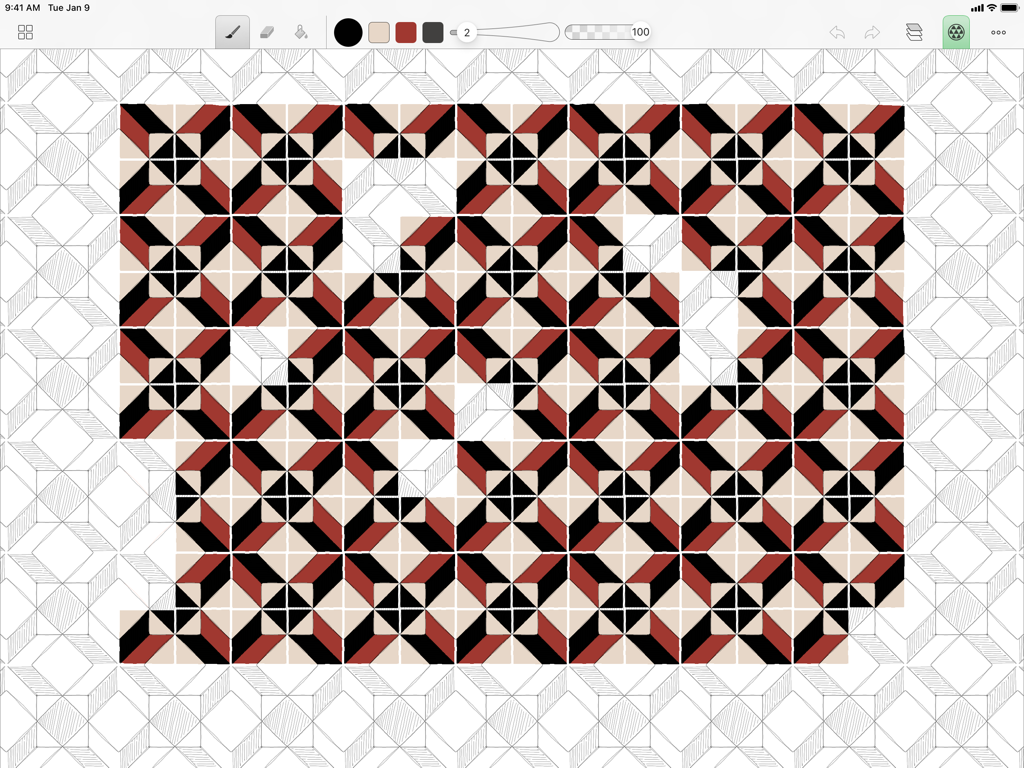
A geometric tessellation pattern with red and black colors being drawn in the Amaziograph app on an iPad
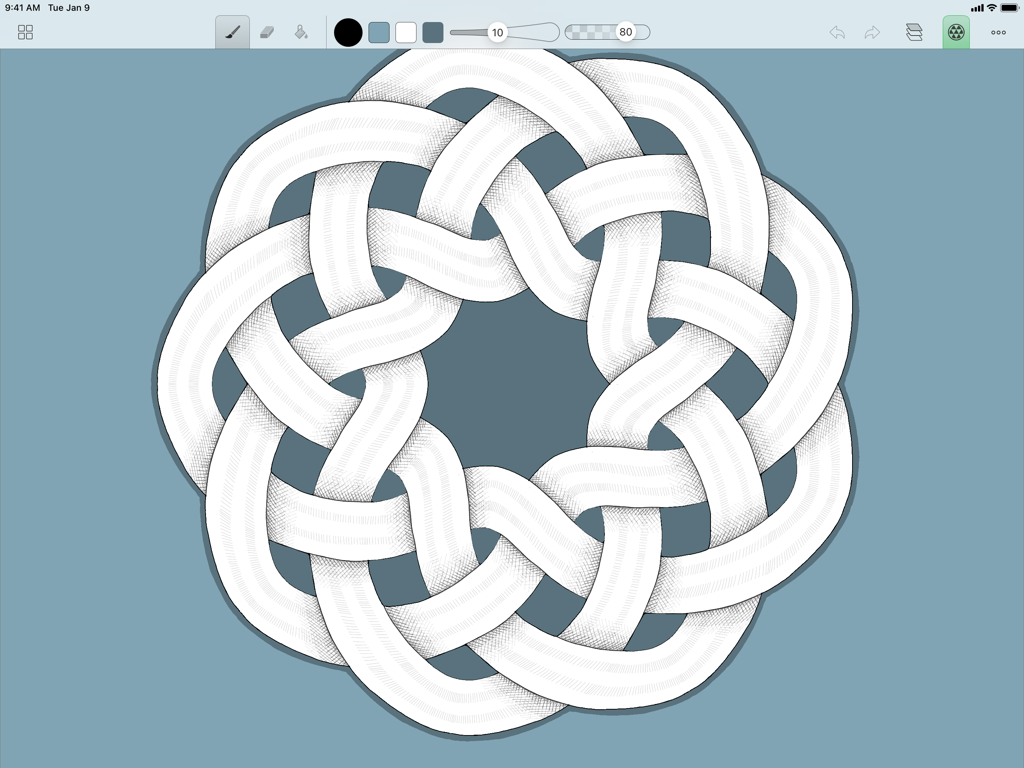
A hand-drawn interlocking circular pattern created using symmetry tools in the Amaziograph iPad app
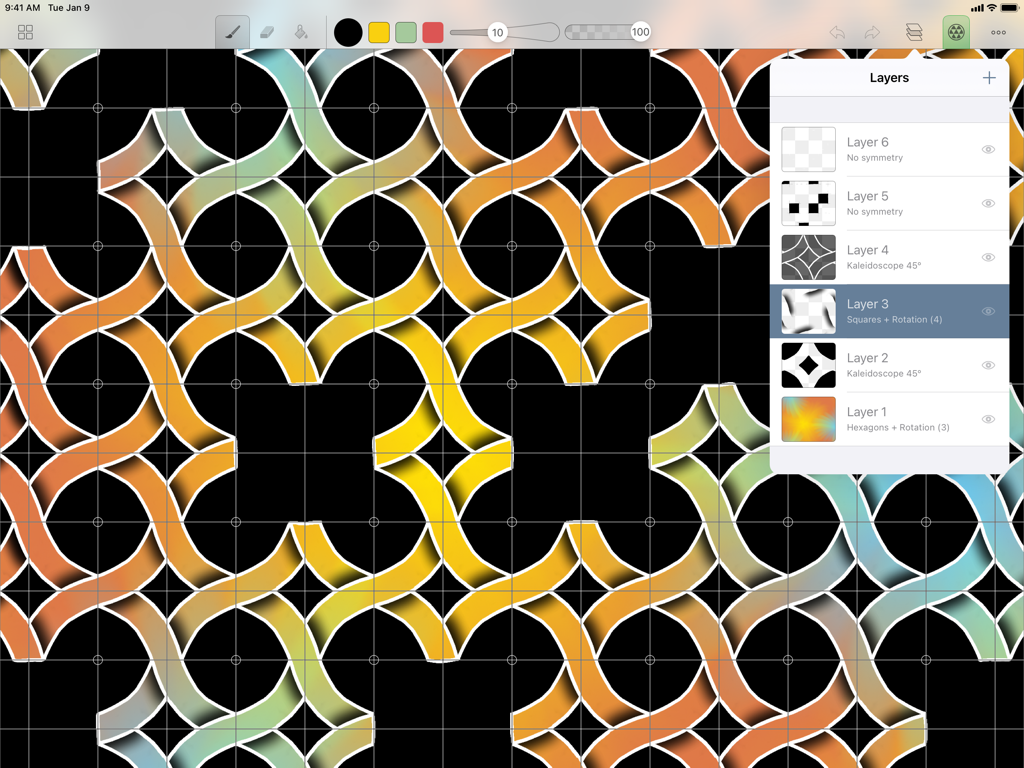
Amaziograph iPad app interface showing a colorful geometric pattern with the layers menu open
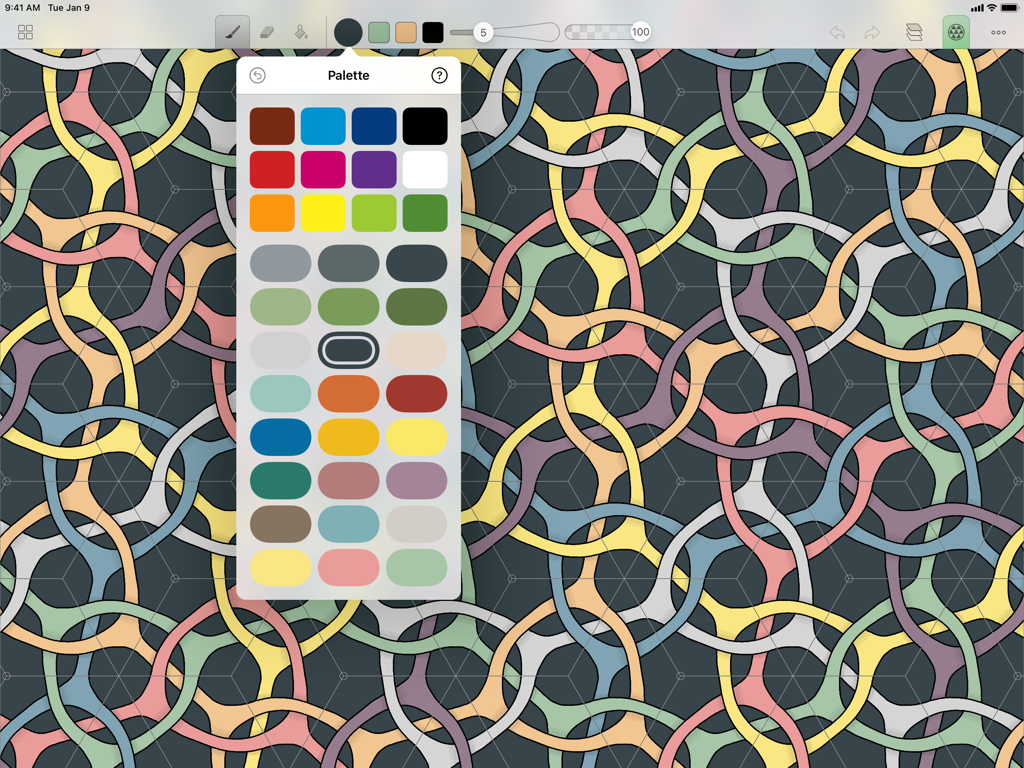
A colorful interlocking geometric tessellation being designed in the Amaziograph app with the color palette visible
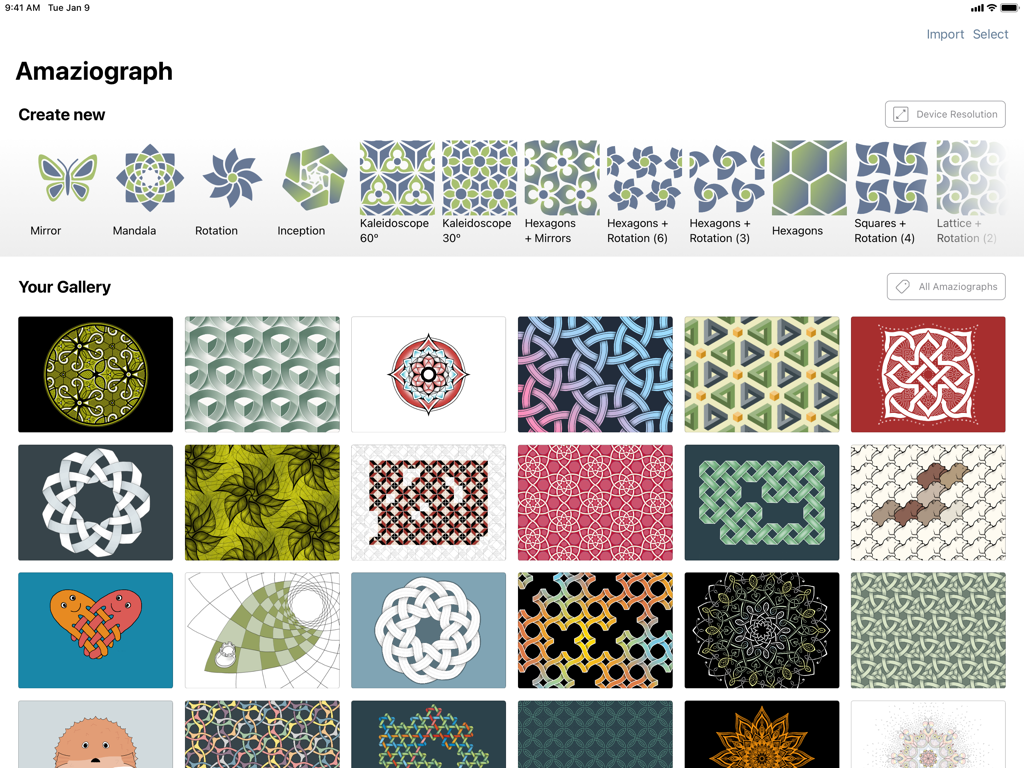
Amaziograph app interface displaying a gallery of colorful mandala patterns and symmetry drawing options.
Description
Download
More Like This
Apps with similar features and user experience

Fluid Simulation
Pavel Dobryakov

JigglyPaint: Draw/Shake/Share!
Kunliang Wu

Relaxing Tangle
Bhupesh Singh
Triple A - Touch Visualizer
SungLab Inc
Finger Spinner: Neon Glow Art
CEM SOFTWARE COMPANY LIMITED
Finger Spinner Glow Art
Minh Tri Nguyen

Atomus
SungLab Inc
Mandala Maker: symmetry doodle
Damien Bell

iOrnament: draw mandala & art
Juergen Richter-Gebert
This page is not an official page of the app or its developer, but an independent editorial publication created for informational and commentary purposes. Unless expressly stated otherwise, neither the app nor its developer is affiliated with, endorsed by, sponsored by, authorized by, or otherwise officially connected with MWM, Apple, Google Play, the app publisher, or the app's developer, and nothing on this page implies that the app was developed using MWM's services. Any trademarks, logos, screenshots, and other content remain the property of their respective owners.