
This page is not an official page of the app or its developer, but an independent editorial publication created for informational and commentary purposes. Unless expressly stated otherwise, neither the app nor its developer is affiliated with, endorsed by, sponsored by, authorized by, or otherwise officially connected with MWM, Apple, Google Play, the app publisher, or the app's developer, and nothing on this page implies that the app was developed using MWM's services. Any trademarks, logos, screenshots, and other content remain the property of their respective owners.


AmberPaint - Motion Brush
Transform your illustrations into dynamic motion art. Create fluid, animated visuals effortlessly with intuitive brushes designed for creators who want to stand out on social media.
Downloads
1K+User Rating
Total Ratings
0Publisher
Category
Graphics & DesignLocales
1Latest Version
1.0.4Size
208.2 MBFirst Released
Dec 19, 2025Animate Your Creativity with Every Stroke
AmberPaint bridges the gap between digital painting and motion design, allowing you to create living artwork without the steep learning curve of traditional software.
Instant Motion Brushes
Forget tedious frame-by-frame animation. Draw fluid, living strokes that animate the moment they touch your canvas.
Built for Social Growth
Convert your sketches into high-quality videos for TikTok and Reels to capture the attention your digital art deserves.
Frequently Asked Questions
Everything you need to know about AmberPaint - Motion Brush
What is AmberPaint?
AmberPaint is a digital art application featuring motion brushes, which animate each stroke. It empowers users to create dynamic visuals and expressive, lively artworks, catering to both professional artists and amateur enthusiasts.
What are motion brushes in AmberPaint?
Motion brushes in AmberPaint are a core feature where every brushstroke animates with fluid motion. This adds life, depth, and dynamic movement to your digital creations, making art truly expressive.
Does AmberPaint support styluses like Apple Pencil?
Yes, AmberPaint supports styluses. It is optimized for Apple Pencil and other styluses, providing responsive, pressure-sensitive drawing capabilities to enhance precision and control in your art creation.
Can I import images or photos into AmberPaint?
Yes, AmberPaint allows image import. Users can load photos or illustrations to serve as backgrounds or foundations for their drawings, enabling diverse creative workflows and mixed-media art.
How can users customize brushes in AmberPaint?
AmberPaint provides Custom Brush Controls for customization. Users can fine-tune brush parameters such as color, length, width, depth, speed, and amplitude to achieve precise and unique artistic effects.
What export options does AmberPaint offer for animated art?
AmberPaint offers high-quality export options for animated artworks. Users can save their creations as high-resolution videos or image sequences, providing flexibility for sharing and further editing.
How does the subscription model work for AmberPaint?
AmberPaint subscriptions are charged to your App Store account upon purchase confirmation. They automatically renew unless auto-renew is turned off or canceled at least 24 hours before the current period ends.
Can I erase and adjust parts of my artwork in AmberPaint?
Yes, AmberPaint includes essential tools like an eraser. Users can remove parts of their artwork by choosing to delete an entire line or precisely remove only a portion of a line.
Does AmberPaint include project management features?
AmberPaint provides project management features. Users can reliably save and organize their artistic projects, ensuring continuous access for ongoing work and easy retrieval of past creations.
The following screenshots and description are sourced directly from the app's official store listing and are the property of the app developer.
App Store
Screenshots
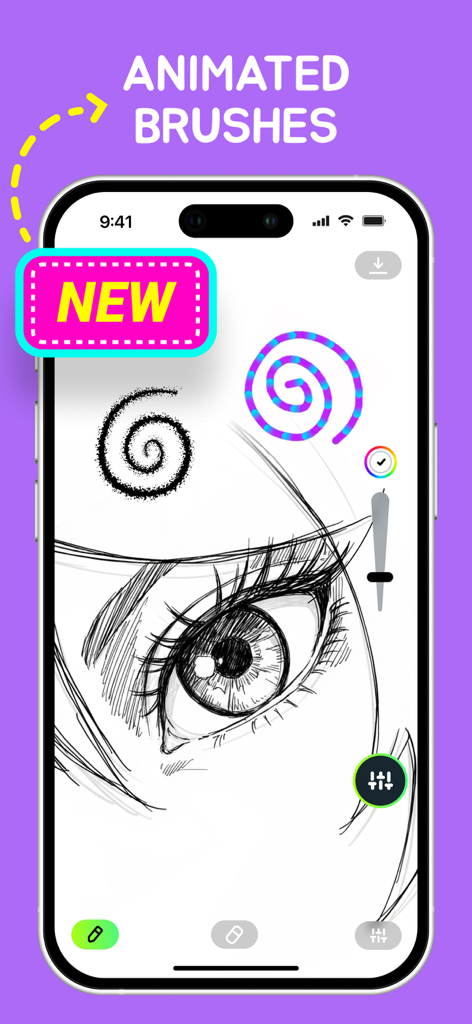
AmberPaint app displaying an anime eye sketch with colorful animated brush spirals on an iPhone screen.
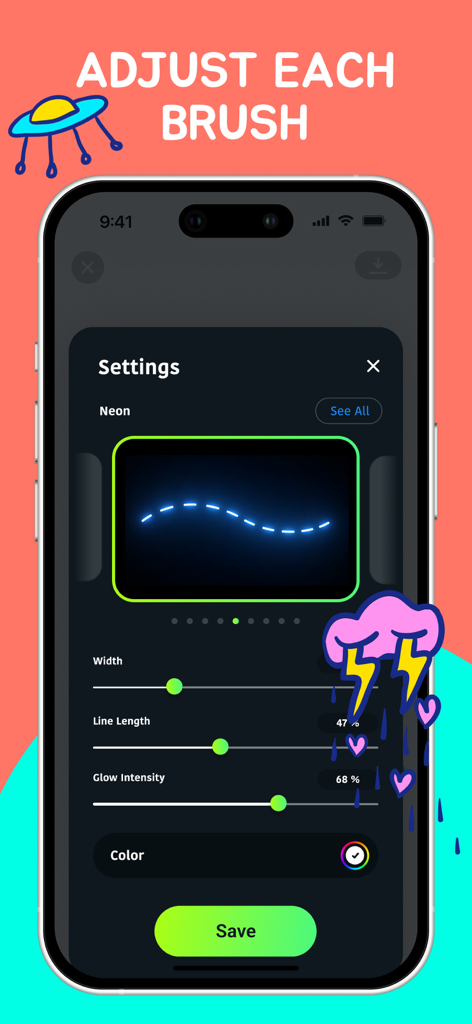
Screenshot of AmberPaint app's brush customization menu showing adjustable settings for a neon motion brush.
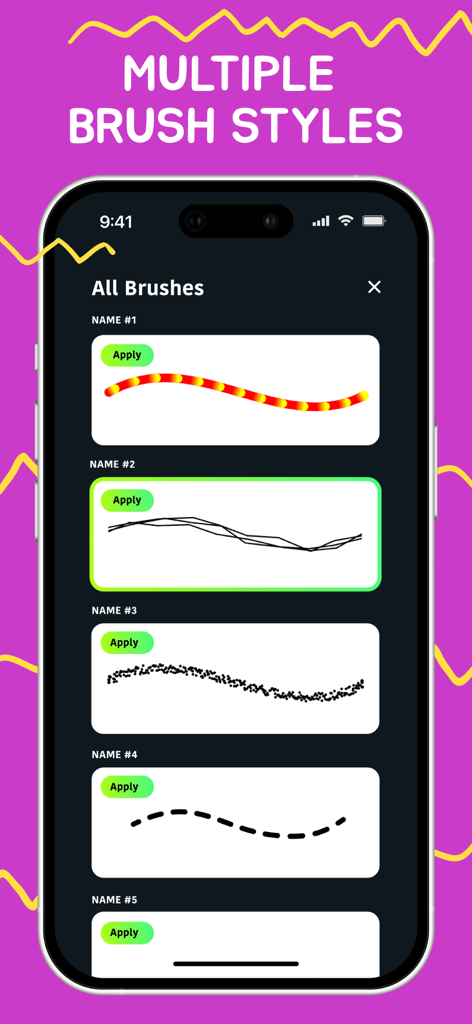
AmberPaint app interface showing a list of different digital brush styles
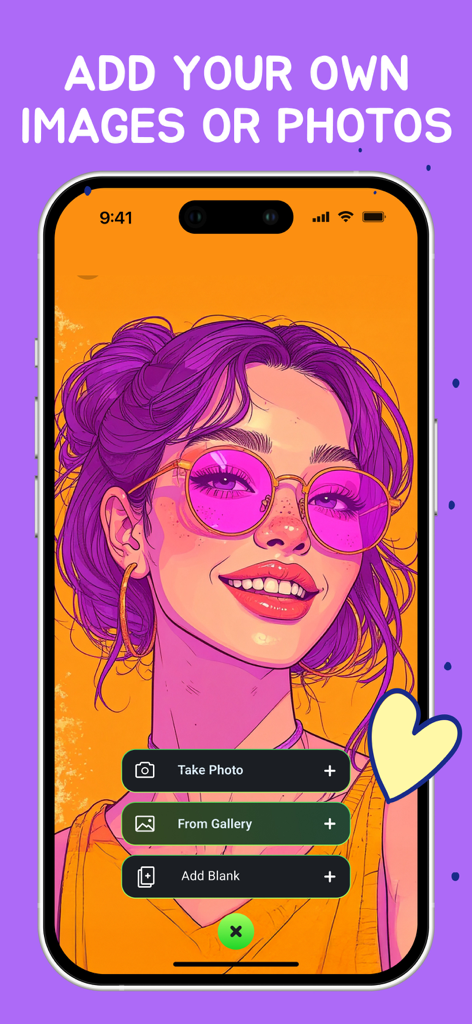
Interface of AmberPaint app with buttons to take a photo or import from gallery.
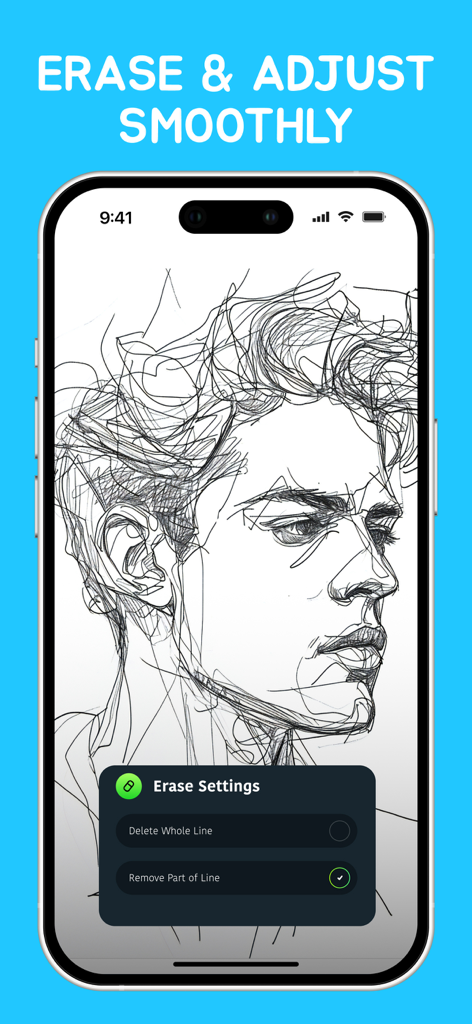
Digital portrait sketch on AmberPaint app showing the erase and adjust settings menu
Description
Download
More Like This
Top-ranked apps in the same category

Kling AI: AI Image&Video Maker
LOHAS GAMES PTE. LTD.

iScreen - Widgets & Wallpaper
Xiamen ShenZhuo Information Technology Co., Ltd.

Dreamina AI: Image&Video Maker
BYTEDANCE PTE. LTD.

Home AI - AI Interior Design
HUBX YAZILIM HIZMETLERI ANONIM SIRKETI

ibis Paint X
ibis inc.

ThemeKit: Widget & Icon Themes
Woohoo Tech. Ltd.

Sketchbook®
Sketchbook, Inc.

Colorful Widget- Widget&Themes
Guangzhou ZHIFENG Information Technology Co.,Ltd.

ReRoom AI: Interior Design
GM UniverseApps Limited
This page is not an official page of the app or its developer, but an independent editorial publication created for informational and commentary purposes. Unless expressly stated otherwise, neither the app nor its developer is affiliated with, endorsed by, sponsored by, authorized by, or otherwise officially connected with MWM, Apple, Google Play, the app publisher, or the app's developer, and nothing on this page implies that the app was developed using MWM's services. Any trademarks, logos, screenshots, and other content remain the property of their respective owners.