
This page is not an official page of the app or its developer, but an independent editorial publication created for informational and commentary purposes. Unless expressly stated otherwise, neither the app nor its developer is affiliated with, endorsed by, sponsored by, authorized by, or otherwise officially connected with MWM, Apple, Google Play, the app publisher, or the app's developer, and nothing on this page implies that the app was developed using MWM's services. Any trademarks, logos, screenshots, and other content remain the property of their respective owners.

Ampere: Charging Animation App
Turn every charge into a visual statement. Access over 1,000 unique animations, custom sounds, and daily updates to perfectly match your personal style.
Downloads
48K+User Rating
Total Ratings
2K+Publisher
Category
Graphics & DesignLocales
1Latest Version
1.2Size
62.1 MBFirst Released
Nov 24, 2021Own Your Aesthetic, Even While Charging
Bore-proof your battery with 1,000+ trending animations and custom sounds designed to match your unique iPhone style.
Unlimited Visual Trends
Stay ahead of the curve with daily updates across 27 categories, including Cyberpunk, Neon, and Minimalist themes.
Custom Soundscapes & Icons
Go beyond visuals by layering 70+ exclusive sounds and icons to create a multi-sensory charging glow-up.
Frequently Asked Questions
Everything you need to know about Ampere: Charging Animation App
How do I set up charging animations using the Ampere app?
Users set up Ampere charging animations via the "Shortcuts" app. The process involves creating an automation to "Open App" for Ampere when the charger is connected. A detailed guide is available inside the app.
What features does Ampere: Charging Animation App offer?
Ampere: Charging Animation App offers a gallery of unique charging animations across 27 categories, animation previews, and customization options. Users can add icons, charging sounds, and change colors. It has over 1000 animations with daily updates and no ads.
How many charging animations are available in Ampere?
The Ampere app features over 1000 charging animations with daily updates. The free version provides access to 27 charging animations, one from each category, as shown in Screenshot #1.
Does Ampere: Charging Animation App display ads?
No, the Ampere: Charging Animation App does not display any ads. This is explicitly stated as one of its main features within the app's content description.
Is the Ampere: Charging Animation App free to use?
Yes, Ampere offers a free version with access to 27 charging animations, one in each category. Full, unlimited access to all features and content requires an auto-renewable subscription called "Ampere Premium (Pro)."
What does the Ampere Premium (Pro) subscription include?
The Ampere Premium (Pro) subscription unlocks all charging animations, provides daily new animations, and enables the ability to edit animations within the app. It grants full, unlimited access to all features.
How much does the Ampere Premium (Pro) subscription cost?
The Ampere Premium (Pro) subscription costs 3.99 US$ weekly, which includes a 3-day free trial period. Subscription prices may vary by location based on regional pricing.
How can I edit charging animations in Ampere?
Ampere: Charging Animation App allows users to customize animations. They can add icons and charging sounds, and change colors. Over 70 icons and 70 sounds are available for editing, as shown in Screenshot #3.
Are new animations added to Ampere regularly?
Yes, the Ampere app provides daily updates, adding new charging animations to the gallery every day. This feature is included with the Ampere Premium (Pro) subscription, as highlighted in Screenshot #5.
How many categories of charging animations does Ampere offer?
Ampere: Charging Animation App offers 27 distinct categories of charging animations. These categories include Neon, Technology, Flame, Flowers, Geometric, and Lines, catering to various preferences, as depicted in Screenshot #4.
How do I preview animations in the Ampere app?
The Ampere app allows users to preview how a selected charging animation will look on their device before setting it. This feature is demonstrated in Screenshot #2, ensuring user satisfaction.
Where can I find the Privacy Policy for Ampere: Charging Animation App?
The Privacy Policy for Ampere: Charging Animation App is available online. It can be accessed directly via the provided link: https://sites.google.com/view/charging-animation-app-privacy/.
Where can I find the Terms of Use for Ampere: Charging Animation App?
The Terms of Use for Ampere: Charging Animation App are available online. Users can review them by visiting the link: https://sites.google.com/view/charging-animation-app-terms/.
The following screenshots and description are sourced directly from the app's official store listing and are the property of the app developer.
App Store
Screenshots
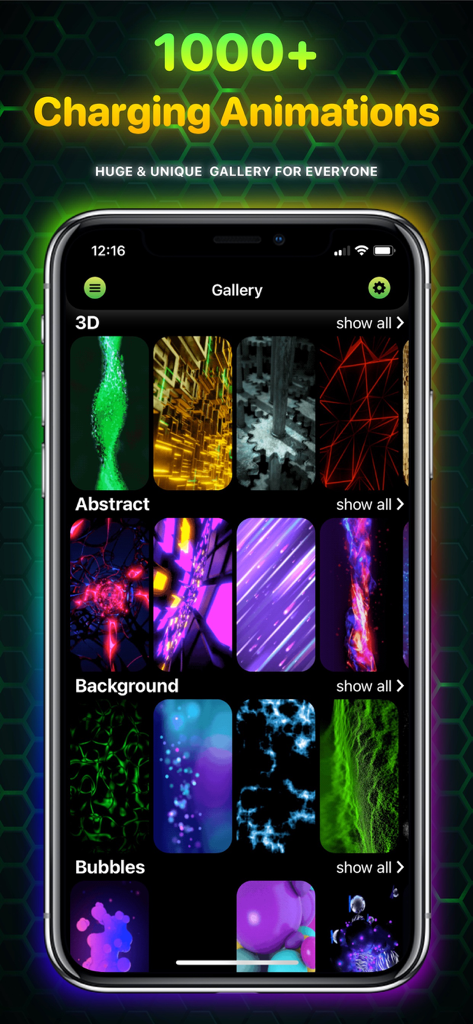
Ampere app gallery screen showing a variety of charging animations categorized by style
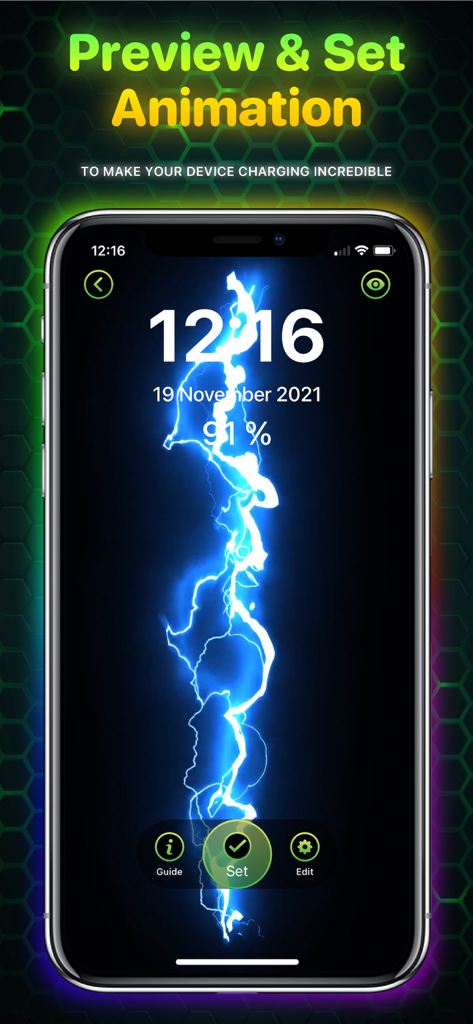
A preview of a blue lightning bolt charging animation on an iPhone screen
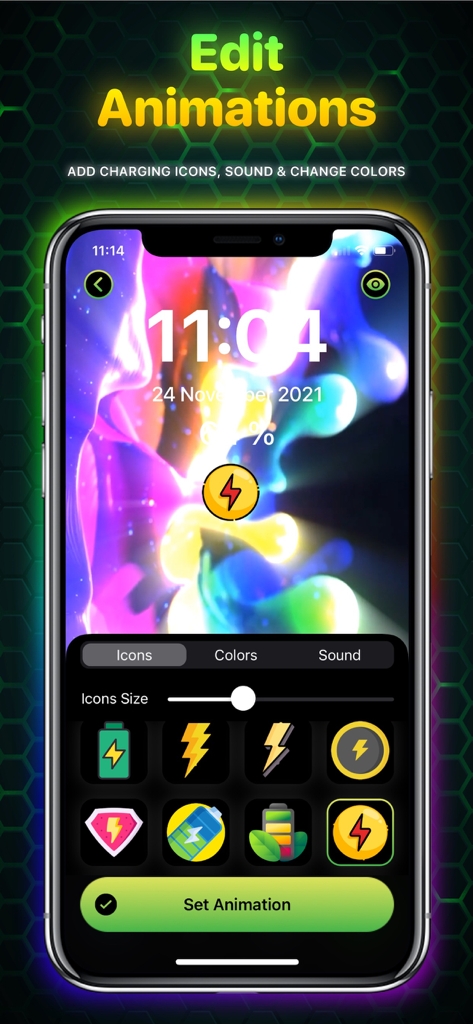
Interface of Ampere app showing customization options for charging animations including icons and colors
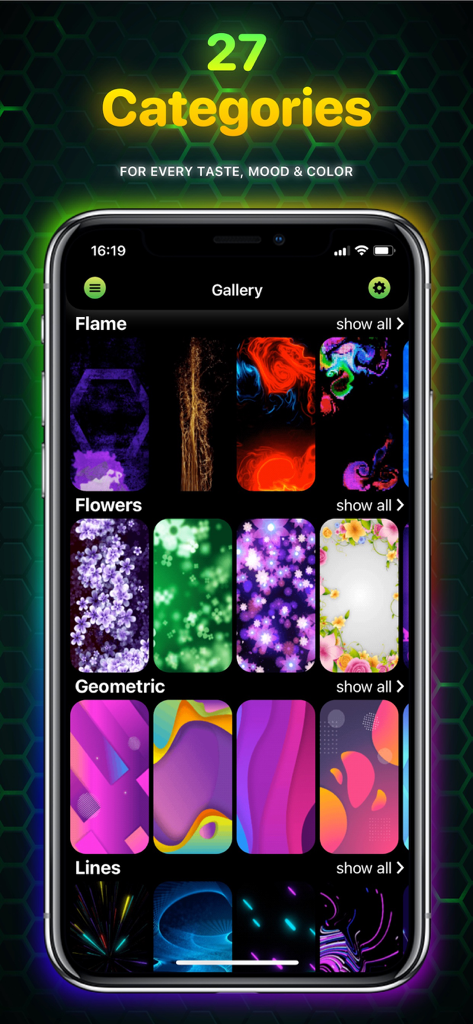
A smartphone showing the Ampere app gallery with diverse charging animation categories like Flame, Flowers, Geometric, and Lines.
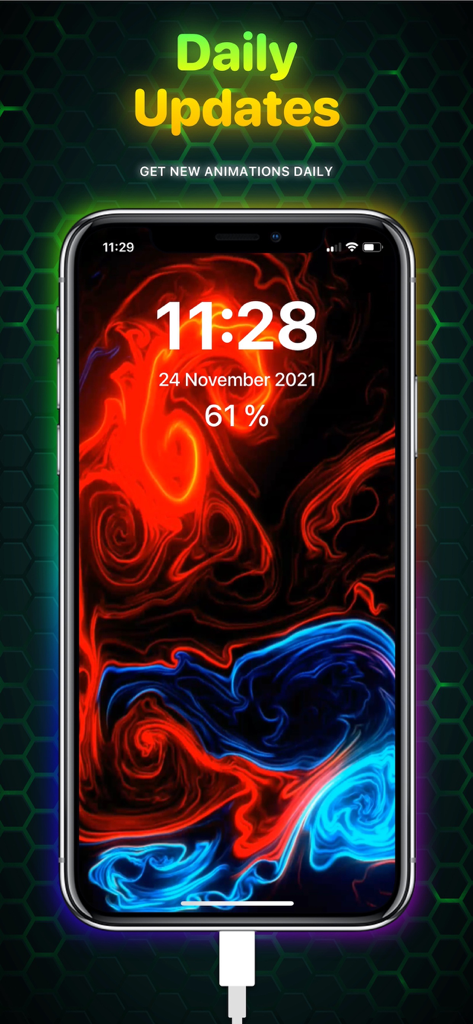
iPhone screen showing a vibrant red and blue fluid charging animation with text highlighting daily updates.
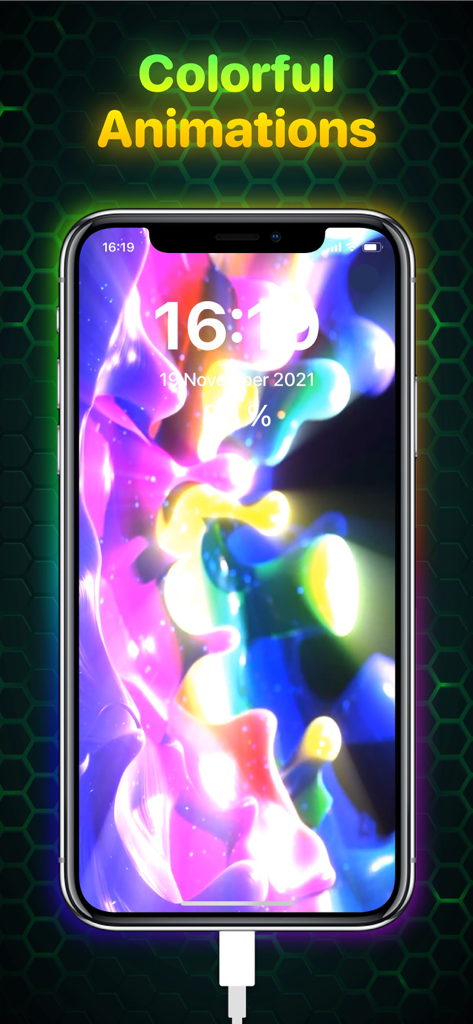
An iPhone screen displaying a vibrant glowing colorful charging animation with abstract shapes while plugged into a charger
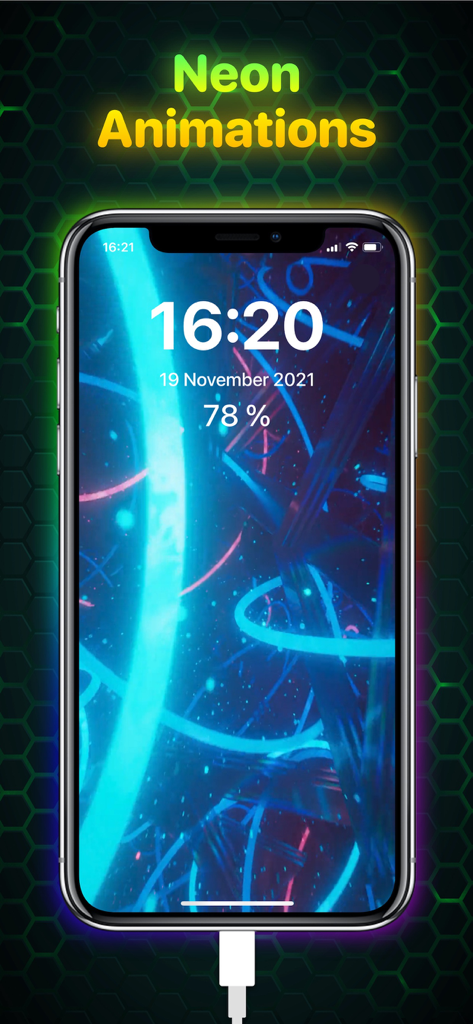
An iPhone screen displaying a vibrant neon blue charging animation with time and battery percentage
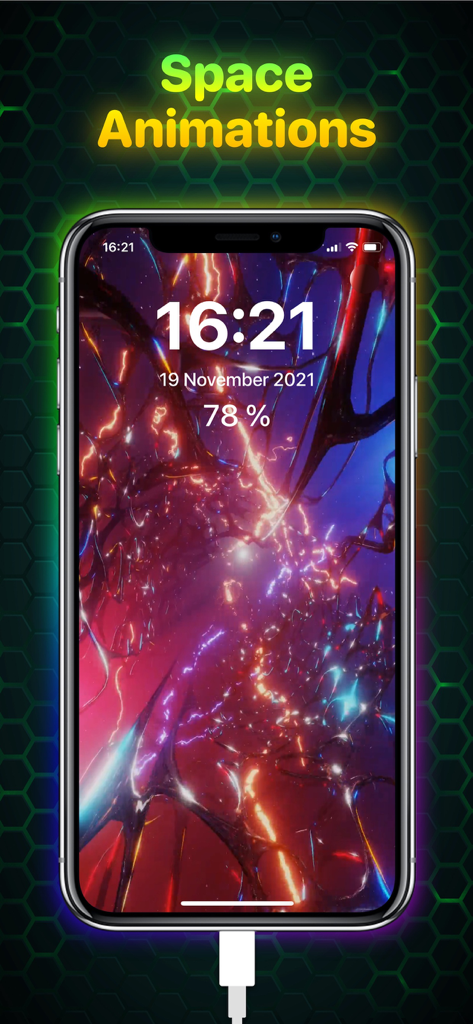
Vibrant space themed charging animation on an iPhone using the Ampere app
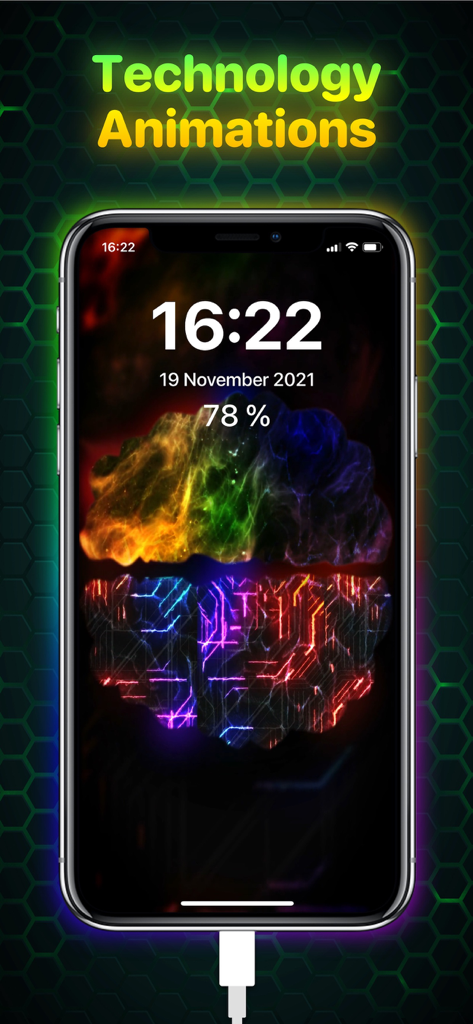
iPhone display with a glowing technology charging animation and circuit patterns
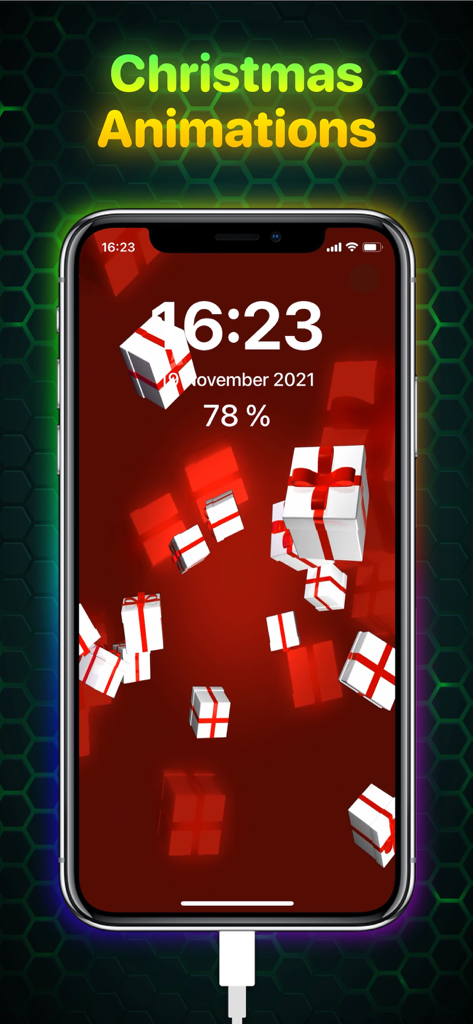
iPhone screen displaying a Christmas charging animation with three dimensional gift boxes on a red background
Description
Download
More Like This
Top-ranked apps in the same category

Kling AI: AI Image&Video Maker
LOHAS GAMES PTE. LTD.

iScreen - Widgets & Wallpaper
Xiamen ShenZhuo Information Technology Co., Ltd.

Dreamina AI: Image&Video Maker
BYTEDANCE PTE. LTD.

Home AI - AI Interior Design
HUBX YAZILIM HIZMETLERI ANONIM SIRKETI

ibis Paint X
ibis inc.

ThemeKit: Widget & Icon Themes
Woohoo Tech. Ltd.

Sketchbook®
Sketchbook, Inc.

Colorful Widget- Widget&Themes
Guangzhou ZHIFENG Information Technology Co.,Ltd.

ReRoom AI: Interior Design
GM UniverseApps Limited
This page is not an official page of the app or its developer, but an independent editorial publication created for informational and commentary purposes. Unless expressly stated otherwise, neither the app nor its developer is affiliated with, endorsed by, sponsored by, authorized by, or otherwise officially connected with MWM, Apple, Google Play, the app publisher, or the app's developer, and nothing on this page implies that the app was developed using MWM's services. Any trademarks, logos, screenshots, and other content remain the property of their respective owners.