
This page is not an official page of the app or its developer, but an independent editorial publication created for informational and commentary purposes. Unless expressly stated otherwise, neither the app nor its developer is affiliated with, endorsed by, sponsored by, authorized by, or otherwise officially connected with MWM, Apple, Google Play, the app publisher, or the app's developer, and nothing on this page implies that the app was developed using MWM's services. Any trademarks, logos, screenshots, and other content remain the property of their respective owners.

AmpliTube CS
Carry a professional collection of iconic amps and effects in your pocket. Practice, record, and perform with world-class gear from Fender, Orange, and Mesa/Boogie anywhere you go.
Downloads
886K+User Rating
Total Ratings
5K+Publisher
Category
MusicLocales
6Latest Version
4.14.5Size
828.1 MBFirst Released
Jun 16, 2010Your Ultimate Mobile Tone Studio
AmpliTube CS brings the world's most iconic guitar and bass gear to your iPhone, offering a professional studio and stage experience that fits in your pocket.
Legendary Gear Collection
Build your dream rig with officially licensed gear from iconic brands like Fender, Orange, and Mesa/Boogie, plus artist-series tones from Joe Satriani and Brian May.
Pro-Level Performance Mode
Hit the stage with Live Mode, featuring an optimized interface for easy control and low-latency response that rivals traditional hardware setups.
The following screenshots and description are sourced directly from the app's official store listing and are the property of the app developer.
App Store
Screenshots
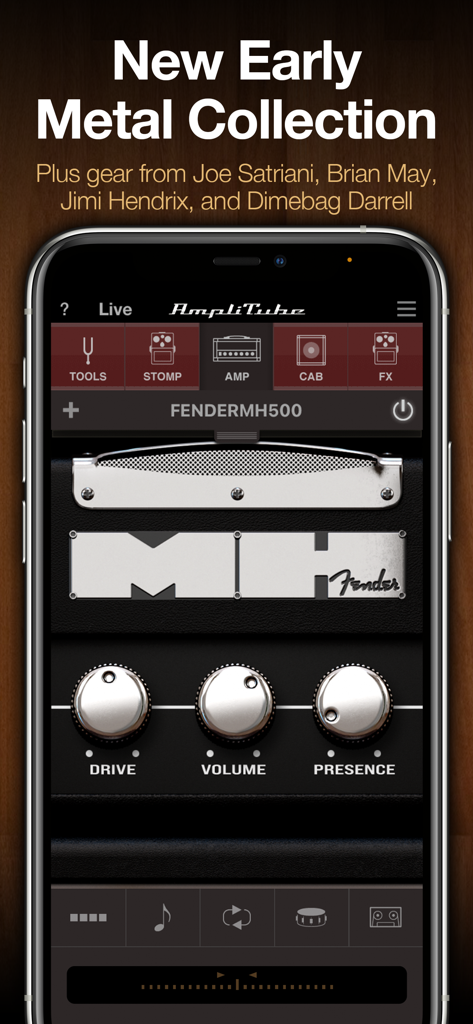
AmpliTube CS app interface displaying a virtual Fender MH500 amplifier with drive volume and presence controls.
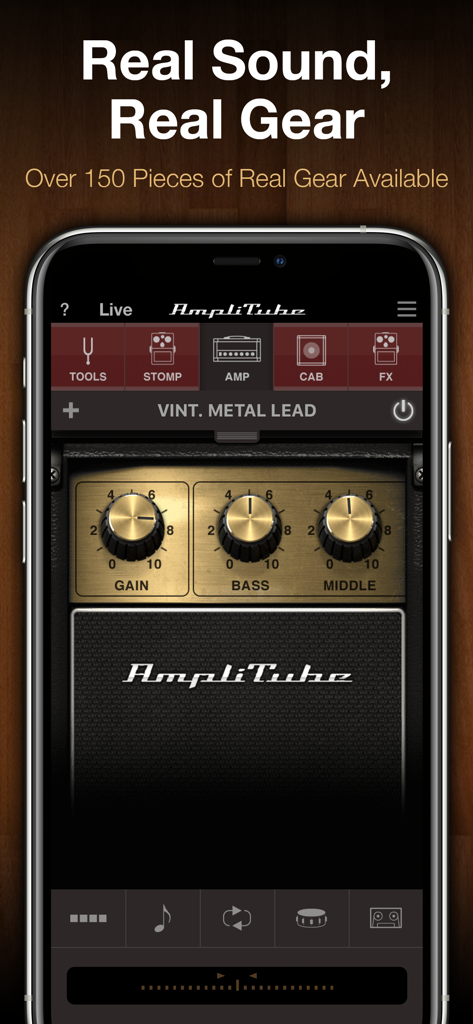
AmpliTube CS mobile app interface showing a virtual vintage metal lead guitar amplifier with control knobs.
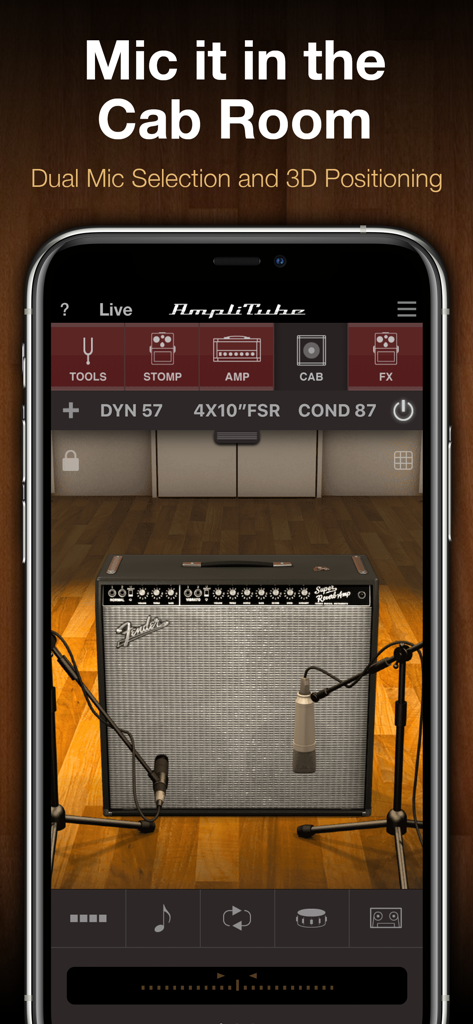
AmpliTube CS virtual cabinet room with dual microphones and 3D positioning for guitar amplifiers.
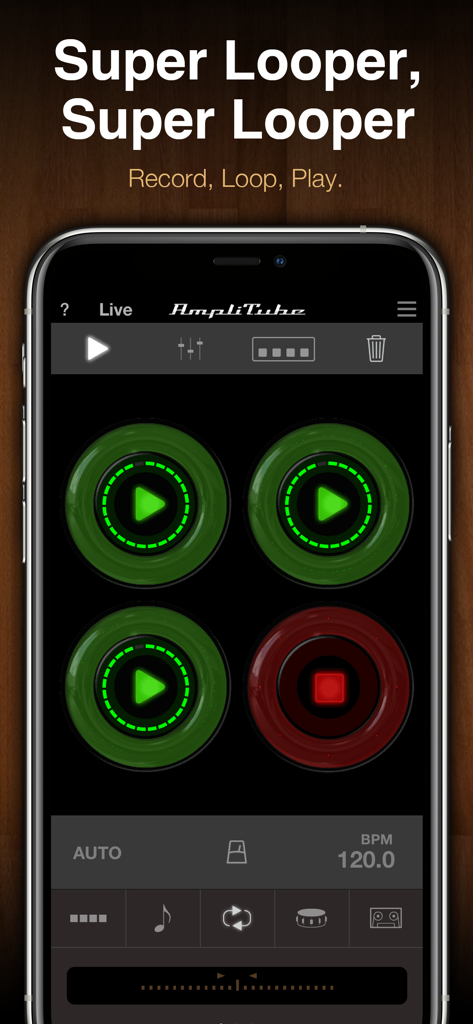
Interface of the Super Looper feature in the AmpliTube CS mobile app showing loop recording pads
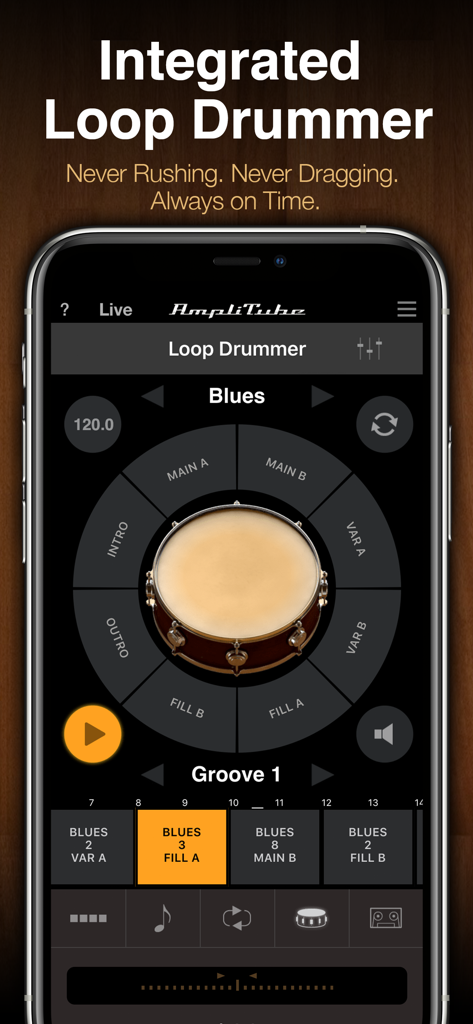
Interface of the Integrated Loop Drummer in the AmpliTube CS app showing drum sections and a blues groove
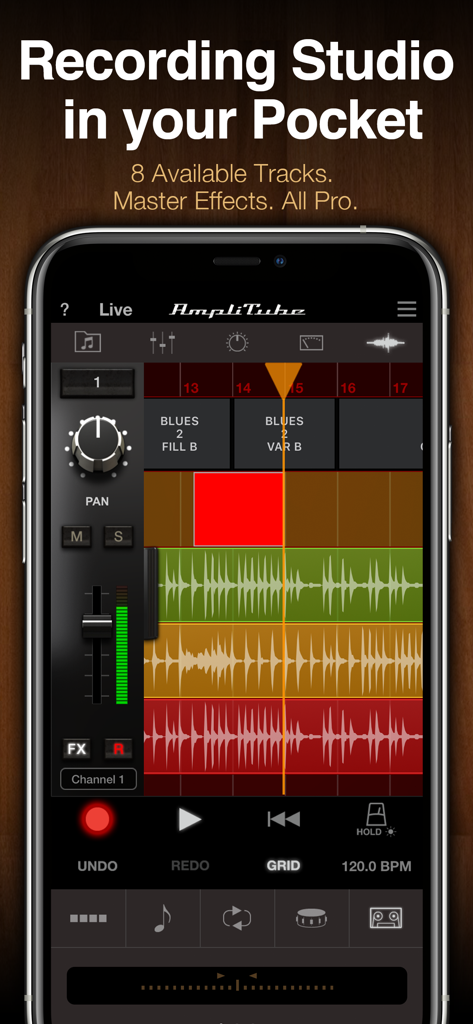
AmpliTube CS mobile app interface showing an eight track recording studio with audio waveforms and mixing controls
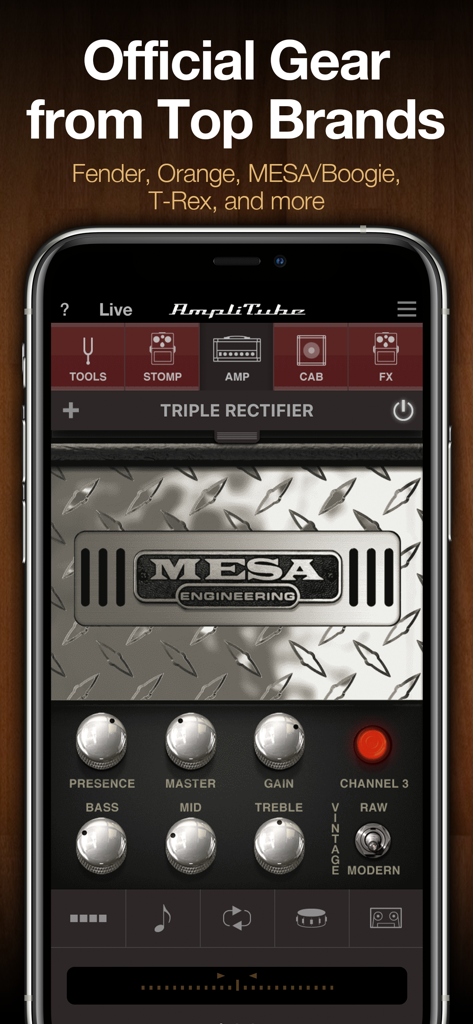
A mobile interface of AmpliTube CS featuring a virtual Mesa Engineering Triple Rectifier amplifier with adjustable tone knobs.
Description
Download
More Like This
Apps with similar features and user experience

Tonebridge Guitar Effects
Ultimate Guitar

JamUp Pro
Positive Grid Inc

BIAS FX - Guitar Amp & Effects
Positive Grid Inc

MicSwap: Microphone Recording
Future Moments LLC

ToneStack PRO Guitar Amps & FX
Yonac Inc.

JamUp
Positive Grid Inc

BIAS AMP 2 - for iPad
Positive Grid Inc

Overloud THU
Almateq SRL

AmpKit - Guitar amps & pedals
Agile Partners Technologies, LLC
This page is not an official page of the app or its developer, but an independent editorial publication created for informational and commentary purposes. Unless expressly stated otherwise, neither the app nor its developer is affiliated with, endorsed by, sponsored by, authorized by, or otherwise officially connected with MWM, Apple, Google Play, the app publisher, or the app's developer, and nothing on this page implies that the app was developed using MWM's services. Any trademarks, logos, screenshots, and other content remain the property of their respective owners.