
This page is not an official page of the app or its developer, but an independent editorial publication created for informational and commentary purposes. Unless expressly stated otherwise, neither the app nor its developer is affiliated with, endorsed by, sponsored by, authorized by, or otherwise officially connected with MWM, Apple, Google Play, the app publisher, or the app's developer, and nothing on this page implies that the app was developed using MWM's services. Any trademarks, logos, screenshots, and other content remain the property of their respective owners.

AmpliTube
Plug into a world-class collection of over 150 legendary amps and pedals from brands like Fender and Orange. From bedroom practice to the main stage, get professional tone and studio recording in the palm of your hand.
Downloads
242K+User Rating
Total Ratings
2K+Publisher
Category
MusicLocales
6Latest Version
4.14.5Size
828.1 MBFirst Released
Jun 16, 2010The Ultimate Rig in Your Pocket
Experience the world's most powerful mobile guitar and bass tone studio, packed with iconic gear and professional recording tools for every stage of your musical journey.
Legendary Tone Library
Own the sounds of Fender, Orange, and Mesa/Boogie. Access over 150 boutique amps and pedals to craft your signature sound without the boutique price tag.
Perfect for Silent Practice
Rock out in your apartment without the noise complaints. Use the Speed Trainer and Loop Drummer to master every riff with world-class headphone monitoring.
The following screenshots and description are sourced directly from the app's official store listing and are the property of the app developer.
App Store
Screenshots
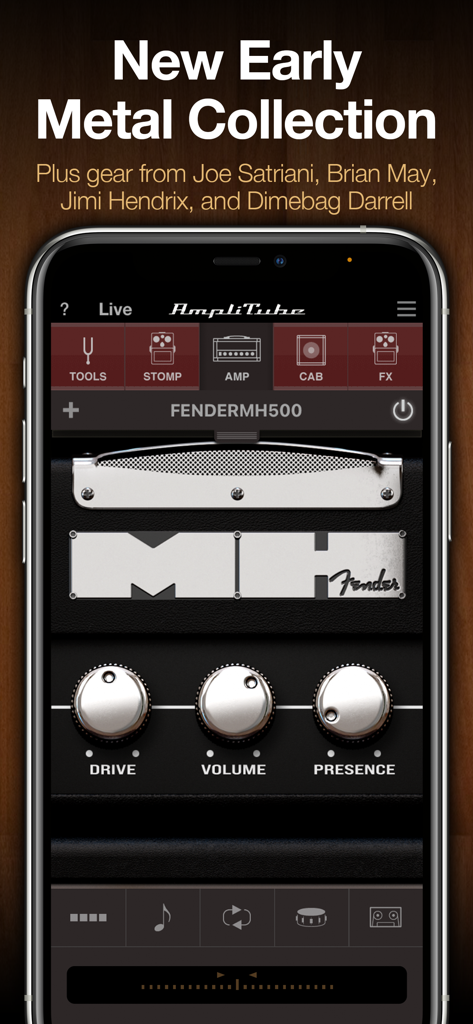
AmpliTube app interface showing a virtual Fender guitar amplifier with drive and volume controls.
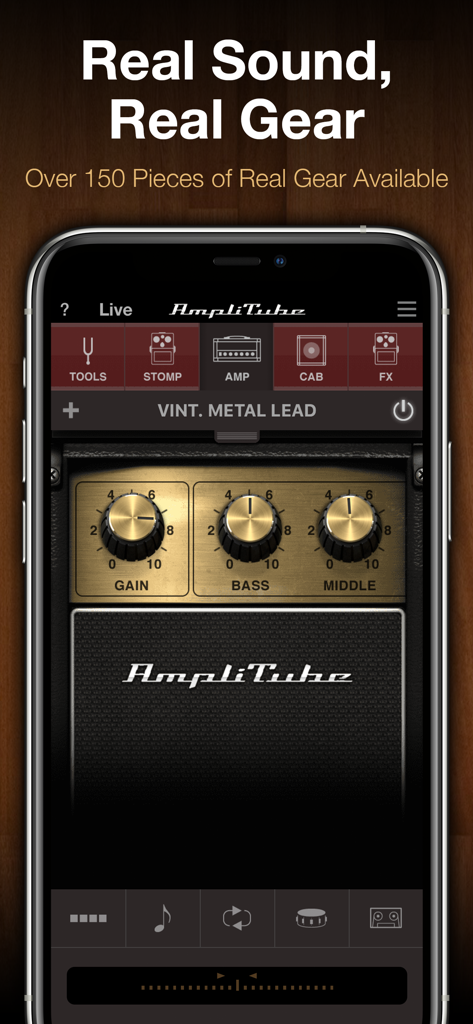
AmpliTube mobile app interface displaying a virtual vintage metal lead guitar amplifier with adjustable gain and EQ controls
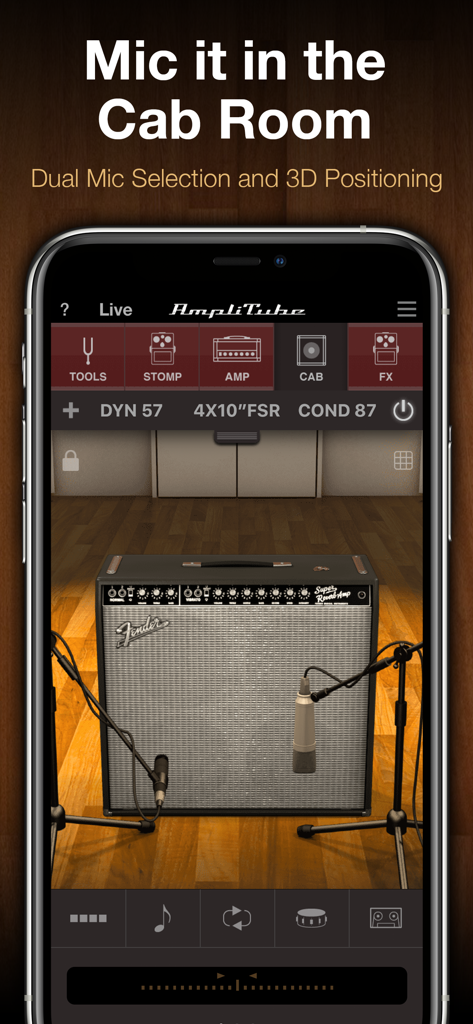
Virtual cab room in the AmpliTube app showing dual microphone positioning on a Fender guitar amplifier
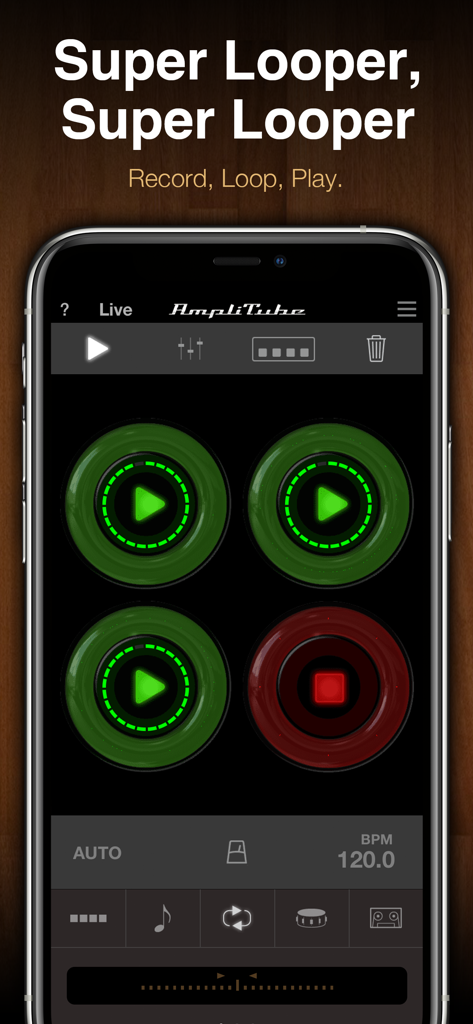
AmpliTube app super looper interface with four recording and playback pads
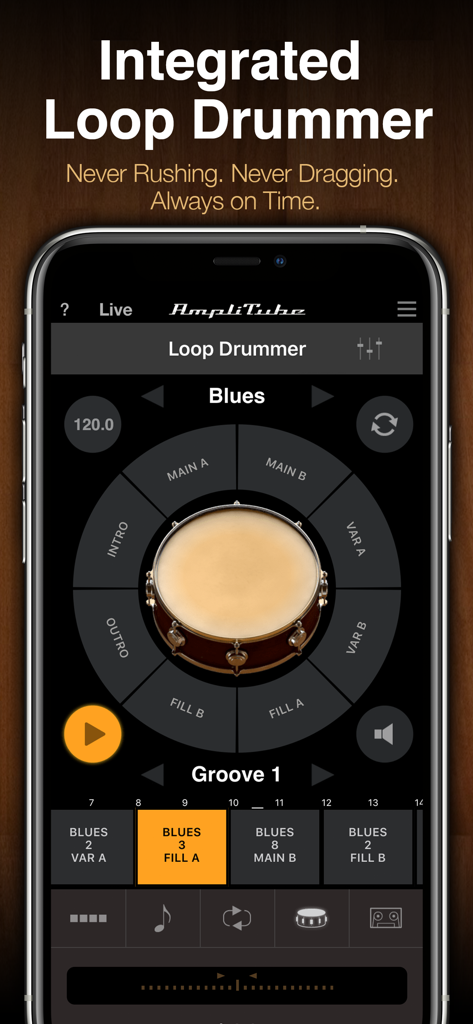
AmpliTube app showing the integrated Loop Drummer interface with a snare drum control wheel and blues groove patterns.
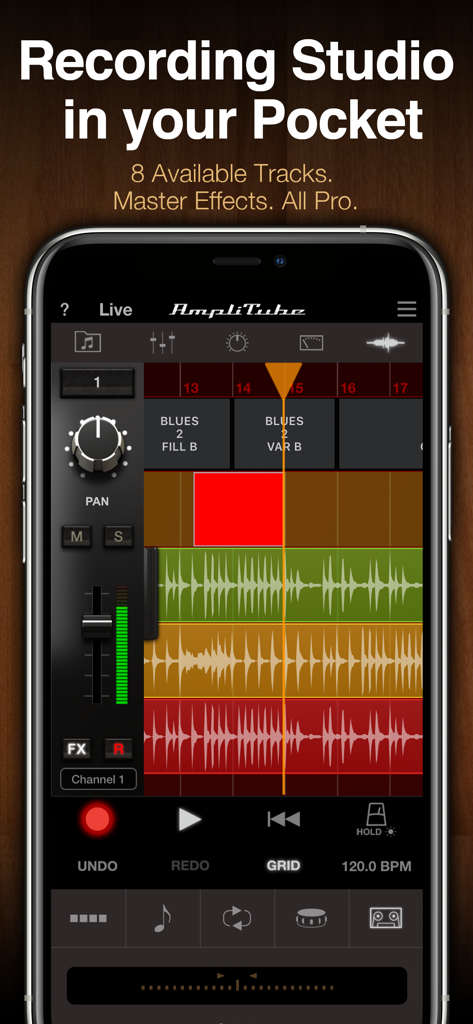
AmpliTube app on iPhone displaying an 8 track recording studio interface with audio waveforms and mixer.
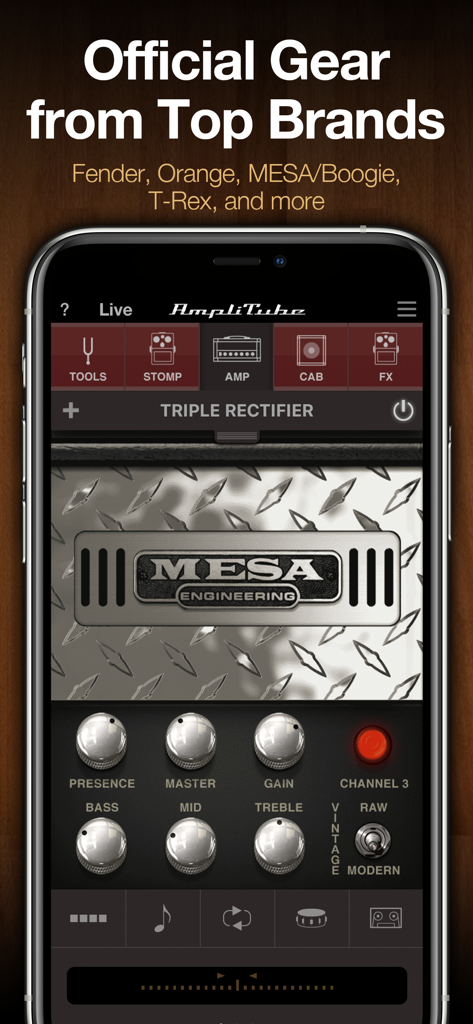
AmpliTube app interface showing a virtual Mesa Boogie Triple Rectifier amplifier with control knobs
Description
Download
More Like This
Apps with similar features and user experience

Tonebridge Guitar Effects
Ultimate Guitar

JamUp Pro
Positive Grid Inc

BIAS FX - Guitar Amp & Effects
Positive Grid Inc
MicSwap: Microphone Recording
Future Moments LLC

ToneStack PRO Guitar Amps & FX
Yonac Inc.

JamUp
Positive Grid Inc

BIAS AMP 2 - for iPad
Positive Grid Inc

Overloud THU
Almateq SRL

AmpKit - Guitar amps & pedals
Agile Partners Technologies, LLC
This page is not an official page of the app or its developer, but an independent editorial publication created for informational and commentary purposes. Unless expressly stated otherwise, neither the app nor its developer is affiliated with, endorsed by, sponsored by, authorized by, or otherwise officially connected with MWM, Apple, Google Play, the app publisher, or the app's developer, and nothing on this page implies that the app was developed using MWM's services. Any trademarks, logos, screenshots, and other content remain the property of their respective owners.