Animator Plus
Animator Plus
Download on App Store

This page is not an official page of the app or its developer, but an independent editorial publication created for informational and commentary purposes. Unless expressly stated otherwise, neither the app nor its developer is affiliated with, endorsed by, sponsored by, authorized by, or otherwise officially connected with MWM, Apple, Google Play, the app publisher, or the app's developer, and nothing on this page implies that the app was developed using MWM's services. Any trademarks, logos, screenshots, and other content remain the property of their respective owners.


Logo of Animator Plus
Download on App Store

Animator Plus

Transform your iPad into a powerful animation studio. Master the art of cel animation with intuitive onion skinning, unlimited layers, and 4K export designed for the next generation of digital creators.

Key Figures

Downloads

18K+

User Rating

1.0/5

Total Ratings

0

Publisher

Heng Jia Liang

Category

Graphics & Design

Locales

1

Latest Version

1.4

Size

1.9 MB

First Released

Apr 27, 2017
Features

Master the Art of Hand-Drawn Animation

Designed for the iPad and Apple Pencil, Animator Plus provides a powerful, intuitive suite for creators to build professional-grade frame-by-frame animations on the go.

Pro-Grade Drawing Toolkit

Experience a smooth, pressure-sensitive canvas with customizable brushes and shapes, optimized for the precision of the Apple Pencil.

Advanced Cel Management

Perfect your motion with onion skinning, unlimited layers, and intuitive timeline editing to create fluid, lifelike character loops.

The following screenshots and description are sourced directly from the app's official store listing and are the property of the app developer.

App Store

Screenshots
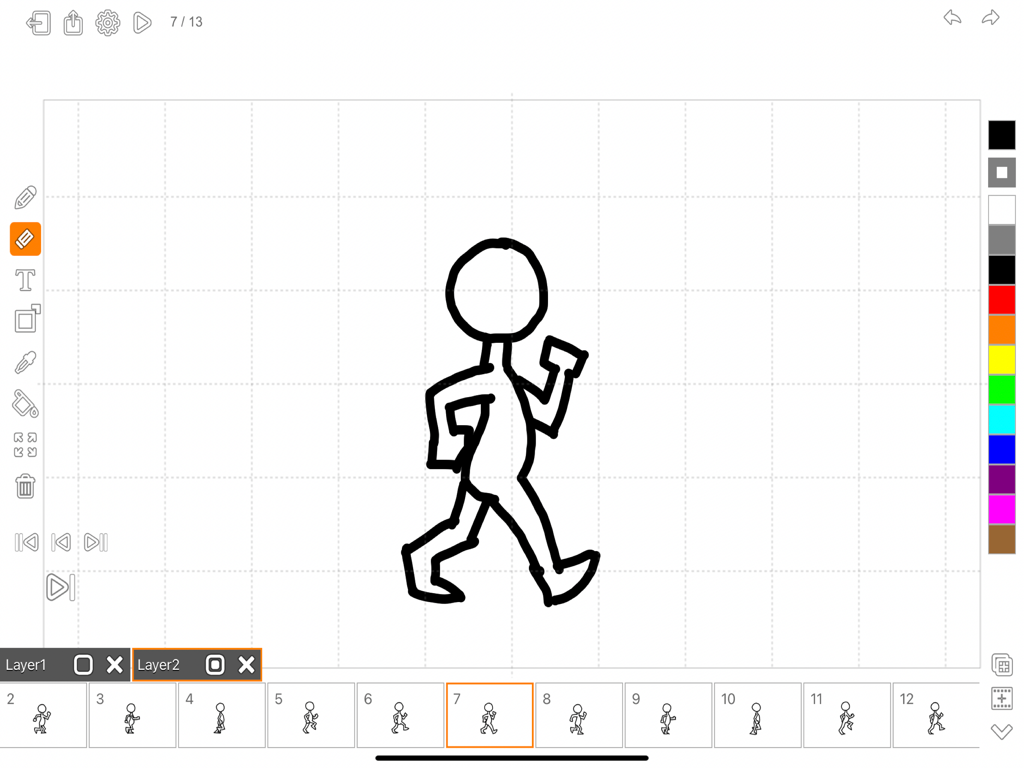
Animator Plus - Interface of the Animator Plus app showing a hand-drawn walking stick figure on an animation timeline.
Interface of the Animator Plus app showing a hand-drawn walking stick figure on an animation timeline.

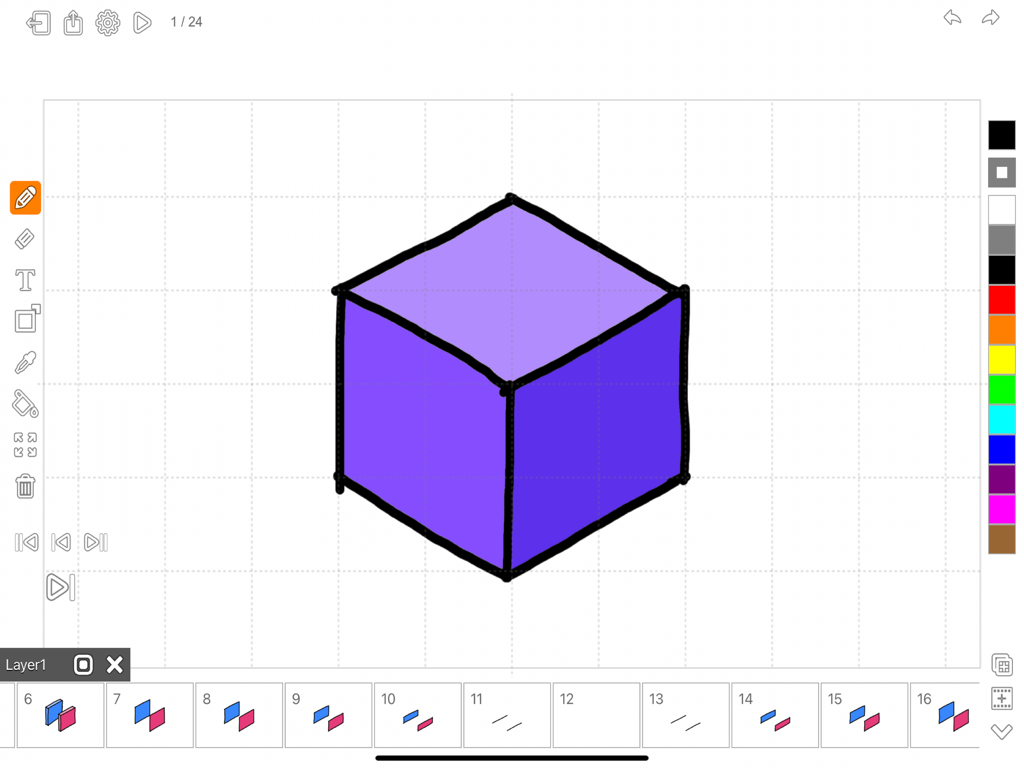
Animator Plus - Animator Plus interface showing a purple cube drawing with a frame by frame animation timeline
Animator Plus interface showing a purple cube drawing with a frame by frame animation timeline

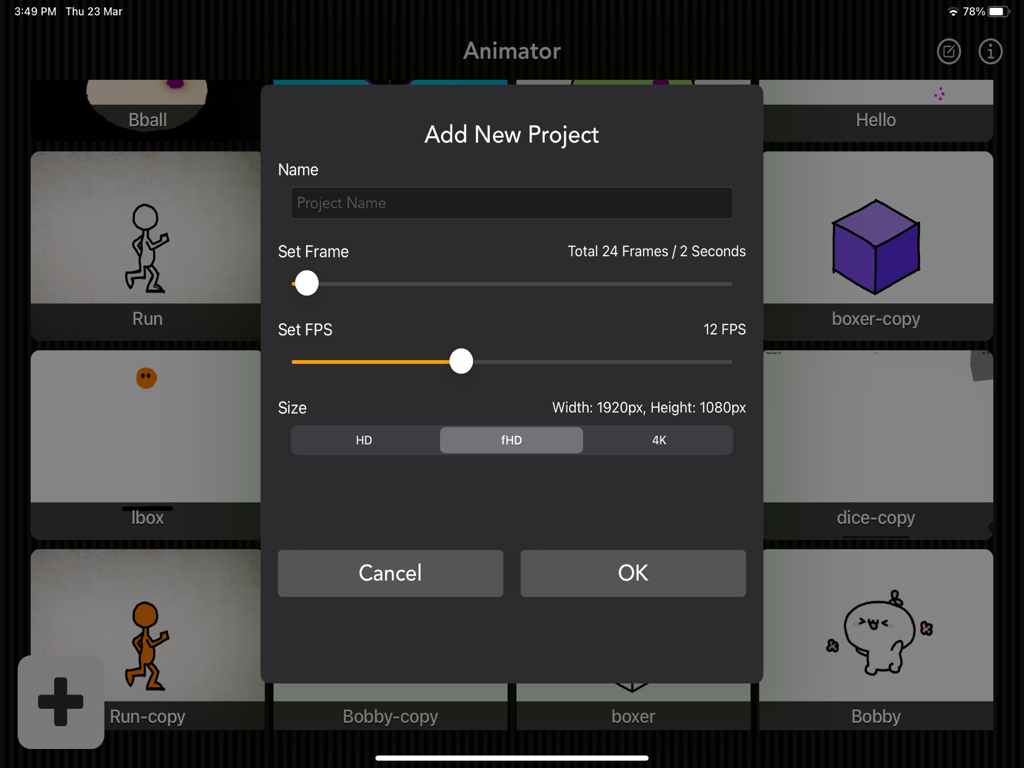
Animator Plus - Add new project menu in Animator Plus showing frame rate and resolution settings
Add new project menu in Animator Plus showing frame rate and resolution settings

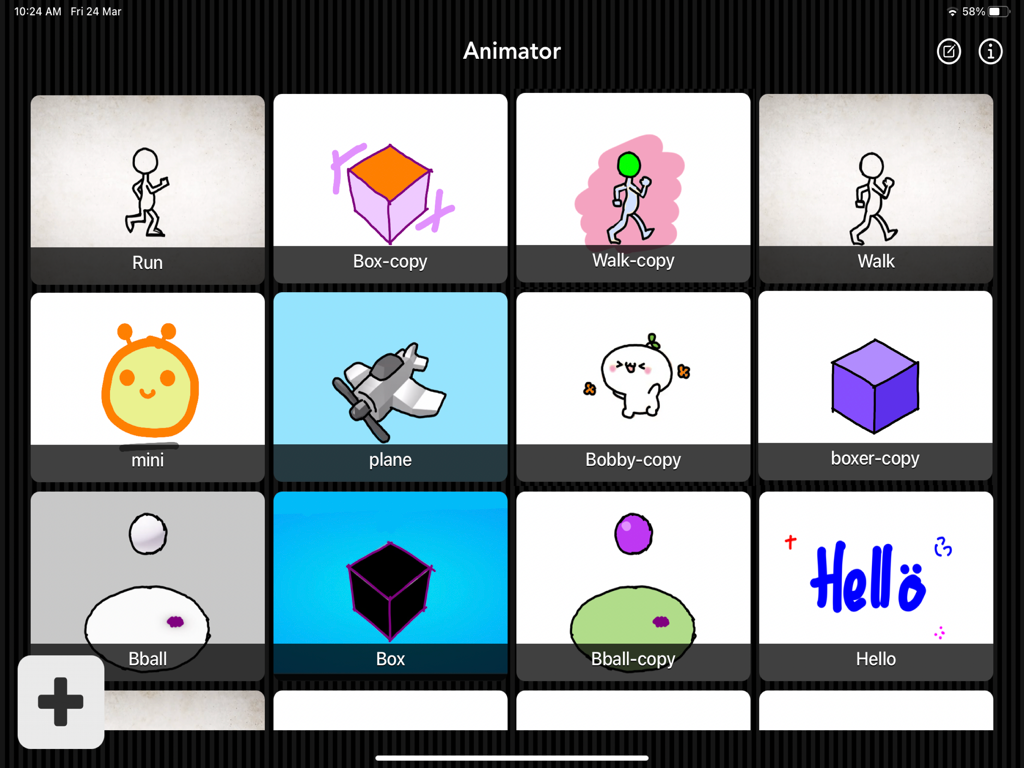
Animator Plus - Grid gallery of hand-drawn animation projects in the Animator Plus app showing various character sketches and shapes.
Grid gallery of hand-drawn animation projects in the Animator Plus app showing various character sketches and shapes.

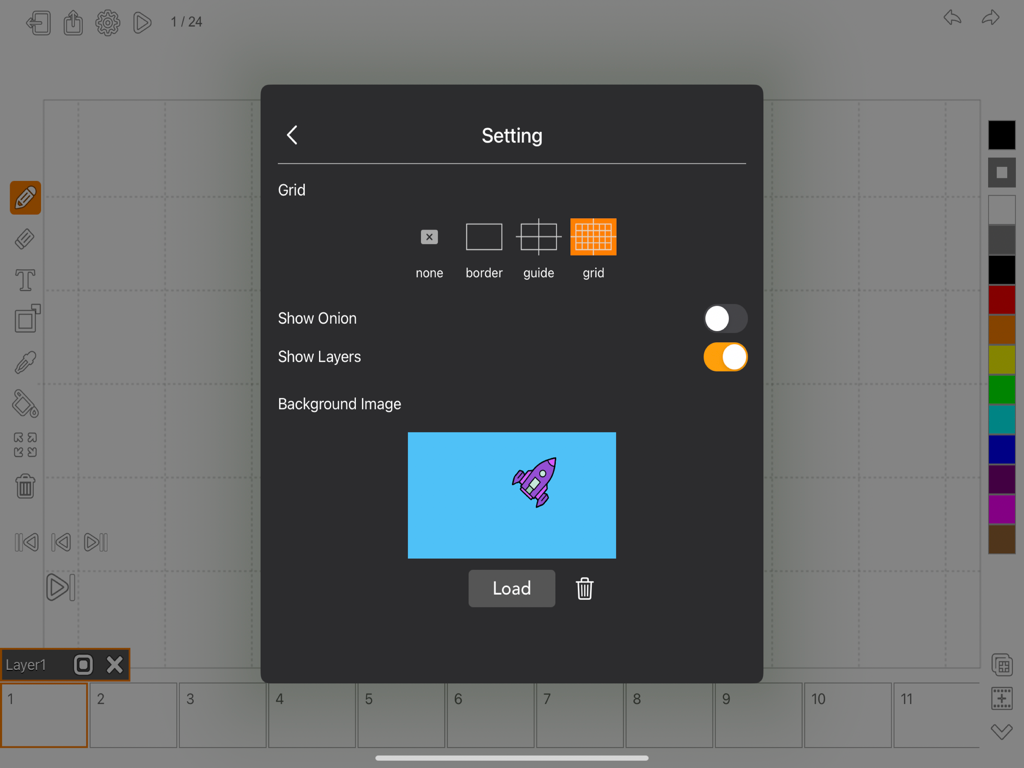
Animator Plus - Settings menu in Animator Plus showing grid options and background image selection for animation projects.
Settings menu in Animator Plus showing grid options and background image selection for animation projects.

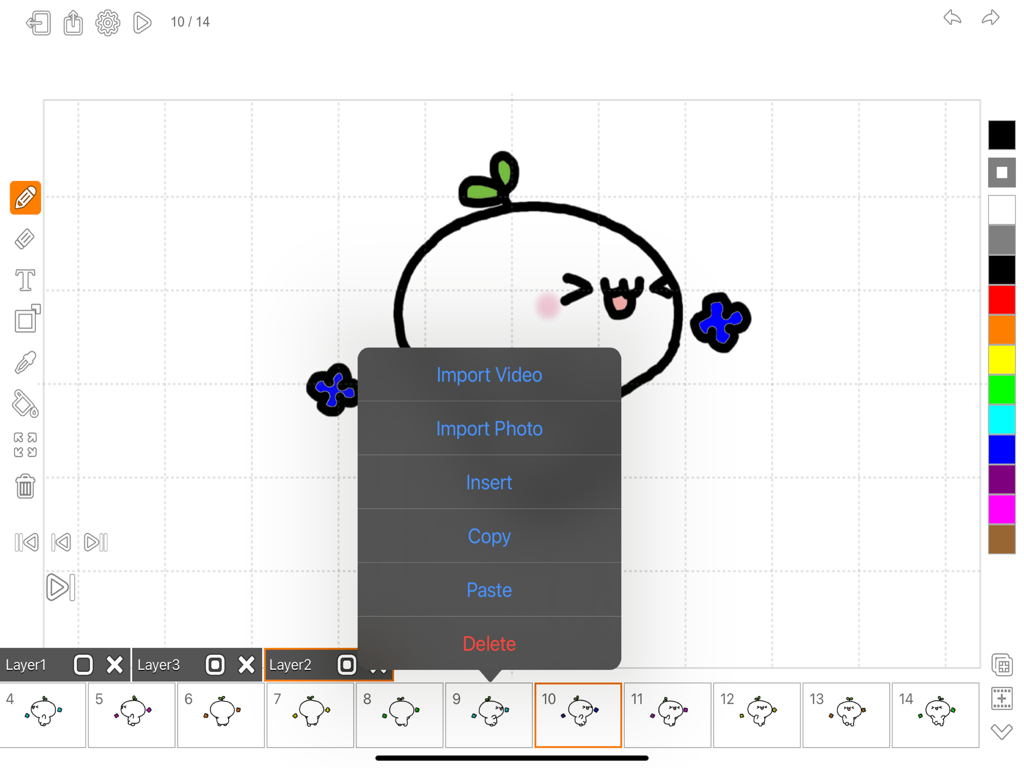
Animator Plus - Animator Plus app interface showing hand-drawn animation tools and frames
Animator Plus app interface showing hand-drawn animation tools and frames

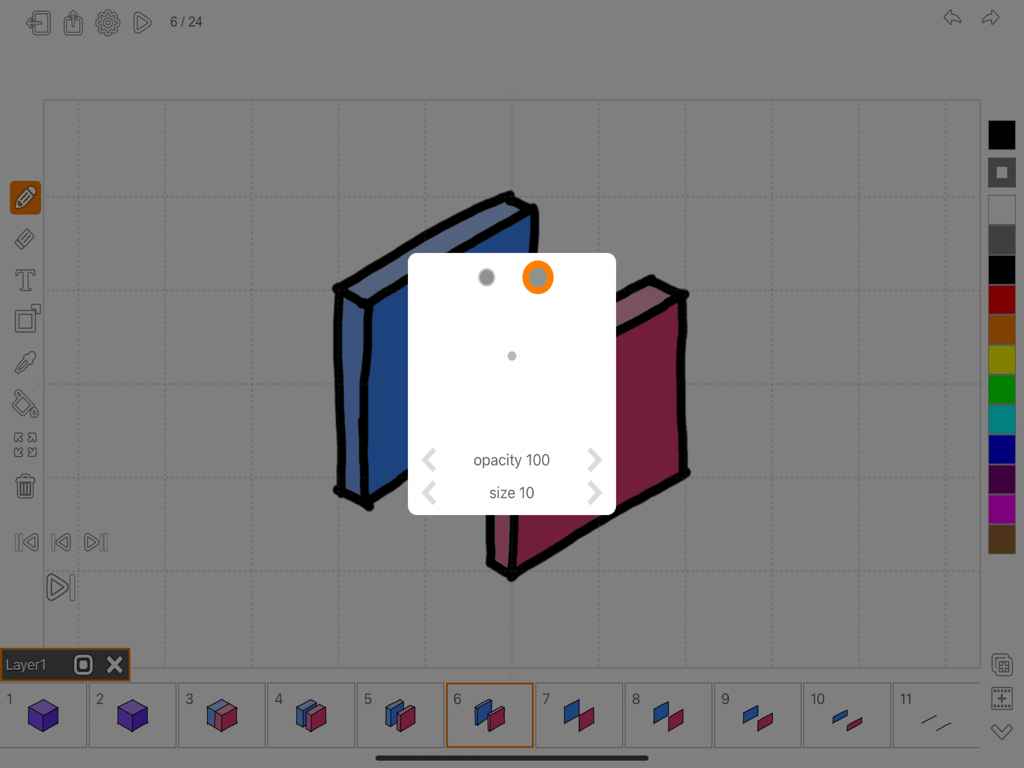
Animator Plus - Interface of Animator Plus animation app for iPad showing brush settings and frame timeline.
Interface of Animator Plus animation app for iPad showing brush settings and frame timeline.

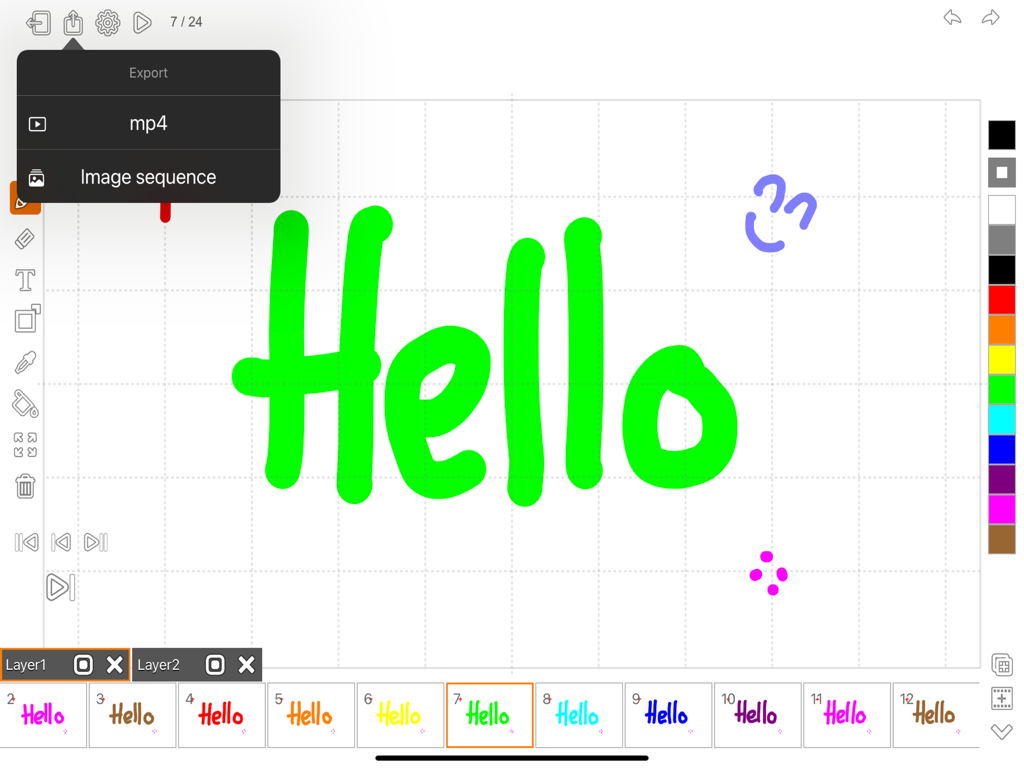
Animator Plus - Animator Plus interface on iPad showing export menu for mp4 and image sequence with a colorful animation timeline
Animator Plus interface on iPad showing export menu for mp4 and image sequence with a colorful animation timeline

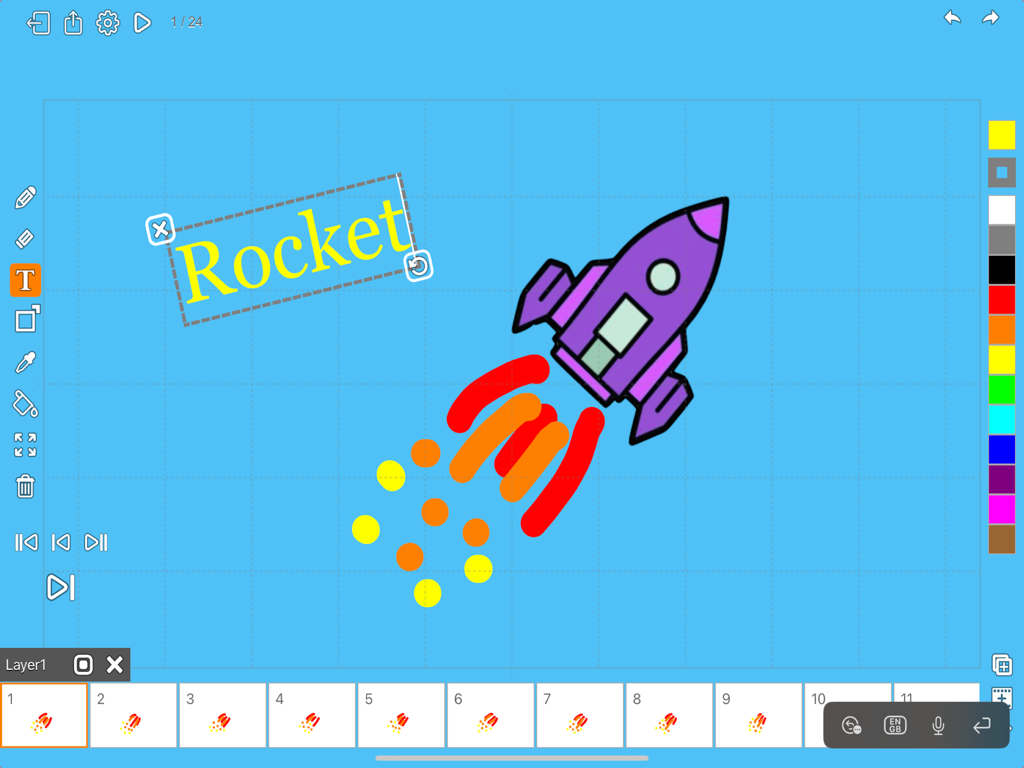
Animator Plus - Interface of the Animator Plus app on iPad showing a rocket drawing and frame by frame animation timeline.
Interface of the Animator Plus app on iPad showing a rocket drawing and frame by frame animation timeline.

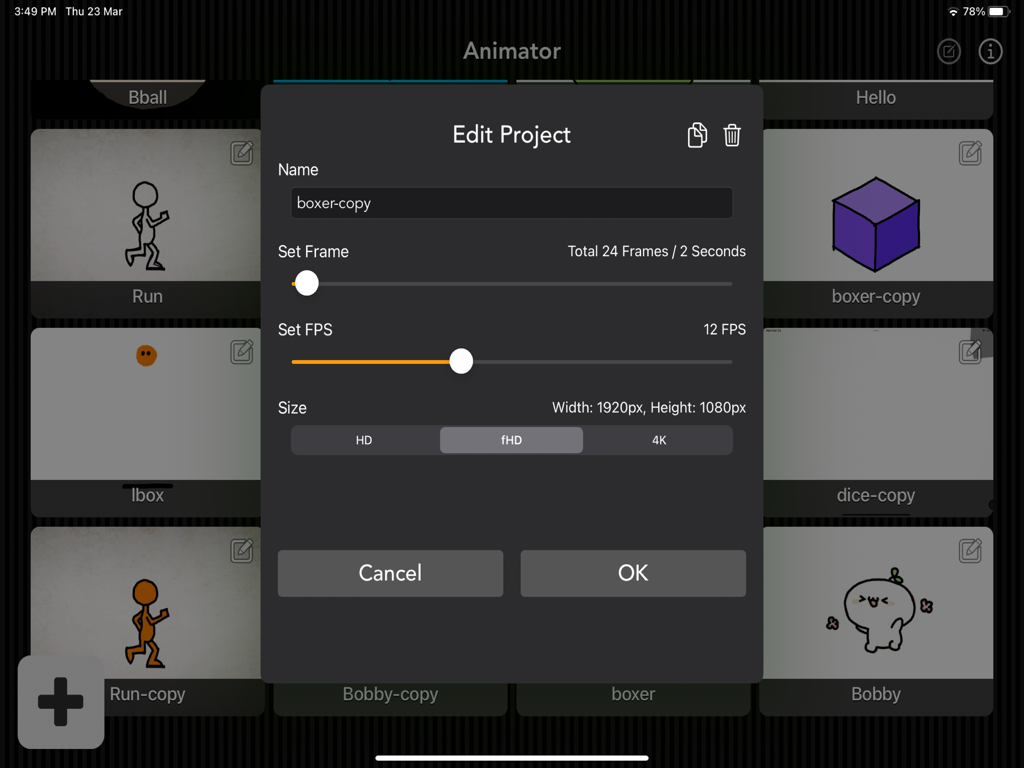
Animator Plus - Interface of the Animator Plus app showing project settings for frame rate and resolution on an iPad

Interface of the Animator Plus app showing project settings for frame rate and resolution on an iPad

Description

Looking for a powerful and intuitive animation tool for your iOS device? Look no further than Animator Plus, the ultimate animation app for creative professionals, designers, and hobbyists alike. With Animator Plus, you can easily create stunning animations using a variety of tools and features, including keyframe animation, timeline editing, drawing tools, and more. Whether you're looking to bring your ideas to life with detailed animations or create simple yet engaging motion graphics, Animator Plus has everything you need to get started. Designed with usability and flexibility in mind, Animator Plus offers a streamlined interface that makes it easy to create and modify animations on the go. You can export animations in MP4 and PNG, allowing you to share your work with others or use it in your projects. Easily create awesome animations anytime with this painting and drawing app. Features: • Add/Edit/Duplicate/Delete project • Beautiful, easy-to-use interface • Create animation project • Ultra HD 4K, Full HD 1920x1080, HD 1280x720 • Set frame rate, total frames • Unlimited layers, frames, and animations • Zooming and panning while drawing • Preview animation • Multiple grid options • Ability to add custom background image • Undo/Redo • Export to photo library as video • Export to photo library as image sequence in PNG format - Tool Set • Smooth, high-quality drawing experience • Paintbrush with various stroke types • Brush with brush size and opacity adjustment • Soft Brush and Hard Brush presets • Eraser with brush size adjustment • Brush line width selection • Draw shape with Circle, Rectangle, and Line • Add text with custom font, size, and rotation • Fill color mode • Frame positioning • Frame rotation • Frame scale • Clear canvas - Layer/Frame Management • Superior frame management • Copy/Paste/Insert/Delete frame • On-the-fly frame rate adjustment • "Onion skinning" overlay of previous/next frame • Layers overlay of current frame • Import background image from photo library • Import background video from camera • Layers highly configurable with reordering Animator Plus makes your creativity come to life on your iPad. With simple and powerful drawing tools, color options, and easy frame management, you can create amazing, lifelike animations with Retina quality and high frame rate playback, limited only by your imagination. What is cel / traditional animation? Cel animation, also known as traditional animation, is a method of creating animation by hand-drawing each frame of a sequence on a transparent sheet, known as a cel. This technique was widely used in the early days of animation, before the advent of computer-based animation. Each cel contains a single drawing, which is then photographed onto a background, frame by frame. The sequence of these frames creates the illusion of motion, as each image is slightly different from the previous one. The process is time-consuming, but it allows for a high degree of control over the final product, and can produce a hand-drawn, traditional look that is still valued in certain contexts today. While cel animation has largely been replaced by digital animation techniques, many animators still prefer to use this method for its unique visual style and the sense of craftsmanship it embodies. App design for iPad Pro, iPad Air, iPad and iPad Mini. So why wait? Download Animator Plus today and start creating amazing animations right from your iOS device! Thanks for your support and do visit nitrio.com for more apps for your iOS devices.

Download

Download on App Store

This page is not an official page of the app or its developer, but an independent editorial publication created for informational and commentary purposes. Unless expressly stated otherwise, neither the app nor its developer is affiliated with, endorsed by, sponsored by, authorized by, or otherwise officially connected with MWM, Apple, Google Play, the app publisher, or the app's developer, and nothing on this page implies that the app was developed using MWM's services. Any trademarks, logos, screenshots, and other content remain the property of their respective owners.







