
This page is not an official page of the app or its developer, but an independent editorial publication created for informational and commentary purposes. Unless expressly stated otherwise, neither the app nor its developer is affiliated with, endorsed by, sponsored by, authorized by, or otherwise officially connected with MWM, Apple, Google Play, the app publisher, or the app's developer, and nothing on this page implies that the app was developed using MWM's services. Any trademarks, logos, screenshots, and other content remain the property of their respective owners.


App Lock - Lock Apps .
Your digital domain, now impenetrable. This app grants users total command over who sees what, and when.
Downloads
750k+User Rating
Total Ratings
15.5KPublisher
Category
UtilitiesLocales
22Latest Version
1.4.6Size
93.3 MBFirst Released
Nov 7, 2023An in-depth look at its capabilities for privacy, productivity, and family safety.
App Lock - Lock Apps. Core Features Analysis
Parental Controls
The app provides robust parental controls, allowing families to activate specific modes like Teen Mode to limit children's access to social media and games, fostering healthier digital habits.
Secure App Locking
It allows users to securely lock individual applications with a secret passcode, preventing unauthorized access to personal data and sensitive apps.
Biometric Authentication
This tool features support for Biometric Recognition (Face ID & Touch ID), offering a quick and highly secure method for unlocking protected applications.
Time-Based App Restrictions
The app provides functionality to set specific time limits for individual applications, aiding in productivity by reducing distractions and enabling parental control over screen time.
Flexible Usage Modes
It allows users to easily switch between various predefined modes like Work Mode, Personal Mode, and Beast Mode, adapting the app's restrictions to different scenarios for enhanced productivity and privacy.
Intruder Detection
This tool automatically detects and logs suspicious failed unlock attempts, providing alerts that enhance security by identifying potential intruders trying to access locked applications.
Advanced Device Safeguards
The app offers additional safeguards, including the ability to prevent app installations, deletions, and in-app purchases, providing comprehensive protection for device integrity and parental control.
Location-Based App Control
It allows users to automatically restrict app usage based on specific geographical locations through geofencing, promoting focused work environments or controlled access for children.
App Disguise Options
This tool features options to change the app's icon and unlock screen style, offering an additional layer of privacy by making the presence of the lock app less obvious.
Quick Re-lock Functionality
The app supports quick re-locking of unlocked applications via Home Screen Widgets, Lock Screen Widgets, and Dynamic Island, improving user convenience and maintaining continuous protection.
Frequently Asked Questions
Everything you need to know about App Lock - Lock Apps .
What is App Lock - Lock Apps .?
App Lock - Lock Apps . is a versatile screen time management tool that locks applications to prevent addiction, safeguard personal privacy, and enhance productivity.
Does App Lock - Lock Apps . offer parental control features?
Yes, App Lock - Lock Apps . includes a Teen Mode for parental control. This mode prevents children from engaging excessively with social media and games.
Can I unlock apps using Face ID or Touch ID with App Lock - Lock Apps .?
Yes, App Lock - Lock Apps . supports biometric recognition, including Face ID and Touch ID, for quick and secure unlocking of your locked applications.
What different modes does App Lock - Lock Apps . offer?
App Lock - Lock Apps . offers Work Mode, Teen Mode, Personal Mode, and Beast Mode. These modes adapt to various scenarios like productivity, parental control, or privacy protection.
Can I set time limits for specific applications using App Lock - Lock Apps .?
Yes, App Lock - Lock Apps . allows users to set specific time limits for individual applications, helping to manage app usage and screen time effectively.
Does App Lock - Lock Apps . support geofencing for app usage restrictions?
Yes, App Lock - Lock Apps . features geofencing. It automatically restricts app usage when entering specific geographical locations.
Does App Lock - Lock Apps . offer a free trial, and how does subscription renewal work?
Yes, App Lock - Lock Apps . offers a free trial that automatically renews to the Premium plan. Subscriptions auto-renew 24 hours before the period ends unless canceled.
Can I quickly lock or unlock apps using widgets with App Lock - Lock Apps .?
Yes, App Lock - Lock Apps . supports Home Screen Widgets, Lock Screen Widgets, and Dynamic Island for quick re-locking of unlocked applications by tapping on them.
Can App Lock - Lock Apps . prevent app installations or deletions?
Yes, App Lock - Lock Apps . provides additional safeguards that prevent app installations, app deletions, and in-app purchases, enhancing device security.
Does App Lock - Lock Apps . offer an app disguise feature for enhanced privacy?
Yes, App Lock - Lock Apps . includes an App Disguise feature. This allows users to change the app icon and unlock screen style for better privacy protection.
The following screenshots and description are sourced directly from the app's official store listing and are the property of the app developer.
App Store
Screenshots
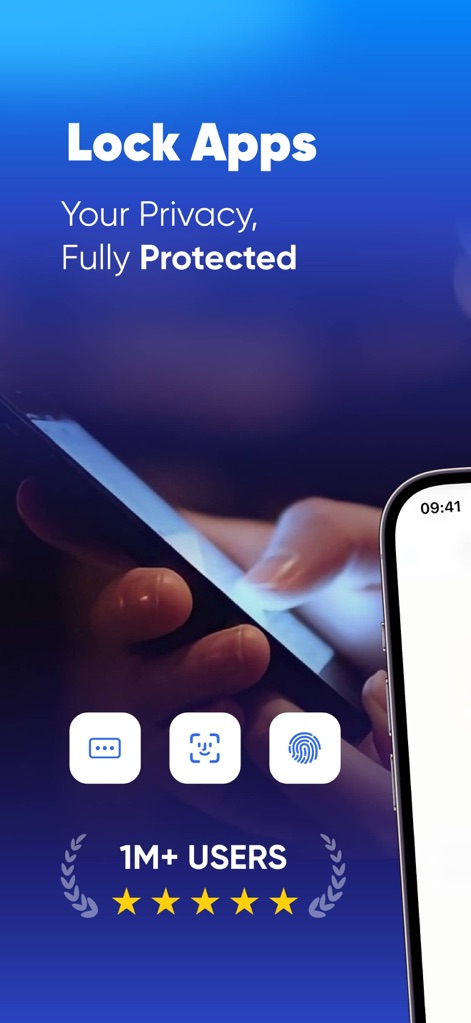
This initial view highlights the app's commitment to security, showcasing both the 'Lock Apps' mantra and the biometric unlock options at the bottom.
Privacy at a Glance
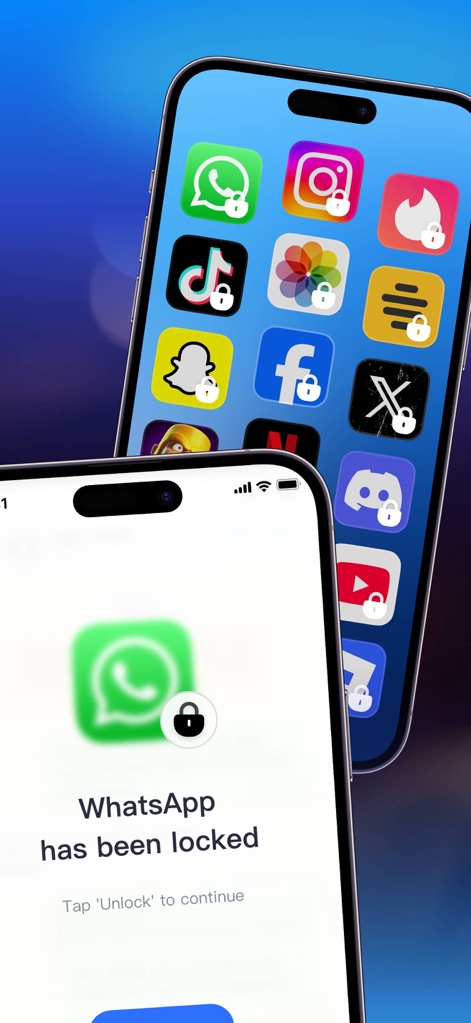
Observe how individual apps are secured with a clear lock icon, indicating robust protection, and how the app prompts users to unlock specific applications like WhatsApp.
App Lock in Action
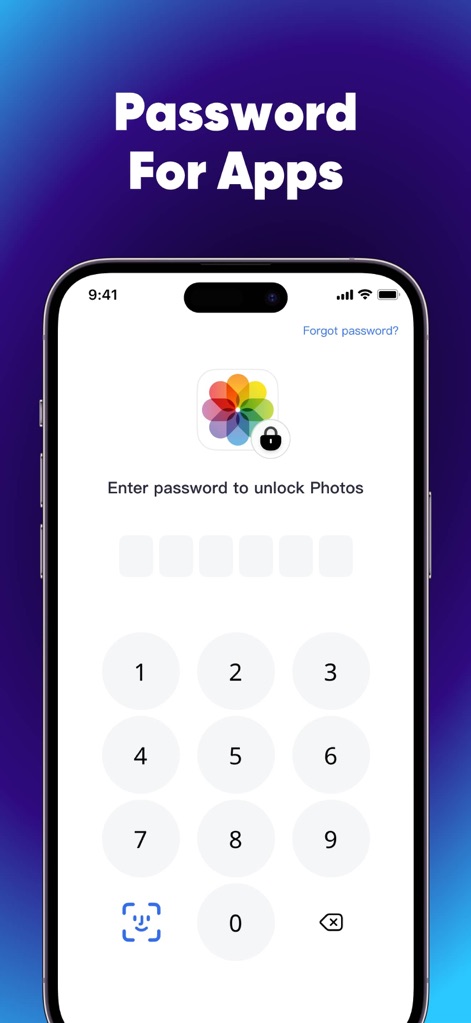
This view details the secure password input screen for sensitive apps like Photos and prominently displays the Face ID icon for convenient biometric unlocking.
Secure Unlocking Methods
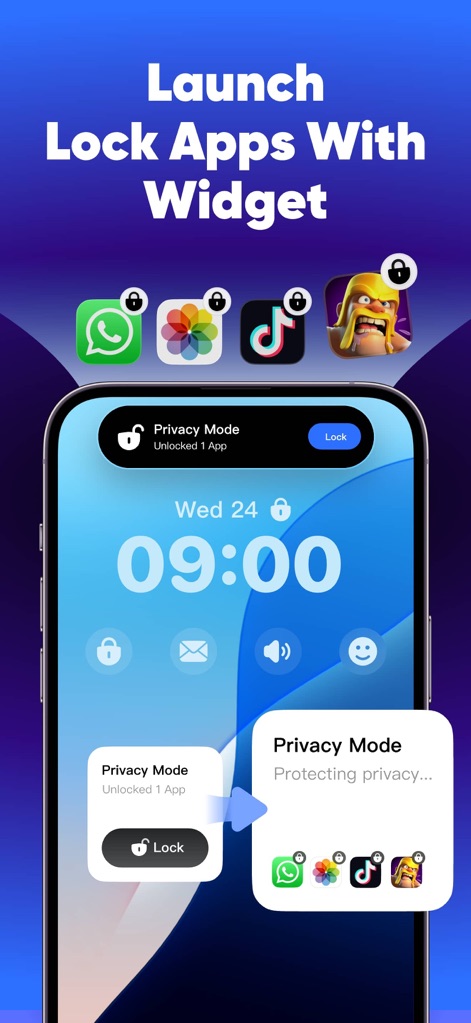
The app demonstrates seamless integration of quick re-lock features via Lock Screen Widgets and the Dynamic Island, allowing users to manage app access effortlessly.
Dynamic Lock Controls
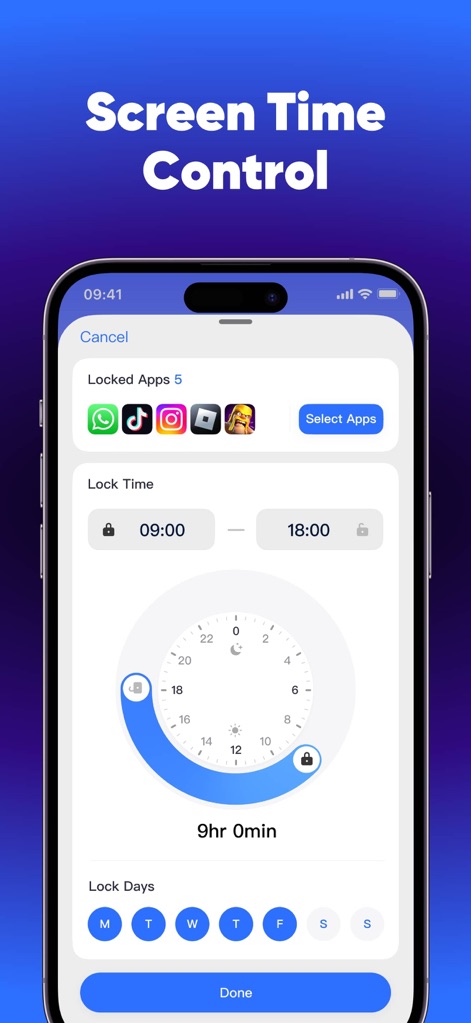
Users can effectively manage screen time by setting specific lock hours with the intuitive clock selector and choosing particular days for app restrictions on selected applications.
Comprehensive Time Limits
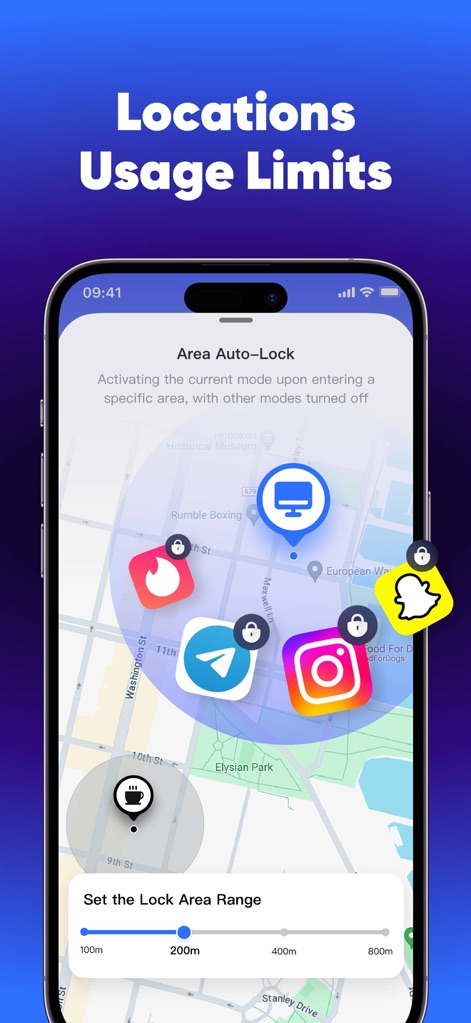
This powerful feature allows users to implement geofencing for app usage limits, clearly showing locked apps within defined geographical zones and offering a precise range slider for customization.
Geofencing for Control
Description
Download
More Like This
Apps with similar features and user experience
This page is not an official page of the app or its developer, but an independent editorial publication created for informational and commentary purposes. Unless expressly stated otherwise, neither the app nor its developer is affiliated with, endorsed by, sponsored by, authorized by, or otherwise officially connected with MWM, Apple, Google Play, the app publisher, or the app's developer, and nothing on this page implies that the app was developed using MWM's services. Any trademarks, logos, screenshots, and other content remain the property of their respective owners.