
Aquarium TV Screen

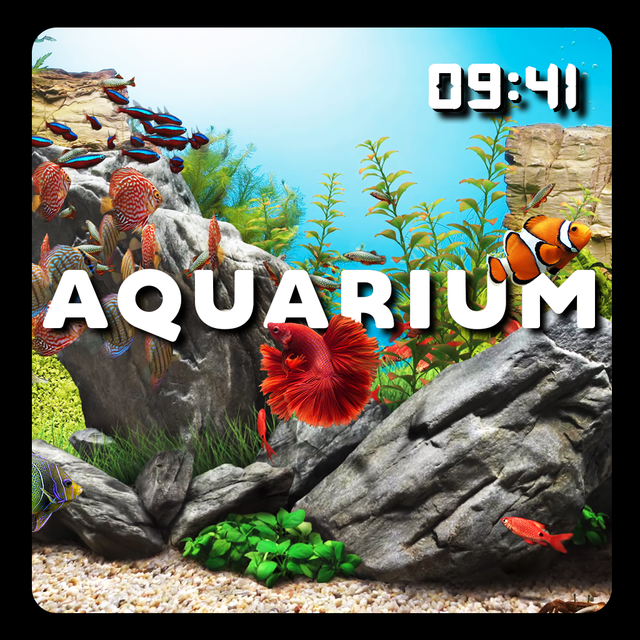
Experience the ultimate relaxation with breathtaking high-fidelity aquariums and fireplaces. One purchase brings stunning 10-bit visuals to your Apple TV, Mac, and iPhone for a maintenance-free home oasis.
Publisher
Category
LifestyleDownloads
5K+User Rating
Total Ratings
0Locales
6Discover the interface used by 5K+ users.
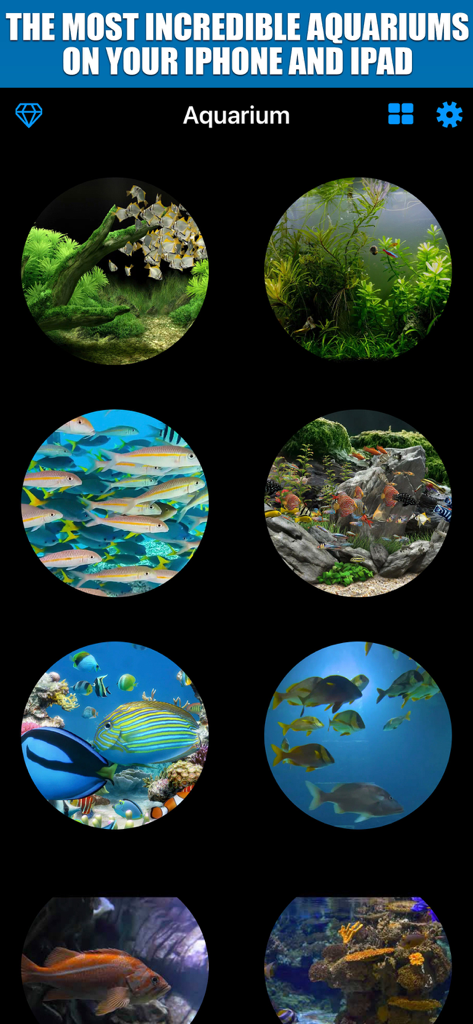
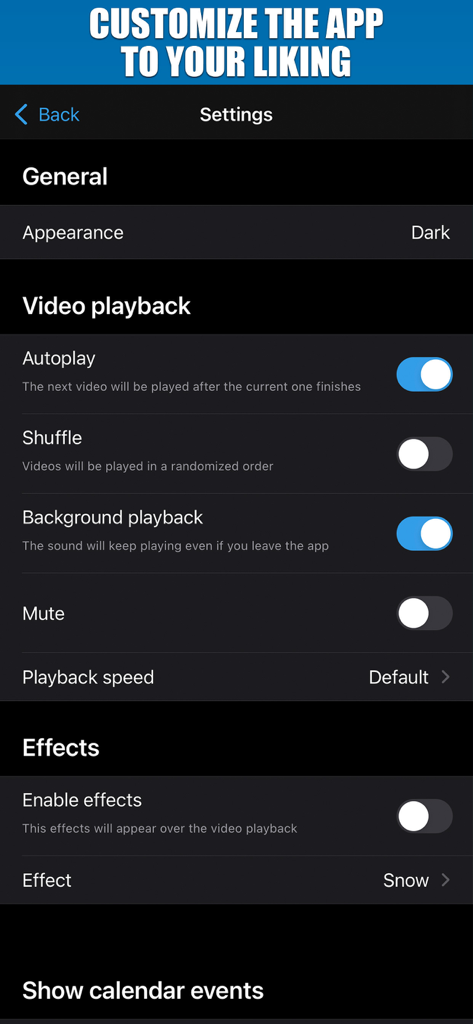
The tools that make this app stand out, trusted by 5K+ users.
Turn your screen into a high-definition window with 10-bit HDR visuals that showcase every stunning detail of nature.
Enjoy a premium, ad-free experience across your iPhone, iPad, Mac, and Apple TV with a single, universal purchase.
Set the perfect mood by adjusting playback speed, adding weather effects like rain or snow, and choosing custom overlays.
Everything you need to know about Aquarium TV Screen.
Description
Latest Version
3.03
Size
63.3 MB
First Released
Nov 27, 2019
Experience instant tranquility across your iPhone, iPad, Mac, and Apple TV with one single purchase. Start your journey to a calmer home sanctuary today.
Everything you need to know about Aquarium TV Screen
Yes, Aquarium TV Screen is available on Apple TV. Users can enjoy aquariums on their AppleTV, iPhone, iPad, and Mac devices for one price.
Yes, Aquarium TV Screen supports 4K video. It offers 4K 3840x2160 10-bit HDR video quality for aquariums and fireplaces, along with an option for HD quality.
Aquarium TV Screen allows customization of video playback. Users can enable autoplay, shuffle, background playback, mute sound, and adjust the playback speed through the app's settings.
Yes, Aquarium TV Screen includes special effects. Users can enable effects such as snow, rain, and streamers to change the scene's appearance, accessible via the settings menu.
Besides aquariums, Aquarium TV Screen also provides 30 original fireplaces in 4K HDR. The app will increase its content daily to offer more variety.
Yes, Aquarium TV Screen has a random play mode. Users can enable the 'Shuffle' feature in the settings to play videos in a randomized order.
The privacy policy for Aquarium TV Screen is available on the JewelsApps website. Users can access it via the link provided in the app description: http://jewelsapps.com/privacy-policy/.
Yes, Aquarium TV Screen supports background playback. Users can enable this feature in the settings to keep the sound playing even if they leave the app.
Users can mute the sound in the Aquarium TV Screen app through the settings. There is a dedicated 'Mute' toggle available under the Video playback section.
Top-ranked apps in the same category

Pinterest, Inc.

Alipay (Hangzhou) Technology Co., Ltd.

Hanhai Information Technology (Shanghai) Co.Ltd

Sankuai Technology Co., Ltd.

TIKTOK PTE. LTD.

Beijing Xiaomi Co., Ltd

Tinder LLC

Samsung Electronics Co., Ltd.

GLOBAL TECHNOLOGY - TELECOMMUNICATIONS CORPORATION
App information, icons, screenshots, and descriptions displayed on this page are sourced from the Apple App Store and are the property of their respective developers. Download estimates and rankings are based on MWM's proprietary models and may not reflect actual figures. This page is provided for informational and analytical purposes only.
Believe this page infringes your intellectual property? File a dispute