AR Drawing & Tracing - DrawToo
Download on App Store

This page is not an official page of the app or its developer, but an independent editorial publication created for informational and commentary purposes. Unless expressly stated otherwise, neither the app nor its developer is affiliated with, endorsed by, sponsored by, authorized by, or otherwise officially connected with MWM, Apple, Google Play, the app publisher, or the app's developer, and nothing on this page implies that the app was developed using MWM's services. Any trademarks, logos, screenshots, and other content remain the property of their respective owners.

Logo of AR Drawing & Tracing - DrawToo
Download on App Store

AR Drawing & Tracing - DrawToo

Turn your phone into a smart trace projector. From Ghibli-style portraits to AI-generated masterpieces, learn to draw like a pro on real paper in just two weeks.

Key Figures

Downloads

17K+

User Rating

4.6/5

Total Ratings

100

Publisher

Art Hub Studio DOO

Category

Graphics & Design

Locales

1

Latest Version

1.0.35

Size

194.2 MB

First Released

May 9, 2024
Features

Unlock Your Inner Artist Instantly

Combine the magic of AR technology with your creative spark. Draw, trace, and sketch like a pro on real paper—no years of training required.

Smart AR Trace Projector

Project any outline directly onto your paper using your camera. Achieve perfect proportions and professional line work by following digital guides with your physical pencil.

AI Magic for Every Style

Turn your selfies into Ghibli-inspired art or generate unique sketches from text prompts. If you can imagine it, DrawToo creates the template for you to bring to life.

The following screenshots and description are sourced directly from the app's official store listing and are the property of the app developer.

App Store

Screenshots
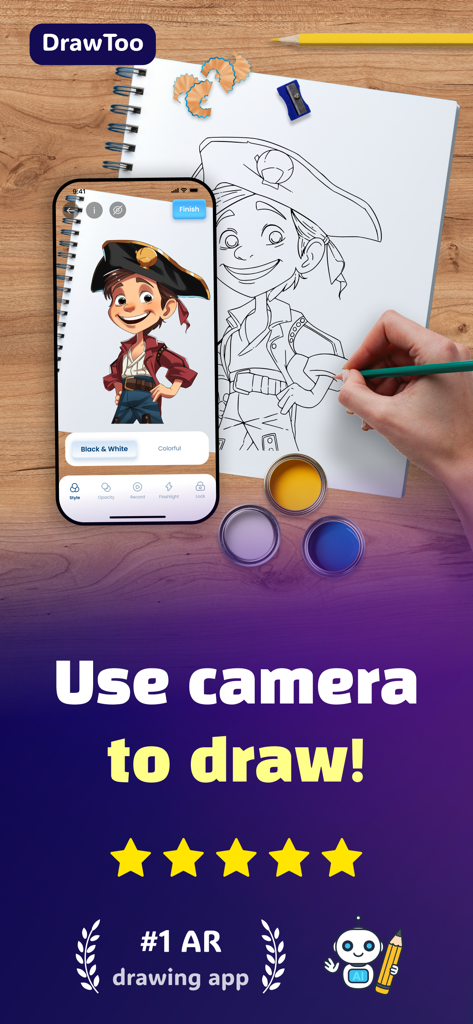
AR Drawing & Tracing - DrawToo - A hand tracing a cartoon character from a smartphone onto paper using the DrawToo AR drawing app
A hand tracing a cartoon character from a smartphone onto paper using the DrawToo AR drawing app

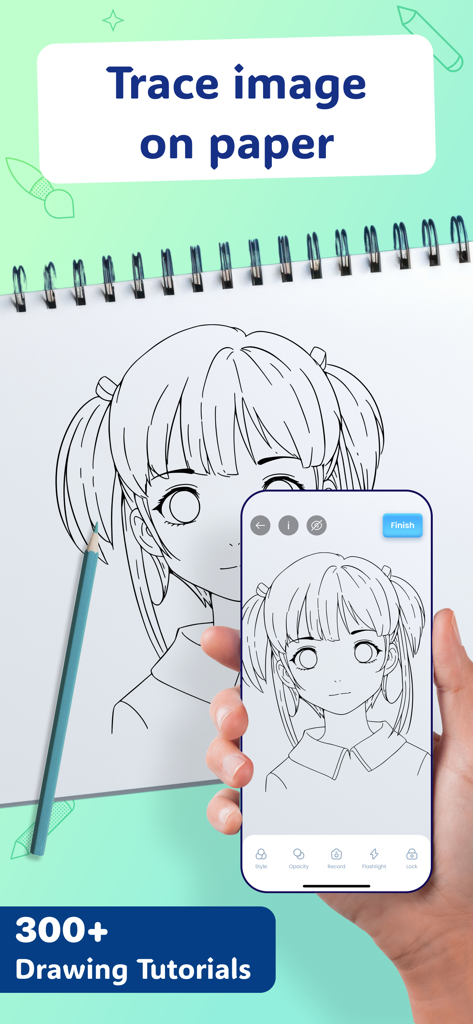
AR Drawing & Tracing - DrawToo - A smartphone using AR technology to project an anime girl sketch onto a paper notebook for tracing.
A smartphone using AR technology to project an anime girl sketch onto a paper notebook for tracing.

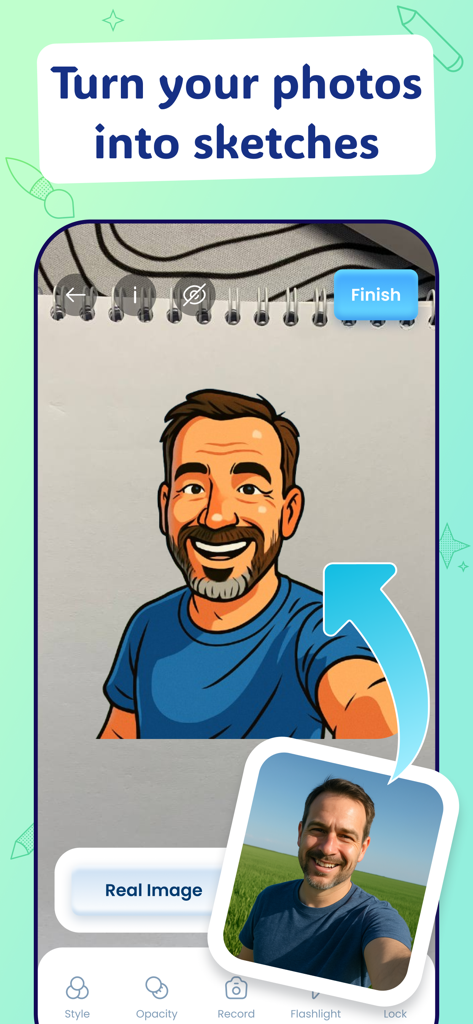
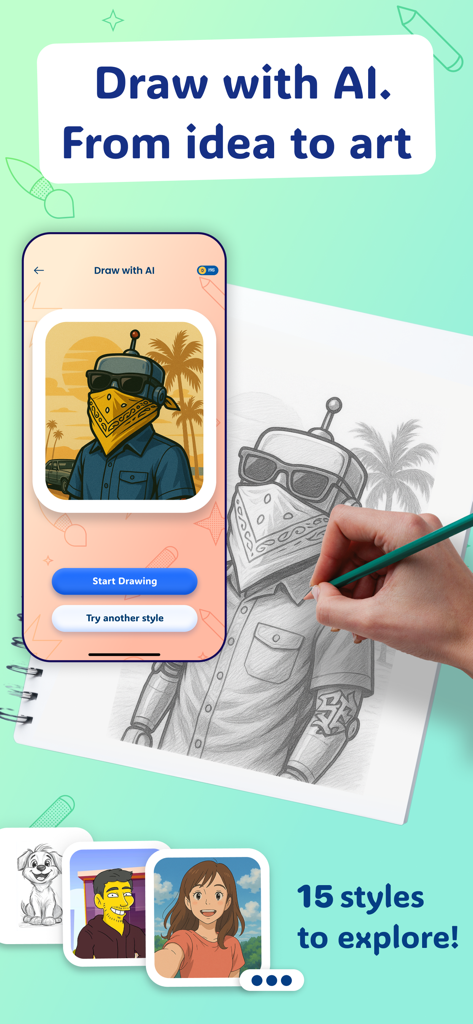
AR Drawing & Tracing - DrawToo - AR drawing app interface showing a real photo being transformed into a stylized caricature sketch on a paper notebook
AR drawing app interface showing a real photo being transformed into a stylized caricature sketch on a paper notebook

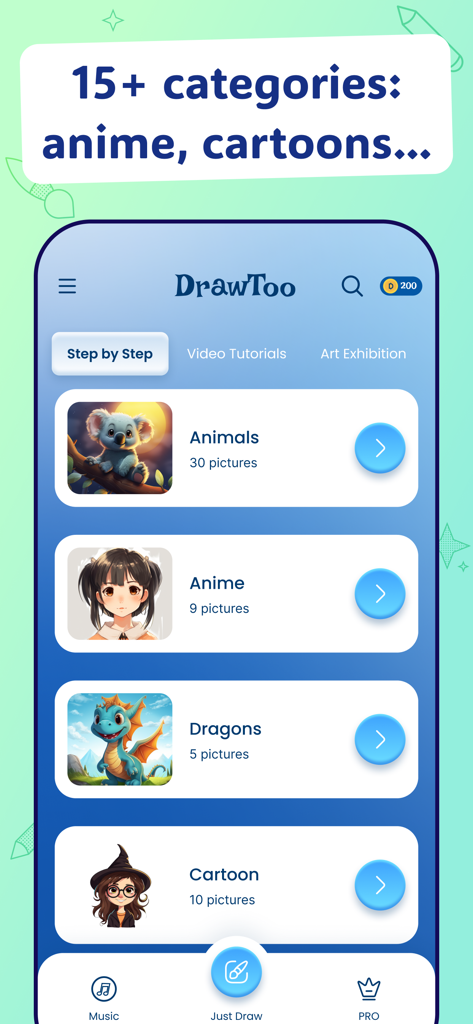
AR Drawing & Tracing - DrawToo - DrawToo app interface showing drawing categories like Animals, Anime, Dragons and Cartoons
DrawToo app interface showing drawing categories like Animals, Anime, Dragons and Cartoons

AR Drawing & Tracing - DrawToo - A hand sketching an AI generated character onto paper using the DrawToo app AR projection feature

A hand sketching an AI generated character onto paper using the DrawToo app AR projection feature
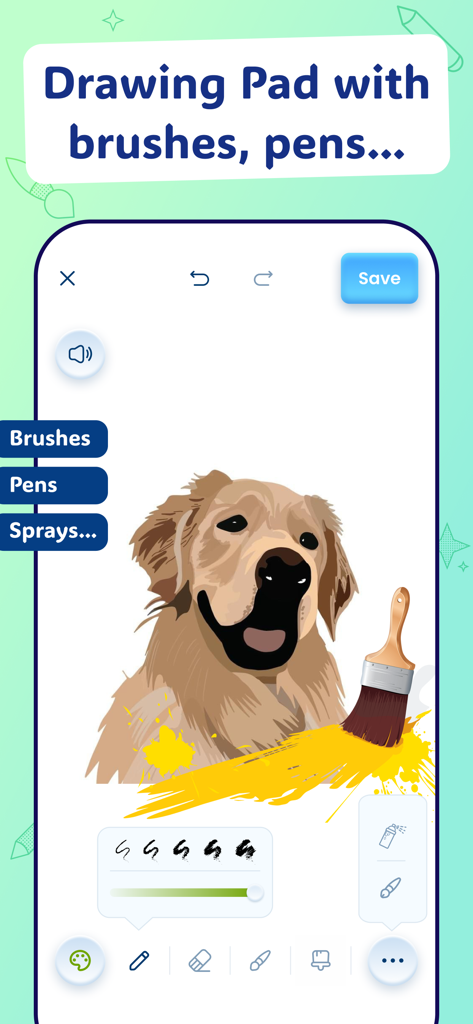
AR Drawing & Tracing - DrawToo - Interface of DrawToo app showing the Drawing Pad feature with a digital painting of a dog and selection of brushes and pens
Interface of DrawToo app showing the Drawing Pad feature with a digital painting of a dog and selection of brushes and pens

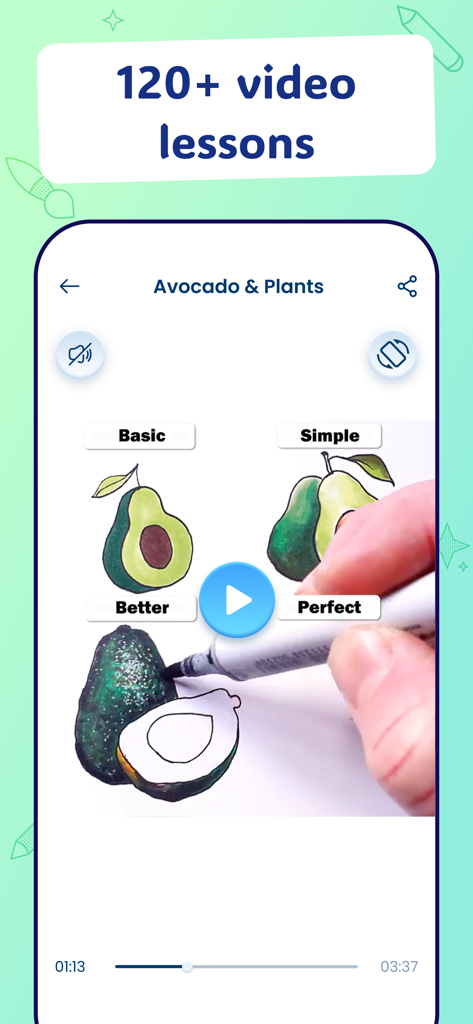
AR Drawing & Tracing - DrawToo - Interface of the DrawToo app showing a video tutorial on how to draw an avocado
Interface of the DrawToo app showing a video tutorial on how to draw an avocado

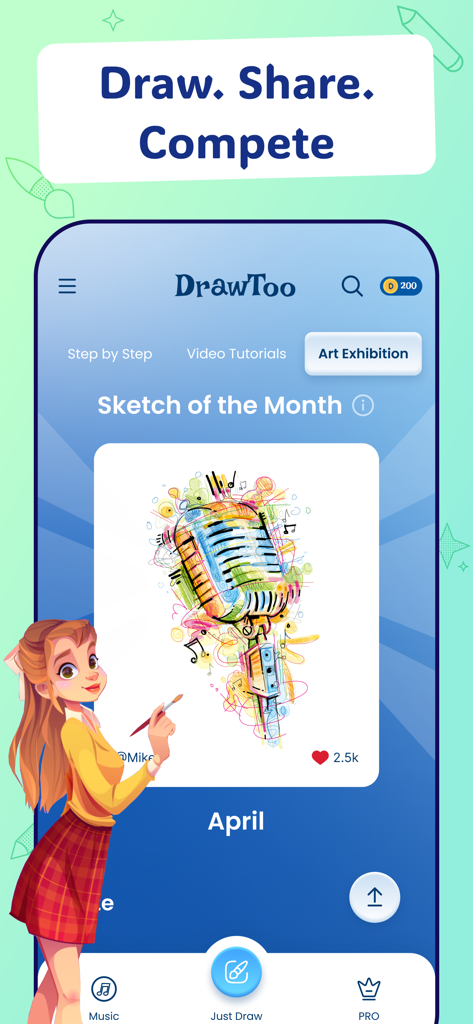
AR Drawing & Tracing - DrawToo - DrawToo app Art Exhibition screen showcasing a colorful microphone illustration as the Sketch of the Month.
DrawToo app Art Exhibition screen showcasing a colorful microphone illustration as the Sketch of the Month.

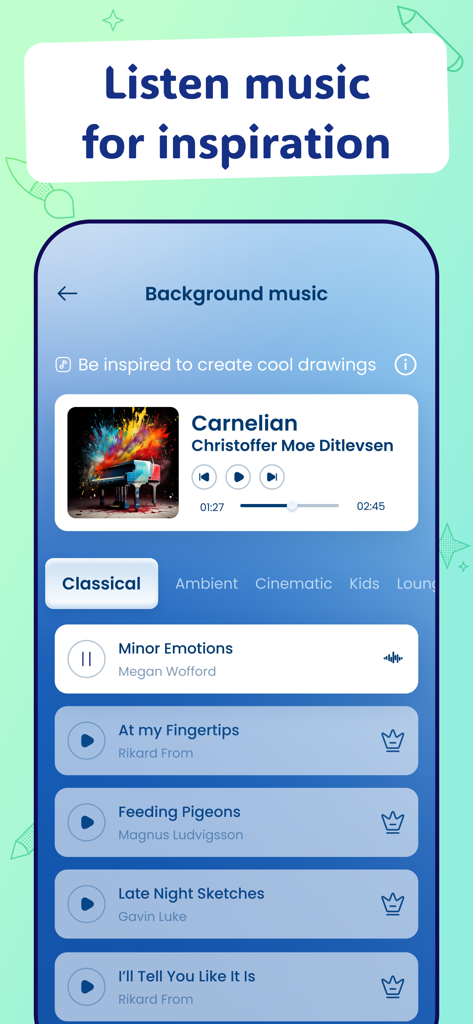
AR Drawing & Tracing - DrawToo - Interface showing background music playlists and player in the DrawToo AR drawing app.
Interface showing background music playlists and player in the DrawToo AR drawing app.

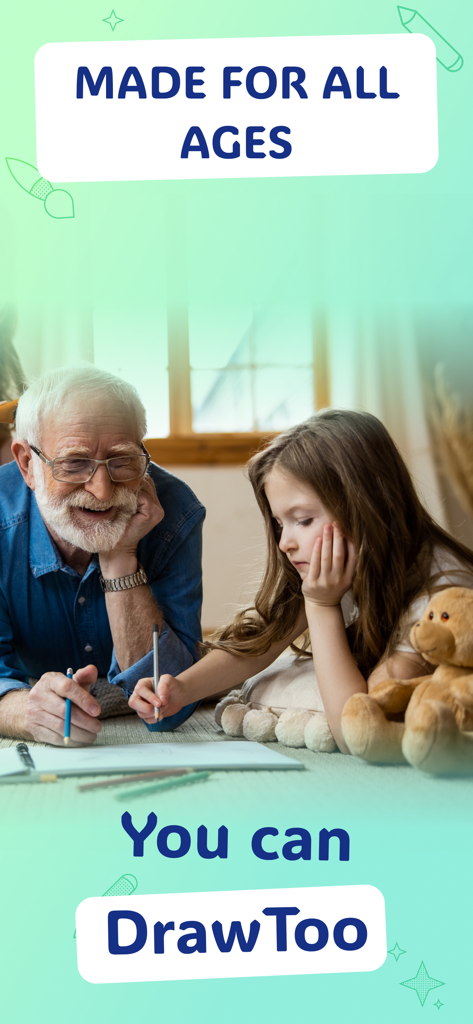
AR Drawing & Tracing - DrawToo - An elderly man and a child sketching together to illustrate that the DrawToo app is for all ages

An elderly man and a child sketching together to illustrate that the DrawToo app is for all ages

Description

AR drawing tool you must have! Learn to draw the easy and fun way with DrawToo – the ultimate AR drawing experience. How to draw and improve your skills? Just grab a pencil and paper, choose a sketch or upload your own image, and let our AR drawing trace projector guide your hand. It overlays original outlines onto your drawing surface, making it simple to sketch, draw, and trace. Whether you're a beginner or looking to improve your sketching skills, DrawToo's smart AR drawing technology makes the process smooth and easy to follow. 【 300+ DRAWING TUTORIALS 】 Learn to draw and practice sketching using 300+ drawing tutorials inside our AR Drawing app! Simply choose a sketch and select your preferred mode: 1. Draw with the camera using AR drawing, or 2. Step-by-Step drawing mode, which guides you line by line. Both drawing modes have you covered! Practice drawing with over 300 tutorials and illustrations and become a real artist! 【 AR DRAWING 】 Experience the magic of AR drawing with our built-in trace projector. Point your camera at the paper and overlay the sketch to trace with ease. Adjust the opacity to suit your style and lighting. Use the record option to capture your drawing process for sharing or review. our smart AR drawing mode helps bring your sketches to life - right on paper! PRO TIP: For the best AR drawing experience, stabilize your device using a cup or tripod. 【 PHOTO DRAWING 】 Bring your photos to life with DrawToo’s Photo Drawing Tool! Photo Drawing Tool allows you to upload any image from your gallery, and our AR Drawing feature will project it onto your camera view for precise tracing. Or take an instant photo, which will instantly appear on the camera to draw and trace. Learn to draw photos and images you want! 【 PORTRAIT ART 】 Portrait Art is a special feature for portrait lovers. Upload a selfie, and it will be projected for AR drawing. Plus, with AI image generation support, you can transform your selfie into various artistic styles — from Ghibli and anime to caricature, game art, comic, cartoon, and more. Explore endless creative possibilities as your portrait comes to life in unique styles, ready to trace and draw on paper! 【 DRAW WITH AI 】 Draw with AI – Turn your ideas into art! Just enter any prompt and choose your preferred style: sketch, Ghibli, pixel, watercolor, anime, cartoon, and many more. How to draw a puppy landing on the moon? An anime girl with glowing eyes? A retro robot from the '70s with an afro? It's all possible with the DrawToo AI Drawing Tool. Let your imagination run wild and start tracing your own AI-generated masterpiece! DrawToo - Learn to draw in just 2 week! ► 300+ AR drawing tutorials ► 200+ videos and drawing lessons ► 30+ categories and techniques ► Photo Drawing Mode ► Drawing Pad for free sketching ► Inspiring music playlist ► DrawToo Competition - Sketch on paper and share! ► Fast-growing COMMUNITY! ► Made by real Artists! ► Made for all ages! Draw it! DISCLAIMER: All images are used under Creative Commons License and credited to their owners. Use of names or trademarks does not imply endorsement. All drawing lessons inside the app are created by DrawToo artists. 【 DRAW. SKETCH. ENJOY】 With DrawToo AR drawing app, you have everything you need to unlock your creativity. Whether you're using the AR Drawing mode with our smart trace projector, having fun with AI Drawing Generator, learning how to draw from scratch, or simply want to illustrate and sketch on a drawing pad, DrawToo makes it fun and easy. Learn to draw and start your artistic journey today! Contact: support@drawtoo.com Privacy Policy - https://drawtoo.com/privacy-policy/ Terms of Conditions - https://drawtoo.com/terms-and-conditions/

Download

Download on App Store

This page is not an official page of the app or its developer, but an independent editorial publication created for informational and commentary purposes. Unless expressly stated otherwise, neither the app nor its developer is affiliated with, endorsed by, sponsored by, authorized by, or otherwise officially connected with MWM, Apple, Google Play, the app publisher, or the app's developer, and nothing on this page implies that the app was developed using MWM's services. Any trademarks, logos, screenshots, and other content remain the property of their respective owners.







