
This page is not an official page of the app or its developer, but an independent editorial publication created for informational and commentary purposes. Unless expressly stated otherwise, neither the app nor its developer is affiliated with, endorsed by, sponsored by, authorized by, or otherwise officially connected with MWM, Apple, Google Play, the app publisher, or the app's developer, and nothing on this page implies that the app was developed using MWM's services. Any trademarks, logos, screenshots, and other content remain the property of their respective owners.


Argenta Banking
Ditch the digipas and enjoy secure, instant banking designed for your busy life. Track balances, send payments in seconds, and simulate loans with total ease.
Downloads
651K+User Rating
Total Ratings
31K+Publisher
Category
FinanceLocales
3Latest Version
7.9.3Size
203.8 MBFirst Released
Sep 9, 2014Banking Built for Your Fast-Paced Life
Take complete control of your finances with a high-rated mobile experience that eliminates physical tokens and puts speed first.
Instant Payments, Zero Friction
Send money in seconds and log in securely with biometrics—no more carrying around a physical digipas or card reader.
Total Visibility Anywhere
Track your balance and transaction history in real-time, ensuring you always know exactly where your money is going.
The following screenshots and description are sourced directly from the app's official store listing and are the property of the app developer.
App Store
Screenshots
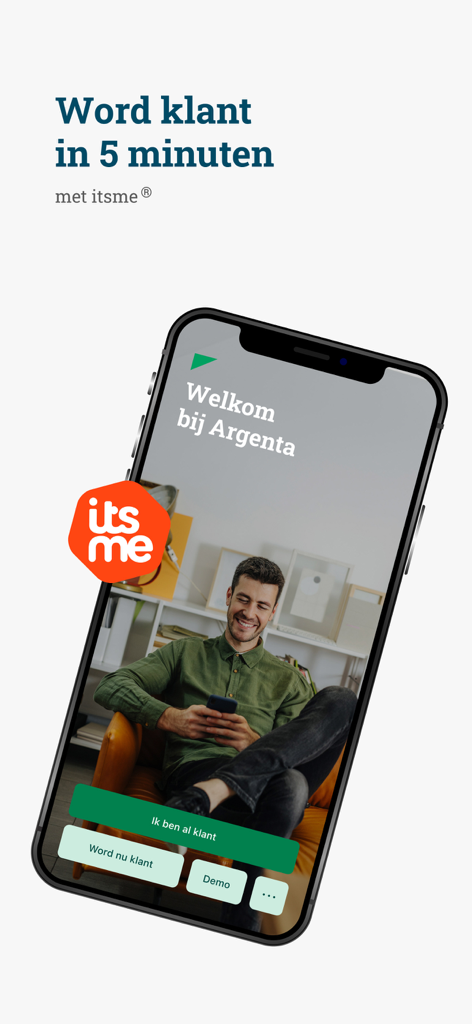
Argenta Banking app welcome screen showing easy registration with itsme
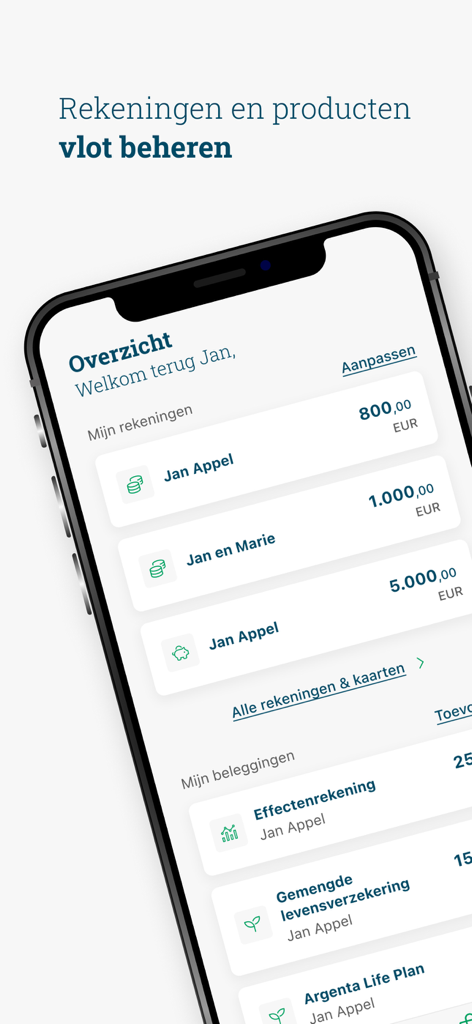
Argenta mobile banking app dashboard displaying user accounts and investment balances
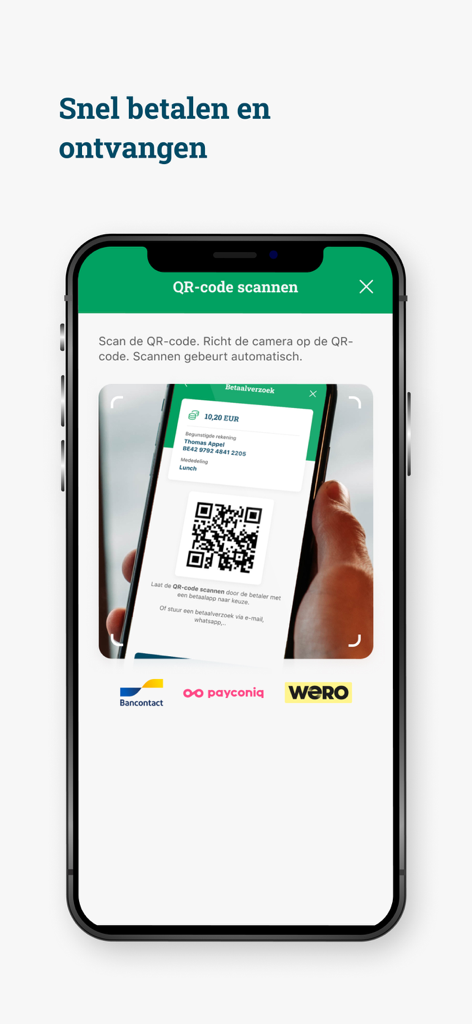
Argenta Banking app screen showing how to scan a QR code for fast mobile payments
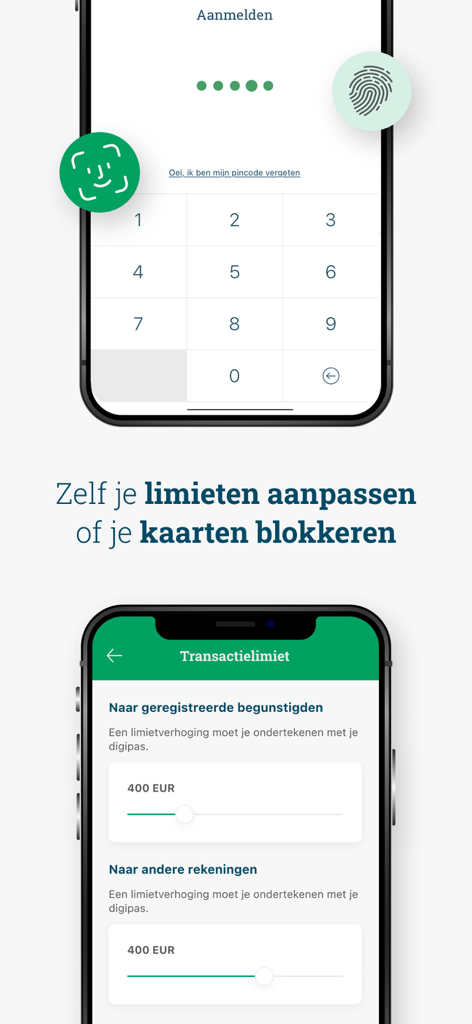
Screenshot of the Argenta Banking app showing a secure PIN login screen and a menu for adjusting transaction limits with sliders.
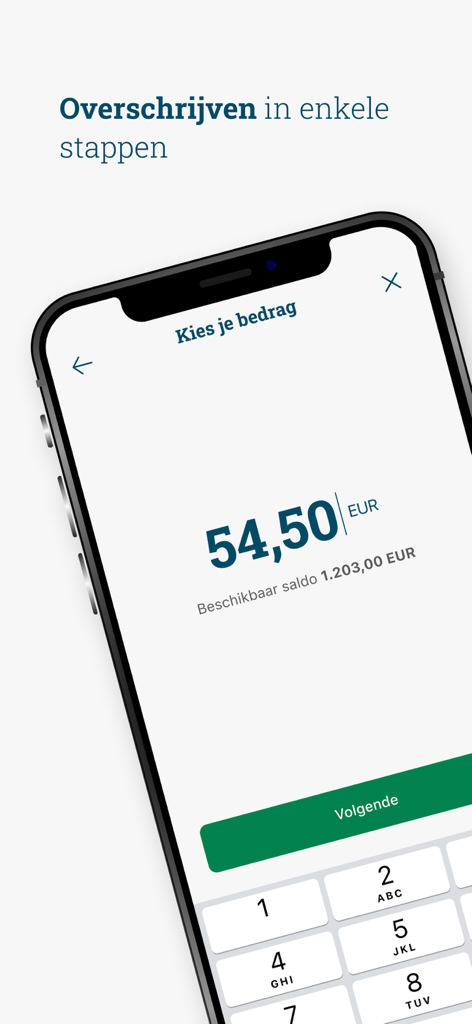
Argenta Banking app screen for entering a transfer amount
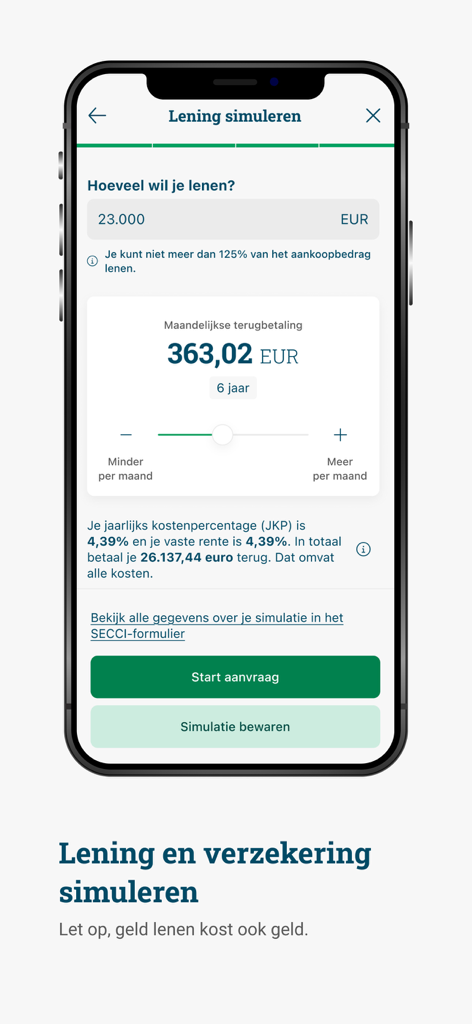
A loan simulation screen in the Argenta Banking mobile app showing monthly repayment calculations for a twenty three thousand euro loan.
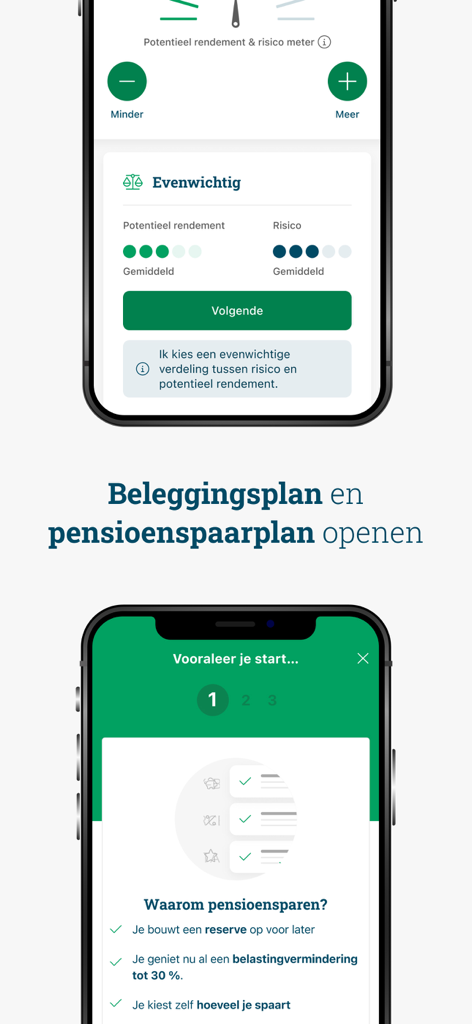
Screens of the Argenta Banking app showing how to open investment and pension savings plans
Description
Download
More Like This
Top-ranked apps in the same category

电子税务局
State Administration of Taxation

UnionPay APP
China Unionpay Co.,Ltd.

养基宝 - 年轻人的养基神器
Shenzhen Xiaoduotou Information Technology Co.,Ltd.

PayPal - Pay, Send, Save
PayPal, Inc.

中国农业银行
AGRICULTURAL BANK OF CHINA LIMITED

Mercado Pago: cuenta digital
MercadoLibre S.A.

Kalshi: Trade on the Big Game
KALSHI INC.

中国工商银行
Industrial and Commercial Bank of China

个人所得税
State Administration of Taxation
This page is not an official page of the app or its developer, but an independent editorial publication created for informational and commentary purposes. Unless expressly stated otherwise, neither the app nor its developer is affiliated with, endorsed by, sponsored by, authorized by, or otherwise officially connected with MWM, Apple, Google Play, the app publisher, or the app's developer, and nothing on this page implies that the app was developed using MWM's services. Any trademarks, logos, screenshots, and other content remain the property of their respective owners.