
This page is not an official page of the app or its developer, but an independent editorial publication created for informational and commentary purposes. Unless expressly stated otherwise, neither the app nor its developer is affiliated with, endorsed by, sponsored by, authorized by, or otherwise officially connected with MWM, Apple, Google Play, the app publisher, or the app's developer, and nothing on this page implies that the app was developed using MWM's services. Any trademarks, logos, screenshots, and other content remain the property of their respective owners.


Article Rewriter
The essential tool for students and professionals to beat writer’s block. Switch between Fluency, Standard, and Creative modes to refine your essays, blogs, and assignments with AI-powered precision while keeping your data 100% secure.
Downloads
0User Rating
Total Ratings
0Publisher
Category
EducationLocales
1Latest Version
1.1.1Size
45.3 MBFirst Released
Feb 4, 2022Transform Your Writing in Seconds
From academic essays to creative blog posts, our AI-powered rewriter helps you craft unique, high-quality content while ensuring your data remains private and secure.
Three Specialized Rewriting Modes
Switch between Fluency, Standard, or Creative modes to perfectly match your tone, whether you are polishing a formal assignment or crafting a viral social media post.
Instant Clarity & Polish
Boost your writing impact by automatically converting passive voice to active and replacing repetitive words with smart synonyms for a professional finish.
The following screenshots and description are sourced directly from the app's official store listing and are the property of the app developer.
App Store
Screenshots
An illustration of a woman using the Article Rewriter app highlighting its advanced content rewriting modes.
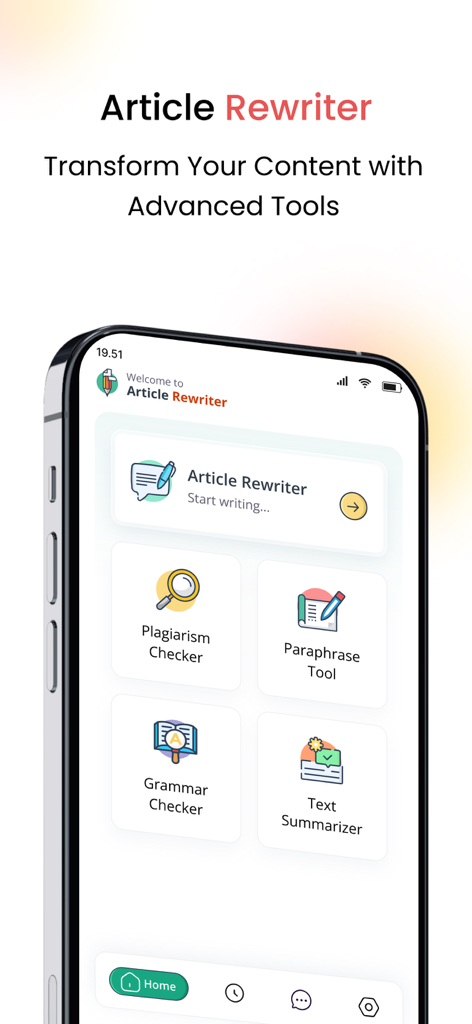
Interface of Article Rewriter app featuring plagiarism checker, grammar tool, and text summarizer.
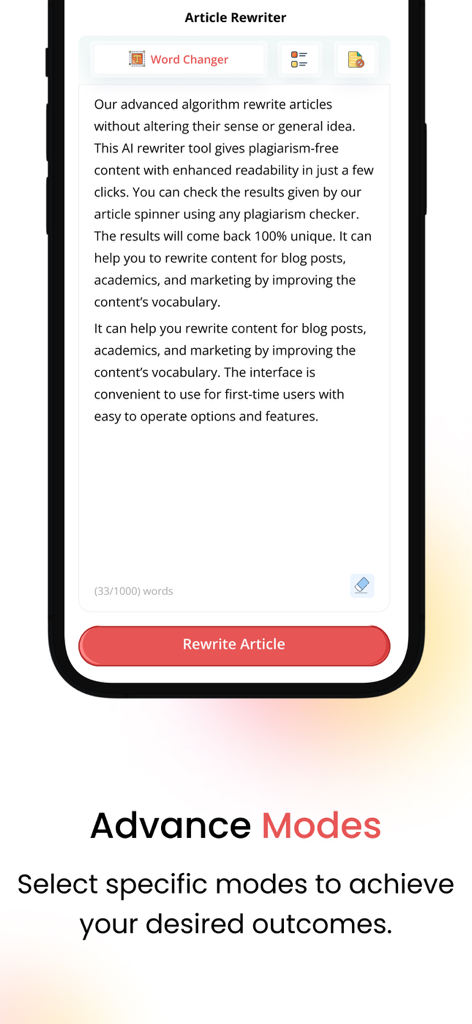
Article Rewriter app interface showcasing advanced modes for unique content creation
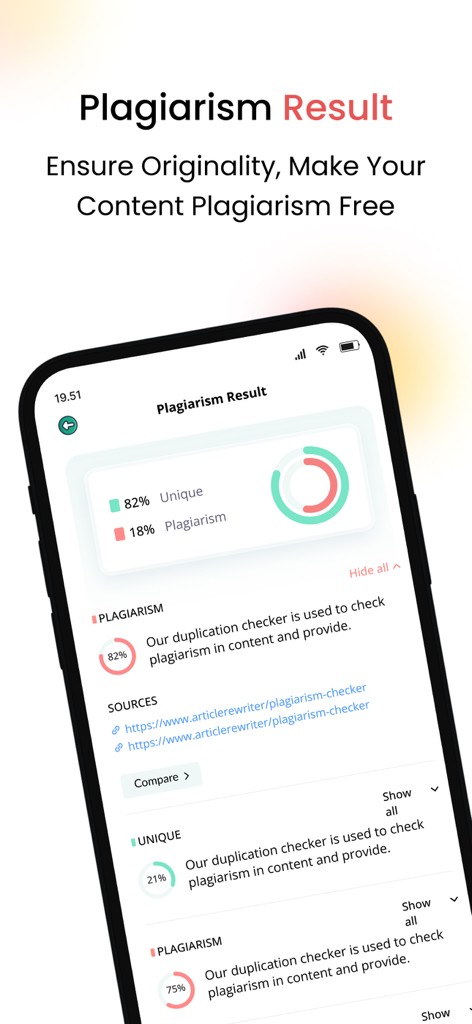
Mobile app screen showing a plagiarism report with percentage of uniqueness and original sources
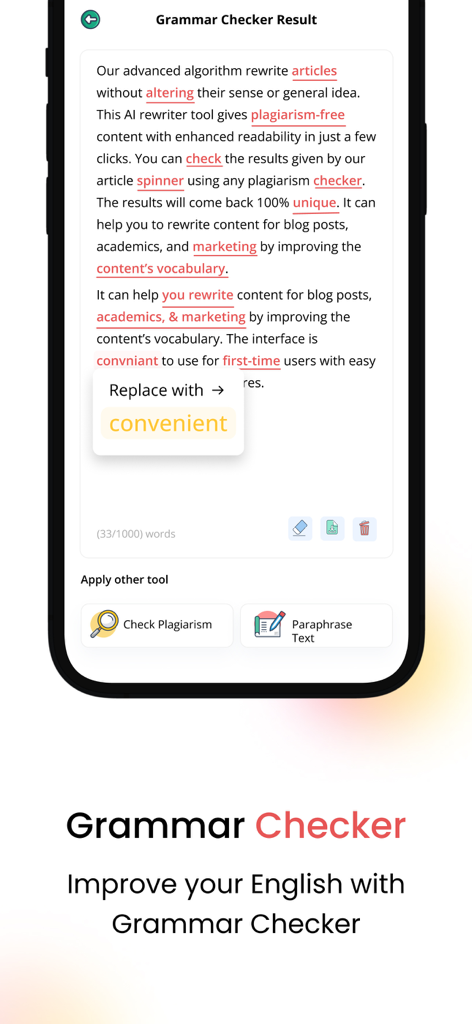
Article Rewriter app grammar checker interface showing sentence corrections
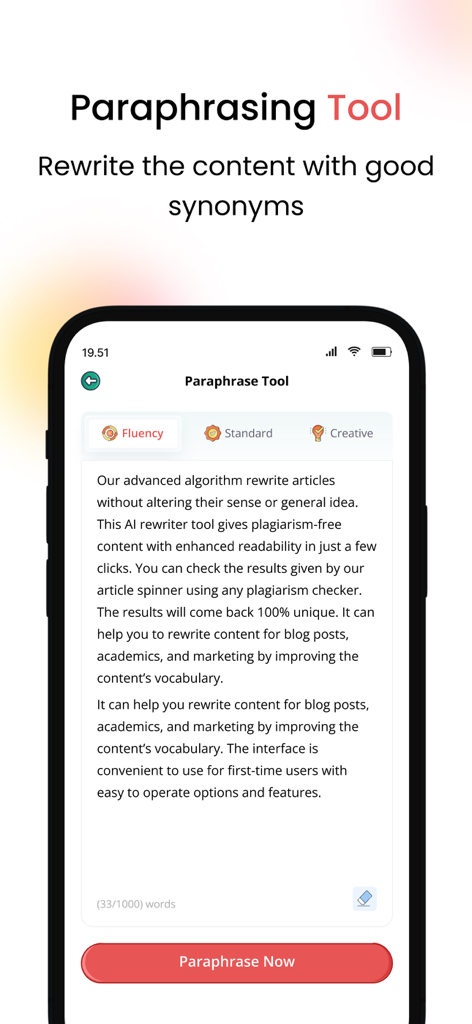
A mobile app screen titled Paraphrase Tool showing fluency standard and creative modes for rewriting content with a Paraphrase Now button
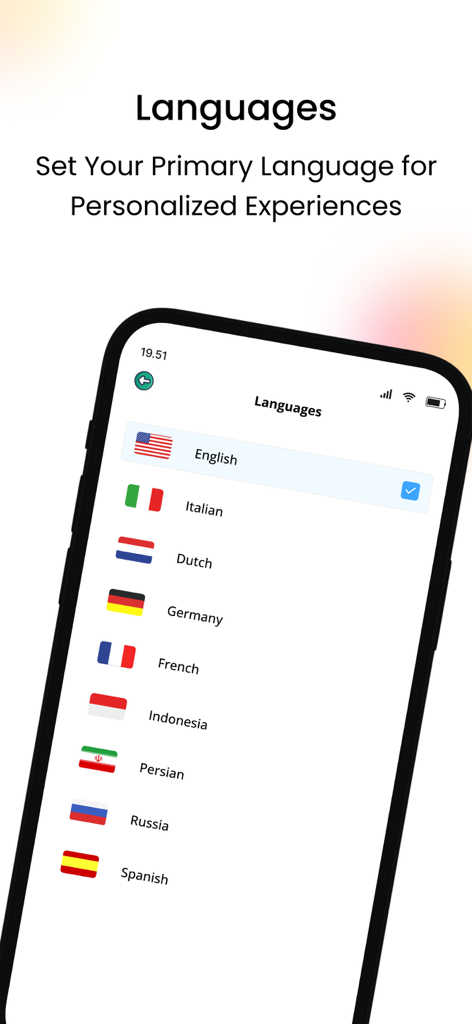
Language selection screen in the Article Rewriter app showing various language options with flags
Description
Download
More Like This
Top-ranked apps in the same category

Duolingo - Language Lessons
Duolingo, Inc

Speak & Learn English: Learna
DEEP FLOW SOFTWARE SERVICES - FZCO

Toca Boca World
Toca Boca AB

驾考宝典-科一科四驾驶证考试驾考通
Wuhan Jiakaobaodian Information Service Co., Ltd.

Google Classroom
Google LLC

作业帮-中小学家长作业检查和辅导工具
Guangzhou Polar Future Culture Technology Co., Ltd

Gauth: AI Study Companion
GAUTHTECH PTE. LTD.

Nail Salon Games for Kids 2-5
Brainytrainee Ltd

HelloTalk - Language Learning
HELLOTALK FOREIGN LANGUAGE EXCHANGE LEARNING TALK CHAT APP
This page is not an official page of the app or its developer, but an independent editorial publication created for informational and commentary purposes. Unless expressly stated otherwise, neither the app nor its developer is affiliated with, endorsed by, sponsored by, authorized by, or otherwise officially connected with MWM, Apple, Google Play, the app publisher, or the app's developer, and nothing on this page implies that the app was developed using MWM's services. Any trademarks, logos, screenshots, and other content remain the property of their respective owners.