
This page is not an official page of the app or its developer, but an independent editorial publication created for informational and commentary purposes. Unless expressly stated otherwise, neither the app nor its developer is affiliated with, endorsed by, sponsored by, authorized by, or otherwise officially connected with MWM, Apple, Google Play, the app publisher, or the app's developer, and nothing on this page implies that the app was developed using MWM's services. Any trademarks, logos, screenshots, and other content remain the property of their respective owners.

Audio Recorder Pro and Editor
Record, edit, and schedule with crystal-clear quality. From unlimited recording lengths to secure cloud syncing and offline transcription, it is the high-fidelity toolkit built for productivity hackers, journalists, and power users.
Downloads
287K+User Rating
Total Ratings
1K+Publisher
Category
BusinessLocales
26Latest Version
12.0.1Size
54.9 MBFirst Released
Nov 4, 2013Professional-Grade Audio Tools for Every Moment
From crystal-clear captures to precise edits and secure cloud syncing, experience the ultimate mobile studio designed for productivity power-users and high-stakes professionals.
Studio-Quality Recording
Capture up to 20 hours of high-fidelity audio with 32-bit depth support, silence detection, and auto-resume to ensure you never miss a word.
Precision Mobile Editing
Transform your phone into a workstation. Trim, erase mistakes, and amplify sound directly in the app to deliver polished audio instantly.
The following screenshots and description are sourced directly from the app's official store listing and are the property of the app developer.
App Store
Screenshots
Professional studio microphone and red logo for Audio Recorder Pro and Editor app on a dark background.
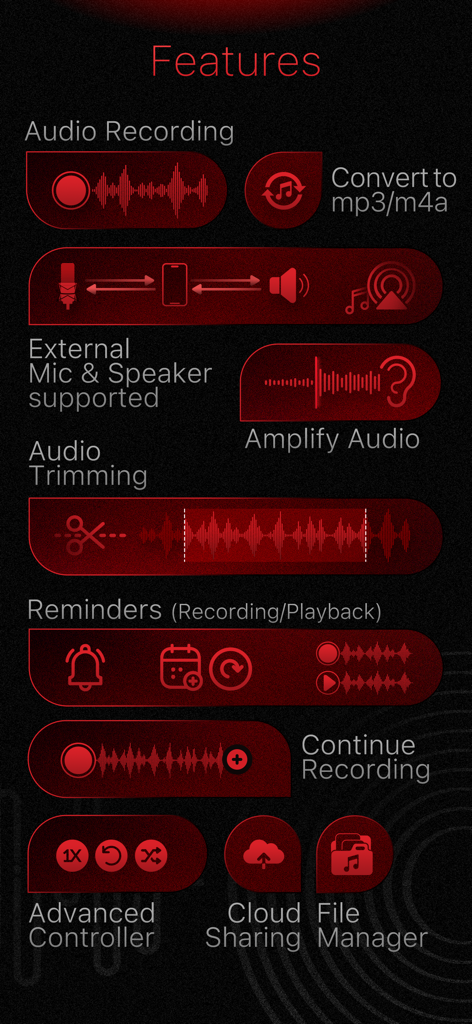
Overview of features in the Audio Recorder Pro app including recording tools audio trimming reminders and cloud sharing options
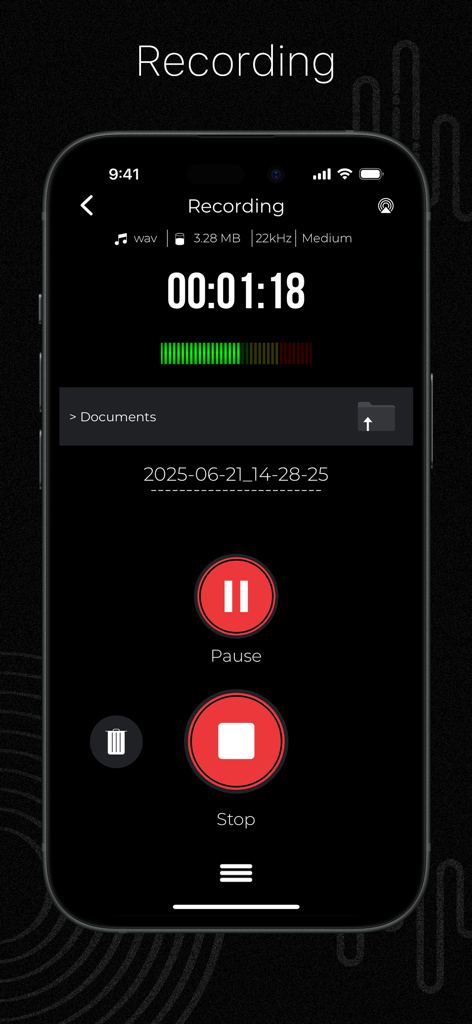
A smartphone screen displaying a professional audio recording interface with a digital timer and volume meters.
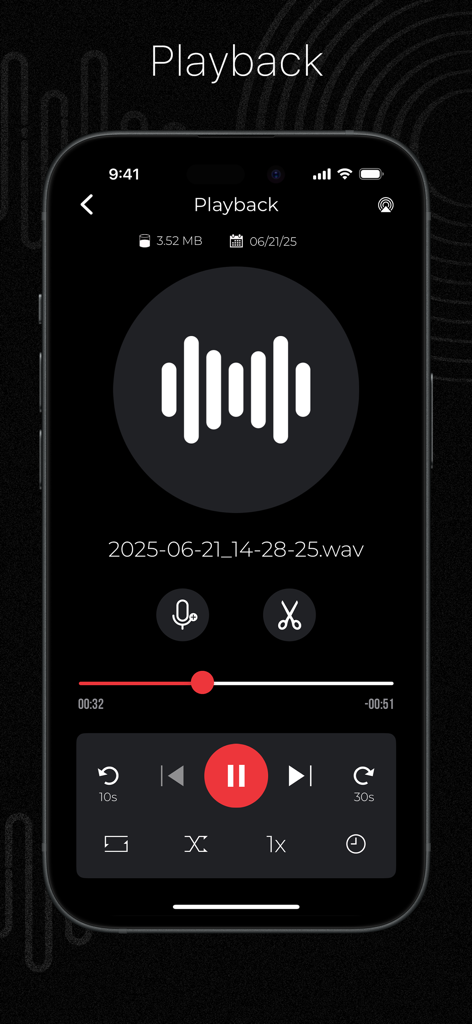
Playback screen of the Audio Recorder Pro app featuring a waveform display and audio editing controls
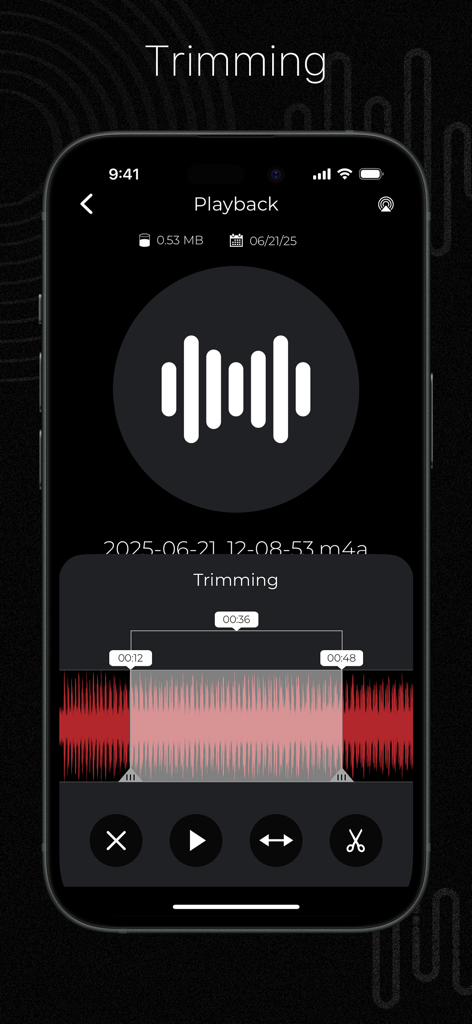
Interface of the Audio Recorder Pro app showing the audio trimming tool with waveform and time markers.
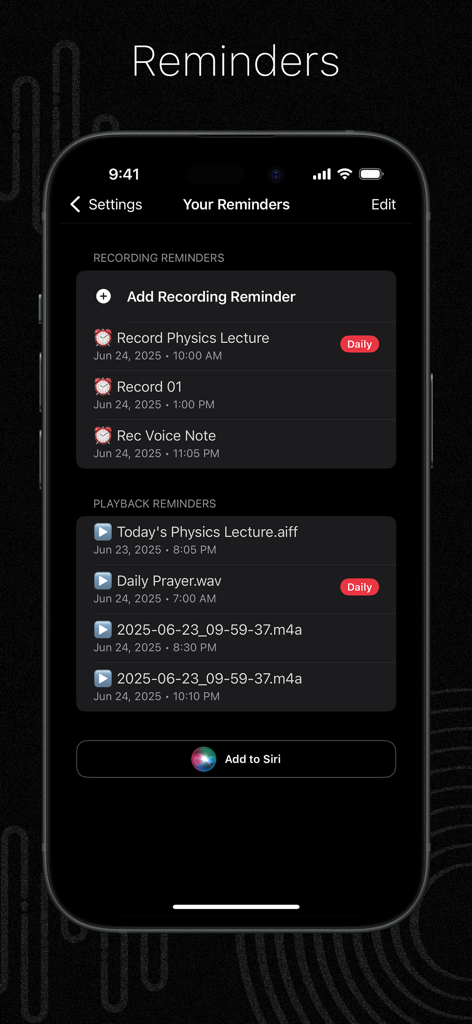
Audio Recorder Pro app interface showing recording and playback reminders for tasks like recording physics lectures.
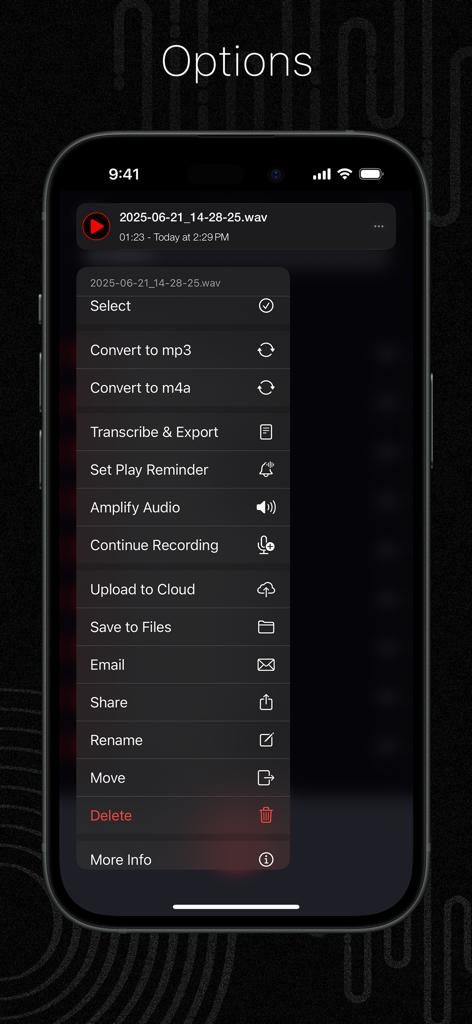
The options menu in Audio Recorder Pro showing file management and editing tools
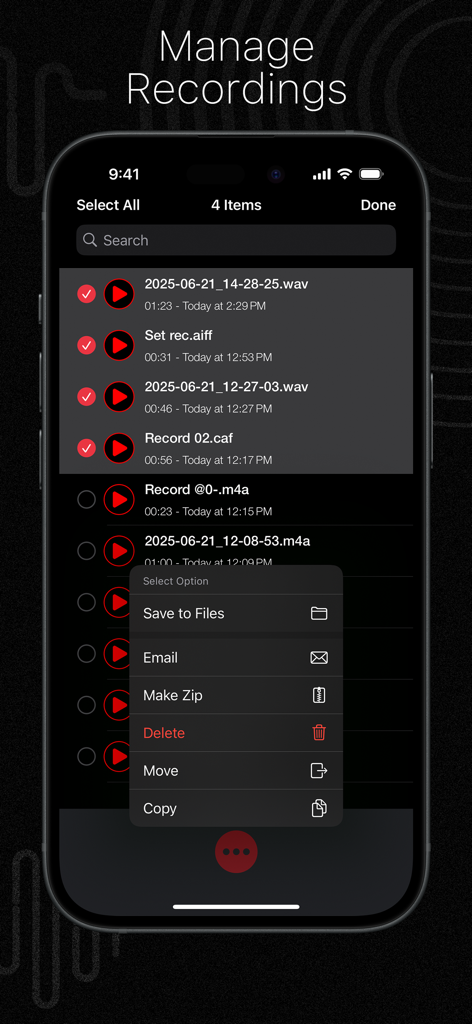
Manage Recordings screen in Audio Recorder Pro app showing file selection and management menu
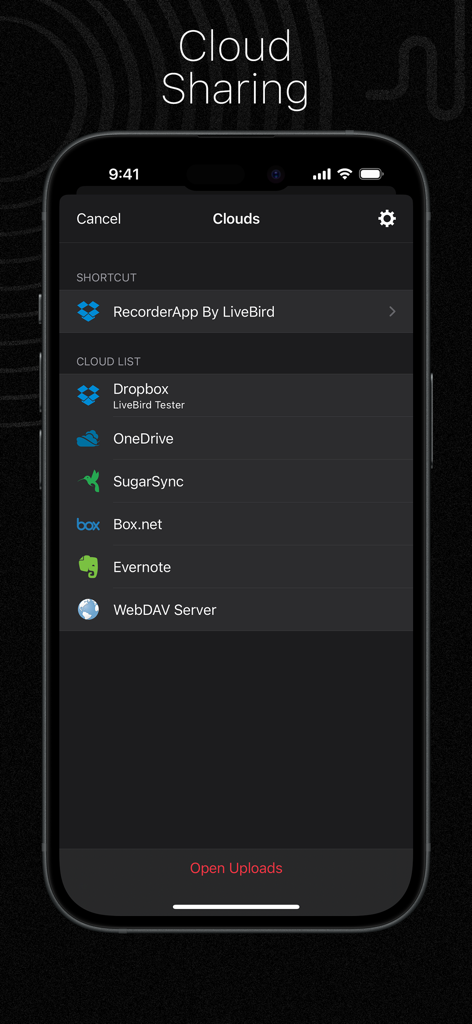
Interface of the Audio Recorder Pro app displaying cloud storage integration options including Dropbox OneDrive and Evernote
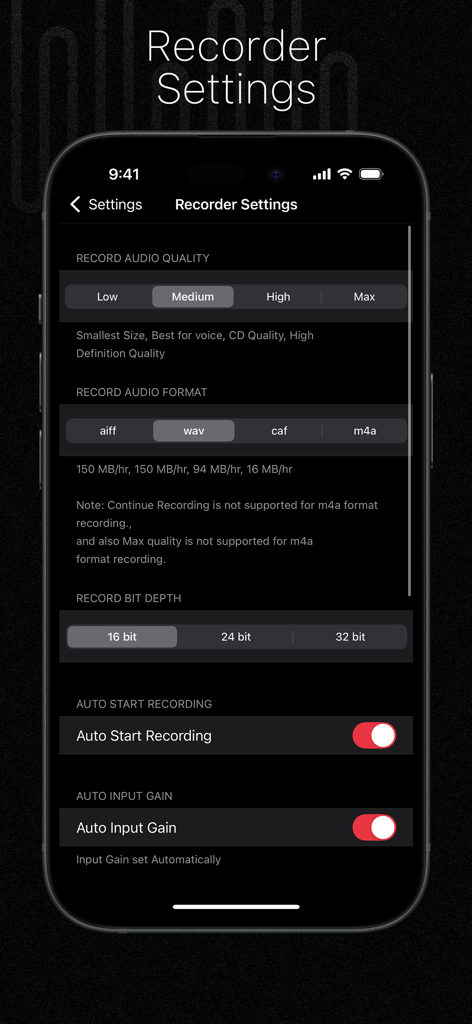
Audio Recorder Pro settings screen showing options for audio quality format and bit depth
Description
Download
More Like This
Top-ranked apps in the same category

Microsoft Teams
Microsoft Corporation

Zoom Workplace
Zoom Communications, Inc.

WhatsApp Business
WhatsApp Inc.

Indeed Job Search
Indeed Inc.

LinkedIn: Network & Job Finder
LinkedIn Corporation

Adobe Acrobat Reader: Sign PDF
Adobe Inc.

WeCom-Work Communication&Tools
Tencent Technology (Shenzhen) Company Limited

BOSS直聘-招聘求职找工作神器
Beijing China Product Bo Farce Network Technology Co., Ltd.

DingDing - Redefine Work in AI
DingTalk Technology Co., Ltd.
This page is not an official page of the app or its developer, but an independent editorial publication created for informational and commentary purposes. Unless expressly stated otherwise, neither the app nor its developer is affiliated with, endorsed by, sponsored by, authorized by, or otherwise officially connected with MWM, Apple, Google Play, the app publisher, or the app's developer, and nothing on this page implies that the app was developed using MWM's services. Any trademarks, logos, screenshots, and other content remain the property of their respective owners.