
This page is not an official page of the app or its developer, but an independent editorial publication created for informational and commentary purposes. Unless expressly stated otherwise, neither the app nor its developer is affiliated with, endorsed by, sponsored by, authorized by, or otherwise officially connected with MWM, Apple, Google Play, the app publisher, or the app's developer, and nothing on this page implies that the app was developed using MWM's services. Any trademarks, logos, screenshots, and other content remain the property of their respective owners.


AudioMaster: Audio Editor
Turn your recordings into radio-ready masters. Automatically enhance your podcasts, music, and videos with professional volume boosting and AI-powered sonic sweetening in one tap.
Downloads
1M+User Rating
Total Ratings
2K+Publisher
Category
MusicLocales
23Latest Version
3.11Size
175.2 MBFirst Released
Jul 14, 2016Professional Polish in Seconds
AudioMaster uses advanced algorithms to turn your mobile recordings into studio-quality masters ready for Spotify, YouTube, and Apple Podcasts.
Instant One-Tap Mastering
Maximize volume and sweeten your sound automatically using 39 genre-specific presets designed for professional results.
AI-Powered Noise Cleanup
Save your recordings by instantly removing background hiss and noise from voice memos, interviews, or home-recorded demos.
Frequently Asked Questions
Everything you need to know about AudioMaster: Audio Editor
What is AudioMaster: Audio Editor App?
AudioMaster is an audio editor app that instantly maximizes volume and enhances sonic characteristics of recordings. It also creates AI videos and Reels.
Does AudioMaster provide audio mastering presets?
Yes, AudioMaster offers 39 presets across 13 genres with 3 settings per genre. It also includes a fully adjustable 6-band equalizer for custom sound shaping.
Can AudioMaster be used for video editing and creation?
Yes, AudioMaster supports creating AI Videos and Reels. It offers features like Video Audio Splitter MSV Remix and MAIVE AI Video Generator.
Is AudioMaster: Audio Editor App free to download?
Yes, the AudioMaster app is free to download. Users can try the app's features before committing to an unlimited use subscription.
What subscription options does AudioMaster provide?
AudioMaster offers three unlimited use subscription plans: Monthly, 6-Month, and Yearly. These plans auto-renew via the user's iTunes account.
How do I manage my AudioMaster app subscription?
Users manage AudioMaster subscriptions through their iTunes account settings. Auto-renewal can be disabled at any time from these settings.
Is AudioMaster compatible with other audio applications or DAWs?
Yes, AudioMaster is compatible with Audiobus, Inter-App Audio (IAA), and Audio Unit v3 (AUv3). This allows its use as a plugin in compatible digital audio workstations.
Can AudioMaster remove background noise from recordings?
Yes, AudioMaster includes features designed to remove noise from audio. These include "Remove Noise from Audio" and "Audio Cleaner AI Audio Cleanup Magic."
Does AudioMaster allow custom equalization?
Yes, AudioMaster provides a fully adjustable 6-band equalizer for custom settings. Users can save and load their personalized equalizer configurations.
The following screenshots and description are sourced directly from the app's official store listing and are the property of the app developer.
App Store
Screenshots
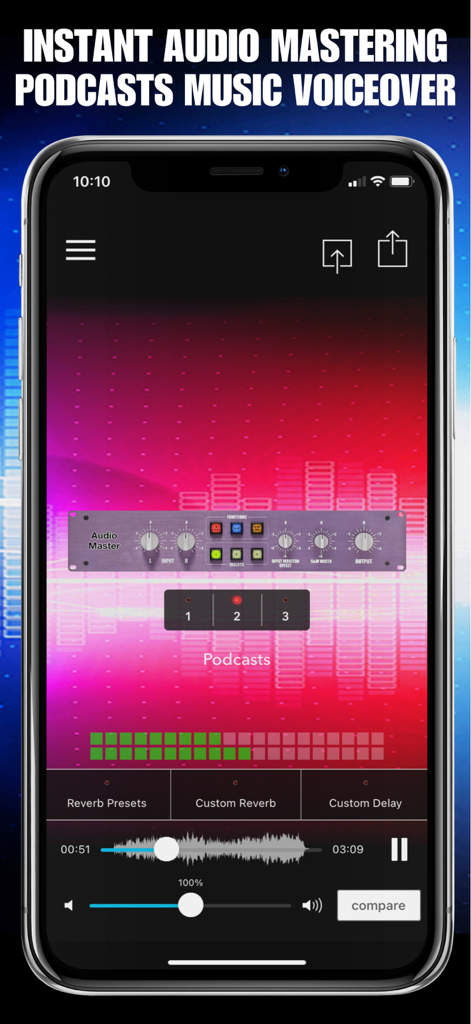
Mobile app interface of AudioMaster showing professional mastering controls and waveforms for podcast production
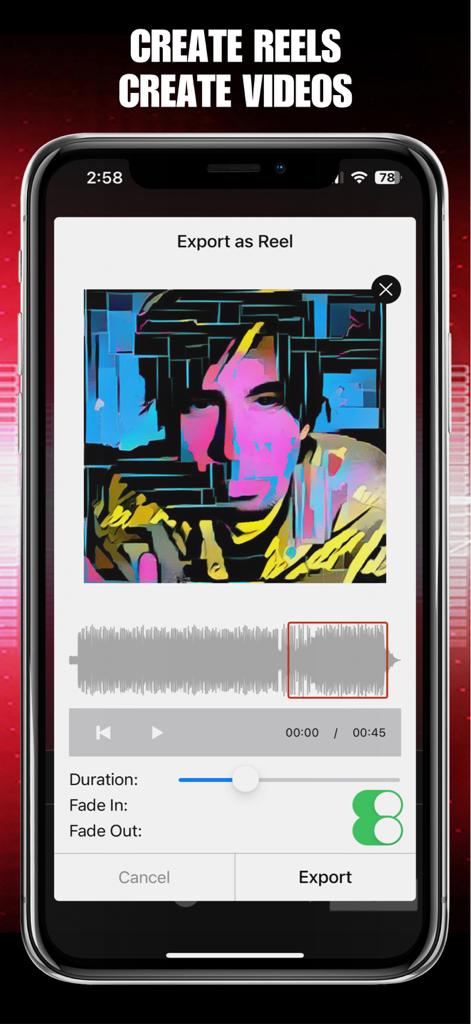
AudioMaster app interface showing the export as reel feature with audio waveform and visual settings
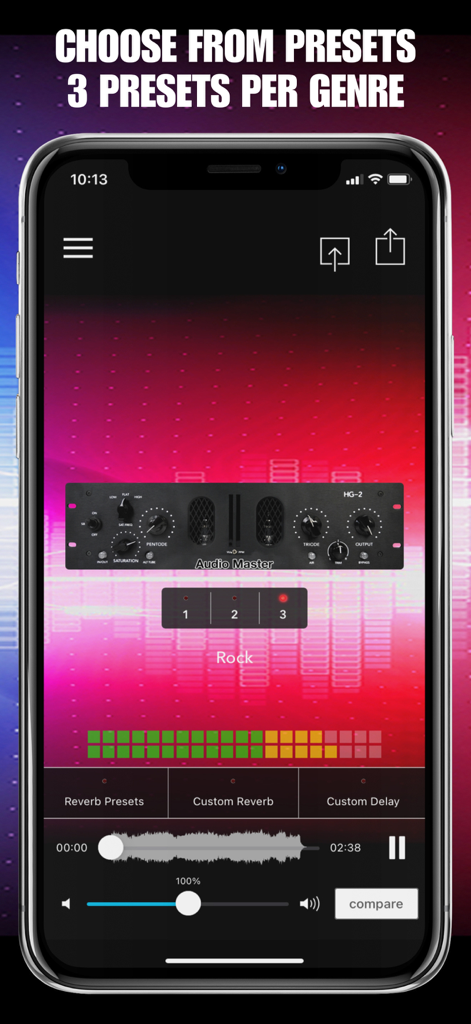
Smartphone screen showing the AudioMaster app interface with three mastering presets for the Rock genre
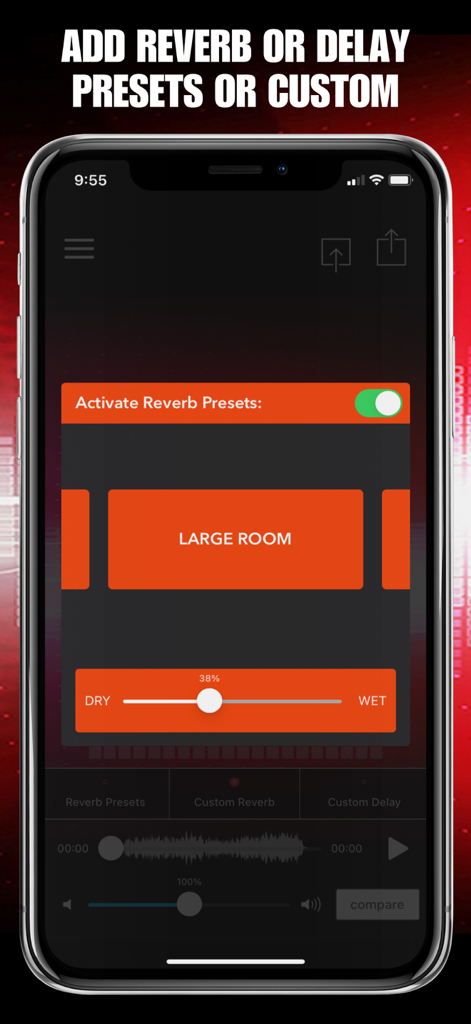
Interface of AudioMaster app featuring reverb preset options and a slider to adjust audio depth
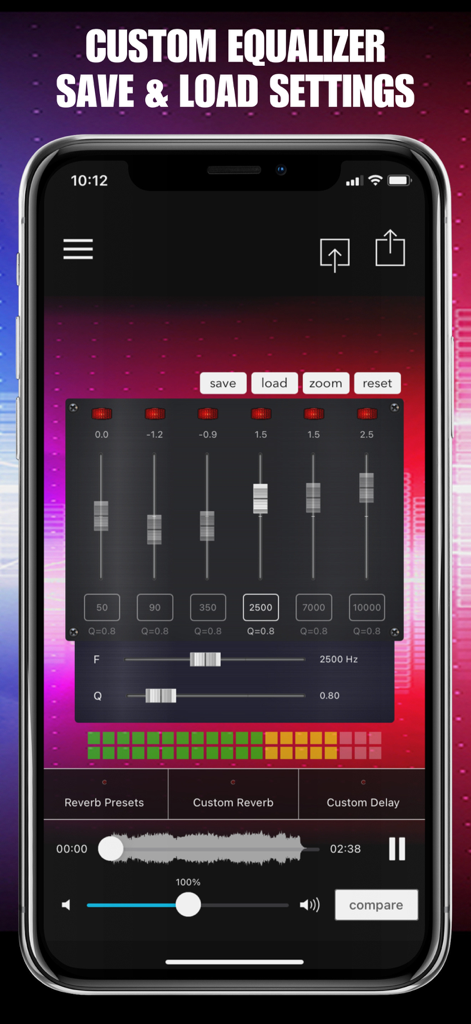
AudioMaster app custom equalizer interface with six band sliders and save settings
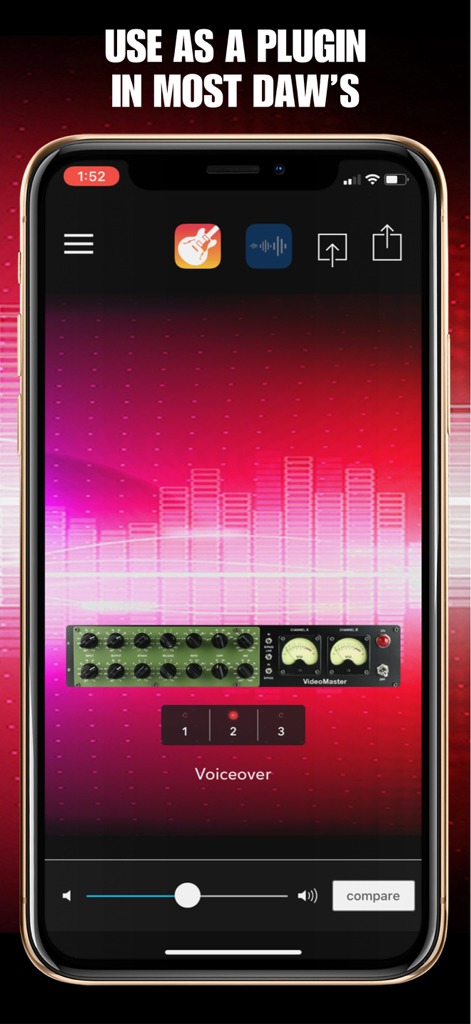
AudioMaster app interface showing its usage as a plugin within a mobile digital audio workstation for professional voiceover mastering
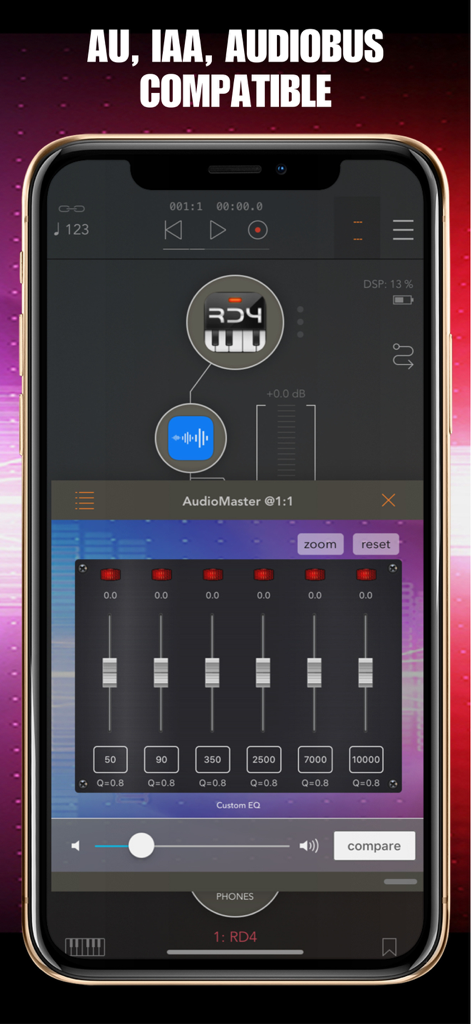
AudioMaster app interface showing a 6 band custom equalizer and AU IAA Audiobus compatibility
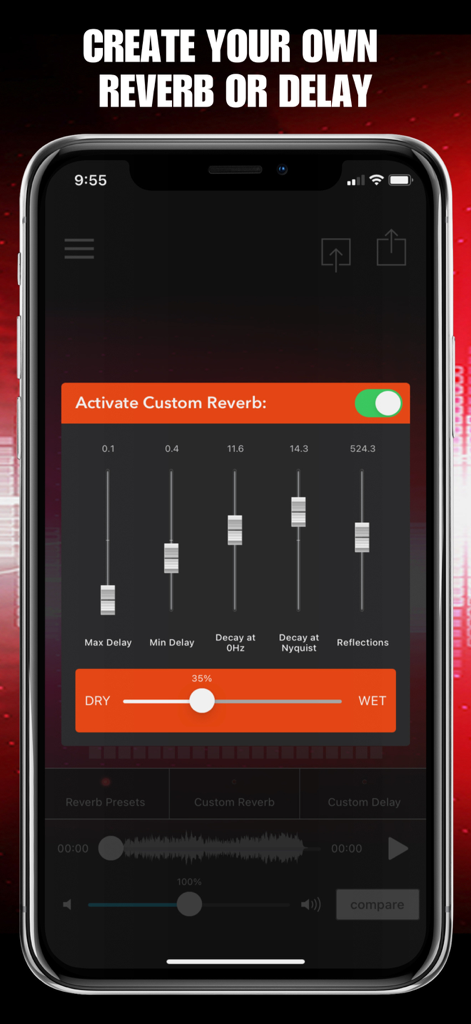
Mobile screen of AudioMaster app showing custom reverb and delay settings with adjustable sliders
Description
Download
More Like This
Apps with similar features and user experience

This page is not an official page of the app or its developer, but an independent editorial publication created for informational and commentary purposes. Unless expressly stated otherwise, neither the app nor its developer is affiliated with, endorsed by, sponsored by, authorized by, or otherwise officially connected with MWM, Apple, Google Play, the app publisher, or the app's developer, and nothing on this page implies that the app was developed using MWM's services. Any trademarks, logos, screenshots, and other content remain the property of their respective owners.