
This page is not an official page of the app or its developer, but an independent editorial publication created for informational and commentary purposes. Unless expressly stated otherwise, neither the app nor its developer is affiliated with, endorsed by, sponsored by, authorized by, or otherwise officially connected with MWM, Apple, Google Play, the app publisher, or the app's developer, and nothing on this page implies that the app was developed using MWM's services. Any trademarks, logos, screenshots, and other content remain the property of their respective owners.

AudioNote™
The ultimate notepad and voice recorder for professionals and students. Tap your notes to instantly jump to the exact moment in the audio, ensuring you always have the full context of every lecture, meeting, and interview.
Downloads
180K+User Rating
Total Ratings
2K+Publisher
Category
BusinessLocales
5Latest Version
7.2.1Size
15.6 MBFirst Released
Apr 29, 2010Capture Every Detail with Precision
AudioNote transforms your note-taking by bridging the gap between what you write and what you hear, ensuring you never lose the context of a lecture or meeting.
Tap-to-Seek Audio
Don't waste time scrubbing through hours of recording. Simply tap any note or drawing to instantly play the audio from that exact moment.
Synchronized Playback
Watch your text and sketches highlight in real-time during playback, recreating the full context of your discussion as it happened.
Frequently Asked Questions
Everything you need to know about AudioNote™
What is AudioNote?
AudioNote is an application that combines notepad and voice recorder functionalities. It synchronizes notes and audio, creating an indexed record of meetings or lectures, allowing users to quickly find specific information.
How does AudioNote synchronize notes and audio?
Yes, AudioNote automatically synchronizes notes and audio. Each note acts as a link, taking users directly to the point in the recording where it was created, facilitating quick review.
What types of notes can I insert in AudioNote?
AudioNote allows users to insert text, drawings, photos, and highlighter notes. These can highlight during playback, aiding in remembering the context in which they were taken.
Can AudioNote be used with PDF documents?
Yes, AudioNote supports importing and taking notes directly on PDF documents. This feature is specifically available for iPad users.
How can I share or export notes from AudioNote?
AudioNote supports sharing notes via iCloud, Dropbox, WiFi, or iTunes. Users can also view their .audionote files on Mac or PC using desktop support.
Is there a free version of AudioNote available?
Yes, users can try AudioNote LITE for free. This allows potential users to experience the app's functionality before purchasing the full version.
Does AudioNote offer an audio amplifier for recordings?
Yes, AudioNote includes an audio amplifier. This feature is designed for recordings made in larger conference rooms, improving sound clarity.
The following screenshots and description are sourced directly from the app's official store listing and are the property of the app developer.
App Store
Screenshots
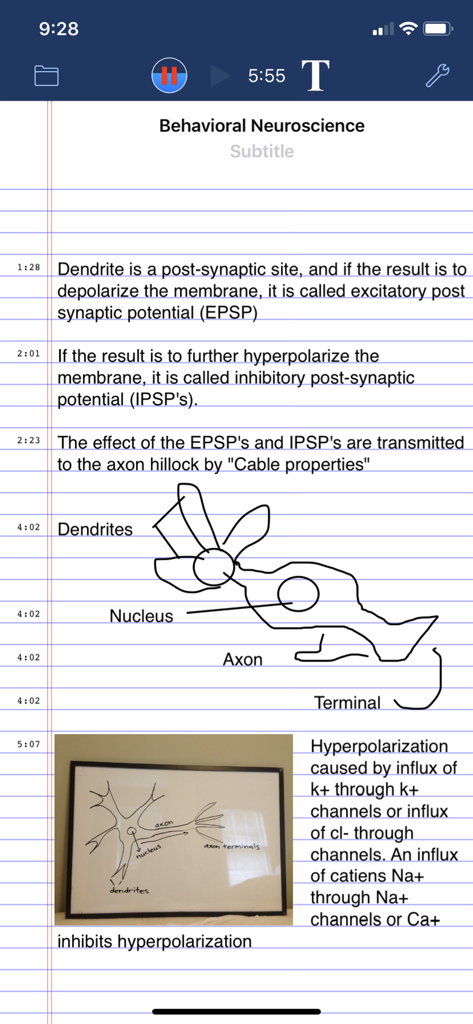
AudioNote app interface showing text and hand-drawn diagrams synchronized with audio recording for a neuroscience lecture.
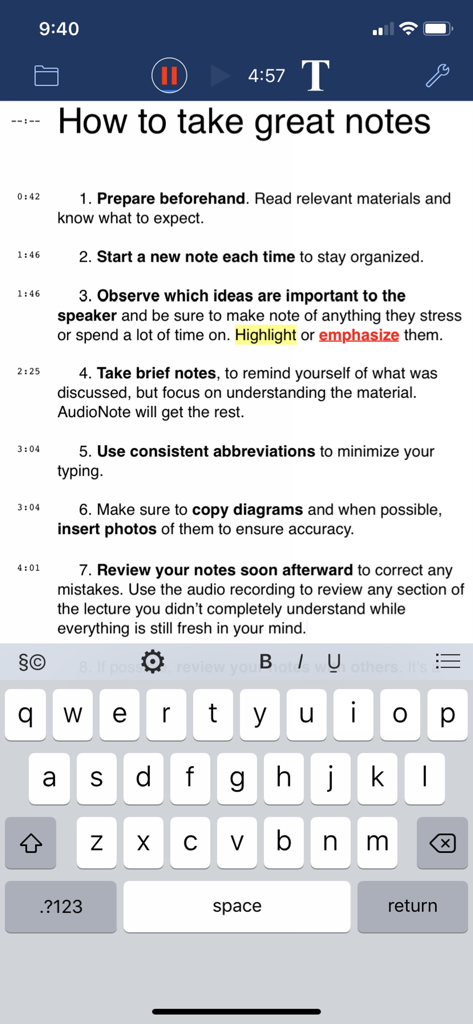
AudioNote app interface on iPhone showing typed notes synchronized with a live audio recording and timestamps
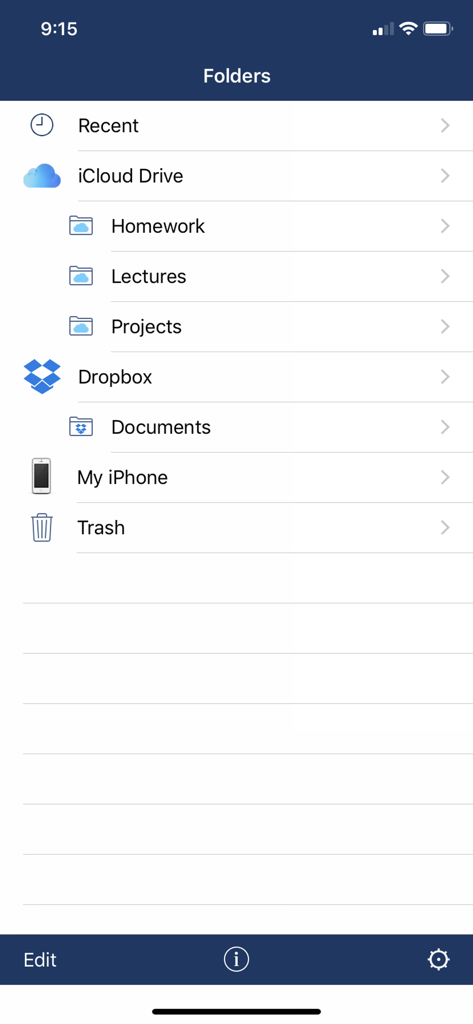
AudioNote app interface showing folder organization and cloud storage integration for iCloud and Dropbox
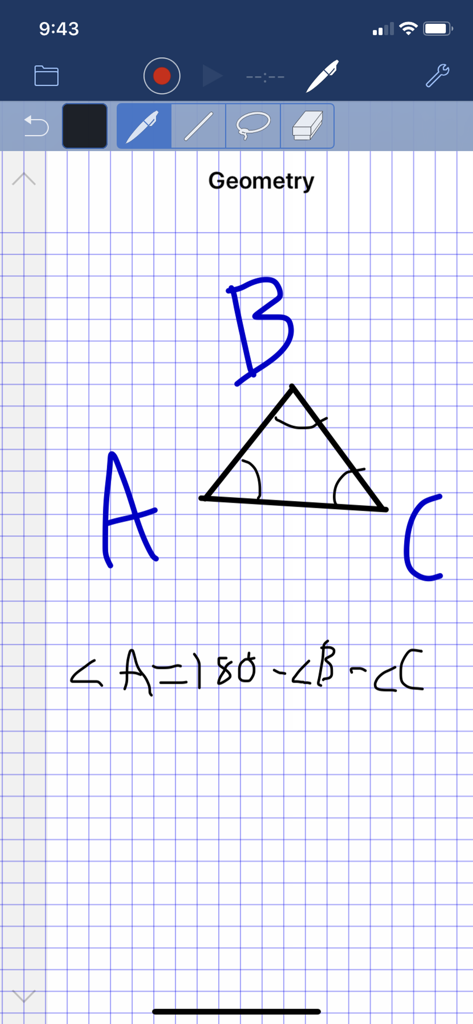
AudioNote app interface showing handwritten geometry notes and audio recording features.
Description
Download
More Like This
Apps with similar features and user experience

Plaud: AI Note Taker
PLAUD LLC

Notee: AI Note Taker
GM UniverseApps Limited

클로바노트 - 음성 그 이상의 기록
NAVER Corp.

录音专家-专业录音转文字助手
Chongqing Yeyuegua Technology Co., Ltd

听脑AI - 实时录音转文字总结助手
Shanghai Xiuyu Network Technology Co., Ltd

Granola - AI Meeting Notes
Granola inc

Transkriptor - Speech to Text
Textintel FZE

Minutes: AI Meeting Note Taker
Minutes AI, LLC

Fireflies: AI notetaker
FIREFLIES.AI CORP.
This page is not an official page of the app or its developer, but an independent editorial publication created for informational and commentary purposes. Unless expressly stated otherwise, neither the app nor its developer is affiliated with, endorsed by, sponsored by, authorized by, or otherwise officially connected with MWM, Apple, Google Play, the app publisher, or the app's developer, and nothing on this page implies that the app was developed using MWM's services. Any trademarks, logos, screenshots, and other content remain the property of their respective owners.