
This page is not an official page of the app or its developer, but an independent editorial publication created for informational and commentary purposes. Unless expressly stated otherwise, neither the app nor its developer is affiliated with, endorsed by, sponsored by, authorized by, or otherwise officially connected with MWM, Apple, Google Play, the app publisher, or the app's developer, and nothing on this page implies that the app was developed using MWM's services. Any trademarks, logos, screenshots, and other content remain the property of their respective owners.


AutoClicker - Auto Scroll: OP
Tired of the digital grind? This app unleashes your device's hidden automation powers, freeing you from endless taps and scrolls.
Downloads
100k+User Rating
Total Ratings
8.3KPublisher
Category
UtilitiesLocales
11Latest Version
2.8Size
75.2 MBFirst Released
Jan 27, 2023An Analytical Overview of 'AutoClicker - Auto Scroll: OP' Capabilities
Key Automation and Utility Features
Multi-Action Scripting
It allows users to define, execute, and save complex sequences of clicks and swipes across multiple screen points, significantly boosting efficiency in games and routine app usage.
Customizable Auto-Clicking
The app provides highly precise and customizable auto-clicking, enabling users to automate single taps at specific locations and intervals, perfect for rapid interactions or farming in games.
Hands-Free Auto-Scroll
This tool features automatic scrolling, allowing users to effortlessly navigate content on social media, websites, or apps without continuous manual input.
Ambient Soundscapes for Focus
It allows users to access and customize soundscapes, including white noise and nature sounds, with features like environmental adaptation and timers, catering to relaxation, focus, or tinnitus relief.
The following screenshots and description are sourced directly from the app's official store listing and are the property of the app developer.
App Store
Screenshots
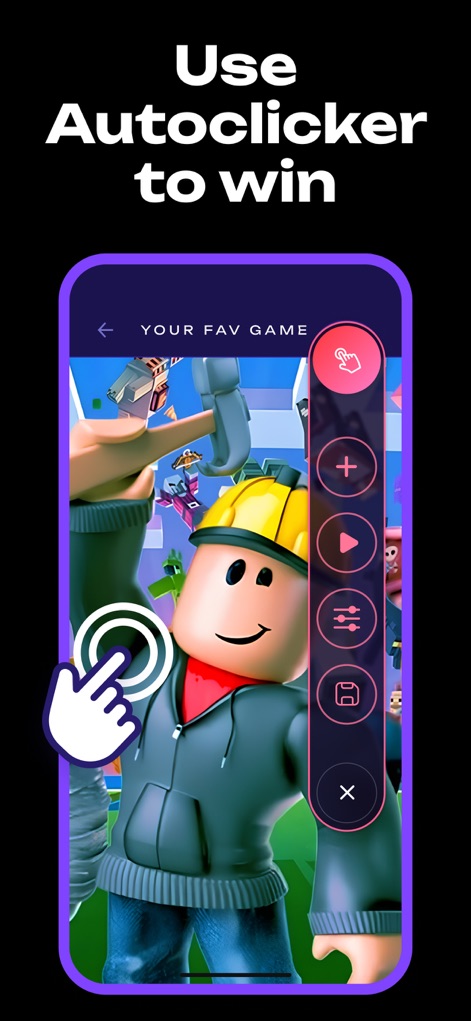
See how the app's intuitive floating control panel enables seamless interaction within a vibrant game environment for strategic advantages.
Game Automation Power
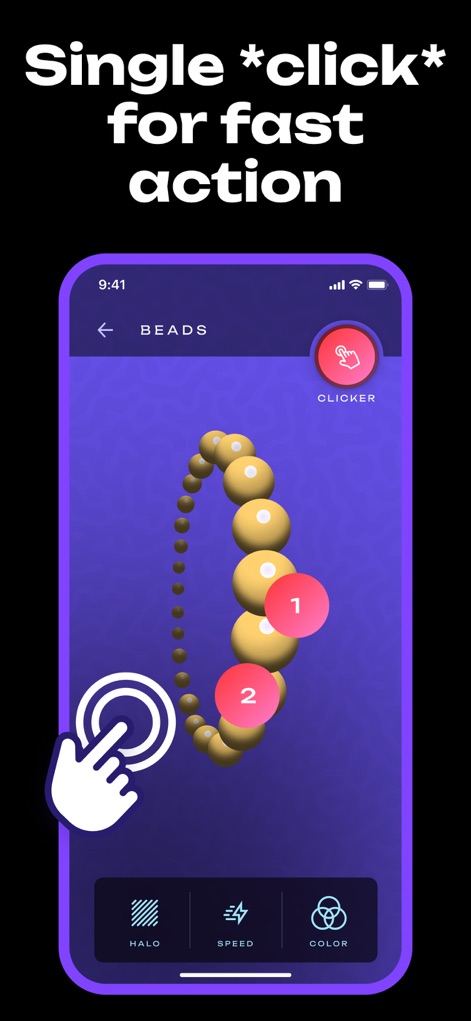
Observe how users can precisely define single click points with numbered indicators and customize visual feedback through options like halo and color.
Precision Single Click
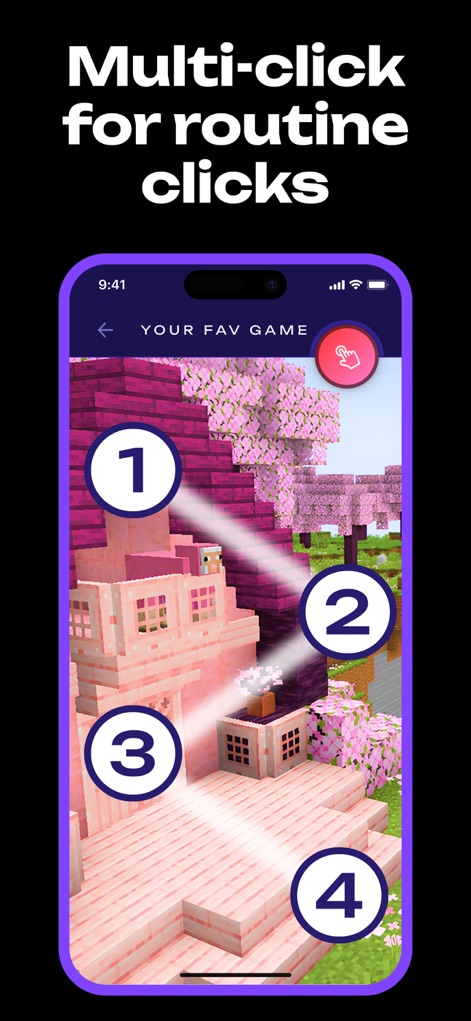
This visual demonstrates the app's ability to execute multiple numbered click points across various screen areas within a detailed game setting.
Dynamic Multi-Click
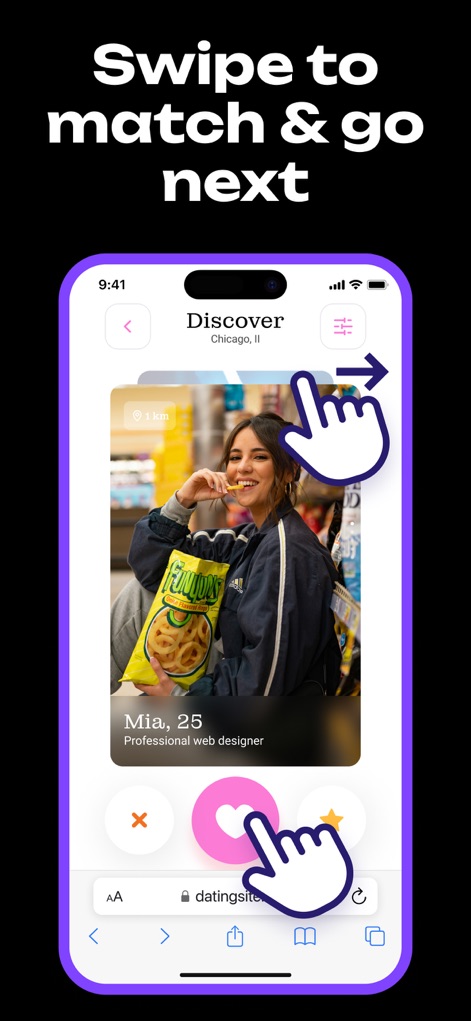
Explore how the app automates common swipe gestures for navigation and interaction with interactive icons like the heart for effortless engagement.
Effortless Swipe Actions
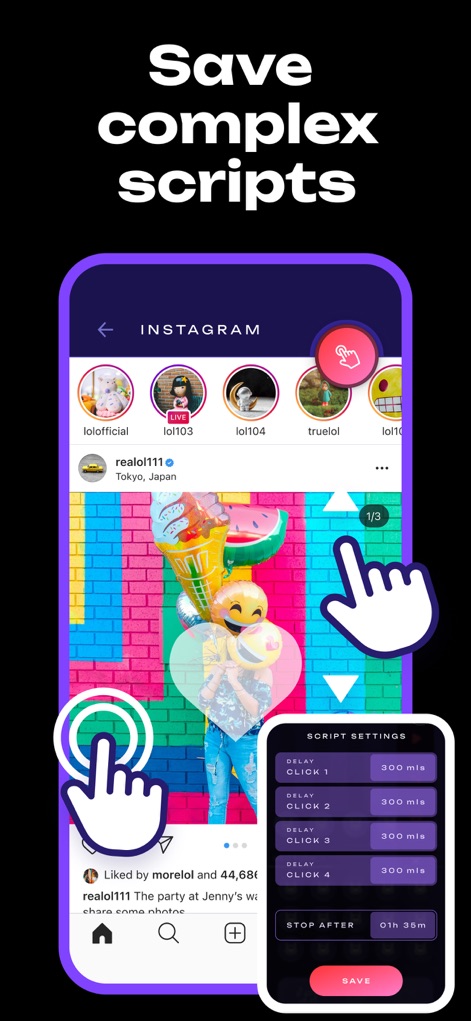
This tool allows users to define and save advanced script settings with custom delays and click types directly within popular social media platforms like Instagram.
Advanced Script Creation

Discover how the app facilitates continuous media playback in a video player interface, offering options like 'Swipe 15 sec' and 'Double click 15 sec' for background audio and relaxation.
Audio Wellness Automation
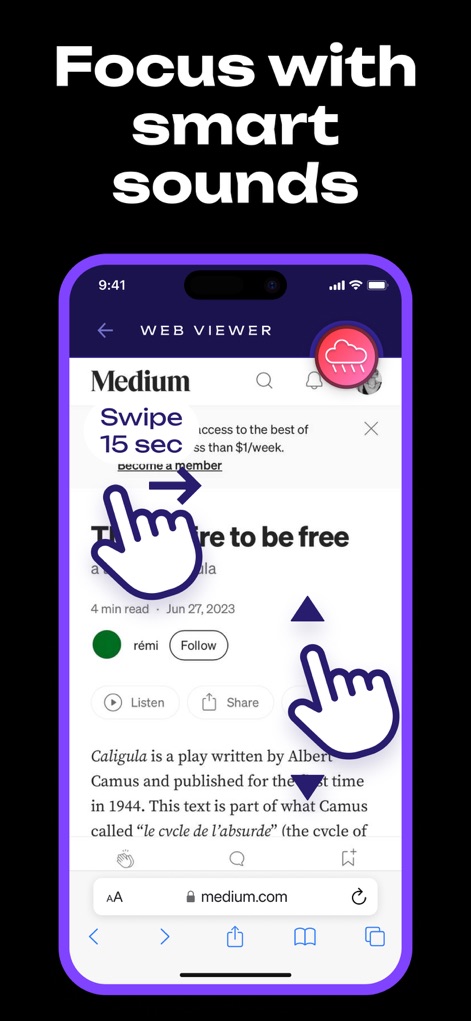
See how this tool enhances concentration within a web viewer environment by automating upward scroll actions and integrating smart sound features for improved focus.
Smart Sound Focus
Description
Download
More Like This
Apps with similar features and user experience

自动ּ连点器 - 自动点击器
壮壮 彭

连点器-高效自动点击按键辅助工具
和圆 魏

连点器 - 自动点击持续滚动刷新&旋转指针工具
源 韦

自动点击器·连点器
磊 赵

Auto Clicker-Auto Tapper tool
佳豪 张

Auto Clicker - AutoTap App
Max Luschenko

连点器-自动连点神器&点赞抢购助手
倩格 刘

Auto Clicker: Click Automatic
RH LANDSCAPING LLC

Auto Clicker - Tap Assistant
乐飞 张
This page is not an official page of the app or its developer, but an independent editorial publication created for informational and commentary purposes. Unless expressly stated otherwise, neither the app nor its developer is affiliated with, endorsed by, sponsored by, authorized by, or otherwise officially connected with MWM, Apple, Google Play, the app publisher, or the app's developer, and nothing on this page implies that the app was developed using MWM's services. Any trademarks, logos, screenshots, and other content remain the property of their respective owners.