
This page is not an official page of the app or its developer, but an independent editorial publication created for informational and commentary purposes. Unless expressly stated otherwise, neither the app nor its developer is affiliated with, endorsed by, sponsored by, authorized by, or otherwise officially connected with MWM, Apple, Google Play, the app publisher, or the app's developer, and nothing on this page implies that the app was developed using MWM's services. Any trademarks, logos, screenshots, and other content remain the property of their respective owners.


awnet
The essential bridge to bring your WS-2000, WS-2902, and WS-5000 series online. Unlock real-time hyper-local data and connect your home station to the world in minutes.
Downloads
176K+User Rating
Total Ratings
300Publisher
Category
WeatherLocales
1Latest Version
1.0.16Size
15.7 MBFirst Released
Feb 1, 2018Unleash Your Station's Full Potential
The essential connection bridge for your Ambient Weather hardware, turning your local sensor data into a powerful, cloud-connected weather hub.
Instant Hardware Sync
Easily link your WS-2000, WS-2902, or WS-5000 console to your WiFi network with a guided setup process.
Global Data Broadcasting
Join the community of citizen scientists by broadcasting your hyper-local weather data to global networks and tracking apps.
The following screenshots and description are sourced directly from the app's official store listing and are the property of the app developer.
App Store
Screenshots
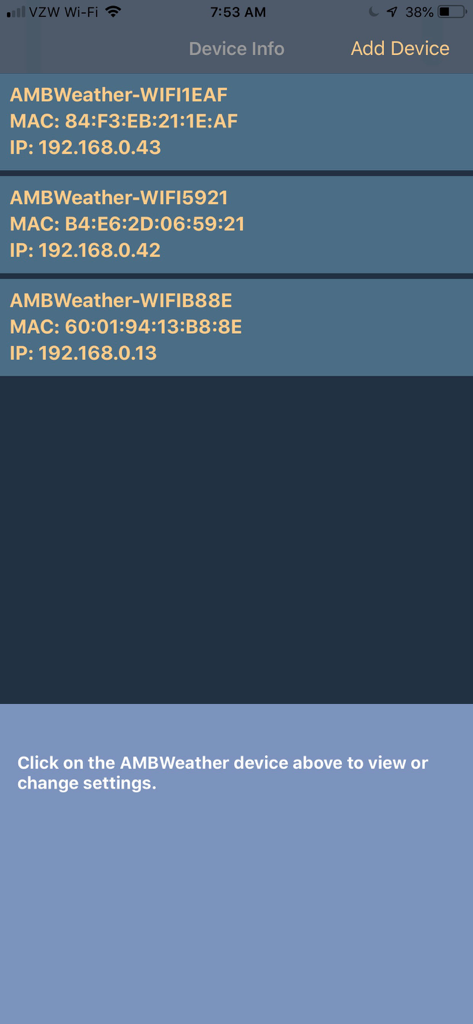
The Device Info screen in the awnet app listing connected Ambient Weather stations with their MAC and IP addresses
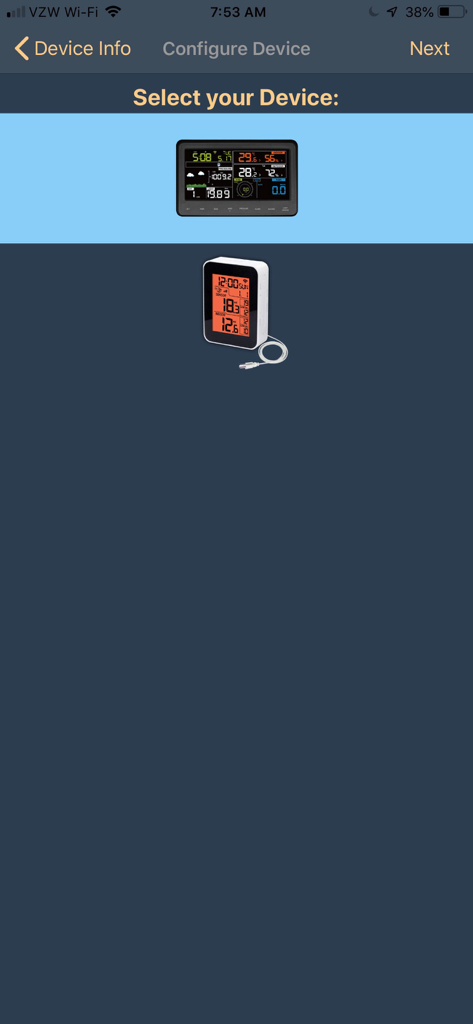
Interface for selecting an Ambient Weather station console to configure within the awnet app
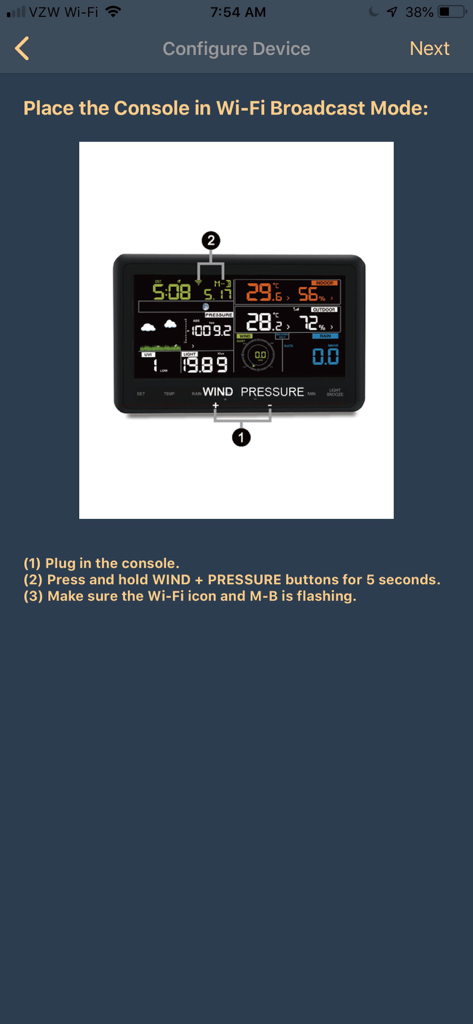
Awnet app interface displaying instructions for placing an Ambient Weather console into Wi-Fi broadcast mode including a hardware diagram.
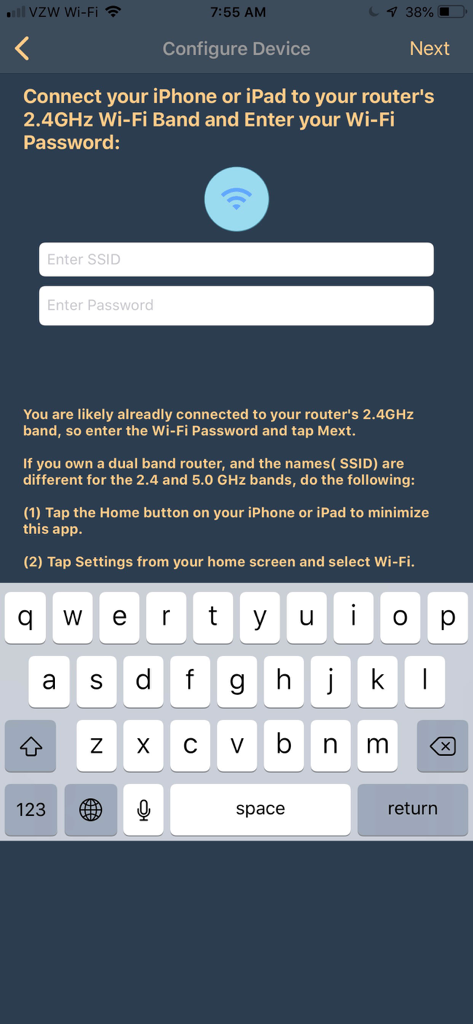
Awnet app wifi setup and device configuration interface
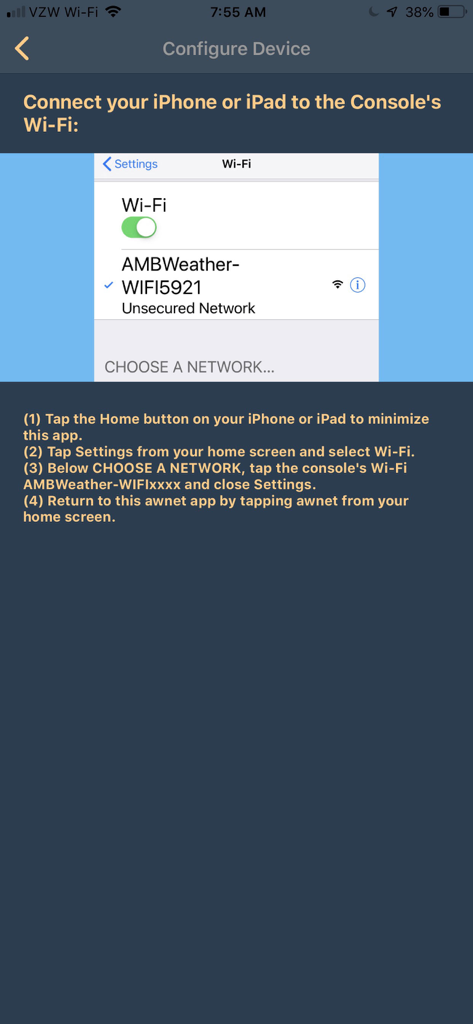
Screenshot of the awnet app showing step-by-step instructions to connect a smartphone to the weather station console Wi-Fi network.
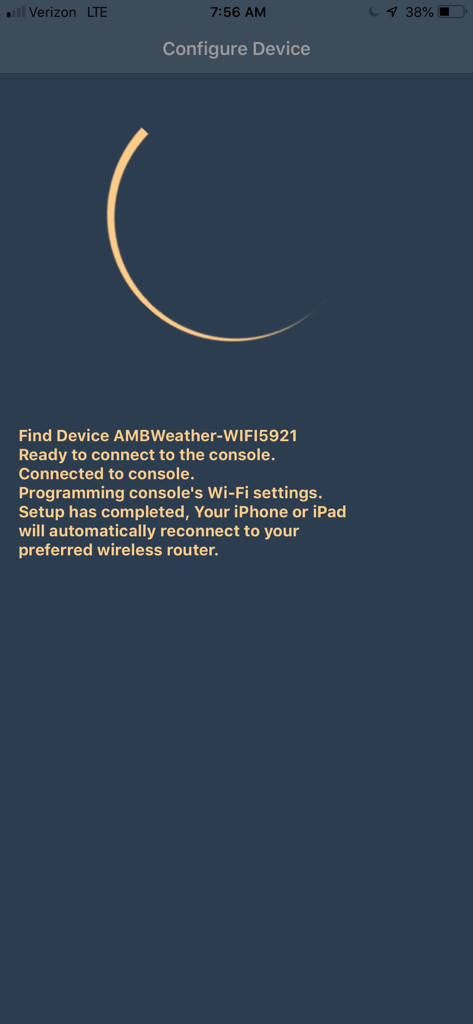
The Configure Device screen of the awnet app displaying successful setup steps for a weather station console.
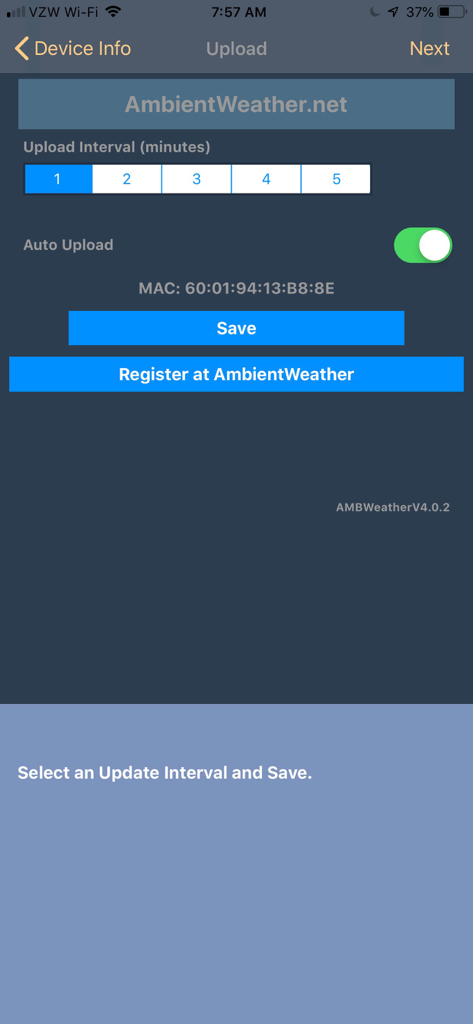
Awnet app screen for setting data upload intervals and registering Ambient Weather hardware
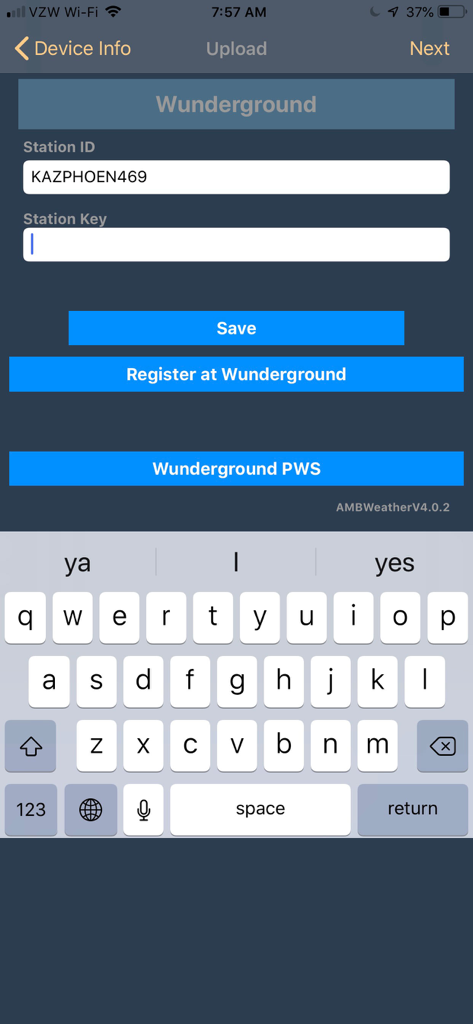
The awnet app interface for configuring Weather Underground with fields for Station ID and Station Key
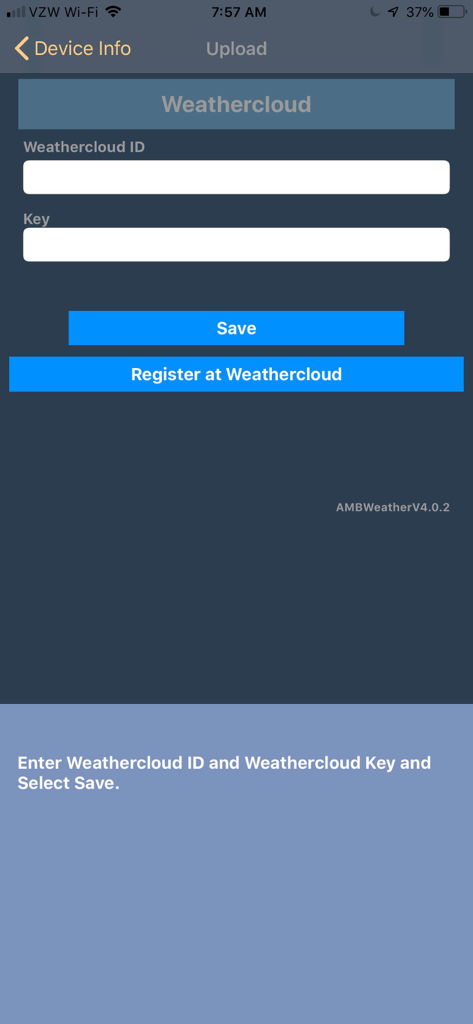
Interface for entering Weathercloud ID and Key in the awnet app
Description
Download
More Like This
Top-ranked apps in the same category

墨迹天气-MojiWeather
Beijing MojiFengyun Technology Co.,Ltd.

The Weather Channel - Radar
The Weather Channel

Windy.com
Windyty, SE

天气预报-精准15日天气预报
Chongqing Caochen Technology Co., Ltd.

My Aurora Forecast & Alerts
JRustonApps B.V.

AccuWeather: Weather Forecast
AccuWeather International, Inc.

Weather & Radar - Storm radar
WetterOnline - Meteorologische Dienstleistungen GmbH

天气通
Weibo Internet Technology (China) Co.Ltd.

The Thermometer -Digital-
Vida Apps Incorporated
This page is not an official page of the app or its developer, but an independent editorial publication created for informational and commentary purposes. Unless expressly stated otherwise, neither the app nor its developer is affiliated with, endorsed by, sponsored by, authorized by, or otherwise officially connected with MWM, Apple, Google Play, the app publisher, or the app's developer, and nothing on this page implies that the app was developed using MWM's services. Any trademarks, logos, screenshots, and other content remain the property of their respective owners.