Baby Photo Editor +
Baby Photo Editor +
Download on App Store

This page is not an official page of the app or its developer, but an independent editorial publication created for informational and commentary purposes. Unless expressly stated otherwise, neither the app nor its developer is affiliated with, endorsed by, sponsored by, authorized by, or otherwise officially connected with MWM, Apple, Google Play, the app publisher, or the app's developer, and nothing on this page implies that the app was developed using MWM's services. Any trademarks, logos, screenshots, and other content remain the property of their respective owners.


Logo of Baby Photo Editor +
Download on App Store

Baby Photo Editor +

From pregnancy glows to first steps, transform your precious family moments with 1,000+ original stickers and custom fonts in 4 easy steps.

Key Figures

Downloads

6K+

User Rating

4.6/5

Total Ratings

0

Publisher

Nighp Software LLC

Category

Lifestyle

Locales

8

Latest Version

1.03

Size

68.3 MB

First Released

Sep 3, 2020
Features

Document the Journey, Cherish the Memory

Turn your everyday baby photos into artistic keepsakes with the easiest, most comprehensive editing suite designed for the modern parent.

Celebrate Every Milestone

Mark every "first" with 1,000+ handcrafted stickers for pregnancy, monthly growth, and those precious holiday memories.

Designer-Grade Edits

Apply artistic filters and 100+ elegant fonts to create stunning, shareable stories that look like a professional photoshoot.

The following screenshots and description are sourced directly from the app's official store listing and are the property of the app developer.

App Store

Screenshots
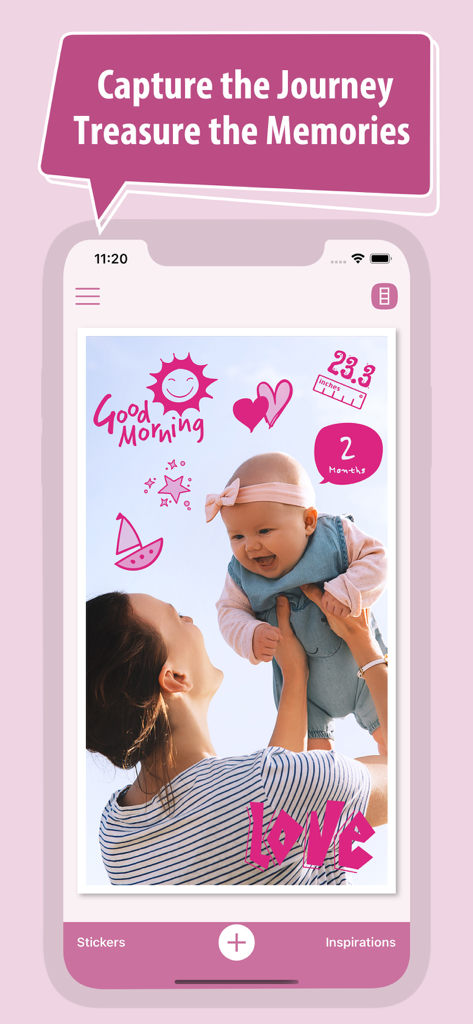
Baby Photo Editor + - A photo of a mother and baby edited with pink milestone stickers and text in the app interface
A photo of a mother and baby edited with pink milestone stickers and text in the app interface

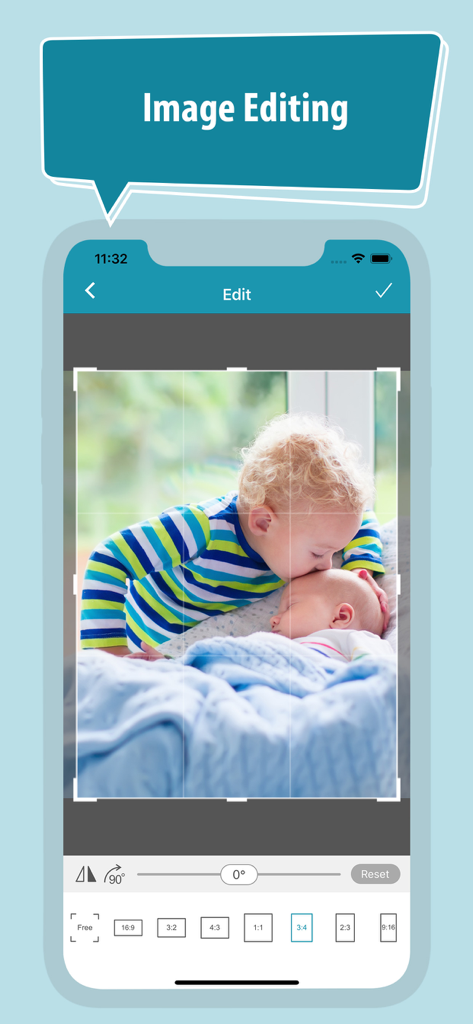
Baby Photo Editor + - Baby Photo Editor app interface showing image cropping and rotation tools for a photo of siblings

Baby Photo Editor app interface showing image cropping and rotation tools for a photo of siblings
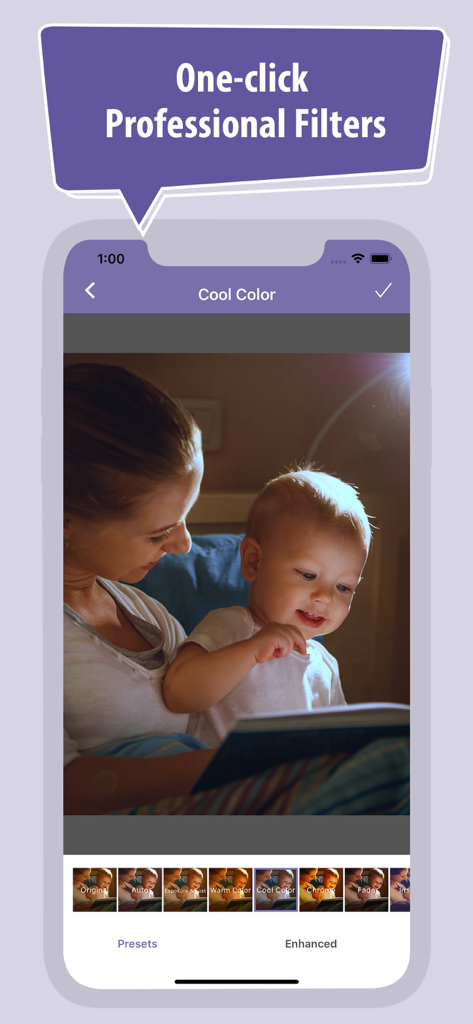
Baby Photo Editor + - A mother and baby reading a book with a professional cool color filter applied using the Baby Photo Editor app
A mother and baby reading a book with a professional cool color filter applied using the Baby Photo Editor app

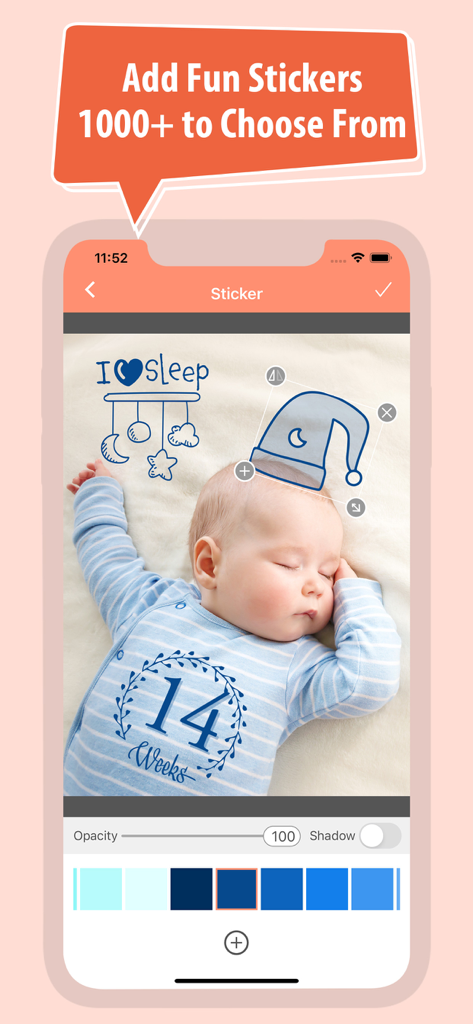
Baby Photo Editor + - Screenshot of Baby Photo Editor app showcasing a sleeping baby with milestone and decorative stickers
Screenshot of Baby Photo Editor app showcasing a sleeping baby with milestone and decorative stickers

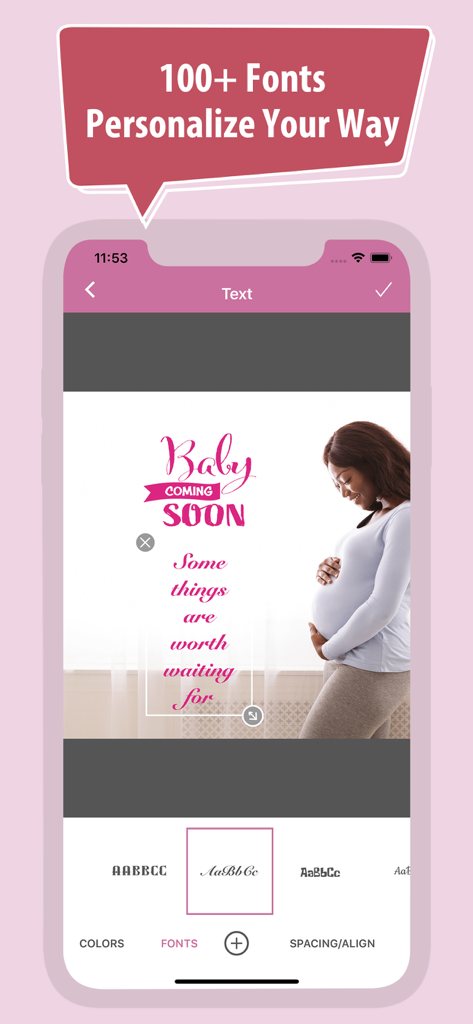
Baby Photo Editor + - Mobile app interface showing text and font customization on a pregnancy milestone photo.
Mobile app interface showing text and font customization on a pregnancy milestone photo.

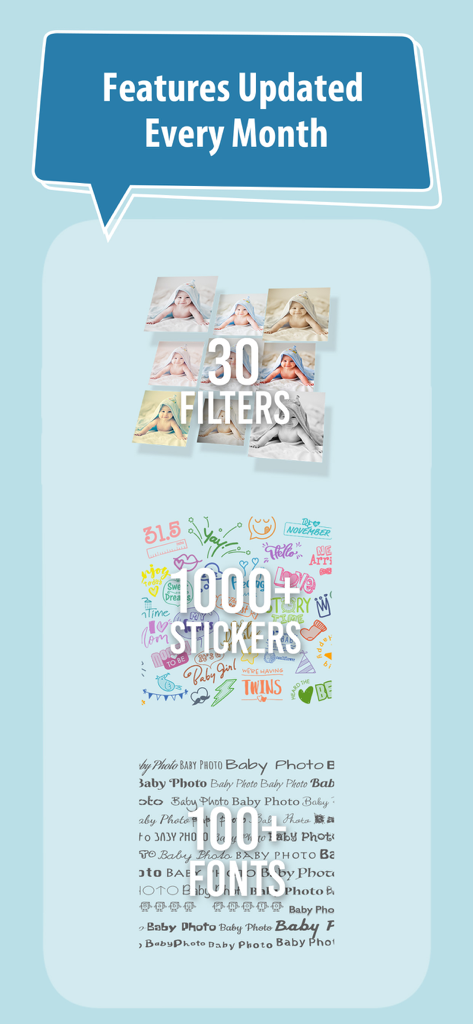
Baby Photo Editor + - Showcase of Baby Photo Editor features including filters stickers and fonts

Showcase of Baby Photo Editor features including filters stickers and fonts

Description

Your pregnancy journey – and your baby’s growth – are one-of-a-kind experiences. And as they say, moments don’t last. That’s why we put together our Baby Photo Editor: The best photo album app designed specifically to capture precious moments for your family. It’s an amazing tool that lets you record the special moments, growth milestones, mischief, and miracles that come with raising a child. Download our free app and check out Baby Photo Editor’s great features: 1. 1000+ original stickers with different themes: pregnancy, birthdays, holidays, and family, perfect for logging every one of baby’s “firsts.” 2. Over 100 beautiful, customized fonts that let you add details and memories to each photo, perfect for capturing every story your baby has to tell. 3. More than 30 preset filters deliver a full spectrum of photo effects. Enhance your photos with a single tap and add natural/special art styles and themes to your digital photo albums. 4. Share your albums with family & friends via email, text message, and social media Best of all, Baby Photo Editor is easy to use! The editing process can be completed in 4 quick steps: 1. Choose the photo you want to edit from your phone’s album. Resize, crop, and rotate the photo as needed. 2. Apply filters to adjust brightness, contrast, tone, and saturation, as well as any special art effects to give your photos some pop. 3. Add sticker/clip art and text. 4. Save your work by clicking the check mark. Then, just export your photo and you’re ready to share! It’s never been easier to record your baby’s journey and create unforgettable stories along the way. Let Baby Photo Editor join you on the trip! The Baby Photo Editor is a FREE app with ads support. The free version provides access to all features and functions in the Baby Photo Editor. You can remove ads by upgrading to a monthly or annual subscription. Paid Subscription Details: • Remove all ads • Payment charged to your iTunes Account at confirmation of purchase • Automatic subscription renewal (Auto-renew can be turned off; please confirm at least 24 hours before the end of the current period) • Account will be charged for renewal within 24 hours prior to the end of the current period, based on your current membership plan • All subscription, payment, and account details can be managed under Account Settings Terms of Use: https://babyphotoeditor.com/terms.html

Download

Download on App Store

This page is not an official page of the app or its developer, but an independent editorial publication created for informational and commentary purposes. Unless expressly stated otherwise, neither the app nor its developer is affiliated with, endorsed by, sponsored by, authorized by, or otherwise officially connected with MWM, Apple, Google Play, the app publisher, or the app's developer, and nothing on this page implies that the app was developed using MWM's services. Any trademarks, logos, screenshots, and other content remain the property of their respective owners.