
This page is not an official page of the app or its developer, but an independent editorial publication created for informational and commentary purposes. Unless expressly stated otherwise, neither the app nor its developer is affiliated with, endorsed by, sponsored by, authorized by, or otherwise officially connected with MWM, Apple, Google Play, the app publisher, or the app's developer, and nothing on this page implies that the app was developed using MWM's services. Any trademarks, logos, screenshots, and other content remain the property of their respective owners.

Baby Tracker - Newborn Log
Join over 7 million parents who simplify their daily routine with one-tap tracking for feedings, sleep, and milestones. Securely sync data with co-parents and export medical-grade reports for your pediatrician—all while keeping your family's privacy first.
Downloads
7M+User Rating
Total Ratings
524K+Publisher
Category
MedicalLocales
13Latest Version
5.0Size
101.4 MBFirst Released
Mar 12, 2014Smart Tracking for Modern Parents
Simplify your daily routine with a streamlined log that handles the details, so you can focus on what matters most: your baby.
Seamless Family Sync
Keep partners and caregivers updated in real-time across all devices without compromising your privacy.
One-Handed Simplicity
Log feedings, sleep, and diaper changes with a single tap—designed for the reality of busy, sleep-deprived parents.
Frequently Asked Questions
Everything you need to know about Baby Tracker - Newborn Log
Can Baby Tracker sync data across multiple devices?
Yes, Baby Tracker allows syncing data among multiple devices. It uses iCloud or Dropbox for secure, cloud-based auto backup, and users can also clone data to another device via AirDrop.
What kind of information does the Baby Tracker app record?
Baby Tracker records feedings, diaper changes, and sleep patterns with a quick one-handed tap. It also tracks health metrics, growth, and milestones, providing a streamlined way to log a baby's daily habits.
Does Baby Tracker provide visual charts for tracking baby data?
Yes, Baby Tracker provides charts and data interpretation. It displays logged data by day, week, or month, shows previous 7 and 30 days, and helps identify patterns, trends, or abnormalities.
Does Baby Tracker allow detailed tracking of feeding sessions?
Yes, Baby Tracker offers a comprehensive feeding tracker. Users can start and stop nursing timers, track formula, solids, and pumping totals, and enter details in a notes section.
Can I use Siri Shortcuts with the Baby Tracker app?
Yes, Baby Tracker supports Siri Shortcuts. Users can make quick recordings of activities like nursing or diaper changes using voice commands.
Does Baby Tracker have a night mode for use in low light?
Yes, Baby Tracker includes a dedicated Night Mode. This feature is available for use while feeding at night, providing a display optimized for low-light conditions.
How does Baby Tracker protect user data privacy?
Yes, Baby Tracker ensures data privacy. It allows syncing among multiple devices without compromising user privacy and utilizes secure cloud-based auto backup services like iCloud or Dropbox.
Can I export my baby's tracking data from Baby Tracker?
Yes, Baby Tracker allows users to export data. Information can be exported via email as a PDF, and users can also print directly from the app to create physical records.
The following screenshots and description are sourced directly from the app's official store listing and are the property of the app developer.
App Store
Screenshots
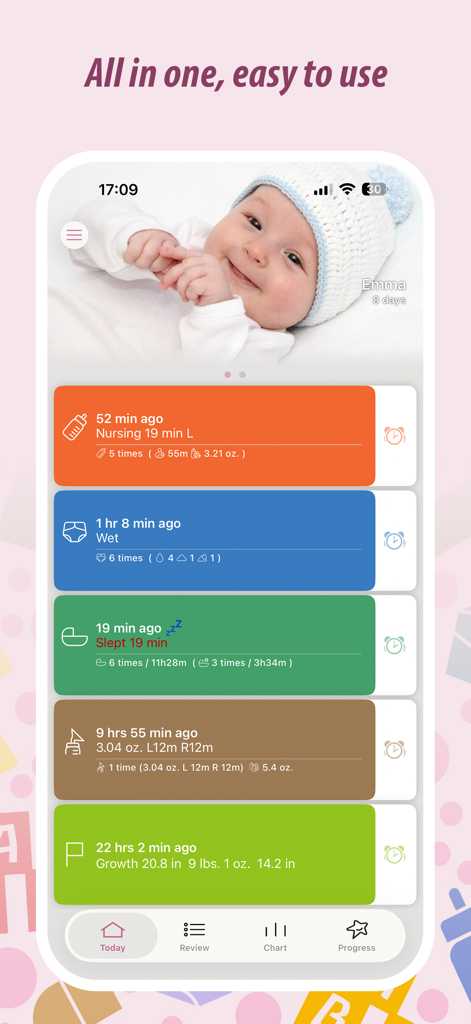
Baby Tracker app dashboard showing logs for nursing, diapers, sleep, pumping, and growth for a newborn
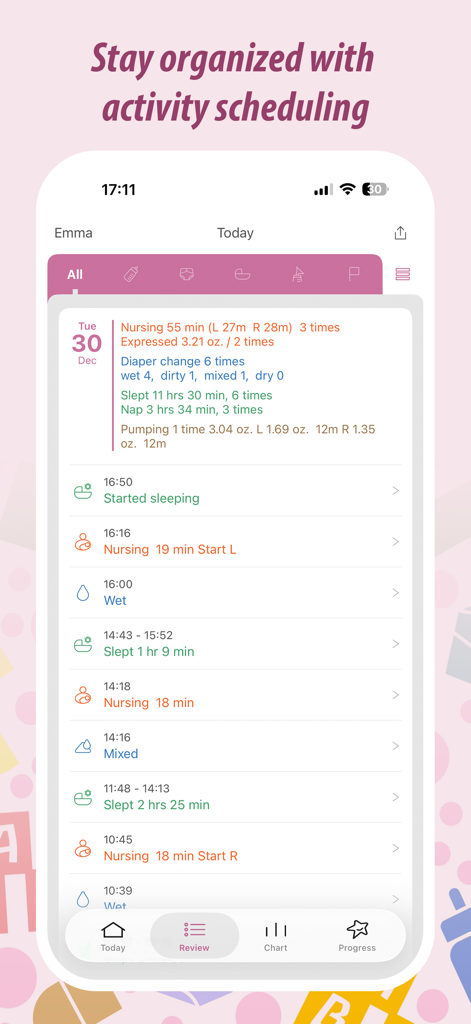
A daily log summary for a newborn showing feeding times, diaper changes, and sleep patterns in the Baby Tracker app.
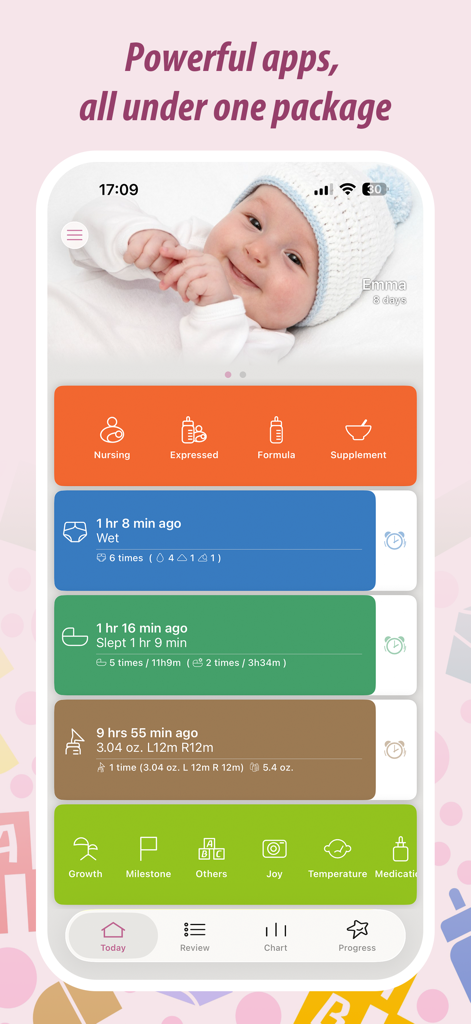
Main interface of the Baby Tracker app showing feeding, diapering, and sleep logs for a newborn
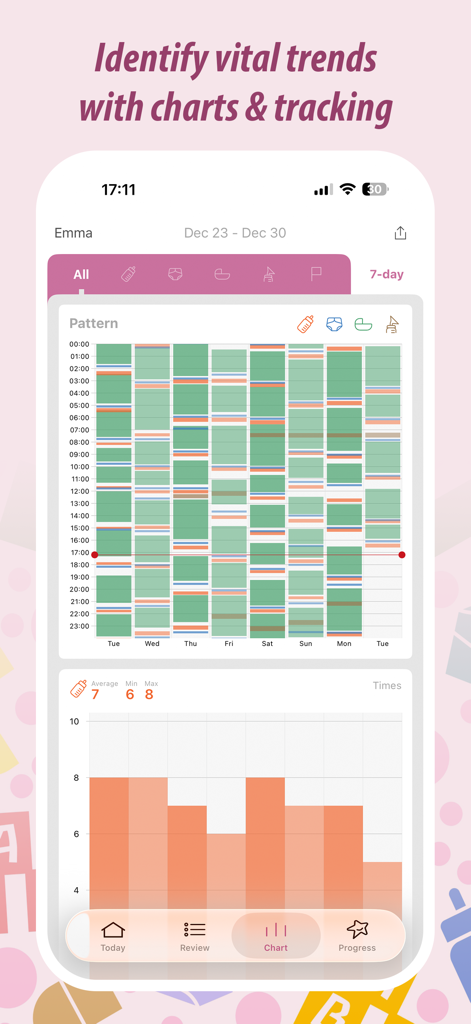
Baby Tracker app interface showing newborn activity patterns and feeding charts
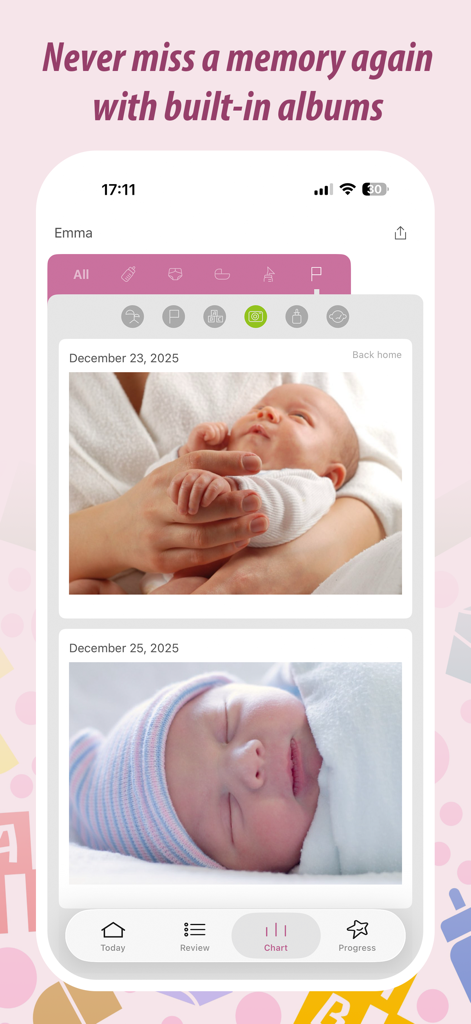
Baby Tracker app interface displaying a photo gallery of newborn baby memories and milestones
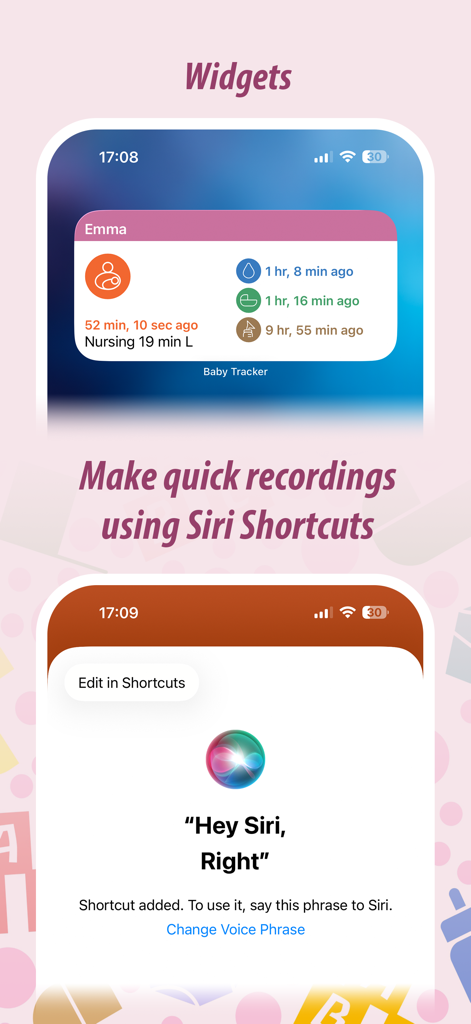
iOS widgets and Siri shortcut interface for quick baby activity logging
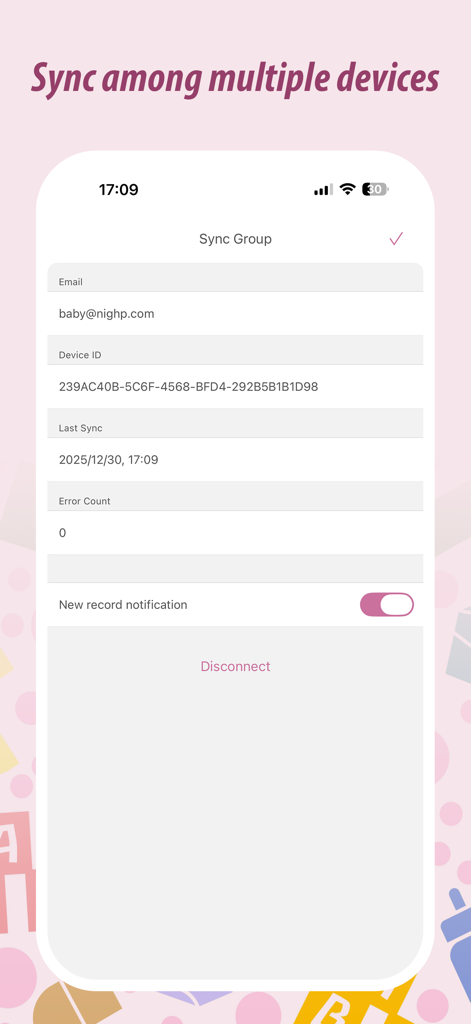
Baby Tracker app sync settings for sharing data between multiple devices
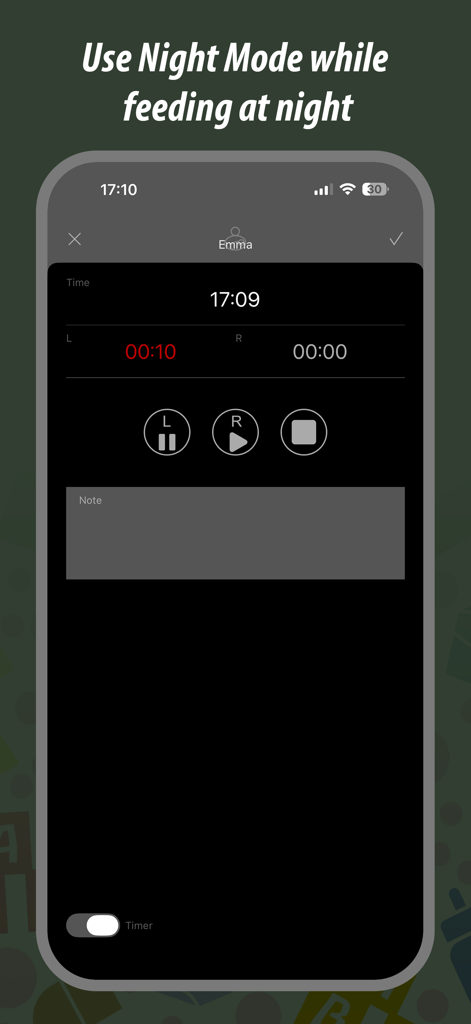
Baby Tracker app interface showing night mode and nursing timer for newborn feedings
Description
Download
More Like This
Apps with similar features and user experience

Huckleberry: Baby & Child
Huckleberry Labs Inc.

Napper: Baby Sleep Tracker
Napper AB

Baby Milestone Tracker Sprouty
Sprouty ltd

Baby Tracker • My Baby
Aleksei Neiman

PiyoLog Baby Feeding Tracker
PiyoLog Inc.

BabyTime (Record & Analysis)
Simfler Inc.

Nara Baby & Pregnancy Tracker
Nara Organics, Inc.
Cuisinez pour bébé
CUISINEZ POUR BEBE
Baby Tracker!
Amila Tech Limited
This page is not an official page of the app or its developer, but an independent editorial publication created for informational and commentary purposes. Unless expressly stated otherwise, neither the app nor its developer is affiliated with, endorsed by, sponsored by, authorized by, or otherwise officially connected with MWM, Apple, Google Play, the app publisher, or the app's developer, and nothing on this page implies that the app was developed using MWM's services. Any trademarks, logos, screenshots, and other content remain the property of their respective owners.