
This page is not an official page of the app or its developer, but an independent editorial publication created for informational and commentary purposes. Unless expressly stated otherwise, neither the app nor its developer is affiliated with, endorsed by, sponsored by, authorized by, or otherwise officially connected with MWM, Apple, Google Play, the app publisher, or the app's developer, and nothing on this page implies that the app was developed using MWM's services. Any trademarks, logos, screenshots, and other content remain the property of their respective owners.


Bancoagrícola Empresas
From instant Transfer365 payments to tax and payroll compliance, take full control of your company's finances with the speed and security your business demands.
Downloads
14K+User Rating
Total Ratings
200Publisher
Category
FinanceLocales
1Latest Version
6.7.0Size
63.2 MBFirst Released
Jun 22, 2023Empower Your Transnational Business
Manage your El Salvador-based operations from anywhere in the world with the security and speed of Bancoagrícola.
Instant Cross-Border Liquidity
Execute real-time transfers via Transfer365 Business to pay suppliers and manage cash flow instantly, even from the USA.
Effortless Legal Compliance
Directly pay AFP, ISSS, and local taxes like P@GOES without intermediaries or the need for international travel.
Frequently Asked Questions
Everything you need to know about Bancoagrícola Empresas
How do I log into the Bancoagrícola Empresas app?
To log into Bancoagrícola Empresas, enter your client number, username, and password on the login screen. You can also opt to remember your client number and username for future access.
What transactions can users perform with Bancoagrícola Empresas?
Users can perform balance inquiries, transfers between accounts, loan and credit card payments, service and tax payments, credit line disbursements, and manage checks via Bancoagrícola Empresas.
Does Bancoagrícola Empresas use dynamic keys for security?
Yes, Bancoagrícola Empresas uses dynamic keys to enhance security for transactions. Users can access this feature through the app for safer operations.
Can I authorize transactions using push notifications in Bancoagrícola Empresas?
Yes, Bancoagrícola Empresas allows users to authorize and apply transactions quickly and securely using push notifications directly within the app.
How can I activate Banca móvil Empresarial in Bancoagrícola Empresas?
To activate Banca móvil Empresarial, users must contact their account executive or email omniempresas@bancoagricola.com.sv. Otherwise, use the dynamic key feature.
What payment options are available in the Bancoagrícola Empresas app?
The Bancoagrícola Empresas app supports payments for loans, credit cards, services, taxes, AFP, ISSS, CIEX, and P@GOES. It centralizes various payment needs.
Can I check my account balances and movements in Bancoagrícola Empresas?
Yes, Bancoagrícola Empresas allows users to consult balances and movements for various products, including savings and current accounts, directly from the application interface.
Does Bancoagrícola Empresas support different types of transfers?
Yes, Bancoagrícola Empresas supports transfers between own accounts, to third parties, UNI transfers, Transfer365, Transfer365 Móvil, and Transfer365 Business, providing comprehensive transfer options.
How do I recover my password for Bancoagrícola Empresas?
Users can recover their password for Bancoagrícola Empresas directly through the app. The login screen provides a specific link for password recovery ("¿Olvidó su clave?").
The following screenshots and description are sourced directly from the app's official store listing and are the property of the app developer.
App Store
Screenshots
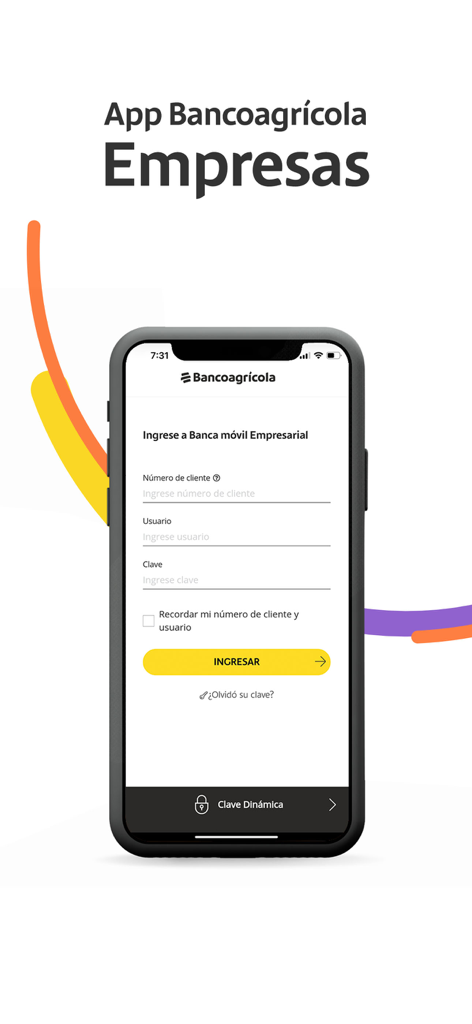
Login screen for the Bancoagricola Empresas mobile banking app for businesses
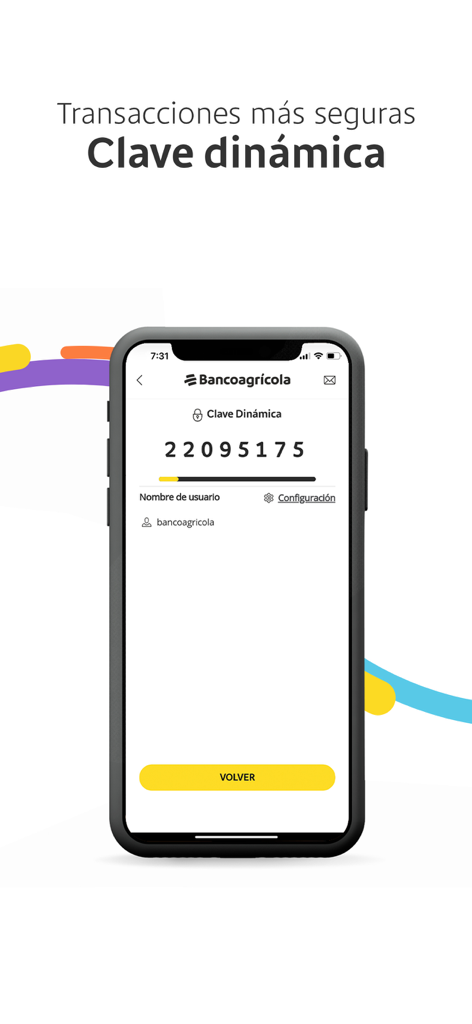
Bancoagricola Empresas app showing a dynamic security key for safe business transactions
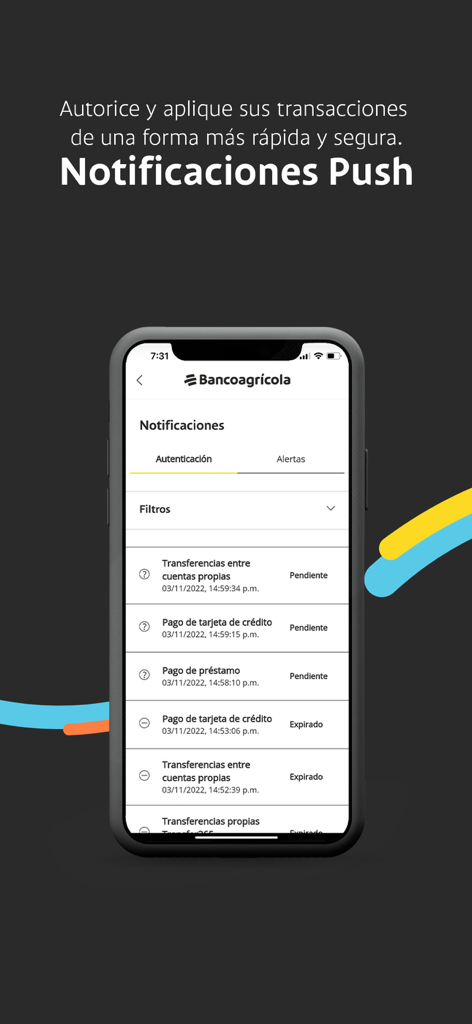
Bancoagricola Empresas mobile app screen displaying push notifications for business transaction authorization
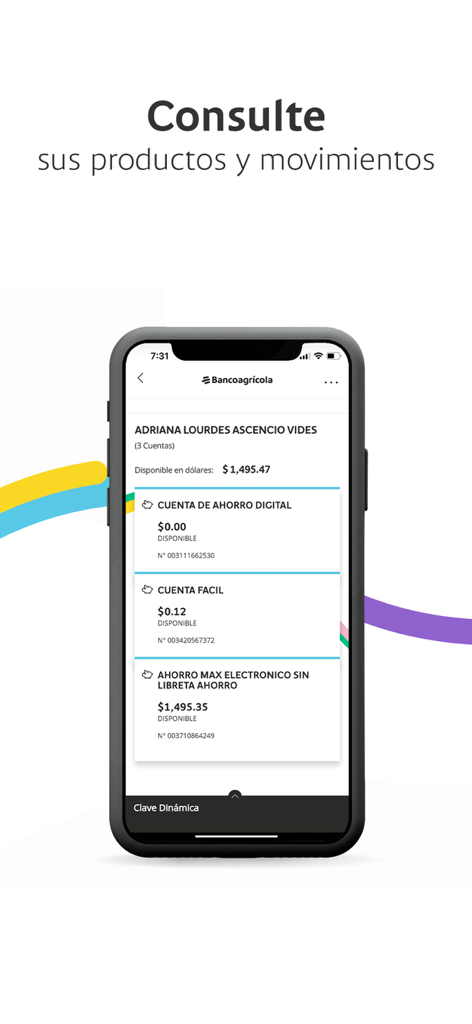
Bancoagricola Empresas mobile app screen displaying business account balances and transaction history.
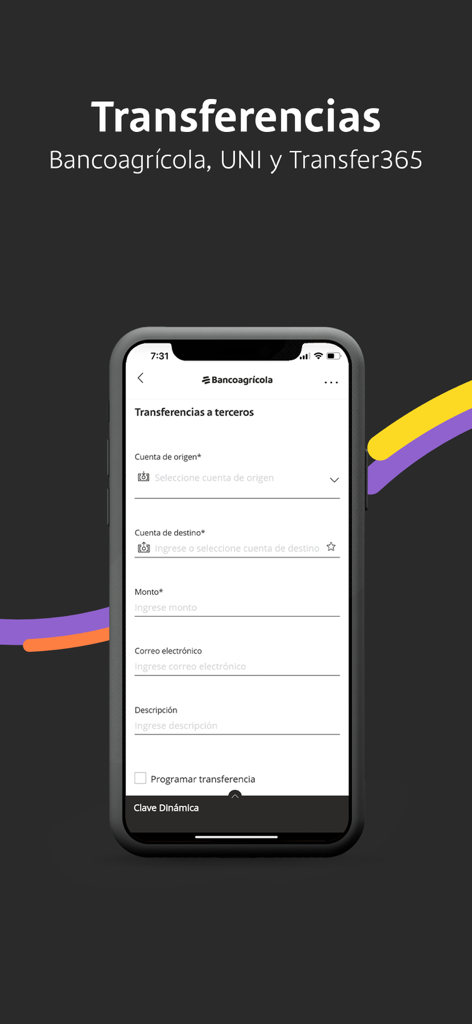
Mobile screen of Bancoagricola Empresas app showing a business transfer form for Transfer365 and UNI payments.
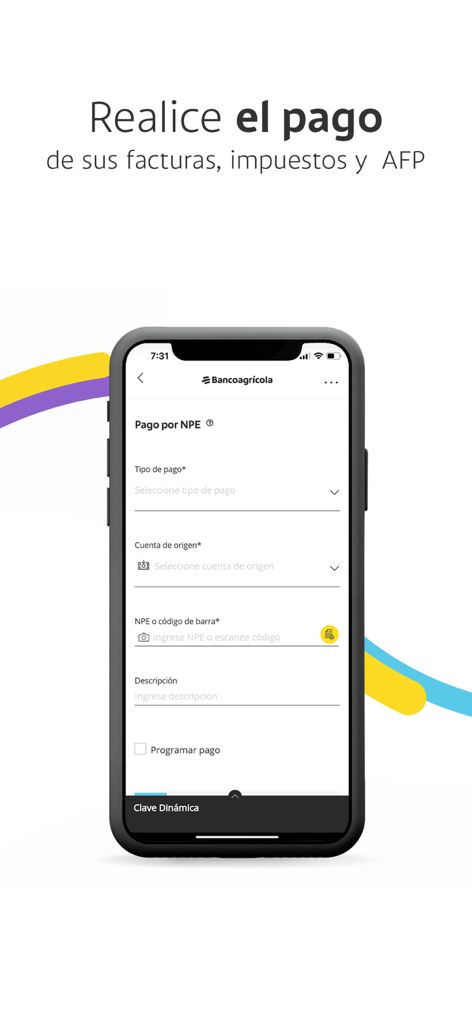
Bancoagricola Empresas app screen for paying bills taxes and pension funds
Description
Download
More Like This
Top-ranked apps in the same category

电子税务局
State Administration of Taxation

UnionPay APP
China Unionpay Co.,Ltd.

养基宝 - 年轻人的养基神器
Shenzhen Xiaoduotou Information Technology Co.,Ltd.

PayPal - Pay, Send, Save
PayPal, Inc.

中国农业银行
AGRICULTURAL BANK OF CHINA LIMITED

Mercado Pago: cuenta digital
MercadoLibre S.A.

Kalshi: Trade on the Big Game
KALSHI INC.

中国工商银行
Industrial and Commercial Bank of China

个人所得税
State Administration of Taxation
This page is not an official page of the app or its developer, but an independent editorial publication created for informational and commentary purposes. Unless expressly stated otherwise, neither the app nor its developer is affiliated with, endorsed by, sponsored by, authorized by, or otherwise officially connected with MWM, Apple, Google Play, the app publisher, or the app's developer, and nothing on this page implies that the app was developed using MWM's services. Any trademarks, logos, screenshots, and other content remain the property of their respective owners.