
This page is not an official page of the app or its developer, but an independent editorial publication created for informational and commentary purposes. Unless expressly stated otherwise, neither the app nor its developer is affiliated with, endorsed by, sponsored by, authorized by, or otherwise officially connected with MWM, Apple, Google Play, the app publisher, or the app's developer, and nothing on this page implies that the app was developed using MWM's services. Any trademarks, logos, screenshots, and other content remain the property of their respective owners.


BarChart Maker
The fastest way for students and professionals to create, customize, and export clean data visualizations without the complexity of spreadsheets.
Downloads
26K+User Rating
Total Ratings
0Publisher
Category
Graphics & DesignLocales
2Latest Version
1.6Size
2.3 MBFirst Released
Aug 19, 2021Create Visual Impact in Seconds
Stop struggling with complex spreadsheets. BarChart Maker is the minimalist tool designed for students, professionals, and creators who need high-quality data visuals on the go.
Real-Time Visual Feedback
See your data transform instantly. Adjust values and labels while watching your chart update live, ensuring your visual is perfect before you export.
Polished Presentation Styles
Stand out with professional aesthetics. Customize unique colors and layout options to match your brand or project style without any design skills.
Frequently Asked Questions
Everything you need to know about BarChart Maker
What is BarChart Maker?
BarChart Maker is a lightweight tool designed for creating bar charts for presentations, reports, or personal projects. It provides features for quick edits, clean exports, and real-time previews.
Can BarChart Maker customize chart colors and labels?
Yes, BarChart Maker allows users to customize labels and assign unique colors to each value. It also provides options to adjust the overall chart style and layout for user preferences.
How do I export a chart from BarChart Maker?
BarChart Maker exports charts directly to the device’s photo gallery in high quality. The application's interface includes a 'Share chart' button to initiate this export process.
Does BarChart Maker save the charts I create?
Yes, BarChart Maker automatically saves your latest chart for later edits. However, it stores a single chart at a time, replacing any previously saved chart when new data is entered.
How do I add new data values to a bar chart in BarChart Maker?
To add a new value in BarChart Maker, tap the 'New value' button. This action opens a screen where you input the label, the numerical value, and select a specific color for the bar.
The following screenshots and description are sourced directly from the app's official store listing and are the property of the app developer.
App Store
Screenshots
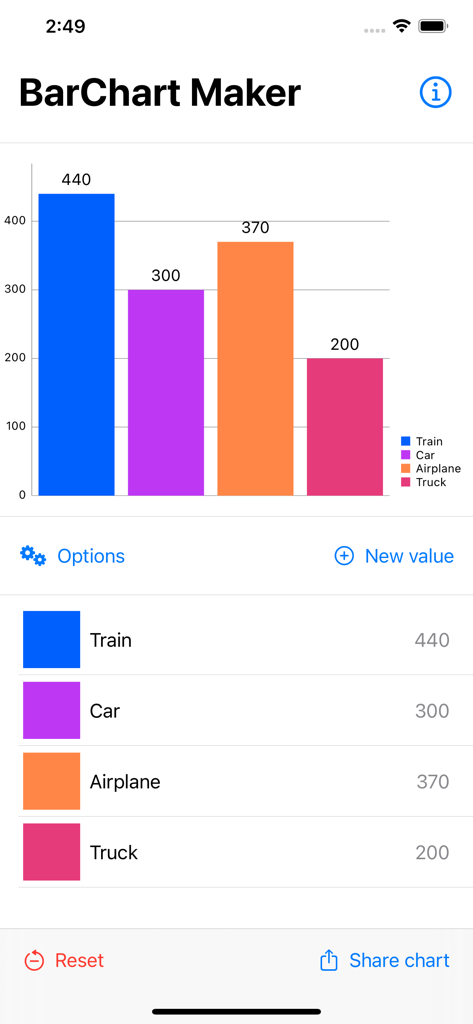
User interface of BarChart Maker app showing a colorful bar graph and data entry fields
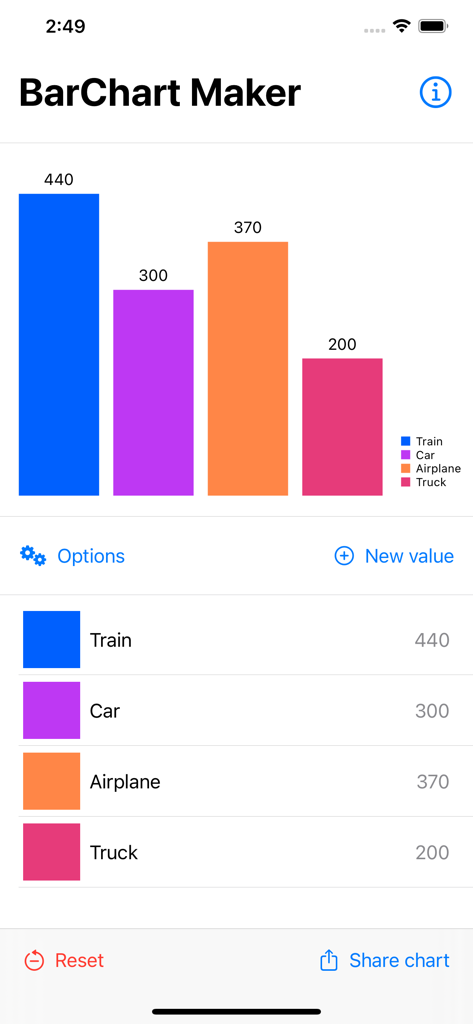
The BarChart Maker app interface showing a colorful bar chart with data labels and editing options
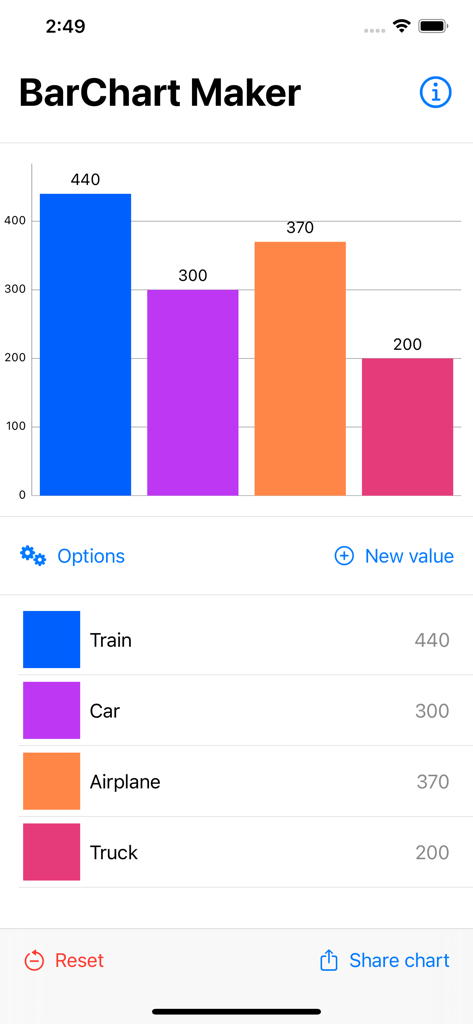
A colorful bar chart within the BarChart Maker app interface displaying data for transportation modes.
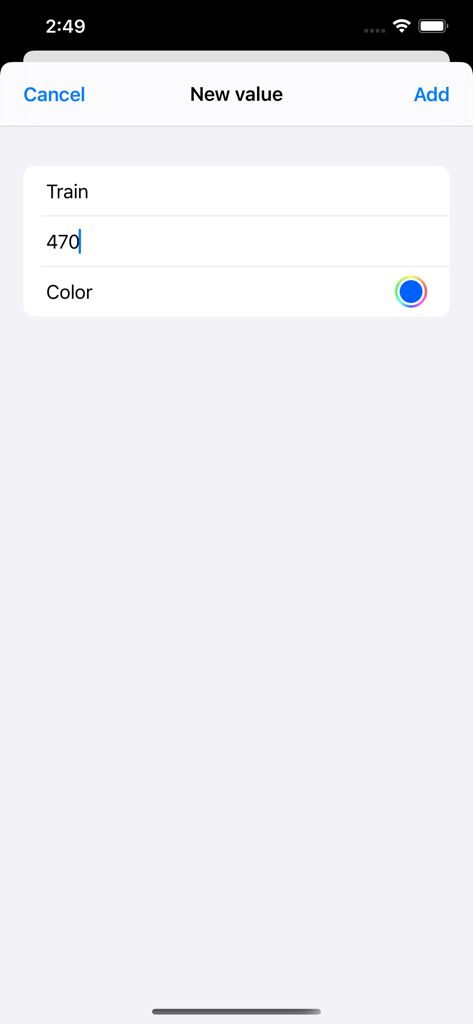
Interface for entering a new data value and choosing a color in BarChart Maker
Description
Download
More Like This
Top-ranked apps in the same category

Kling AI: AI Image&Video Maker
LOHAS GAMES PTE. LTD.

iScreen - Widgets & Wallpaper
Xiamen ShenZhuo Information Technology Co., Ltd.

Dreamina AI: Image&Video Maker
BYTEDANCE PTE. LTD.

Home AI - AI Interior Design
HUBX YAZILIM HIZMETLERI ANONIM SIRKETI

ibis Paint X
ibis inc.

ThemeKit: Widget & Icon Themes
Woohoo Tech. Ltd.

Sketchbook®
Sketchbook, Inc.

Colorful Widget- Widget&Themes
Guangzhou ZHIFENG Information Technology Co.,Ltd.

ReRoom AI: Interior Design
GM UniverseApps Limited
This page is not an official page of the app or its developer, but an independent editorial publication created for informational and commentary purposes. Unless expressly stated otherwise, neither the app nor its developer is affiliated with, endorsed by, sponsored by, authorized by, or otherwise officially connected with MWM, Apple, Google Play, the app publisher, or the app's developer, and nothing on this page implies that the app was developed using MWM's services. Any trademarks, logos, screenshots, and other content remain the property of their respective owners.