
This page is not an official page of the app or its developer, but an independent editorial publication created for informational and commentary purposes. Unless expressly stated otherwise, neither the app nor its developer is affiliated with, endorsed by, sponsored by, authorized by, or otherwise officially connected with MWM, Apple, Google Play, the app publisher, or the app's developer, and nothing on this page implies that the app was developed using MWM's services. Any trademarks, logos, screenshots, and other content remain the property of their respective owners.
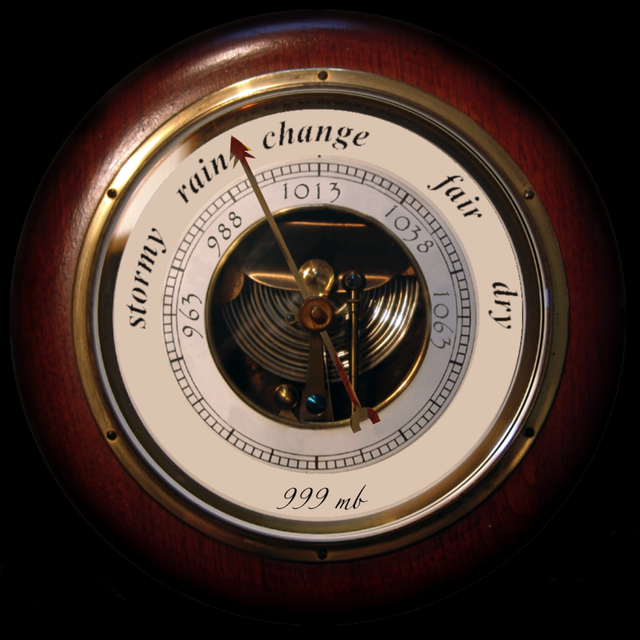

Barometer antique
Transform your iPhone or iPad into a stunning, vintage weather station. Monitor barometric pressure, temperature, and humidity with the nostalgic precision of a classic analog instrument.
Downloads
203K+User Rating
Total Ratings
200Publisher
Category
WeatherLocales
2Latest Version
4.5Size
23.1 MBFirst Released
Dec 15, 2009Classic Precision for the Weather Enthusiast
Experience the charm of a traditional brass barometer combined with the pinpoint accuracy of modern digital weather sensors on your iPhone and Apple Watch.
Authentic Analog Interface
Tap the glass to check pressure tendencies just like a real mechanical instrument—designed for high visibility and a nostalgic feel.
Professional Weather Insights
Track pressure in inHG or mb, alongside wind speed and humidity, to perfectly plan your sailing, gardening, or outdoor hobbies.
Frequently Asked Questions
Everything you need to know about Barometer antique
What is the primary function of the Barometer antique app?
The Barometer antique app transforms your iPhone or iPod Touch into a functional barometer. It provides real-time atmospheric pressure readings and additional weather data.
Does Barometer antique display temperature?
Yes, Barometer antique displays the current temperature in °C or °F, as well as felt temperature. This information is available directly on the main screen.
Can I view wind speed and humidity with the Barometer antique app?
Yes, the Barometer antique app provides current air humidity in % and wind speed. Wind speed can be displayed in km/h, MPH, or kn.
What types of weather data does Barometer antique offer?
Barometer antique offers atmospheric pressure, temperature, felt temperature, air humidity, wind speed, location-based weather data, and a 4-day forecast preview. It also includes Barometer History.
Is the Barometer antique app compatible with Apple Watch?
Yes, Barometer antique supports watchOS, extending its functionality to Apple Watch devices. This allows users to view weather data directly from their wrist.
How does Barometer antique obtain weather data?
Barometer antique obtains weather data online via an internet connection. It uses only a few bytes for data transmission.
Can I change the units for wind speed in the Barometer antique app?
Yes, Barometer antique allows users to select wind speed units from km/h, MPH, kn, m/s, or Bft within the app's settings.
Does Barometer antique have a history feature for atmospheric pressure?
Yes, Barometer antique includes a "Barometer History" feature. This allows users to view past atmospheric pressure readings over time.
What are the system requirements for the Barometer antique app?
The Barometer antique app requires an iPhone, iPod Touch, or iPad with OS 8.0 or higher, along with watchOS for Apple Watch compatibility. An internet connection is also necessary.
Can Barometer antique show a weather forecast?
Yes, Barometer antique provides a 4-day weather preview. It also offers options like Google Weather, Precipitation, Ice Preview, and Pollen reports via its menu.
Does the Barometer antique app use the device's internal pressure sensor?
Yes, the Barometer antique app can utilize the device's internal pressure sensor if available. This setting can be enabled or disabled in the app's settings.
Can I adjust the barometer units in Barometer antique?
Yes, the Barometer antique app allows users to change the barometer units. Available options include mb, hPa, Torr, PSI, and inHG.
The following screenshots and description are sourced directly from the app's official store listing and are the property of the app developer.
App Store
Screenshots
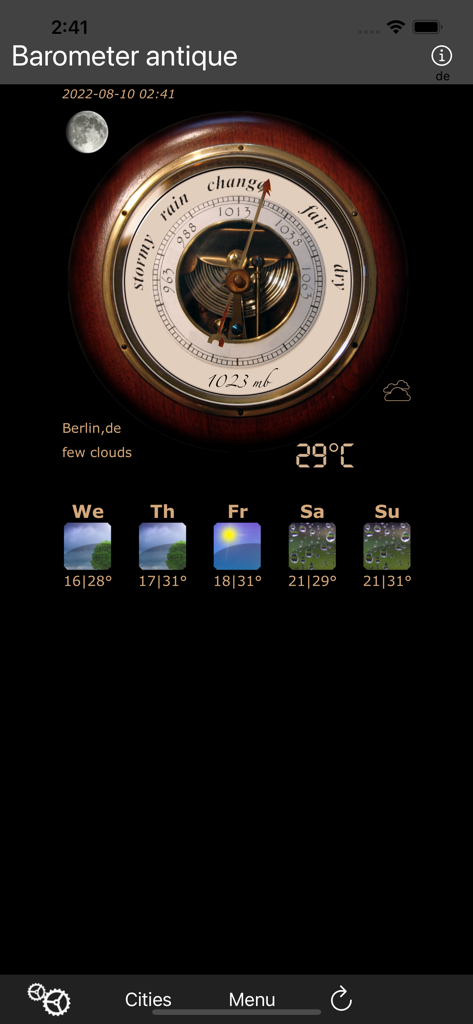
Antique style barometer app interface showing current weather and five day forecast
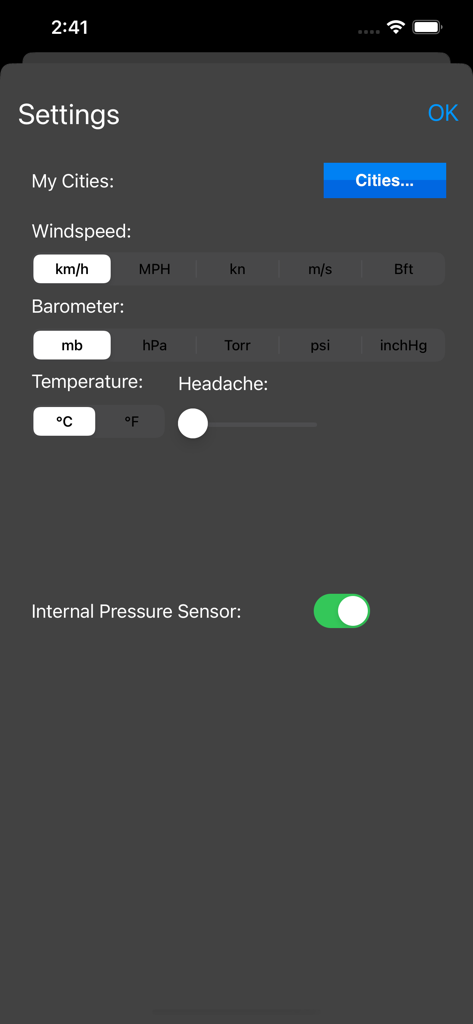
Settings screen of Barometer antique app with units for wind speed, barometer pressure, temperature, and a headache tracking slider
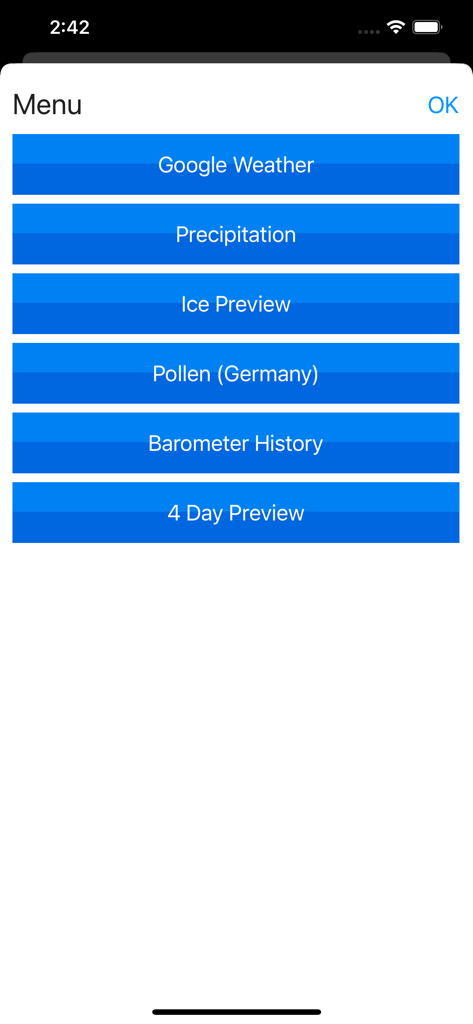
Menu screen of the Barometer antique app showing weather features and history options
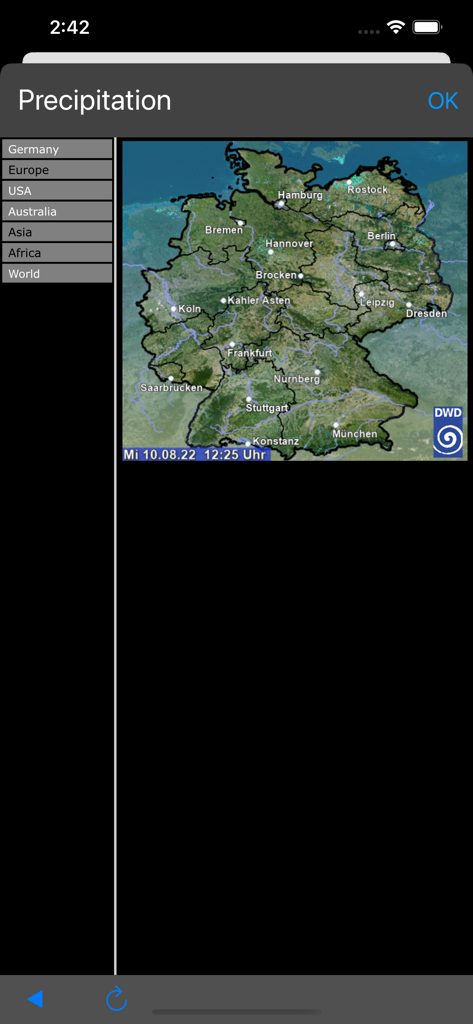
Precipitation map of Germany in the Barometer antique weather app
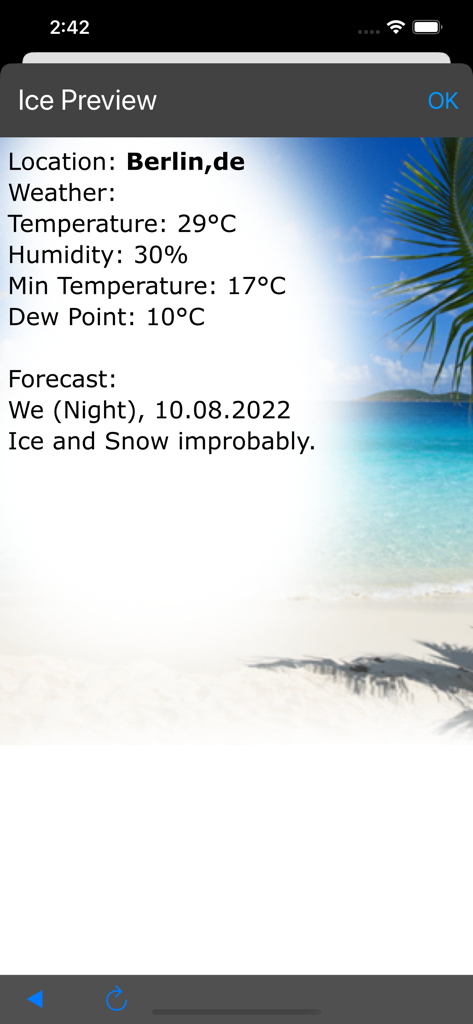
Weather details and ice probability preview screen for Berlin.
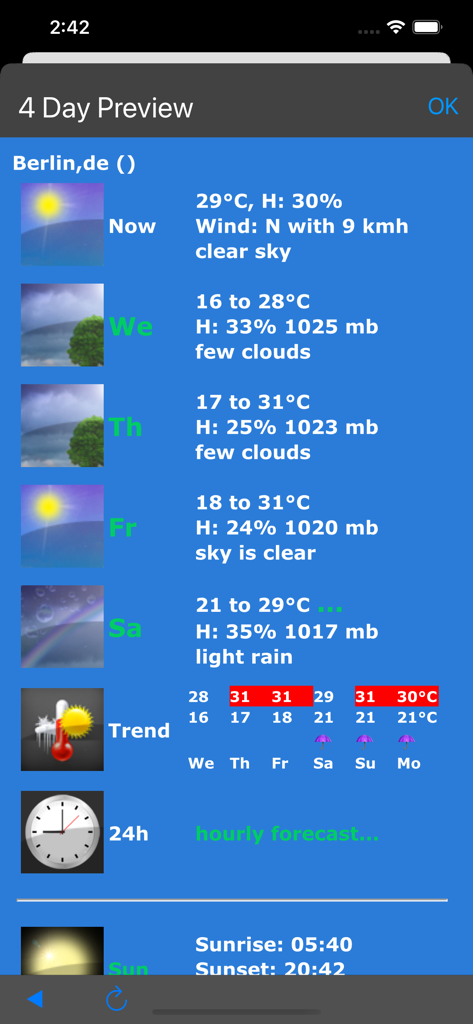
A mobile app screen showing a four day weather forecast with temperature humidity and barometric pressure data
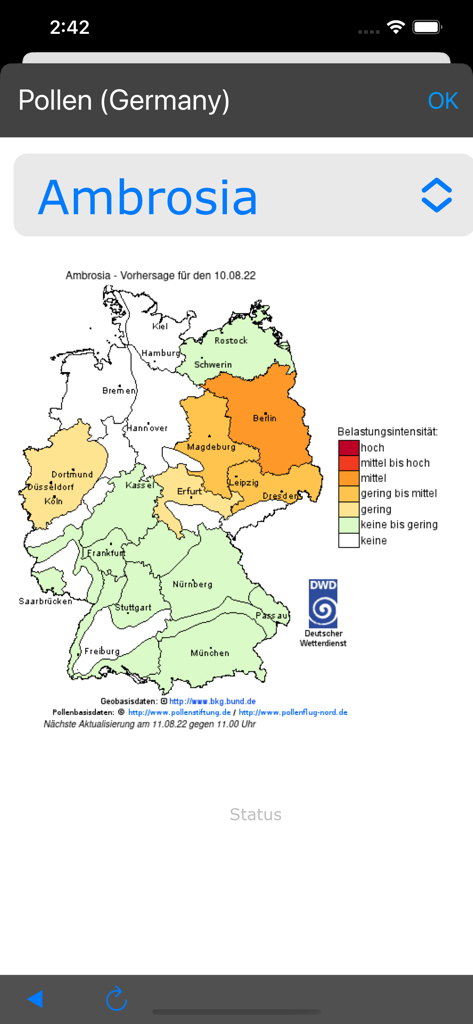
Map of Germany showing Ambrosia pollen intensity levels
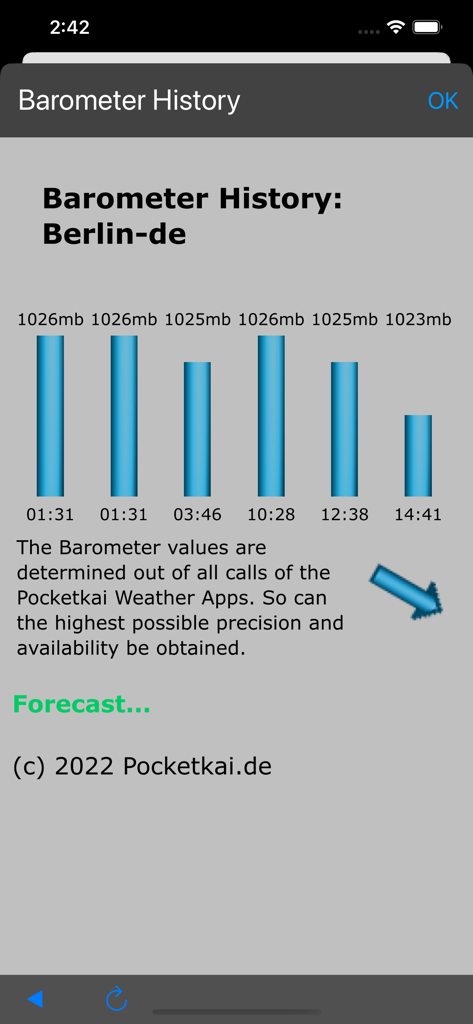
Barometer history screen showing a bar chart of air pressure trends over time for Berlin.
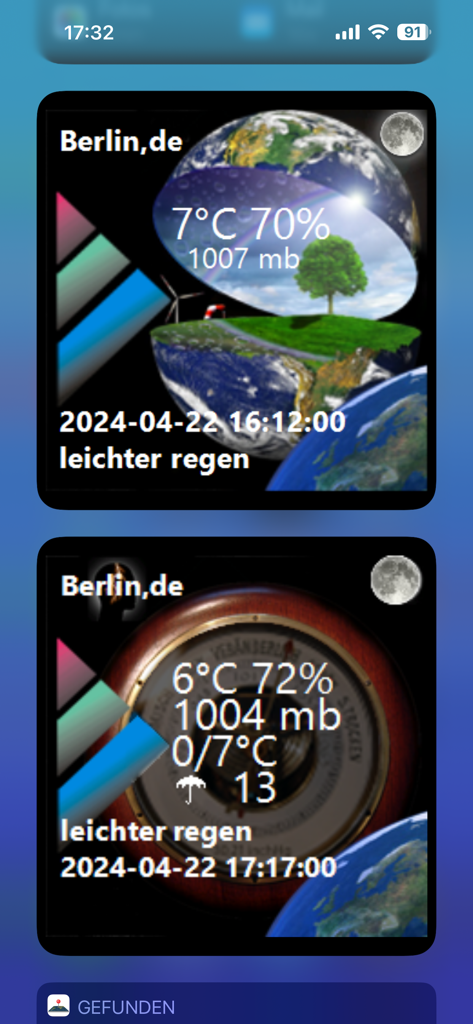
Interface of the Barometer antique app displaying weather data and an analog pressure gauge.
Description
Download
More Like This
Apps with similar features and user experience





This page is not an official page of the app or its developer, but an independent editorial publication created for informational and commentary purposes. Unless expressly stated otherwise, neither the app nor its developer is affiliated with, endorsed by, sponsored by, authorized by, or otherwise officially connected with MWM, Apple, Google Play, the app publisher, or the app's developer, and nothing on this page implies that the app was developed using MWM's services. Any trademarks, logos, screenshots, and other content remain the property of their respective owners.