
This page is not an official page of the app or its developer, but an independent editorial publication created for informational and commentary purposes. Unless expressly stated otherwise, neither the app nor its developer is affiliated with, endorsed by, sponsored by, authorized by, or otherwise officially connected with MWM, Apple, Google Play, the app publisher, or the app's developer, and nothing on this page implies that the app was developed using MWM's services. Any trademarks, logos, screenshots, and other content remain the property of their respective owners.

Baseball Star
Step onto the diamond with the perfect blend of arcade action and deep team management. Build your dream roster, train your players, and dominate the Legend Championship anywhere you go—no internet connection required.
Downloads
2M+User Rating
Total Ratings
11K+Publisher
Category
GamesLocales
2Latest Version
1.7.7Size
146.5 MBFirst Released
Jun 5, 2016Your League, Your Rules – No Internet Required
Take control of the diamond with a deep, 3D baseball simulation designed for fans who want the full pro experience without the data drain.
Total Offline Freedom
Step up to the plate anywhere. Enjoy a full 3D baseball experience without needing Wi-Fi or cellular data, perfect for your daily commute or next flight.
Manage Your Dynasty
Go beyond the field. Edit your roster, train your players, and upgrade your stadium to build a powerhouse capable of winning the Legend Championship.
Frequently Asked Questions
Everything you need to know about Baseball Star
Does the Baseball Star game require an internet connection?
No, Baseball Star is a full 3D baseball game that does not require an internet connection to play.
What game modes are available in Baseball Star?
Baseball Star features League Mode, Challenge Mode with five leagues (Minor to Legend), and a daily Event Match. It also includes Play, Auto Play, and Auto Season options.
How do I make my team and players more powerful in Baseball Star?
Players in Baseball Star can improve their team by training players, recruiting new powerful players, equipping various items, and upgrading their stadium.
How can I save my game data in Baseball Star?
To save game data in Baseball Star, use the "Data>Save" option. This prevents data initialization if you change devices or delete the game.
Is Baseball Star compatible with tablet devices?
Yes, Baseball Star supports Tablet PC devices. Players can enjoy the full 3D baseball game experience on their tablets.
Does Baseball Star offer daily free bonuses or rewards?
Yes, Baseball Star provides plentiful daily free bonuses. These include player cards, items, and game points to enhance your gameplay.
The following screenshots and description are sourced directly from the app's official store listing and are the property of the app developer.
App Store
Screenshots
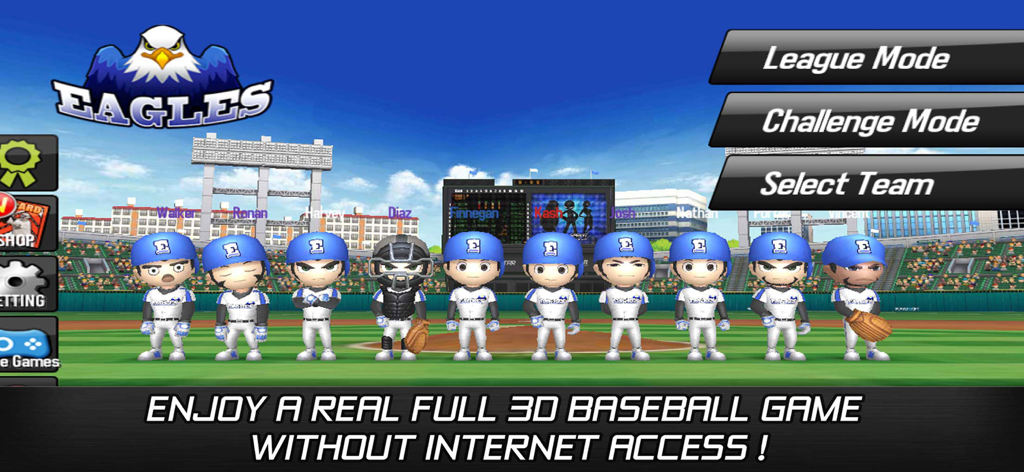
Baseball Star game main menu screen showing the Eagles team lineup and game modes
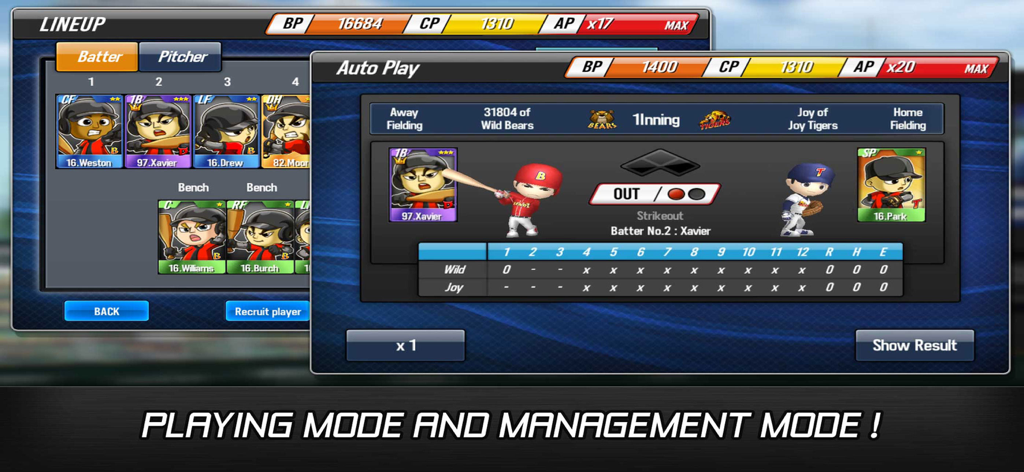
Screenshot of Baseball Star mobile game showing the team lineup management interface and an auto-play game simulation screen.
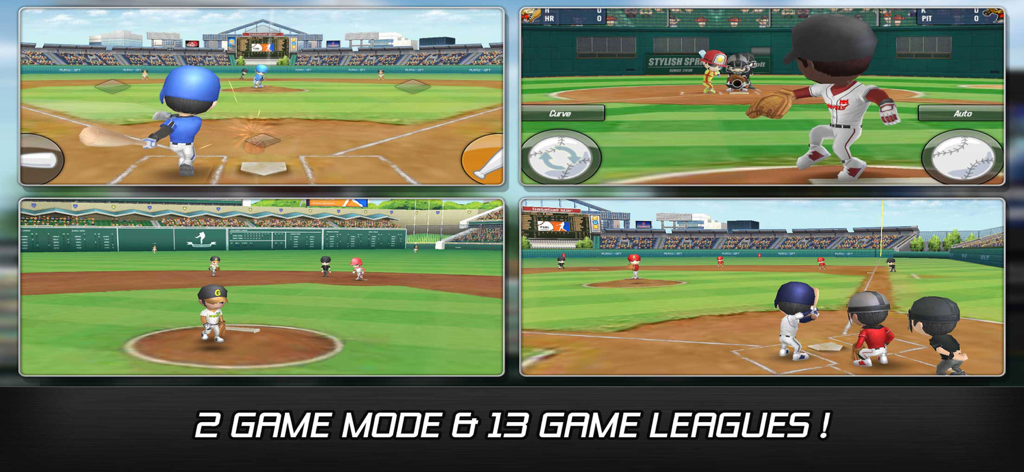
Four gameplay screenshots of Baseball Star showing batting pitching and fielding with text about game modes and leagues
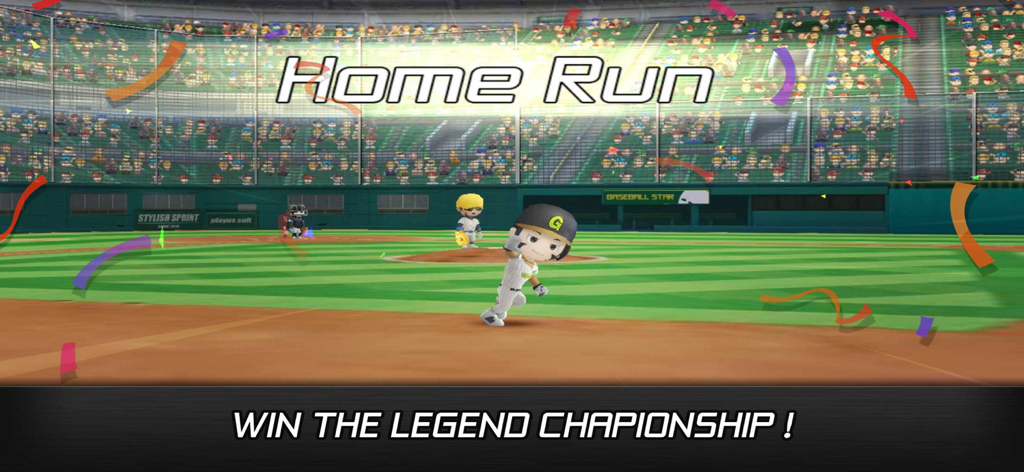
A 3D baseball player celebrating a home run in the Baseball Star mobile game stadium
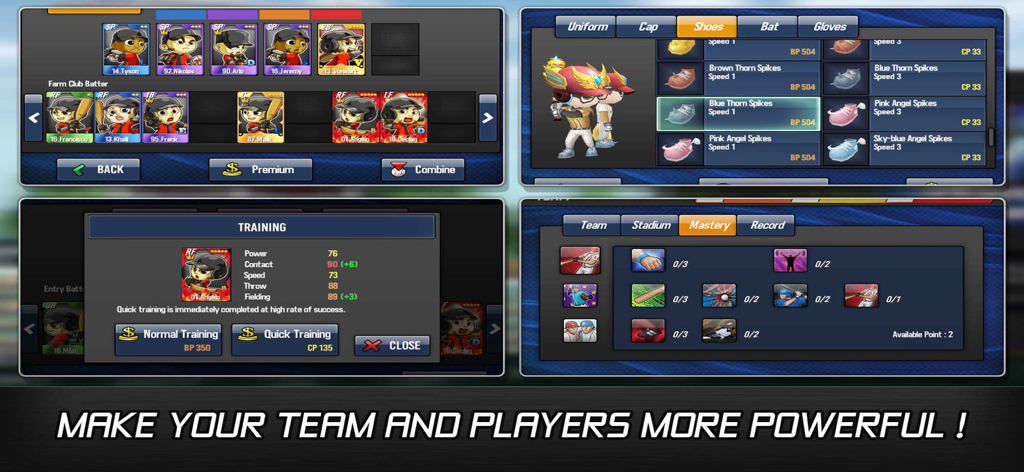
Interface showing player training equipment shop and team roster in Baseball Star game
Description
Download
More Like This
Top-ranked apps in the same category

Block Blast!
ARETIS LIMITED

Heartopia
XD Entertainment Co., Ltd.

Solitaire Associations Journey
Hitapps Games LTD

Roblox
Roblox Corporation

Gossip Harbor®: Merge & Story
Microfun Limited

Arrows – Puzzle Escape
Lessmore UG haftungsbeschraenkt

Township
PLR Worldwide Sales Limited

Last War:Survival
FUNFLY PTE. LTD.

Vita Mahjong
VITA STUDIO PTE. LTD.
This page is not an official page of the app or its developer, but an independent editorial publication created for informational and commentary purposes. Unless expressly stated otherwise, neither the app nor its developer is affiliated with, endorsed by, sponsored by, authorized by, or otherwise officially connected with MWM, Apple, Google Play, the app publisher, or the app's developer, and nothing on this page implies that the app was developed using MWM's services. Any trademarks, logos, screenshots, and other content remain the property of their respective owners.