
This page is not an official page of the app or its developer, but an independent editorial publication created for informational and commentary purposes. Unless expressly stated otherwise, neither the app nor its developer is affiliated with, endorsed by, sponsored by, authorized by, or otherwise officially connected with MWM, Apple, Google Play, the app publisher, or the app's developer, and nothing on this page implies that the app was developed using MWM's services. Any trademarks, logos, screenshots, and other content remain the property of their respective owners.


BaseLift: Gym Log & Diary
The minimalist, subscription-free workout tracker for lifters who value speed and data. Log sets in seconds, monitor your E1RM progress, and keep your training history private with secure iCloud sync. No ads, no clutter—just you and the bar.
Downloads
0User Rating
Total Ratings
0Publisher
Category
Health & FitnessLocales
1Latest Version
1.2.1Size
38.3 MBFirst Released
Dec 15, 2025Train Without Distractions
Experience the ultimate minimalist workout diary. BaseLift is designed for lifters who demand professional-grade tracking without the clutter of subscriptions, ads, or data harvesting.
Lightning-Fast Logging
Add sets and track reps with minimal taps. Get back to your rest interval quickly with a friction-free interface designed for the gym floor.
Data-Driven Insights
Master progressive overload with E1RM tracking, volume charts, and frequency analytics. High-performance data for the disciplined optimizer.
The following screenshots and description are sourced directly from the app's official store listing and are the property of the app developer.
App Store
Screenshots
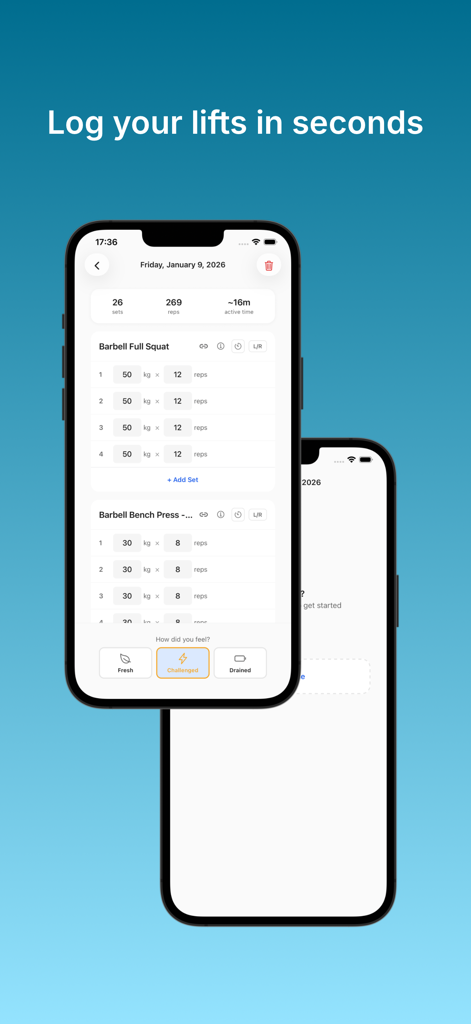
BaseLift app interface on an iPhone displaying a minimalist gym log for tracking sets, weight, and reps.
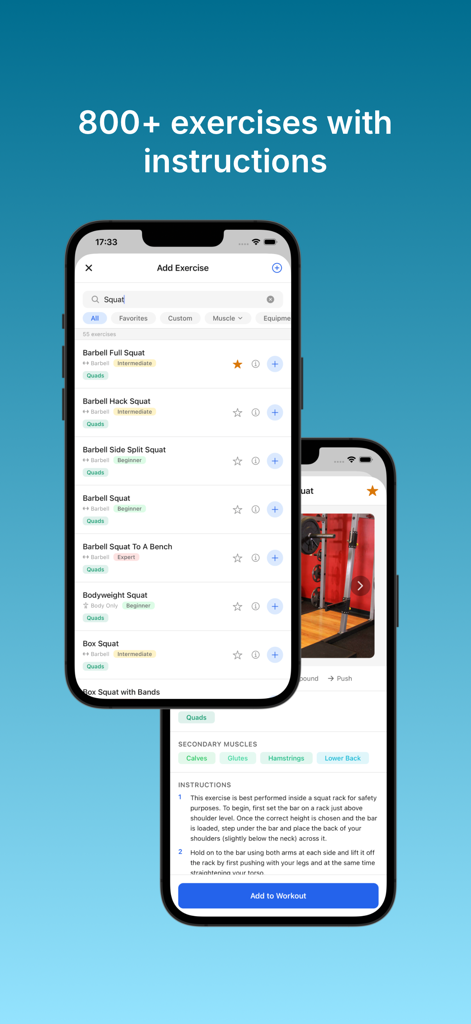
BaseLift exercise library interface showing various squat exercises and detailed training instructions.
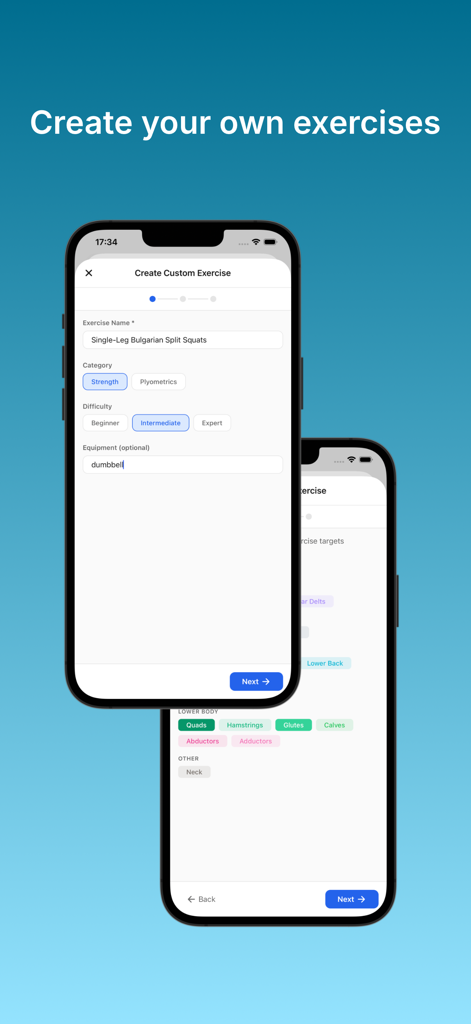
Interface for creating and customizing strength training exercises in the BaseLift gym log app.
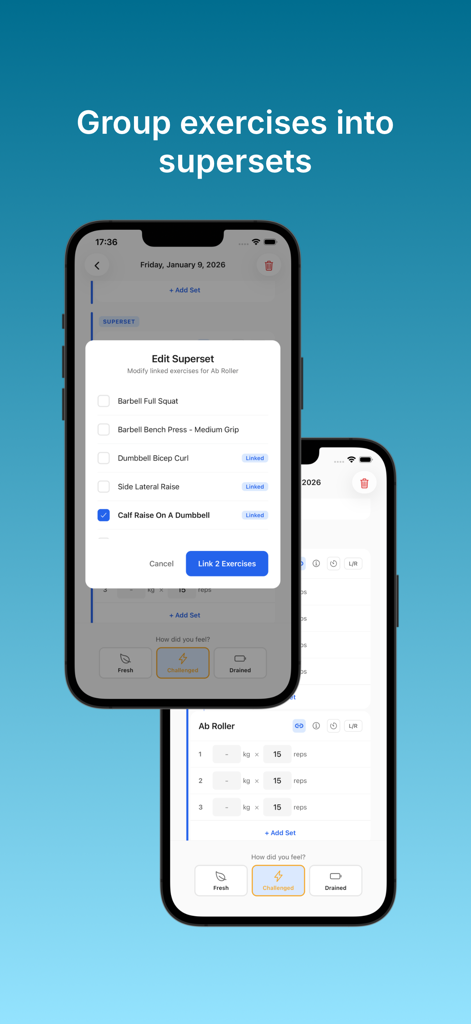
BaseLift gym log interface for grouping exercises into supersets.
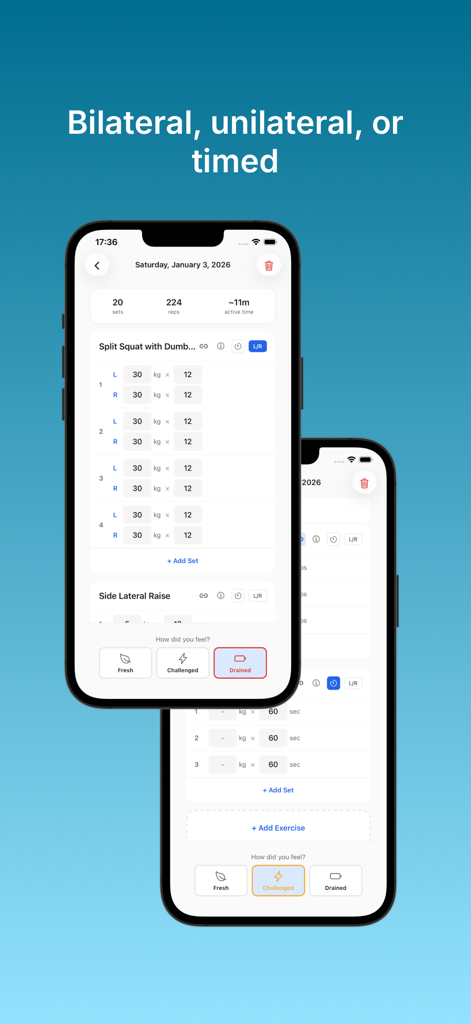
BaseLift app interface showing unilateral exercise logging with separate left and right side inputs and post-workout recovery ratings.
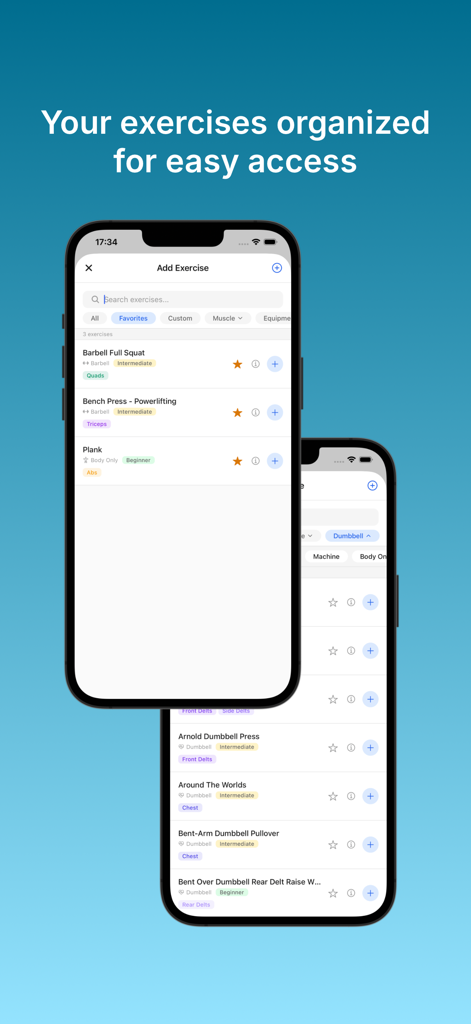
BaseLift gym log app showing an organized exercise library with filters for muscle groups and equipment
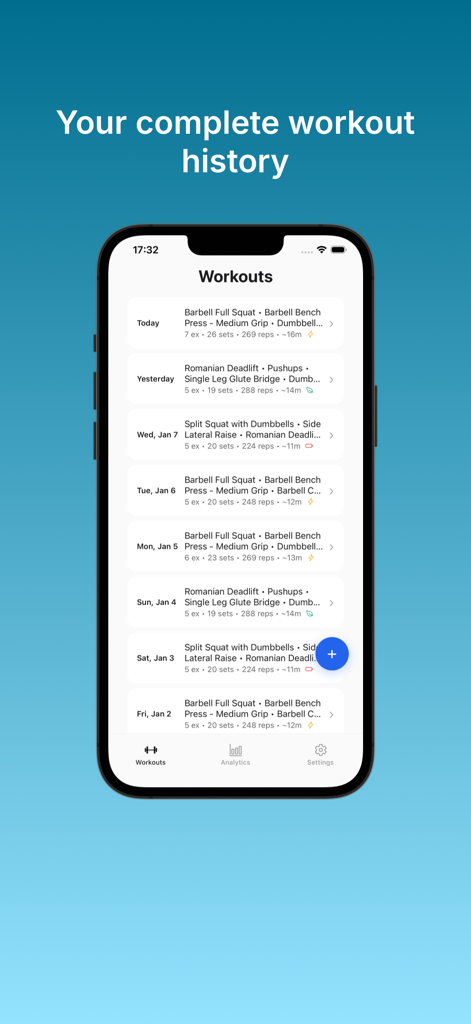
A clear chronological list of past workout logs showing exercises, sets, and reps in the BaseLift app.
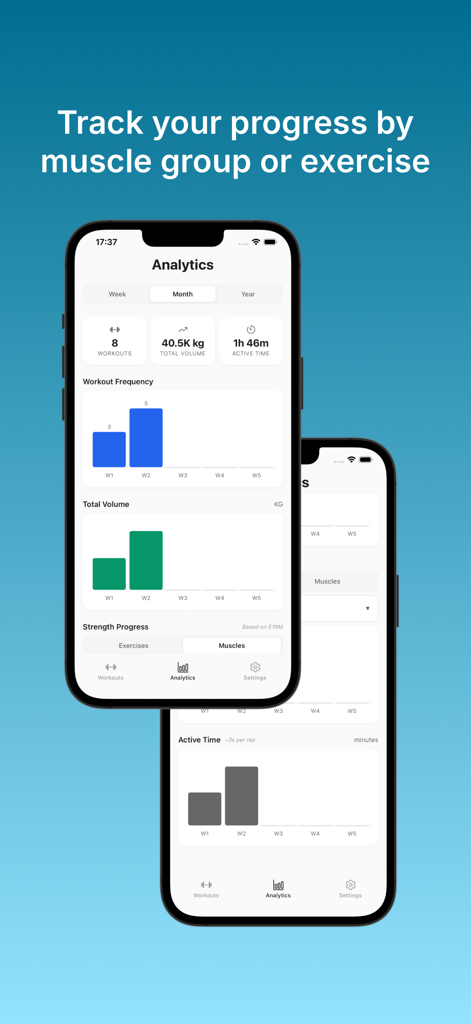
BaseLift app dashboard showing monthly workout frequency and total volume analytics.
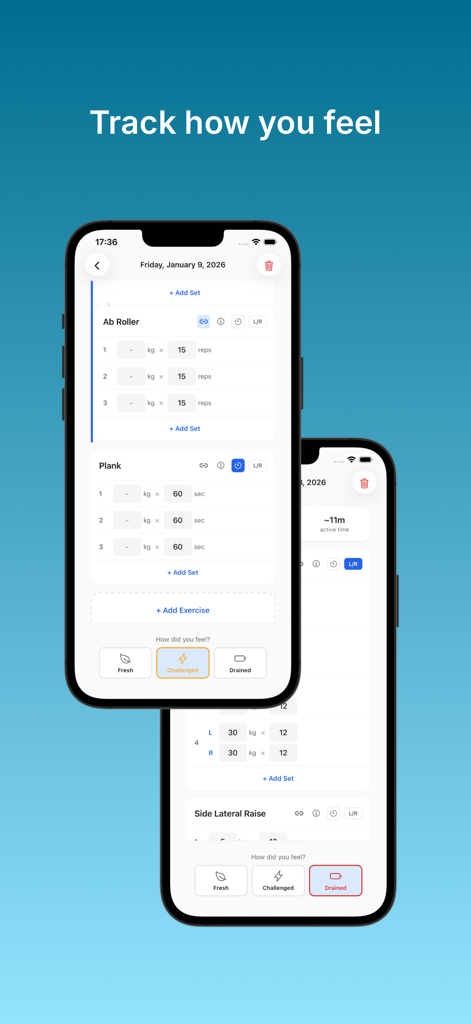
Interface of BaseLift gym log showing exercise tracking and post workout feeling ratings.
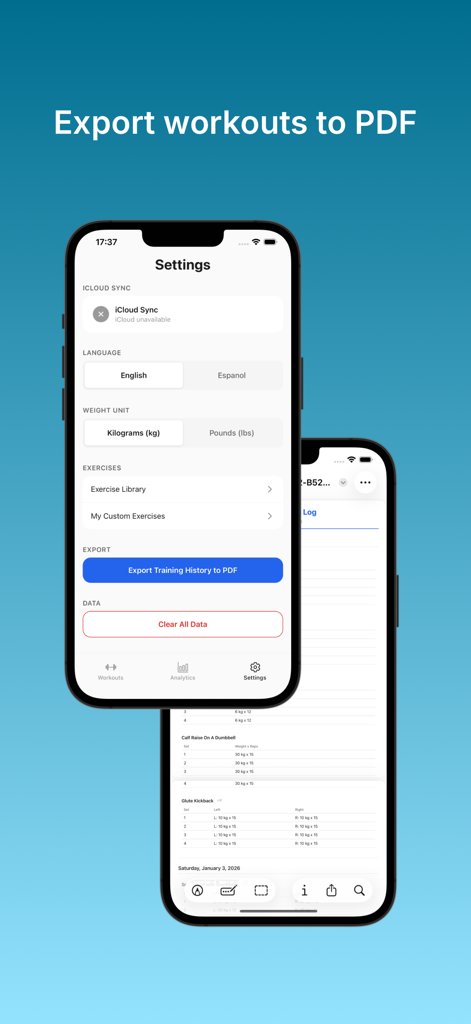
BaseLift app settings screen with a button to export training history to PDF.
Description
Download
More Like This
Top-ranked apps in the same category

Strava: Run, Bike, Walk
Strava Inc.

Flo Cycle & Period Tracker
FLO HEALTH UK LIMITED

AI Calorie Tracker by Yazio
YAZIO GmbH

MyFitnessPal: Calorie Counter
MyFitnessPal, Inc.

Mi Fitness (Xiaomi Wear Lite)
Beijing Xiaomi Co., Ltd

美柚 - 经期·备孕·怀孕·育儿&亲友版
Xiamen Meet You Co., Ltd.

Cal AI - Calorie Tracker
Viral Development LLC

Yuka - Food & Cosmetic Scanner
Yuca

BitePal: Food Tracker Pet
REFACE LITHUANIA UAB
This page is not an official page of the app or its developer, but an independent editorial publication created for informational and commentary purposes. Unless expressly stated otherwise, neither the app nor its developer is affiliated with, endorsed by, sponsored by, authorized by, or otherwise officially connected with MWM, Apple, Google Play, the app publisher, or the app's developer, and nothing on this page implies that the app was developed using MWM's services. Any trademarks, logos, screenshots, and other content remain the property of their respective owners.