
This page is not an official page of the app or its developer, but an independent editorial publication created for informational and commentary purposes. Unless expressly stated otherwise, neither the app nor its developer is affiliated with, endorsed by, sponsored by, authorized by, or otherwise officially connected with MWM, Apple, Google Play, the app publisher, or the app's developer, and nothing on this page implies that the app was developed using MWM's services. Any trademarks, logos, screenshots, and other content remain the property of their respective owners.


BEAMS APP
Experience the power of contemporary design and intuitive navigation. We’ve addressed every challenge to provide the essential upgrades you need for a faster, smarter, and more efficient workflow.
Downloads
2K+User Rating
Total Ratings
0Publisher
Category
BusinessLocales
1Latest Version
1.3Size
37.8 MBFirst Released
Feb 12, 2025Empower Your Day with Smarter Tools
The BEAMS App transforms complex administrative tasks into a seamless mobile experience, designed specifically for today’s fast-paced professional environment.
Contemporary Design
Navigate your workflow with a modern, clutter-free interface that eliminates the frustrations and friction of legacy systems.
Instant Task Management
Handle approvals, schedules, and critical updates in seconds with a mobile-first approach built for your busy lifestyle.
Frequently Asked Questions
Everything you need to know about BEAMS APP
What is the BEAMS App?
The BEAMS App enhances user experience and elevates productivity. It features a contemporary design with intuitive navigation and essential upgrades for a seamless experience.
How does the BEAMS App improve productivity?
The BEAMS App provides a contemporary design, intuitive navigation, and essential upgrades tailored for a seamless experience. These features collectively aim to enhance user productivity.
How do I register an account on the BEAMS App?
To register on the BEAMS App, users must provide their first name, last name, email address, and create a password. This process creates a user account within the application.
Can I upload my resume using the BEAMS App?
Yes, users can upload their resume documents through the BEAMS App. The app allows users to apply for specific job designations using these uploaded documents.
What personal information is required to register for the BEAMS App?
The BEAMS App requires users to provide their first name, last name, email address, and a password during account registration. This ensures accurate personal and professional details.
Does the BEAMS App have a login feature?
Yes, the BEAMS App includes a login feature. Existing users can access their accounts by entering their registered email address and user password on the login screen.
What is the purpose of the BEAMS App policy?
The BEAMS App policy outlines the terms and conditions for using the mobile application. It ensures a smooth and professional user experience, covering user registration and resume uploads.
The following screenshots and description are sourced directly from the app's official store listing and are the property of the app developer.
App Store
Screenshots

BEAMS app logo with lighthouse icon on a yellow background
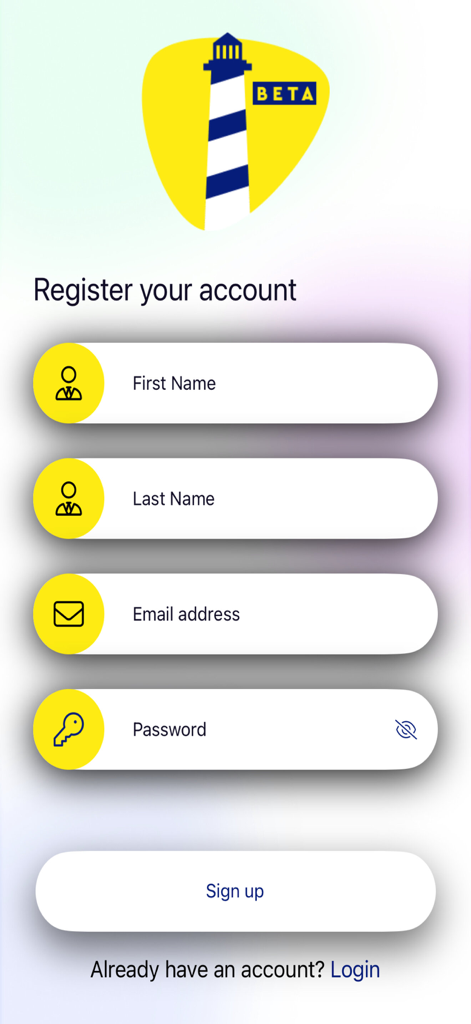
BEAMS APP registration screen with sign up form fields for name email and password
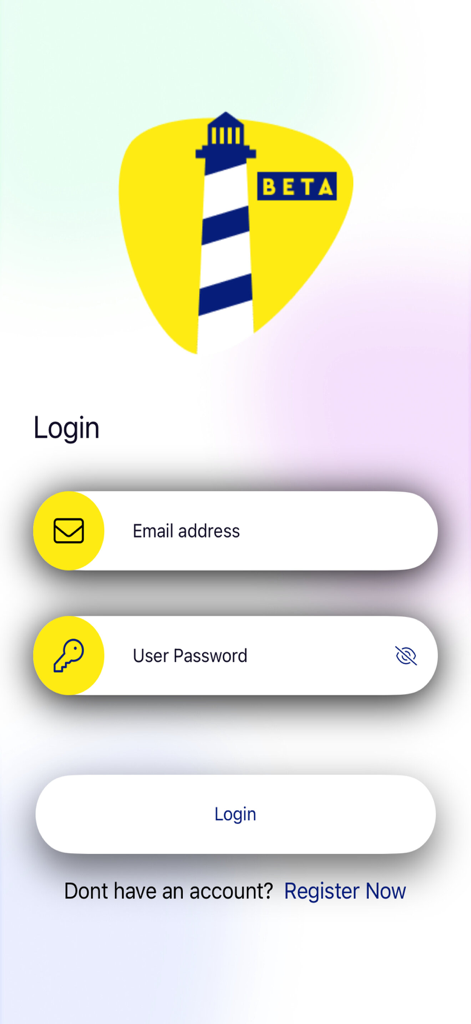
BEAMS app login screen with email and password fields and a lighthouse logo
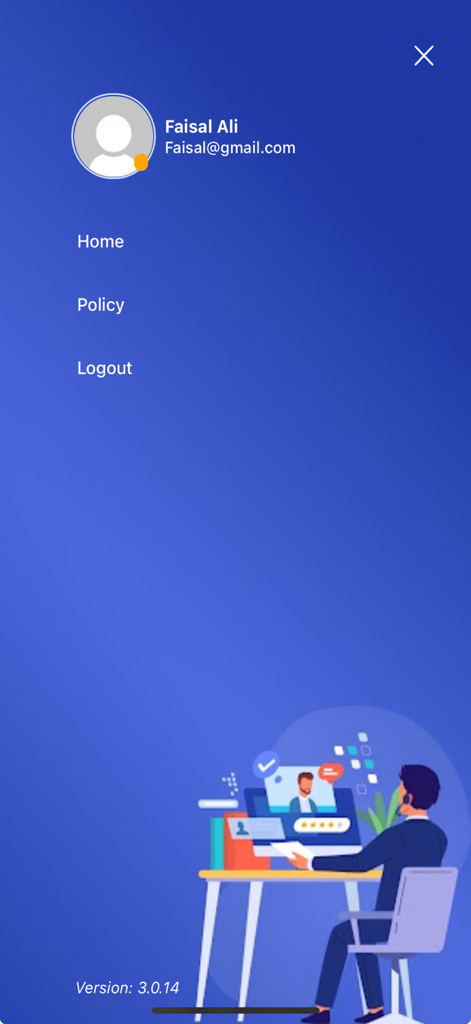
Side menu of the BEAMS APP displaying user profile details and navigation options
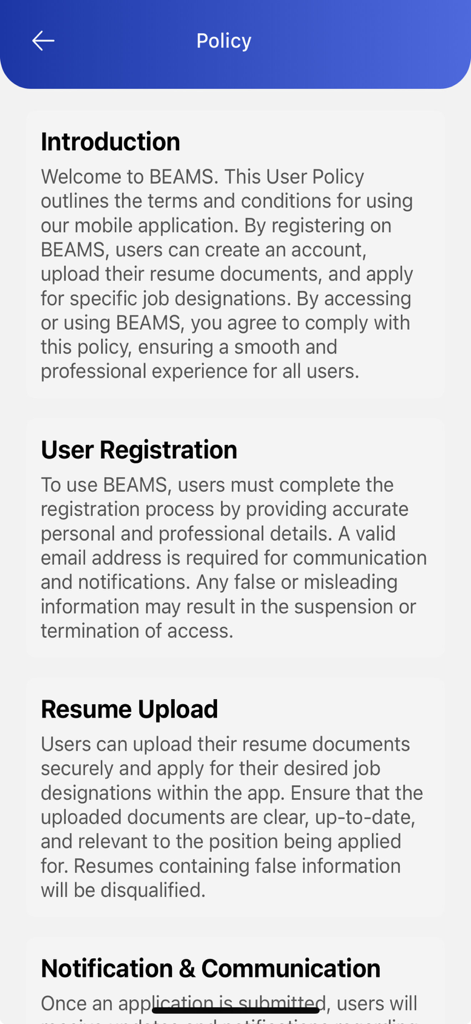
BEAMS APP screen displaying the user policy including sections for registration and resume upload
Description
Download
More Like This
Top-ranked apps in the same category

Microsoft Teams
Microsoft Corporation

Zoom Workplace
Zoom Communications, Inc.

WhatsApp Business
WhatsApp Inc.

Indeed Job Search
Indeed Inc.

LinkedIn: Network & Job Finder
LinkedIn Corporation

Adobe Acrobat Reader: Sign PDF
Adobe Inc.

WeCom-Work Communication&Tools
Tencent Technology (Shenzhen) Company Limited

BOSS直聘-招聘求职找工作神器
Beijing China Product Bo Farce Network Technology Co., Ltd.

DingDing - Redefine Work in AI
DingTalk Technology Co., Ltd.
This page is not an official page of the app or its developer, but an independent editorial publication created for informational and commentary purposes. Unless expressly stated otherwise, neither the app nor its developer is affiliated with, endorsed by, sponsored by, authorized by, or otherwise officially connected with MWM, Apple, Google Play, the app publisher, or the app's developer, and nothing on this page implies that the app was developed using MWM's services. Any trademarks, logos, screenshots, and other content remain the property of their respective owners.