
This page is not an official page of the app or its developer, but an independent editorial publication created for informational and commentary purposes. Unless expressly stated otherwise, neither the app nor its developer is affiliated with, endorsed by, sponsored by, authorized by, or otherwise officially connected with MWM, Apple, Google Play, the app publisher, or the app's developer, and nothing on this page implies that the app was developed using MWM's services. Any trademarks, logos, screenshots, and other content remain the property of their respective owners.


Bibliofil
Search for favorites, reserve the latest bestsellers, and manage your family's accounts in one place. The essential tool for modern readers and busy parents to access millions of titles for free.
Downloads
326K+User Rating
Total Ratings
200Publisher
Category
BooksLocales
1Latest Version
4.4Size
1.6 MBFirst Released
Jan 2, 2017Your Entire Library, in Your Pocket
Access, search, and manage your library account anytime, anywhere. From reserving the latest bestsellers to tracking your family's due dates, we bring the local library to your fingertips.
Smart Account Management
Never miss a due date again. View your current loans, track items for the whole family, and avoid late fees with a single tap from your smartphone.
Instant Search & Reserve
Find your next great read and place a hold instantly. Secure popular new releases before they even hit the shelves, ensuring you're always next in line.
Frequently Asked Questions
Everything you need to know about Bibliofil
What is the Bibliofil app?
The Bibliofil app provides easy access to library services, enabling users to find, reserve, and manage items. It also connects users to their personal library pages and digital services.
How do I select my library in the Bibliofil app?
Users select their specific library upon first opening the Bibliofil app. They can later change the selected library quickly from the menu located at the top of the screen.
Can I search for books using the Bibliofil app?
Yes, the Bibliofil app provides full access to searching for items within your chosen library's collection. Users can input their search queries directly into the designated search bar.
How do I reserve items with the Bibliofil app?
The Bibliofil app allows users to reserve items directly. After finding a desired item, a "Bestill" (Order/Reserve) button is available to place a reservation.
What credentials are required to log in to the Bibliofil app?
Users log in to the Bibliofil app using their existing borrower number and PIN. This standard login method secures access to personal library services and pages.
Does the Bibliofil app support multiple libraries?
Yes, the Bibliofil app supports all libraries that use the Bibliofil library system. Users can switch between different libraries via the in-app menu.
Can I manage my library account through the Bibliofil app?
Yes, the Bibliofil app provides access to "Min side" (My page), where users can manage their loans, reservations, and other personal library information.
The following screenshots and description are sourced directly from the app's official store listing and are the property of the app developer.
App Store
Screenshots
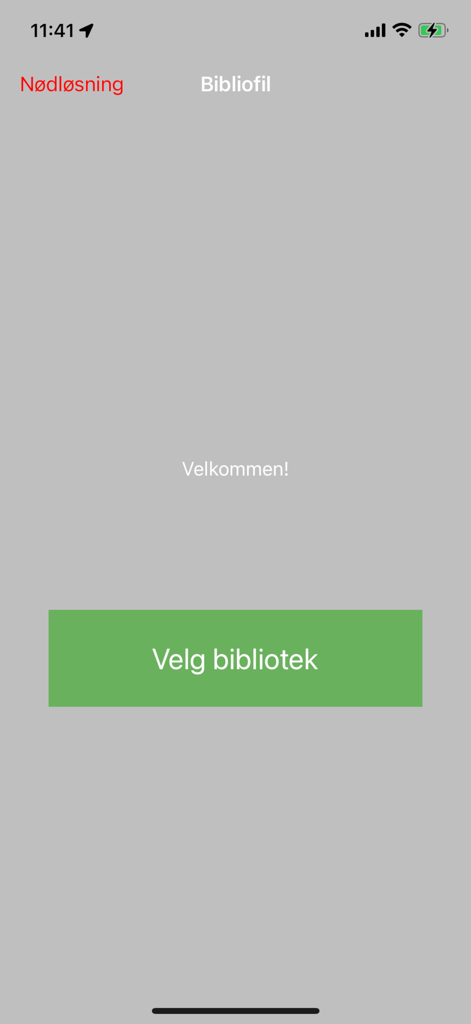
Bibliofil app welcome screen with a button to select a library
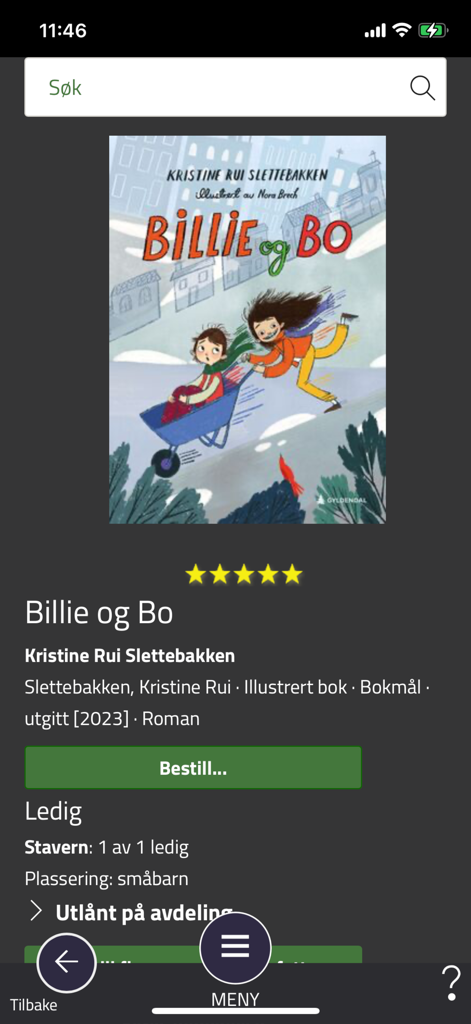
Screenshot of the Bibliofil library app showing details and a reservation button for the book Billie og Bo
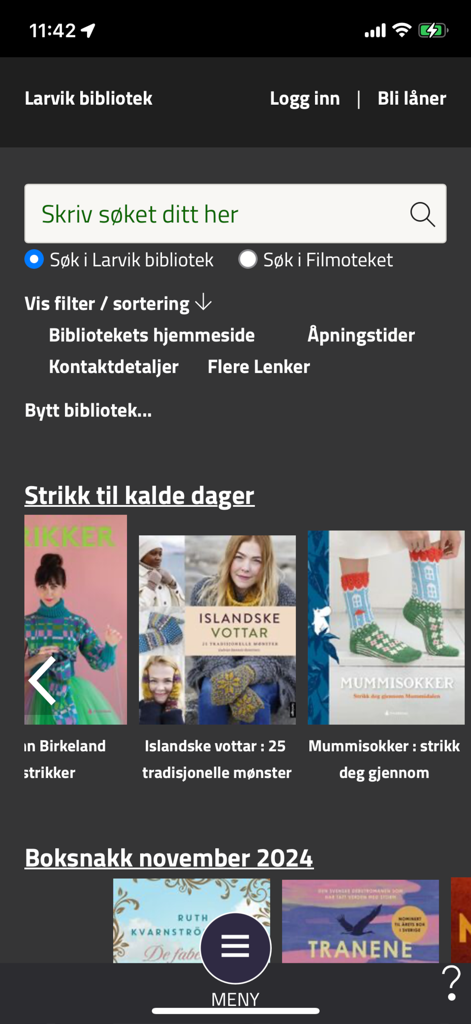
Bibliofil app interface for Larvik library featuring a search bar and curated book recommendations for knitting and local events.
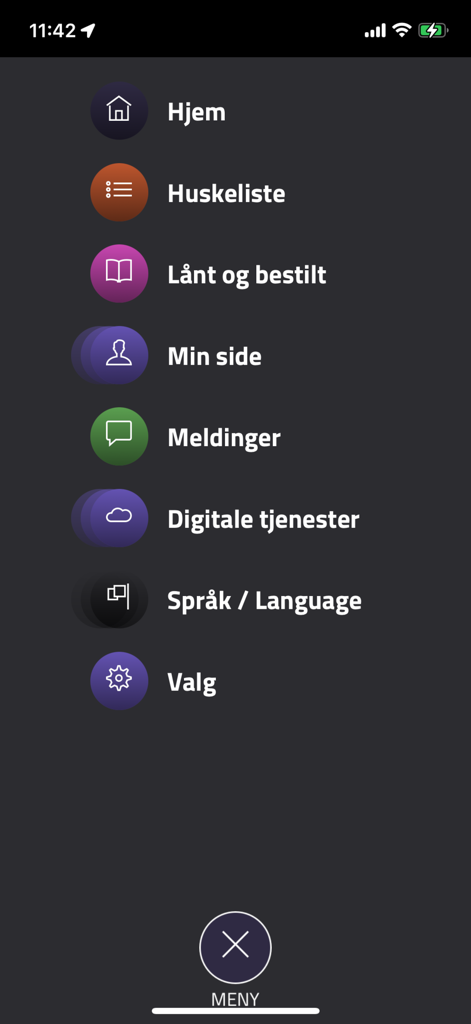
Main menu screen of the Bibliofil library app with navigation icons
Description
Download
More Like This
Apps with similar features and user experience





This page is not an official page of the app or its developer, but an independent editorial publication created for informational and commentary purposes. Unless expressly stated otherwise, neither the app nor its developer is affiliated with, endorsed by, sponsored by, authorized by, or otherwise officially connected with MWM, Apple, Google Play, the app publisher, or the app's developer, and nothing on this page implies that the app was developed using MWM's services. Any trademarks, logos, screenshots, and other content remain the property of their respective owners.