
This page is not an official page of the app or its developer, but an independent editorial publication created for informational and commentary purposes. Unless expressly stated otherwise, neither the app nor its developer is affiliated with, endorsed by, sponsored by, authorized by, or otherwise officially connected with MWM, Apple, Google Play, the app publisher, or the app's developer, and nothing on this page implies that the app was developed using MWM's services. Any trademarks, logos, screenshots, and other content remain the property of their respective owners.


bitacora: patient's logbook
Streamline your practice with secure patient records, custom templates, and visual progress tracking—designed for mobile therapists, nurses, and doctors on the go.
Downloads
42K+User Rating
Total Ratings
0Publisher
Category
MedicalLocales
2Latest Version
1.2.11Size
2.9 MBFirst Released
May 17, 2016Your Practice, Organized and Mobile
Replace paper charts and bulky software with a lightweight, customizable logbook designed for the modern healthcare professional on the go.
Tailored Clinical Forms
Build your own templates to capture the exact data you need for your specific medical niche without the enterprise clutter.
Security You Can Trust
Protect sensitive patient data with robust passcode locks and a detailed activity log for total peace of mind in any environment.
The following screenshots and description are sourced directly from the app's official store listing and are the property of the app developer.
App Store
Screenshots
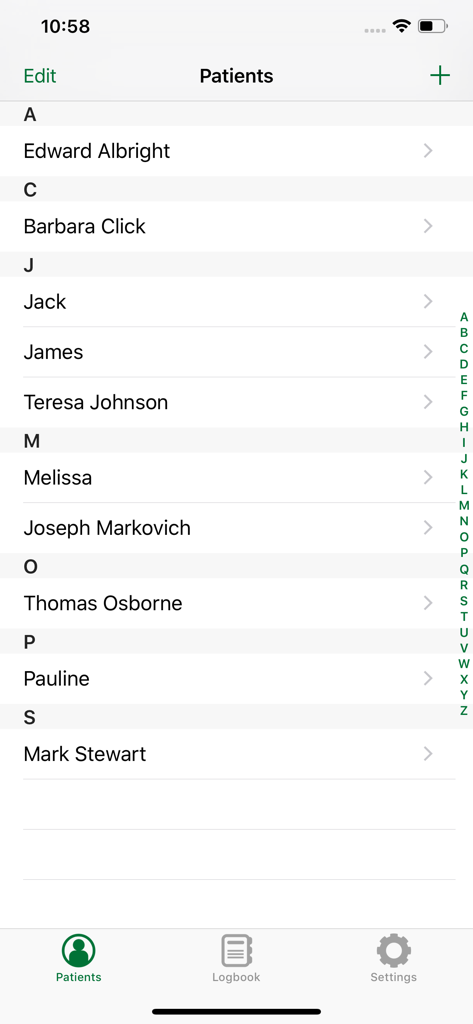
A mobile app interface showing an alphabetical list of patient names in the bitacora patient logbook app
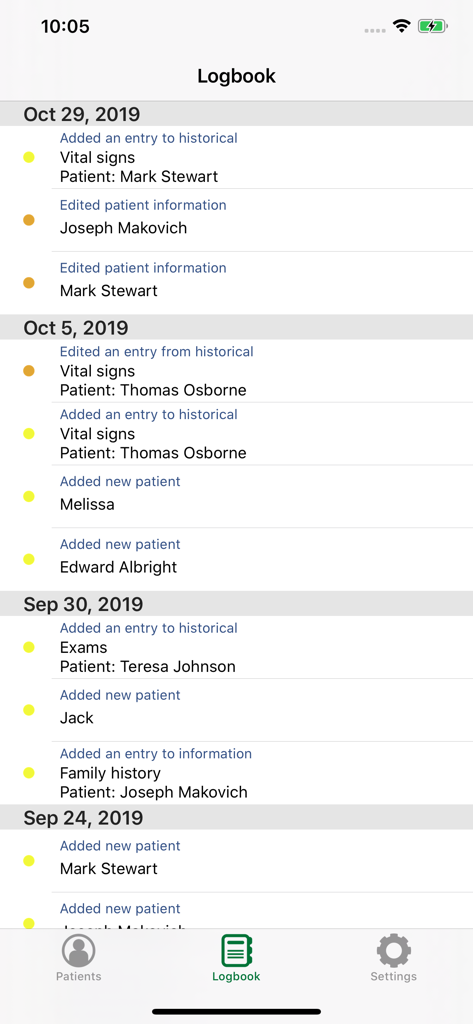
Screenshot of the Logbook feature in bitacora app showing a history of patient entries and edits sorted by date
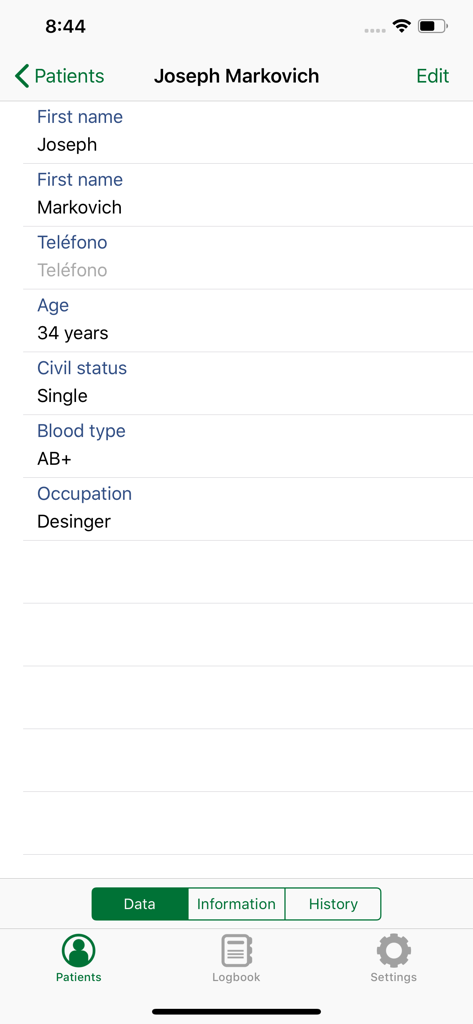
Patient profile view in Bitacora app showing personal data fields like age and blood type.
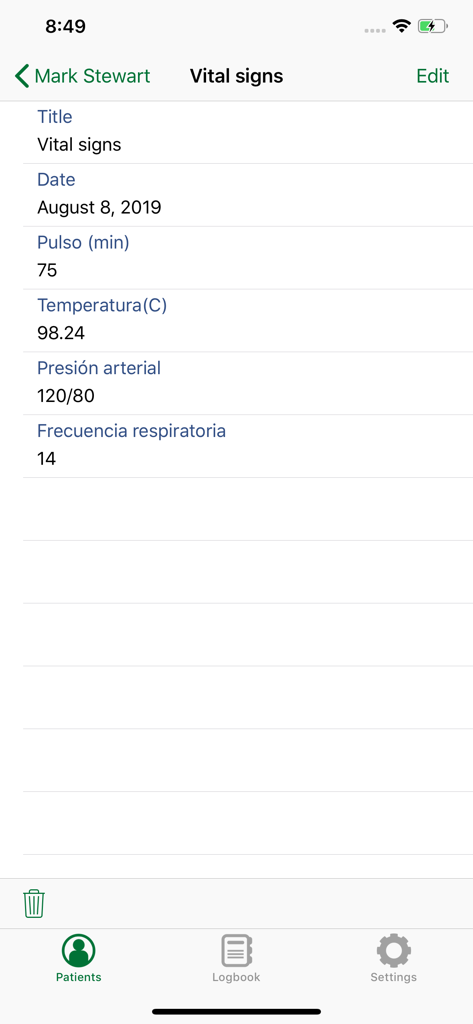
Mobile app screen displaying a clinical vital signs record for a patient including pulse and blood pressure measurements.
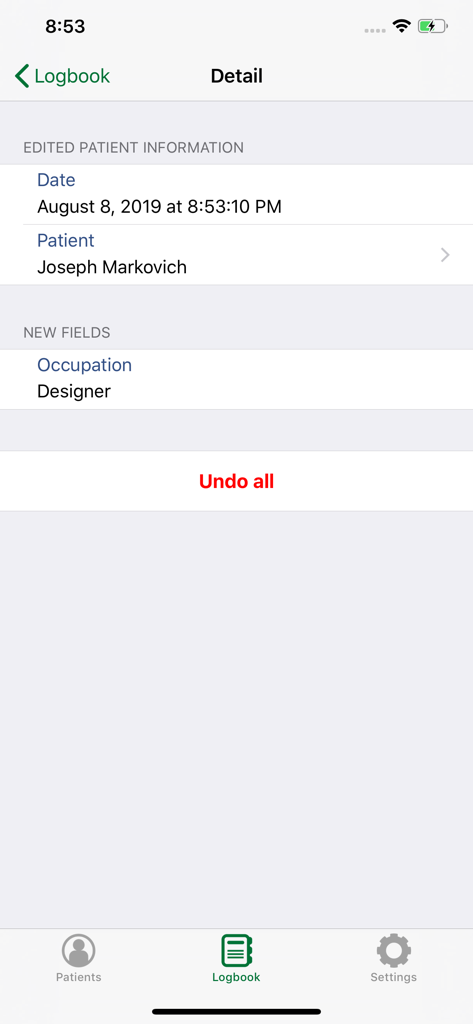
A detailed log entry showing edited patient information and a button to undo changes in the bitacora app
Description
Download
More Like This
Top-ranked apps in the same category

国家医保服务平台
National Healthcare Security Administration

MyChart
Epic Systems Corporation

Doctolib - Your health partner
Doctolib

Pregnancy + | Tracker App
Philips Digital UK Limited

CVS Health
CVS Pharmacy

江苏医保云
Jiangsu Healthcare Security Bureau

UnitedHealthcare
UNITED HEALTHCARE SERVICES, INC.

京东健康
BEIJING JINGDONG 360 DU E-COMMERCE LTD.

Meu SUS Digital
Servicos e Informacoes do Brasil
This page is not an official page of the app or its developer, but an independent editorial publication created for informational and commentary purposes. Unless expressly stated otherwise, neither the app nor its developer is affiliated with, endorsed by, sponsored by, authorized by, or otherwise officially connected with MWM, Apple, Google Play, the app publisher, or the app's developer, and nothing on this page implies that the app was developed using MWM's services. Any trademarks, logos, screenshots, and other content remain the property of their respective owners.