Bitsboard Flashcards PRO
Download on App Store

This page is not an official page of the app or its developer, but an independent editorial publication created for informational and commentary purposes. Unless expressly stated otherwise, neither the app nor its developer is affiliated with, endorsed by, sponsored by, authorized by, or otherwise officially connected with MWM, Apple, Google Play, the app publisher, or the app's developer, and nothing on this page implies that the app was developed using MWM's services. Any trademarks, logos, screenshots, and other content remain the property of their respective owners.

Logo of Bitsboard Flashcards PRO
Download on App Store

Bitsboard Flashcards PRO

Transform any lesson into 35+ interactive mini-games. Fully customizable, privacy-focused, and designed to help every student excel, from K-5 to Special Education.

Key Figures

Downloads

40K+

User Rating

4.4/5

Total Ratings

2K+

Publisher

Happy Moose Apps Inc.

Category

Education

Locales

12

Latest Version

40.8

Size

135.3 MB

First Released

May 15, 2013
Features

The Ultimate Interactive Learning Toolkit

Replace dozens of apps with one powerful platform. Turn any subject into 35+ personalized mini-games that adapt to every student's unique learning pace.

Personalized Content Creation

Record your own voice and upload custom photos to create lessons that resonate with your students' real-world experiences.

35+ Games in One

Keep learning fresh with a vast library of activities including Word Search, Bingo, and Pop Quiz—designed for every learning style.

The following screenshots and description are sourced directly from the app's official store listing and are the property of the app developer.

App Store

Screenshots
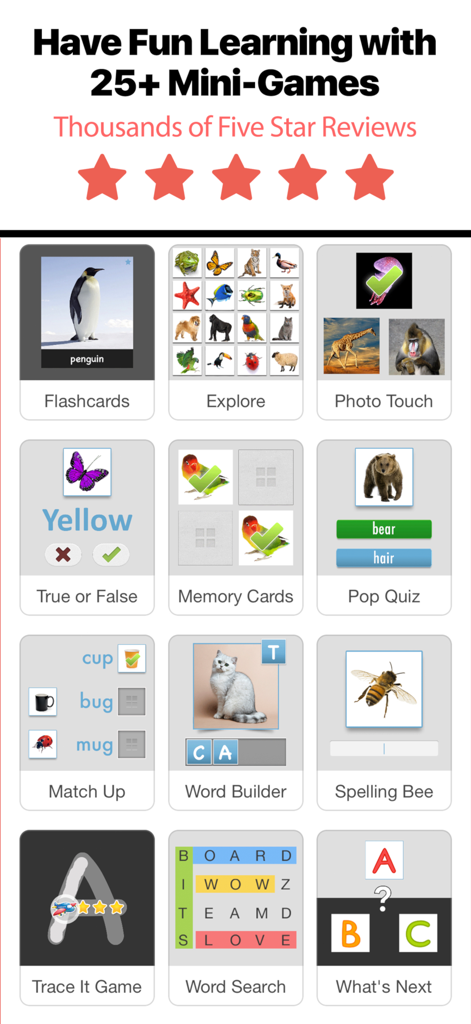
Bitsboard Flashcards PRO - A grid showcasing several educational mini-games available in the Bitsboard Flashcards PRO app such as spelling bee word search and flashcards
A grid showcasing several educational mini-games available in the Bitsboard Flashcards PRO app such as spelling bee word search and flashcards

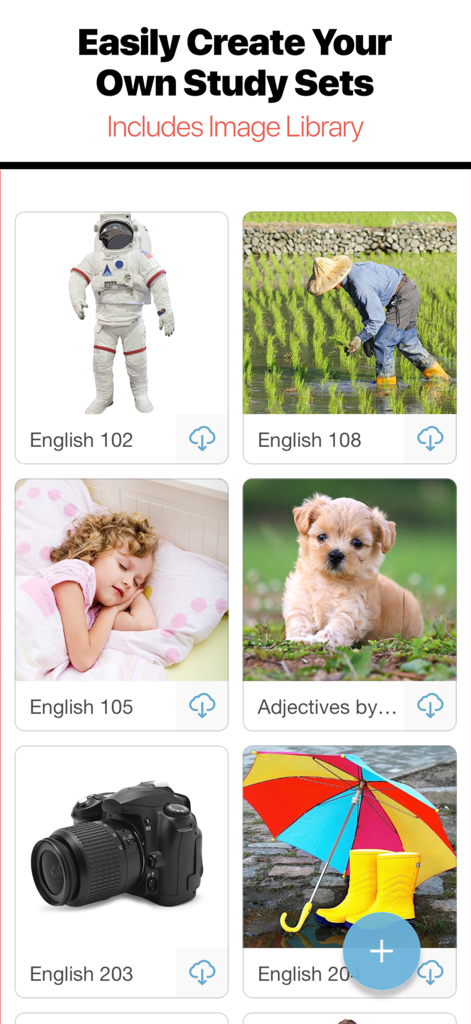
Bitsboard Flashcards PRO - Interface of Bitsboard app showing a grid of flashcard study sets with images of an astronaut, a puppy, and a camera.
Interface of Bitsboard app showing a grid of flashcard study sets with images of an astronaut, a puppy, and a camera.

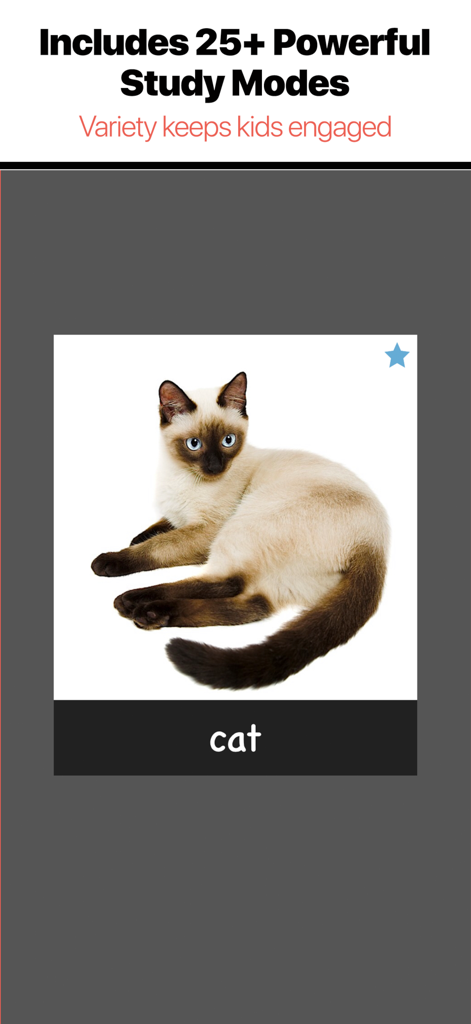
Bitsboard Flashcards PRO - Bitsboard Flashcards PRO screenshot showing a cat flashcard with the text Includes 25 plus Powerful Study Modes.
Bitsboard Flashcards PRO screenshot showing a cat flashcard with the text Includes 25 plus Powerful Study Modes.

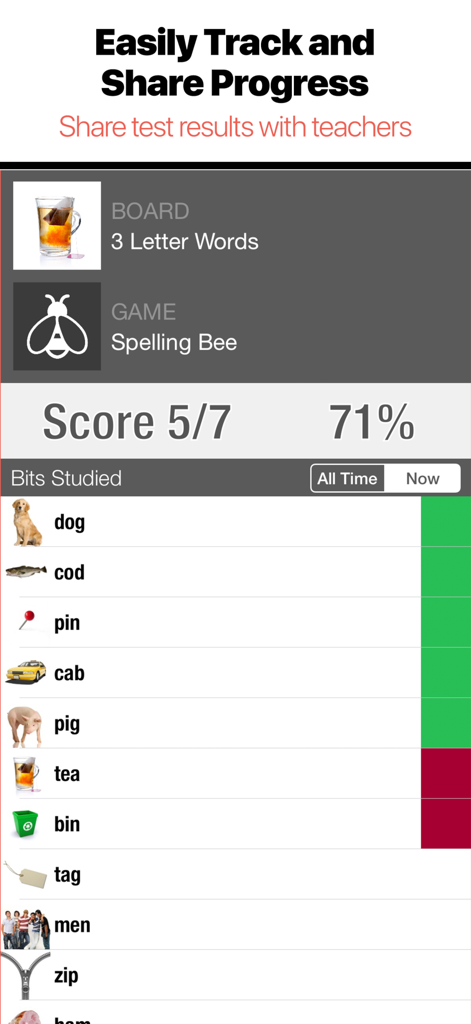
Bitsboard Flashcards PRO - A progress report screen in Bitsboard showing a student score of 71 percent for a Spelling Bee game with a list of correctly and incorrectly identified words
A progress report screen in Bitsboard showing a student score of 71 percent for a Spelling Bee game with a list of correctly and incorrectly identified words

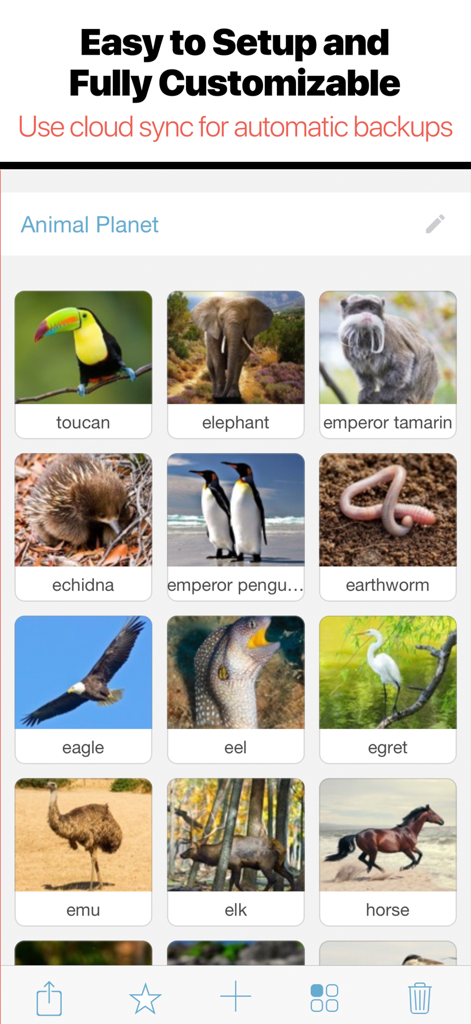
Bitsboard Flashcards PRO - Interface of the Bitsboard PRO app showing a customizable animal flashcard library titled Animal Planet with cloud sync features
Interface of the Bitsboard PRO app showing a customizable animal flashcard library titled Animal Planet with cloud sync features

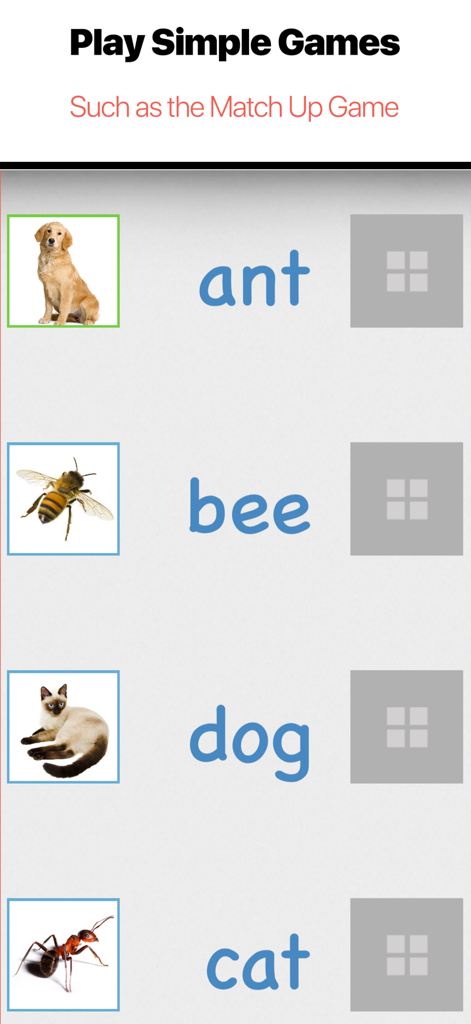
Bitsboard Flashcards PRO - A vocabulary matching game featuring pictures of animals and their names in the Bitsboard app.
A vocabulary matching game featuring pictures of animals and their names in the Bitsboard app.

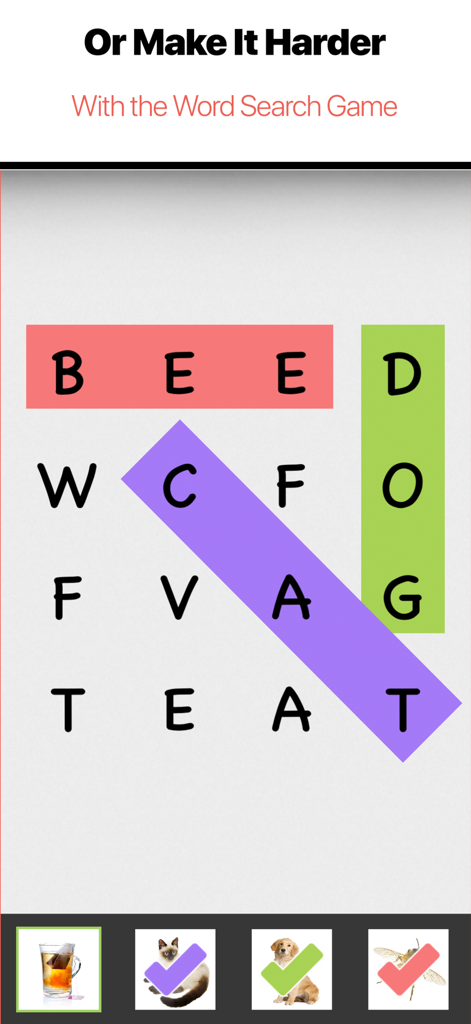
Bitsboard Flashcards PRO - Educational word search game interface in the Bitsboard Flashcards PRO app
Educational word search game interface in the Bitsboard Flashcards PRO app

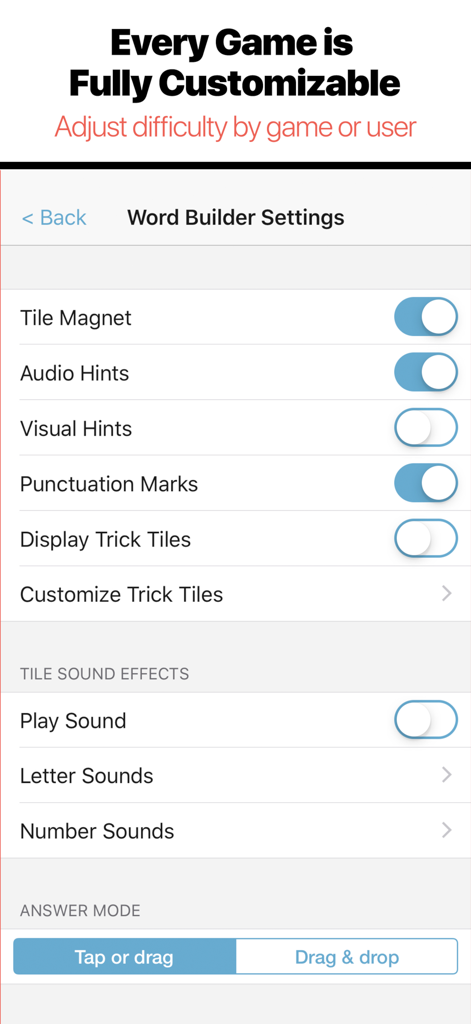
Bitsboard Flashcards PRO - Bitsboard Flashcards PRO word builder settings screen showing game customization options
Bitsboard Flashcards PRO word builder settings screen showing game customization options

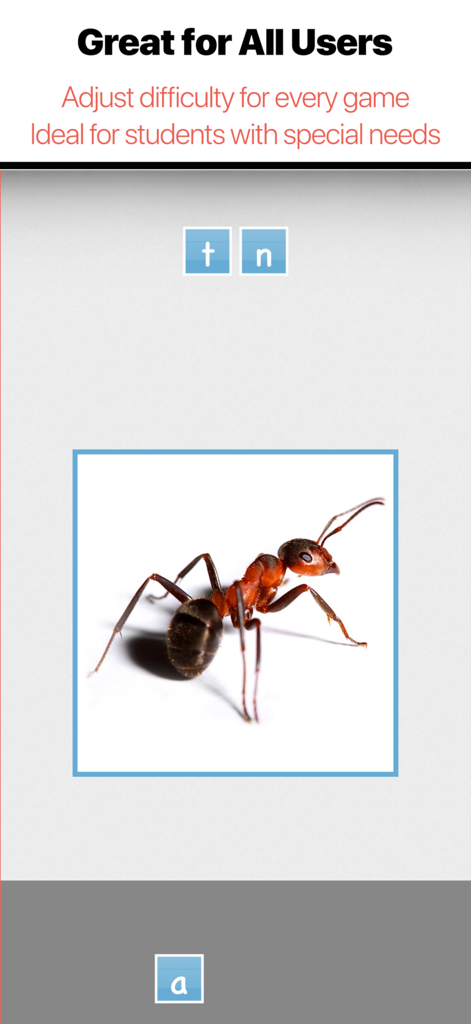
Bitsboard Flashcards PRO - Educational spelling game featuring an ant image and letter tiles
Educational spelling game featuring an ant image and letter tiles

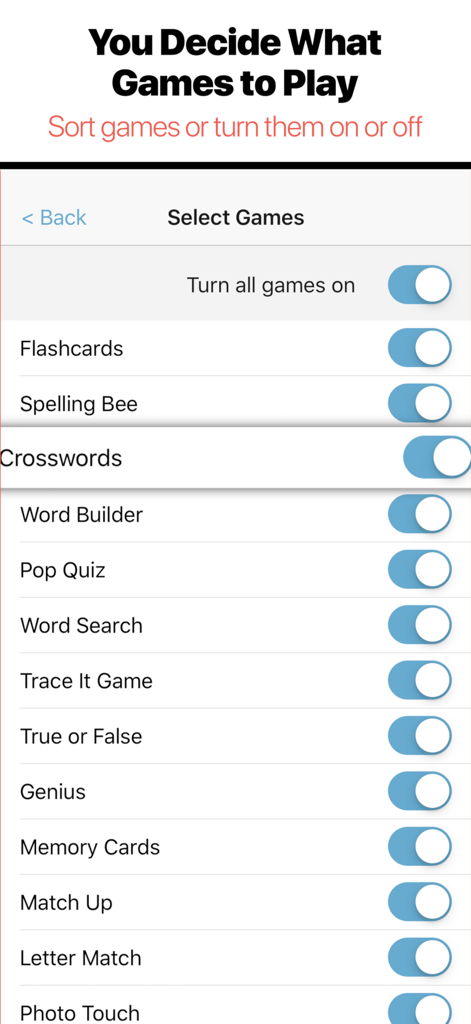
Bitsboard Flashcards PRO - Settings screen in Bitsboard Flashcards PRO showing a list of educational games with toggle switches to turn them on or off

Settings screen in Bitsboard Flashcards PRO showing a list of educational games with toggle switches to turn them on or off

Description

A top 5 education game in the U.S.  2021 Academic Choice Awards Winner Spark excitement for learning with Bitsboard – an interactive learning app trusted by over 5 million parents, teachers and students worldwide. Create your own learning experience with 35+ educational activities, join a private classroom or dive into thousands of hand-curated flashcard decks – whatever you want to learn, Bitsboard is here to make it fun and make it stick! What you can do with the Bitsboard app: Teachers • Create lessons in minutes with beautiful images and clear audio • Adapt lessons to an individual user’s learning speed • Encourage higher level thinking with fun single/multiplayer mini-games • Keep track of individual progress • Automatically back up and sync data across devices Students • Turn boring assignments into addictive mini-games • Master languages, vocab, reading, spelling and more • Compete in multiplayer games with classmates • Study at your own pace or with others OVER 35+ POWERFUL MINI GAMES / STUDY MODES IN 1 APP INCLUDING • Flashcards • Photo Touch • Memory Cards (1-4 players) • Pop Quiz • Match Up • Word Builder • Sentence Builder • Spelling Bee • BINGO (1-4 players) • Letter Tracing • Sequencing • Related Items • Word Search • Crosswords • Letter Match • Odd One Out • What Comes Next? • Side by Side • Word Chunks • Communicator • Reader • Questions Game • Photo Hunt (1-4 players) • Racing Rivals (2 players) • Battle Time (2 players) • Say It Game TRACKS YOUR PROGRESS • Bitsboard keeps track of every answer for every game, user, and board SUPPORTS MULTIPLE USERS • Bitsboard makes it easy to add multiple users and switch between user accounts • You can now instantly review the detailed progress for each user • Automatically saves game settings at the user level ACCESSIBILITY OPTIONS • Bitsboard fully supports switch control to make all of the games accessible for users with disabilities ORGANIZE YOUR BOARDS • You can now group your boards into classes. • Each board can fit into as many classes as you like. • Organize your boards by class, user, subject, and more. ACCELERATE YOUR LEARNING • Bitsboard's learning algorithm automatically personalizes each game based on the players skills. • Bitsboard knows your problem words and when you are ready to move on to your next challenge. SHARE AND SYNC CONTENT ACROSS DEVICES • With Bitsboard, you can share and sync your custom lessons across devices with just one click • With user based cloud sync you can automatically backup all of your students, boards, and user stats and sync everything across devices BITSBOARD CLASSES • Share and automatically sync all of your content with other users / students on other devices • Bitsboard classes are private - only you and the students you approve see your content CLOUD SYNC • With cloud sync all of your boards, students, classes, and settings are automatically backed up and sync across all of your devices QR LOGIN CARDS • To protect student’s privacy you can generate student accounts without any email or password. Once created, you can share the login details of each student account via a simple QR login card. Just email the QR code to your student and they will be able to download the free Bitsboard app and log into their Bitsboard account. Have questions? We are here to help. Email us at support@happymooseapps.com Privacy Policy: http://bitsboard.com/privacy-policy Subscription Terms: http://bitsboard.com/subscription-terms

Download

Download on App Store

This page is not an official page of the app or its developer, but an independent editorial publication created for informational and commentary purposes. Unless expressly stated otherwise, neither the app nor its developer is affiliated with, endorsed by, sponsored by, authorized by, or otherwise officially connected with MWM, Apple, Google Play, the app publisher, or the app's developer, and nothing on this page implies that the app was developed using MWM's services. Any trademarks, logos, screenshots, and other content remain the property of their respective owners.








