
Blackhole Spliter


Stop manual trimming and preserve your 4K quality. Effortlessly turn long videos into perfectly timed segments for Instagram, TikTok, and Snapchat with just one tap.
Publisher
Category
UtilitiesDownloads
14M+User Rating
Total Ratings
205K+Locales
1Discover the interface used by 14M+ users.
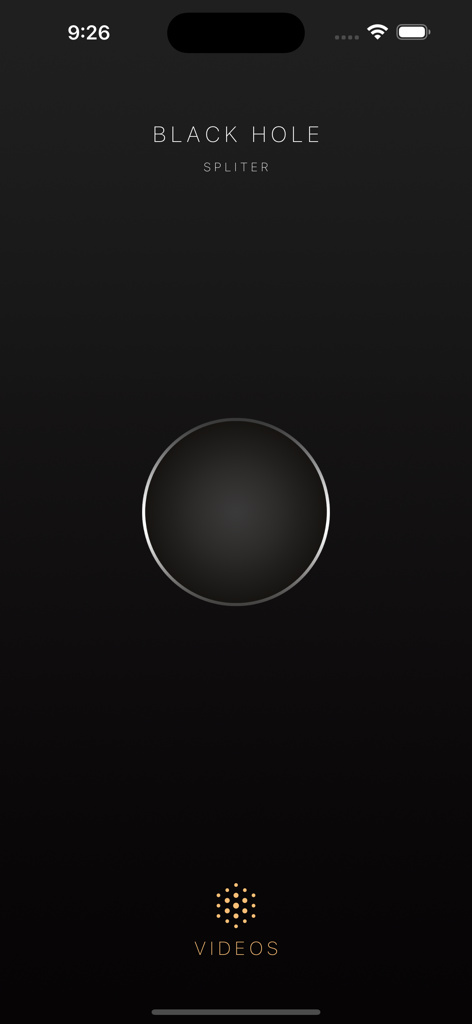
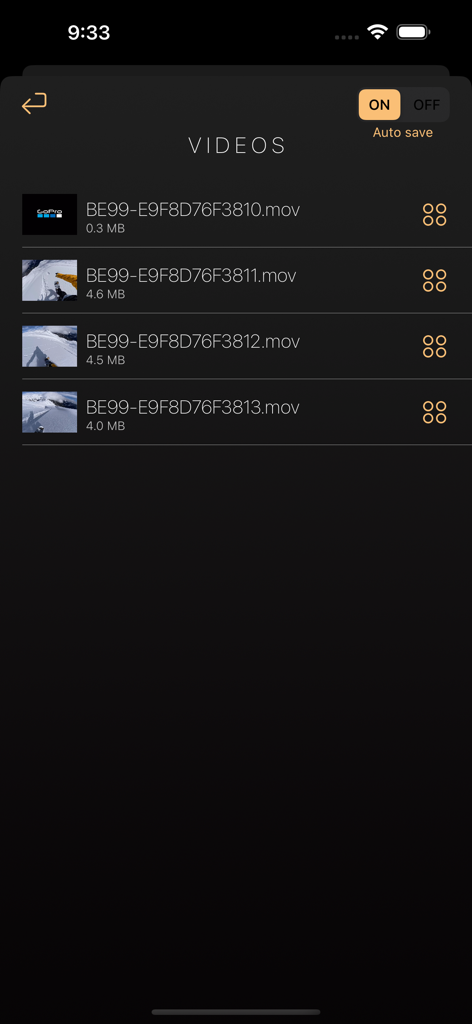
The tools that make this app stand out, trusted by 14M+ users.
Ditch the manual trimming. Automatically slice long videos into exact segments ready for Instagram Stories or TikTok without the headache.
Keep your aesthetic sharp. We preserve your 4K and HD resolution so your clips look crystal clear and professional every single time.
Whether it’s a 15-second Story or a long WhatsApp Status, get perfectly timed segments optimized for every platform's specific limits.
Insights from user reviews.
Sentiment Score
Summary
This mobile app receives largely negative feedback due to pervasive functionality issues, contrasting sharply with its previous reputation for efficiency and ease of use. Users frequently report that the app no longer downloads videos, and many experience a critical bug where incorrect or unrelated videos (including a specific recurring video) are saved instead of the intended content. While some users appreciate its past capabilities for fast downloads from platforms like Instagram and YouTube, numerous complaints highlight problems with TikTok compatibility and an excessive amount of intrusive advertisements. Several reviewers, including those who previously paid for the app, express frustration that it has ceased functioning or is riddled with ads, undermining its core purpose.
Common Themes
Everything you need to know about Blackhole Spliter.
Description
Latest Version
15
Size
33.8 MB
First Released
May 17, 2022
Join 14 million creators who turn long videos into perfect social stories in seconds. Get the #1 video splitter for iOS today and never miss a moment.
Everything you need to know about Blackhole Spliter
Blackhole Spliter is an application that splits long videos into smaller segments. It optimizes these videos for easy sharing on various social media platforms.
Yes, Blackhole Spliter offers an auto-save feature. Users can enable or disable this function to automatically save processed videos, as indicated by the 'Auto save' toggle.
Blackhole Spliter processes video files, specifically splitting longer videos into smaller ones. The app interface displays '.mov' files, indicating its compatibility with common video formats.
Yes, Blackhole Spliter prepares videos for social media apps by splitting long videos into smaller clips. This functionality ensures videos meet the requirements for sharing on social platforms.
Blackhole Spliter manages processed videos by listing them in a dedicated video library. It provides an 'Auto save' option to control automatic saving of these split video segments.
Apps with similar features and user experience

VEED Ltd

Renderforest LLC

立瑗 胡

VIDEOSHOW PTE. LTD.

Honk Honk Punch Pty Ltd

Zipo Apps Ltd.

ChengDu PinGuo Technology Co., Ltd.

Slider LLC

UNSTATIC LTD
App information, icons, screenshots, and descriptions displayed on this page are sourced from the Apple App Store and are the property of their respective developers. Download estimates and rankings are based on MWM's proprietary models and may not reflect actual figures. This page is provided for informational and analytical purposes only.
Believe this page infringes your intellectual property? File a dispute