blur effect app

blur effect app

Download on App Store
Logo of blur effect app

blur effect app: The Easiest Way to Create Dreamy, Aesthetic Photos

Elevate your feed with 15 unique blur and mosaic styles. Whether you want a soft, fluffy vibe or instant privacy, achieve the perfect look in seconds.

Download on App Store

Publisher

Yu Abe

Category

Photo & Video

Downloads

0

User Rating

4.6/5

Total Ratings

0

Locales

6

Aesthetic at a Glance

Discover the interface used by 0 users.
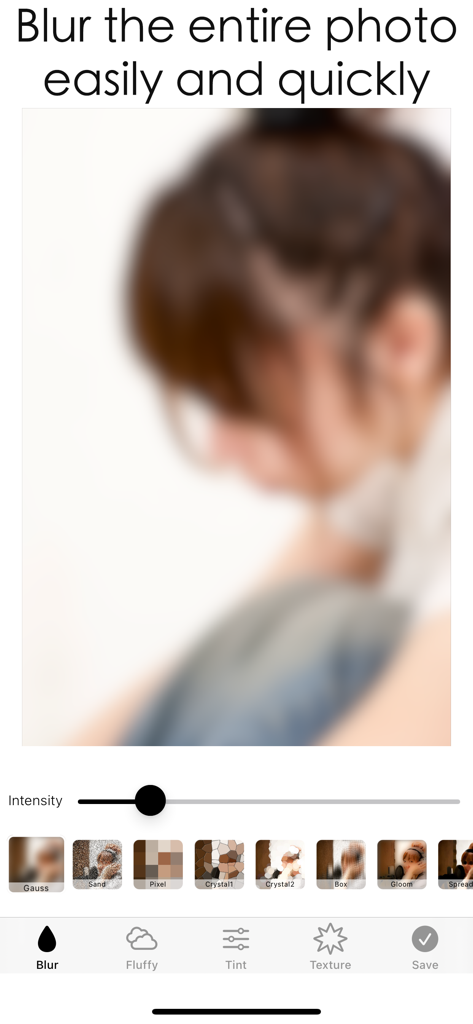
A screenshot of the blur effect app showing a blurred photo with intensity controls and multiple filter styles.

A screenshot of the blur effect app showing a blurred photo with intensity controls and multiple filter styles.

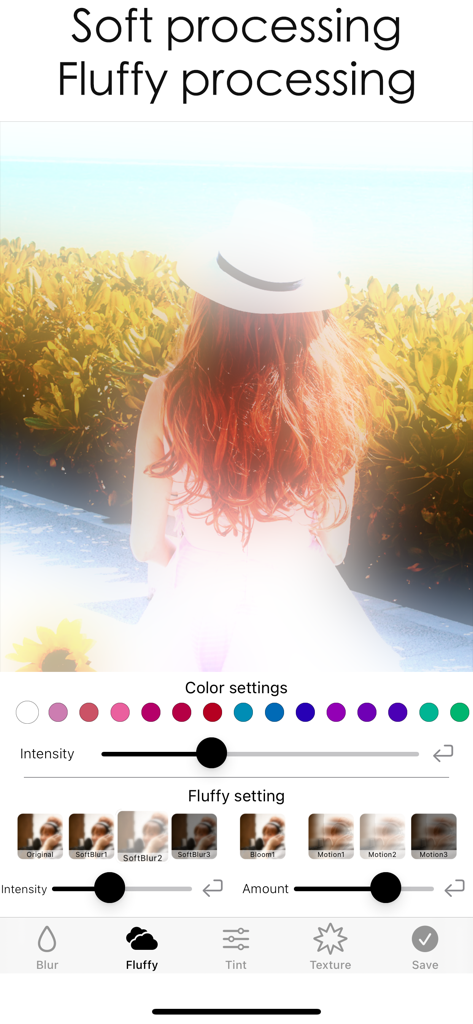
Mobile app interface demonstrating soft and fluffy blur filters on a photo of a person with red hair

Mobile app interface demonstrating soft and fluffy blur filters on a photo of a person with red hair

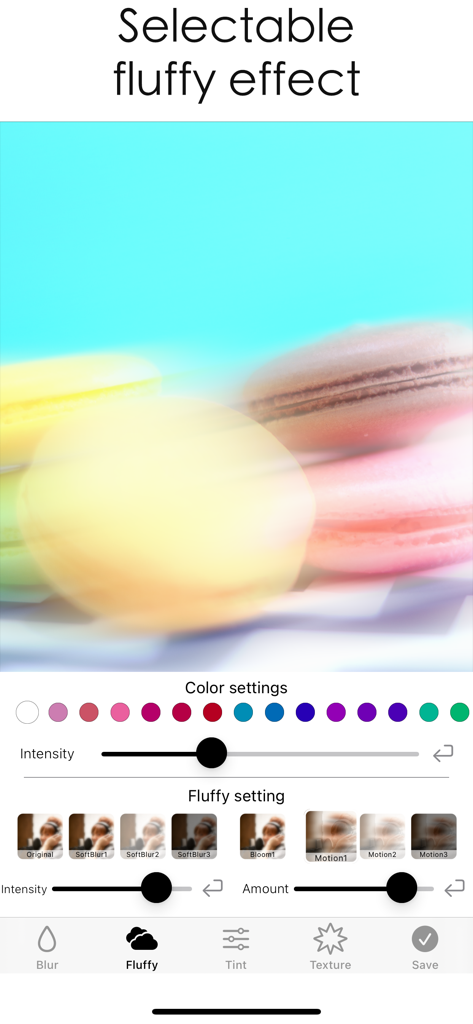
Mobile app interface showing the selectable fluffy blur effect being applied to a photo of colorful macarons with intensity and color settings

Mobile app interface showing the selectable fluffy blur effect being applied to a photo of colorful macarons with intensity and color settings

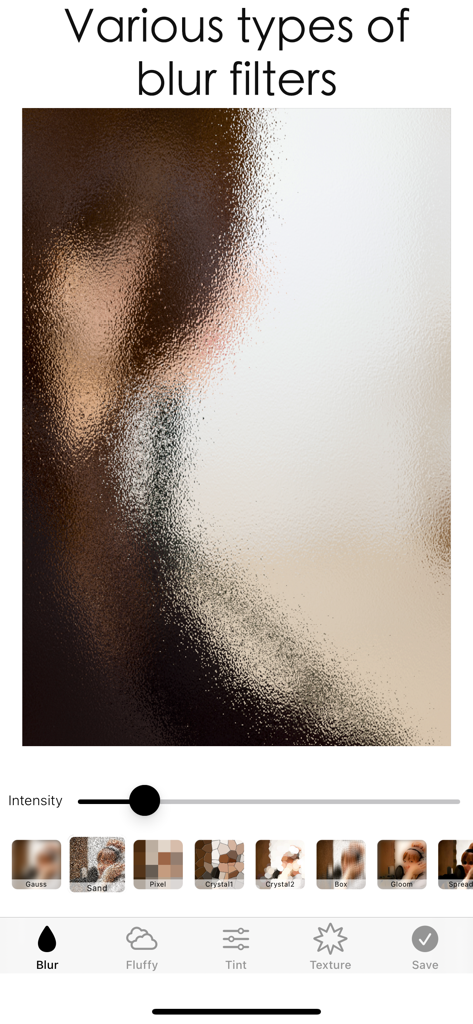
A screenshot of the blur effect app interface showing various blur filter types and an intensity adjustment slider.

A screenshot of the blur effect app interface showing various blur filter types and an intensity adjustment slider.

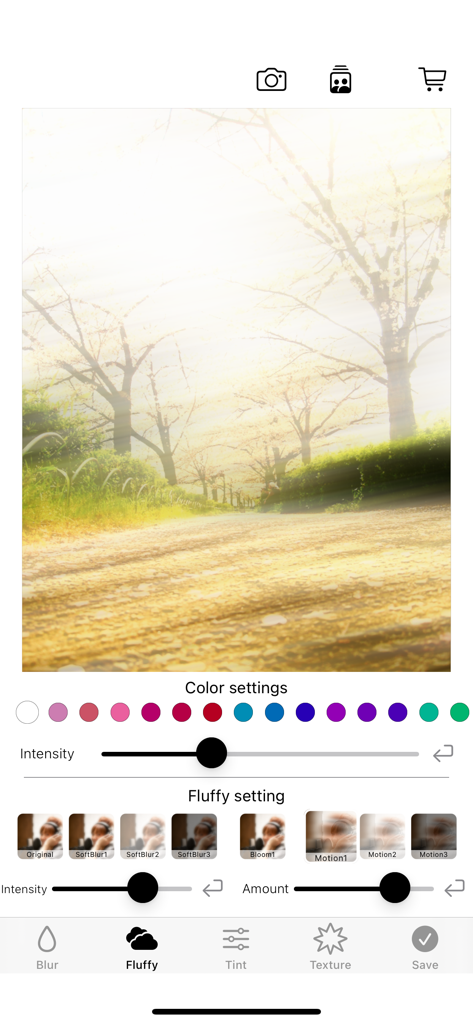
Interface of the blur effect app showing fluffy and soft filter settings for aesthetic photo editing.

Interface of the blur effect app showing fluffy and soft filter settings for aesthetic photo editing.

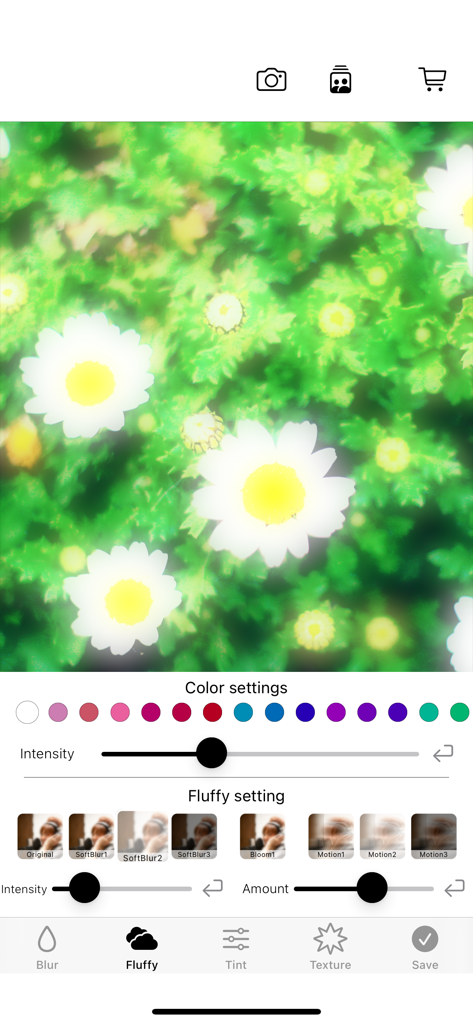
Interface of a photo editing app showing fluffy and soft blur settings with color options applied to a daisy photo

Interface of a photo editing app showing fluffy and soft blur settings with color options applied to a daisy photo

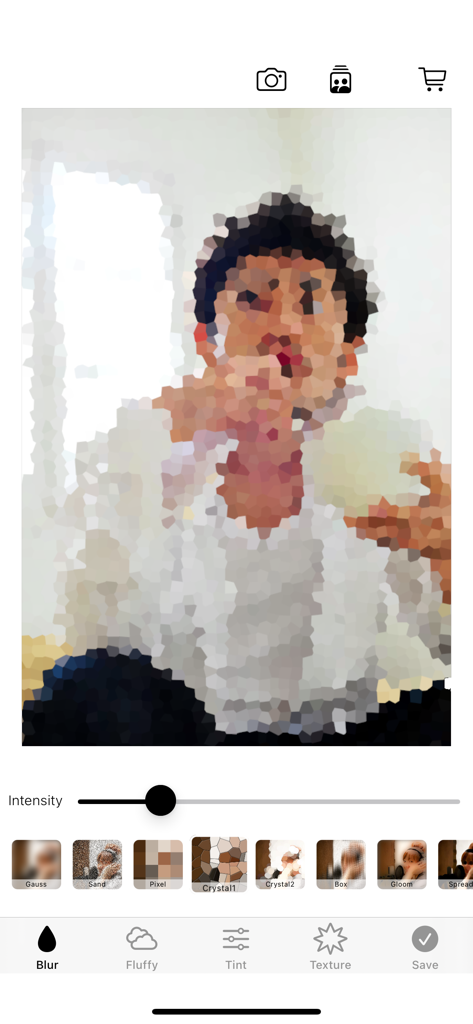
A mobile photo editing interface showing a pixelated mosaic effect applied to a portrait with filter options like Gauss and Crystal.

A mobile photo editing interface showing a pixelated mosaic effect applied to a portrait with filter options like Gauss and Crystal.

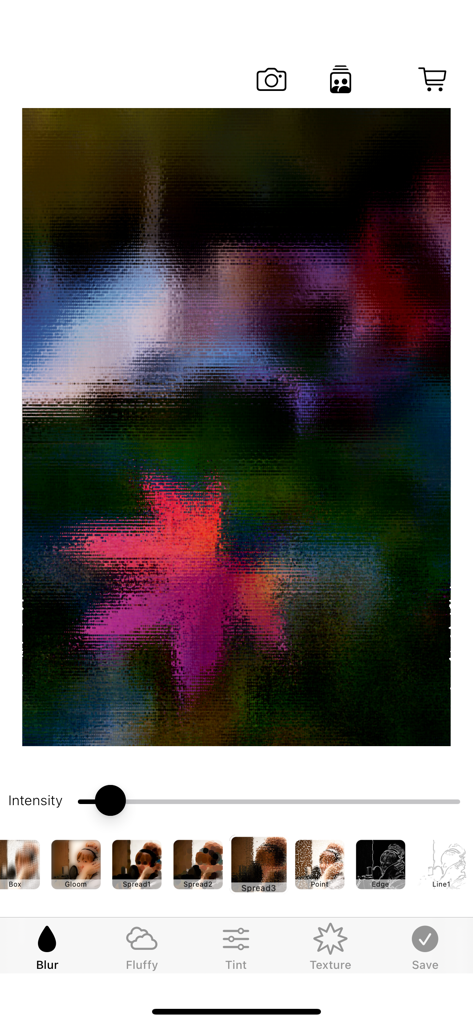
Mobile photo editor interface showing a mosaic filter effect on a colorful image

Mobile photo editor interface showing a mosaic filter effect on a colorful image

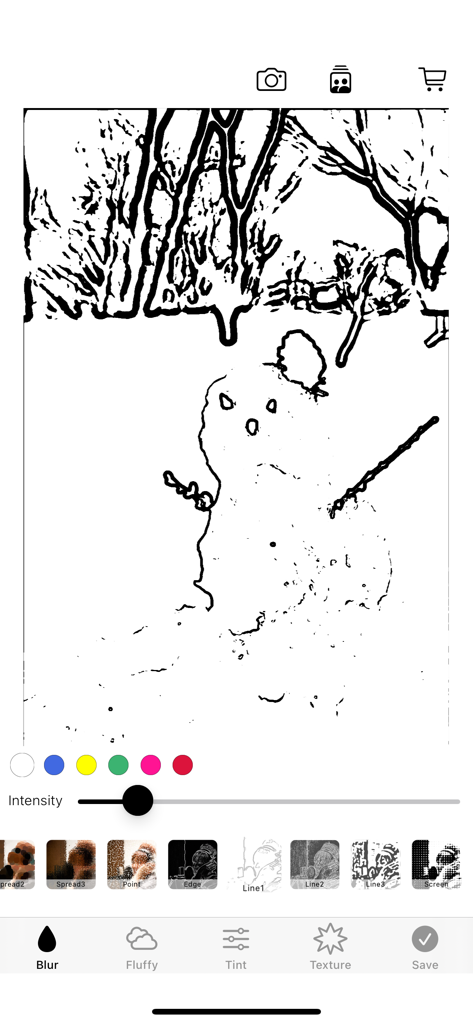
Interface of a mobile photo editor app showing a black and white line art filter being applied to a drawing of a snowman

Interface of a mobile photo editor app showing a black and white line art filter being applied to a drawing of a snowman

Elevate Your Aesthetic & Protect Your Privacy

The tools that make this app stand out, trusted by 0 users.

☁️

Craft Your Dreamy Vibe

Transform sharp photos into soft, fluffy, and colorful masterpieces that perfectly match your social media aesthetic.

👤

Instant Privacy Control

Effortlessly mask faces, license plates, or private data with diverse mosaic styles for safer, worry-free sharing.

Lightning-Fast Workflow

No complex menus. Apply high-quality blurs in seconds so you can get back to creating and posting your content.

About the app

Everything you need to know about blur effect app.

Description

You can also blur or mosaic the entire photo. The operation is very easy and you can process it immediately. You can process it into a fluffy and soft photo, or add color to it to make it a fluffy and colorful photo. We have 15 types of blur and mosaic.

Latest Version

2.2.0

Size

43.3 MB

First Released

Mar 24, 2016

Ready to Create Your Aesthetic?

From soft, dreamy vibes to instant privacy mosaics, get the effortless blur tool loved by creative souls. Download on the App Store today.

Download on App Store

App information, icons, screenshots, and descriptions displayed on this page are sourced from the Apple App Store and are the property of their respective developers. Download estimates and rankings are based on MWM's proprietary models and may not reflect actual figures. This page is provided for informational and analytical purposes only.

Believe this page infringes your intellectual property? File a dispute