brAInify App
brAInify App

This page is not an official page of the app or its developer, but an independent editorial publication created for informational and commentary purposes. Unless expressly stated otherwise, neither the app nor its developer is affiliated with, endorsed by, sponsored by, authorized by, or otherwise officially connected with MWM, Apple, Google Play, the app publisher, or the app's developer, and nothing on this page implies that the app was developed using MWM's services. Any trademarks, logos, screenshots, and other content remain the property of their respective owners.

Logo of brAInify App

brAInify App

Unlock your exclusive institutional training with interactive chapters, real-time AI support, and a gamified experience designed to accelerate your professional growth.

Key Figures

Downloads

0

User Rating

1.0/5

Total Ratings

0

Publisher

Signauto Management Consultancy CO W.L.L

Category

Education

Locales

1

Latest Version

1.1.0

Size

54.5 MB

First Released

Mar 31, 2026
Features

Master Your Skills Faster with AI-Driven Learning

Explore a private educational ecosystem designed to adapt to your unique learning style through interactive lessons and real-time AI guidance.

Your 24/7 AI Mentor

Stop waiting for feedback. Get instant, streamed answers and deep explanations for any concept without ever leaving your lesson.

Gamified Micro-Learning

Stay hooked with daily streaks, XP points, and interactive challenges designed for high-impact learning in short, manageable bursts.

The following screenshots and description are sourced directly from the app's official store listing and are the property of the app developer.

App Store

Screenshots
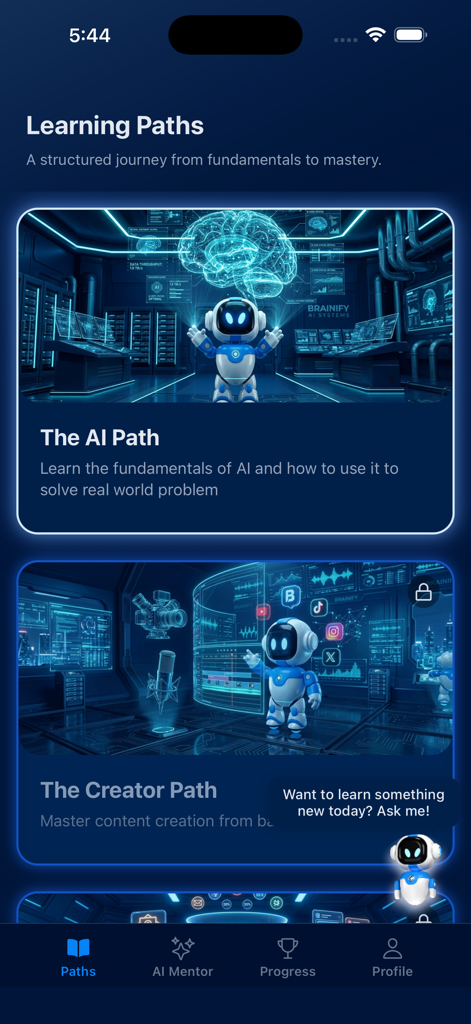
brAInify App - The Learning Paths screen of the brAInify app showing course options and a floating AI mentor robot chat bubble.
The Learning Paths screen of the brAInify app showing course options and a floating AI mentor robot chat bubble.

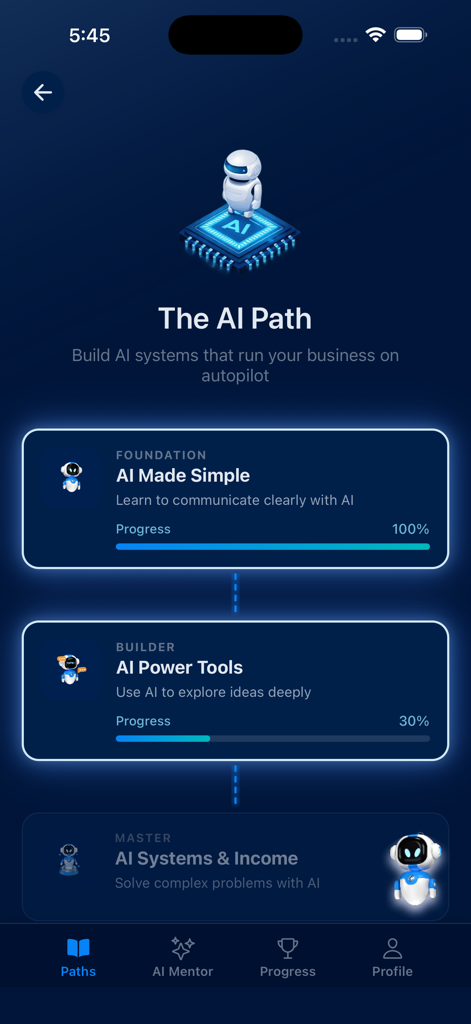
brAInify App - Interface of the brAInify app displaying the AI Path learning modules and user progress.
Interface of the brAInify app displaying the AI Path learning modules and user progress.

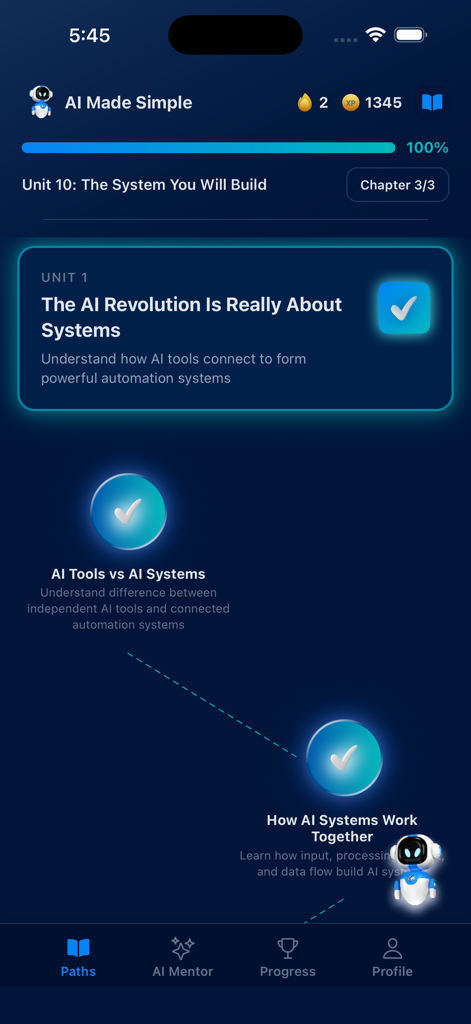
brAInify App - brAInify app interface showing a completed learning unit for an AI systems course in dark mode
brAInify app interface showing a completed learning unit for an AI systems course in dark mode

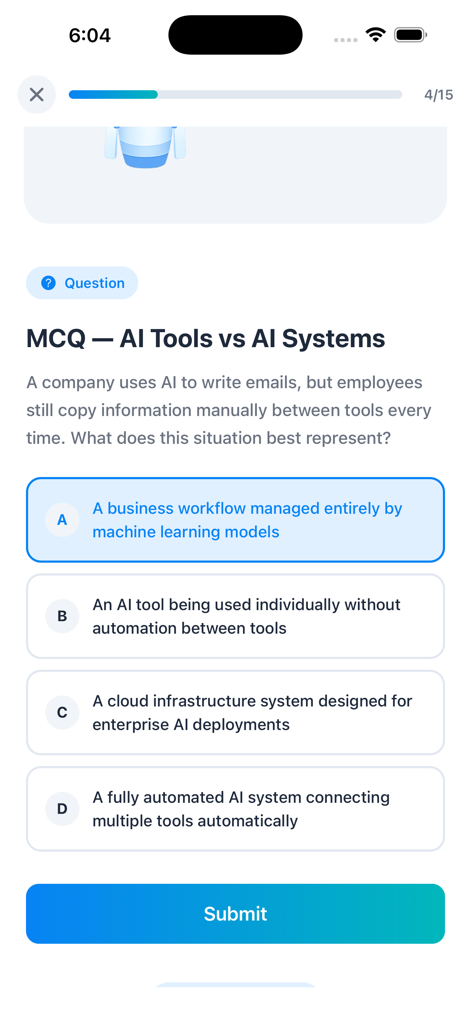
brAInify App - Multiple choice quiz on AI tools and systems in the brAInify app
Multiple choice quiz on AI tools and systems in the brAInify app

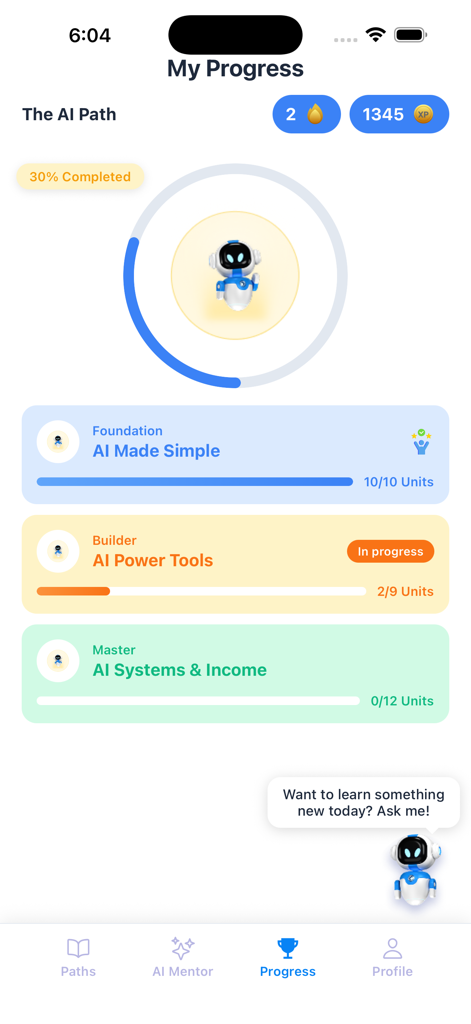
brAInify App - The My Progress screen of the brAInify app displaying learning path levels daily streaks and XP points
The My Progress screen of the brAInify app displaying learning path levels daily streaks and XP points

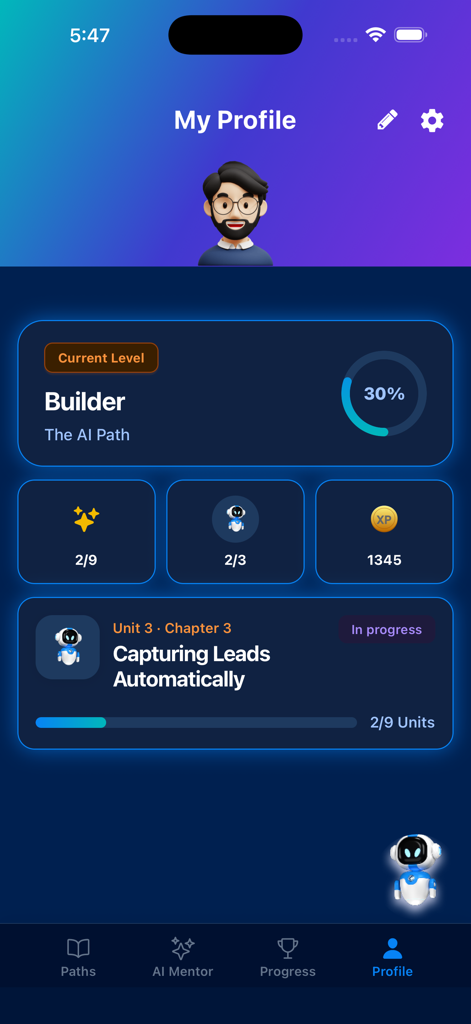
brAInify App - Profile dashboard of the brAInify app showing learning progress and XP points.

Profile dashboard of the brAInify app showing learning progress and XP points.

Description

brAInify is an invite-only educational platform that combines structured course content, interactive lessons, and a personal AI mentor to deliver a learning experience that adapts to you — available in 8 languages, on any device. How It Works — Seamless Access brAInify is a closed learning platform designed exclusively for enrolled users. To get started, simply sign in using the account provided by your institution, instructor, or program organizer. Once you log in, you’re instantly connected to your personalized learning path Your Learning Path Your journey is organized into a clear progression: Paths → Levels → Units → Chapters. Each learning path represents a full course or subject. Within it, levels group related topics, units organize lessons thematically, and chapters are where the actual learning happens — one focused session at a time. Progress through each chapter by completing interactive content slides, then test your understanding with built-in assessments before moving on. Interactive Chapter Content Chapters aren't just reading material. Each one is a dynamic slideshow that may include: 1.Multiple Choice Questions — pick the right answer and get instant feedback 2. Fill in the Blank — recall key terms and concepts actively 3. Matching Exercises — connect ideas and reinforce relationships 4. Multi-Select Questions — identify all correct answers from a set 5. True-False - pick the correct answer 6. Hands-On Challenges — apply what you've learned in practical scenarios 7. AI Evaluation - AI Evaluates and rate your answer AI Video Lessons — watch embedded instructional videos in a full-screen player Sound effects and completion celebrations mark your milestones, keeping every session motivating. Your Personal AI Mentor Every learner gets access to a dedicated AI Mentor — a real-time conversational assistant available throughout the app. Ask questions about your course material, get explanations, request examples, or just think out loud. The AI Mentor responds in full, streamed replies so you're never waiting. The mentor is accessible two ways: Floating Chat Button — available on every screen, tap it anytime for a quick question without losing your place Full-Screen Mentor View — dive into a dedicated chat session with full conversation history Your sessions are saved automatically. You can review past conversations or start a fresh one whenever you need. AI-generated responses are clearly identified. Gamification & Progress Learning is more effective when it feels rewarding. brAInify tracks: XP Points — earned for completing chapters and units Daily Streaks — consecutive days of activity, keeping momentum alive Level Progress — visual progress bars showing how far you've come Unit & Chapter Completion — track exactly what you've covered Your full progress dashboard gives you a bird's-eye view of your journey — completed units, chapters finished, total XP earned, and your current position in the course. Certificates of Completion Finish a learning path and earn a personalized Certificate of Completion. Certificates display your name, course name, level, issue date. You can save or share your certificate as a PDF directly from the app. Built for a Global Audience brAInify supports 8 languages — English, French, Arabic, Persian (Farsi), Russian, Tamil, Hindi and Sinhala. Personalization & Settings Switch between light and dark themes — default is dark mode Toggle sound effects on or off Change your display language at any time Update your name or password in profile settings Delete your account entirely at any time, with full data removal

Download

This page is not an official page of the app or its developer, but an independent editorial publication created for informational and commentary purposes. Unless expressly stated otherwise, neither the app nor its developer is affiliated with, endorsed by, sponsored by, authorized by, or otherwise officially connected with MWM, Apple, Google Play, the app publisher, or the app's developer, and nothing on this page implies that the app was developed using MWM's services. Any trademarks, logos, screenshots, and other content remain the property of their respective owners.