
This page is not an official page of the app or its developer, but an independent editorial publication created for informational and commentary purposes. Unless expressly stated otherwise, neither the app nor its developer is affiliated with, endorsed by, sponsored by, authorized by, or otherwise officially connected with MWM, Apple, Google Play, the app publisher, or the app's developer, and nothing on this page implies that the app was developed using MWM's services. Any trademarks, logos, screenshots, and other content remain the property of their respective owners.

BRP GO!: Maps & Navigation
Join the ultimate community of riders. Access official trails, offline maps, and live friend tracking directly on your vehicle's display. Whether on snow, water, or dirt, your next adventure starts here.
Downloads
379K+User Rating
Total Ratings
6K+Publisher
Category
NavigationLocales
11Latest Version
4.0.3Size
296.6 MBFirst Released
Nov 16, 2020Master Every Terrain
BRP GO! is the ultimate companion for your Sea-Doo, Ski-Doo, or Can-Am, combining expert-level navigation with total vehicle connectivity.
Seamless Vehicle Integration
Mirror maps and essential apps directly onto your vehicle's 7.8" or 10.25" display for a premium, phone-free cockpit experience.
Off-the-Grid Confidence
Download official trail maps and Navionics™ nautical charts to navigate with precision, even when you're miles from cellular service.
Frequently Asked Questions
Everything you need to know about BRP GO!: Maps & Navigation
What is the BRP GO! app used for?
The BRP GO! app provides connected riding experiences for water, snowmobile, off-road, and on-road vehicles. It offers detailed maps, route planning, points of interest, and real-time friend tracking.
Can I navigate offline with the BRP GO! app?
Yes, the BRP GO! app allows users to download map areas for offline GPS navigation. This functionality ensures navigation capabilities even without a cellular network connection.
How does BRP Connect™ technology work with the BRP GO! app?
BRP Connect™ technology integrates selected mobile apps from BRP GO! directly onto your compatible BRP vehicle's display. Riders access GPS navigation, music, and weather on their Can-Am, Ski-Doo, Lynx, or Sea-Doo.
Does BRP GO! support snowmobile and off-road trail navigation?
Yes, BRP GO! provides access to thousands of official snowmobile and off-road vehicle trails. It features turn-by-turn navigation and high-quality data from official sources.
Are nautical charts available in BRP GO! for water activities?
Yes, BRP GO! offers detailed nautical charts from Navionics™ for water-based adventures. An annual subscription provides two map layers: Nautical Chart and SonarChart™.
What information do Navionics™ nautical charts provide in BRP GO!?
Navionics™ nautical charts in BRP GO! include navigation aids, marine services, safety depth contours via Nautical Chart. SonarChart™ offers HD bathymetric maps for precise bottom contours and fishing areas.
Can users track friends' locations in real-time with BRP GO!?
Yes, BRP GO! enables users to share rides and locate their friends in real-time on the map. This feature enhances group riding safety and coordination.
Does the BRP GO! app display riding statistics?
Yes, the BRP GO! app monitors and displays various riding statistics. These statistics include total time, moving time, average speed, distance, and altitude measurements.
Is the Vibe™ communication system manageable through BRP GO!?
Yes, BRP GO! allows users to easily set up and manage the Vibe™ communication system by BRP directly within the app. Users can check battery levels and change device language.
Which BRP vehicle displays are compatible with BRP Connect™?
BRP Connect™ is compatible with specific BRP vehicle displays, including the 7.8" LCD display and the 10.25" touchscreen display. Available apps may vary by vehicle type and display model.
Are BRP GO! nautical chart subscriptions available in Brazil?
No, BRP GO! nautical chart subscriptions are currently not available in Brazil. This regional restriction applies specifically to the Navionics™ charts offered within the app.
The following screenshots and description are sourced directly from the app's official store listing and are the property of the app developer.
App Store
Screenshots
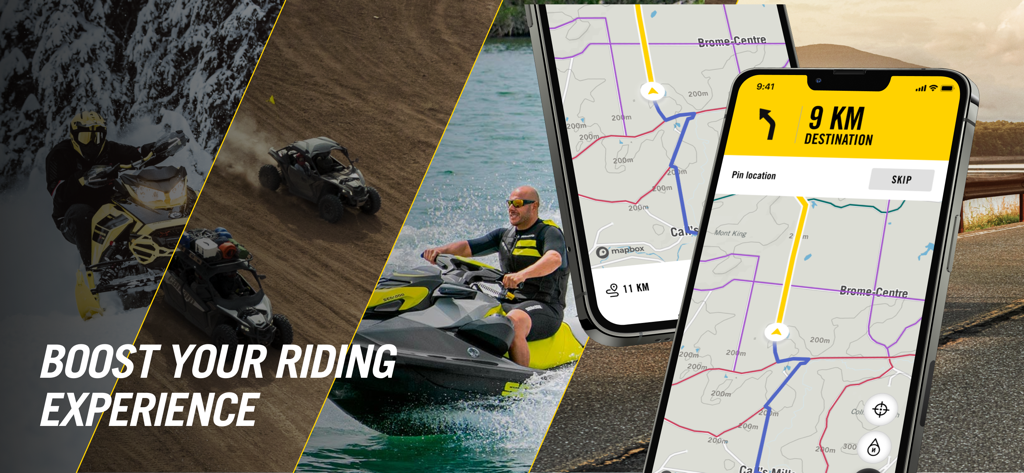
BRP GO app displaying navigation maps for snowmobile off-road and watercraft riding
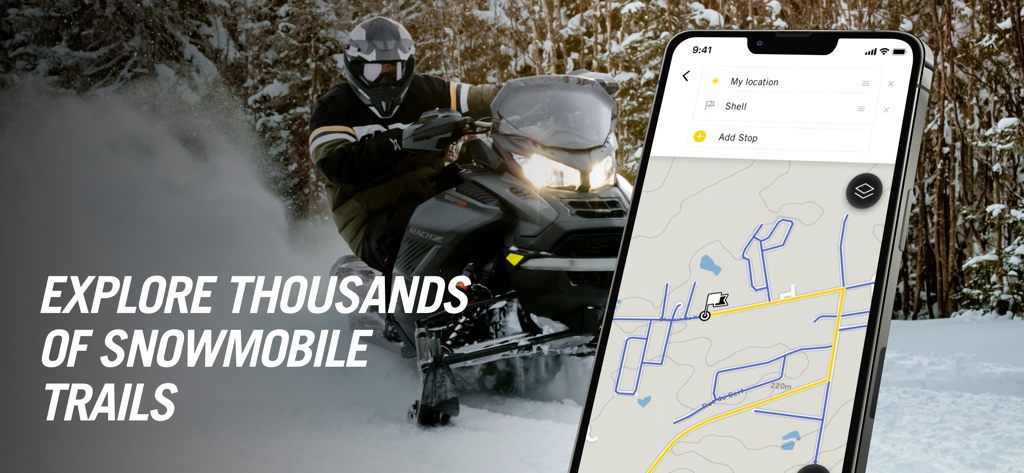
A snowmobile rider in action next to a smartphone displaying the BRP GO navigation app with trail maps.
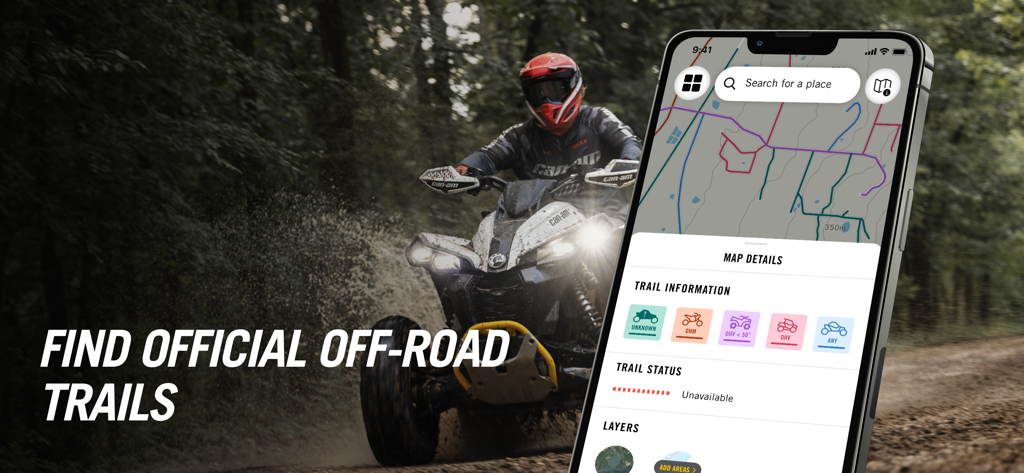
BRP GO app displaying official off-road trail maps and navigation information next to an ATV rider
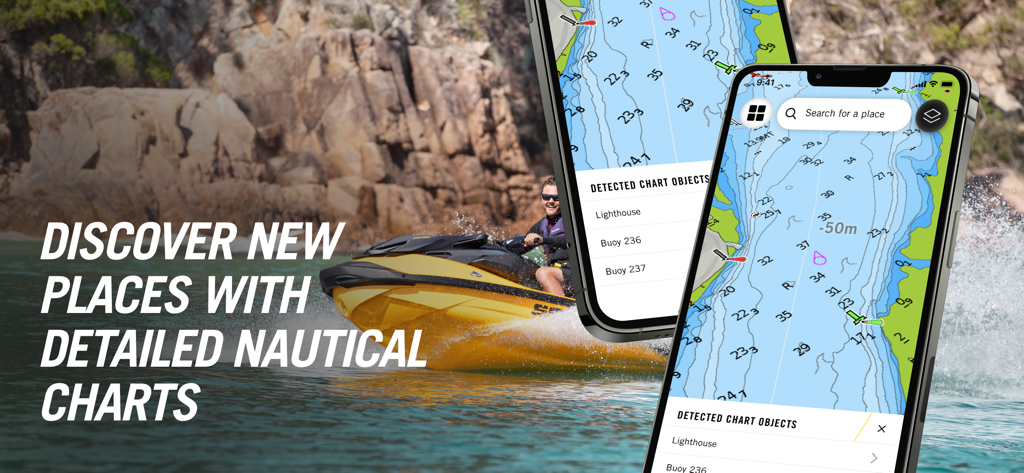
BRP GO app displaying detailed nautical charts and navigation for Sea-Doo riders on the water.
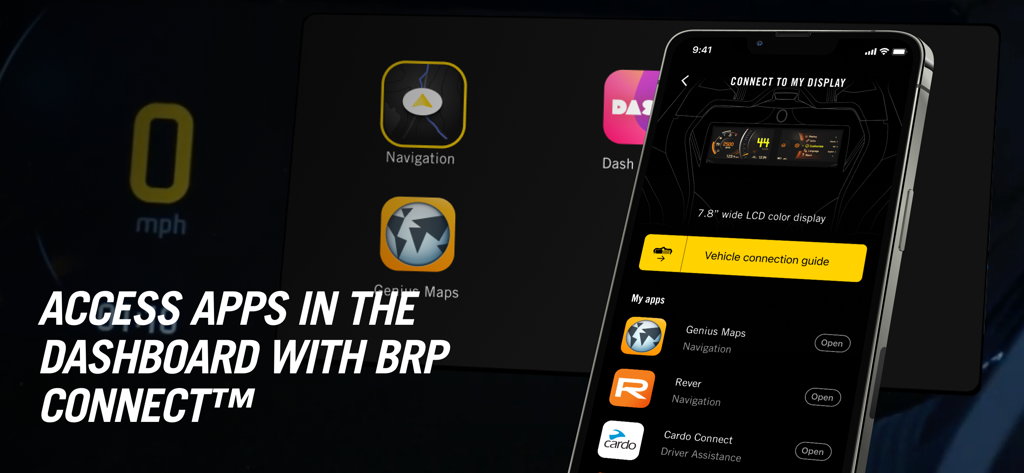
BRP GO app showing vehicle dashboard integration with BRP Connect and various navigation apps
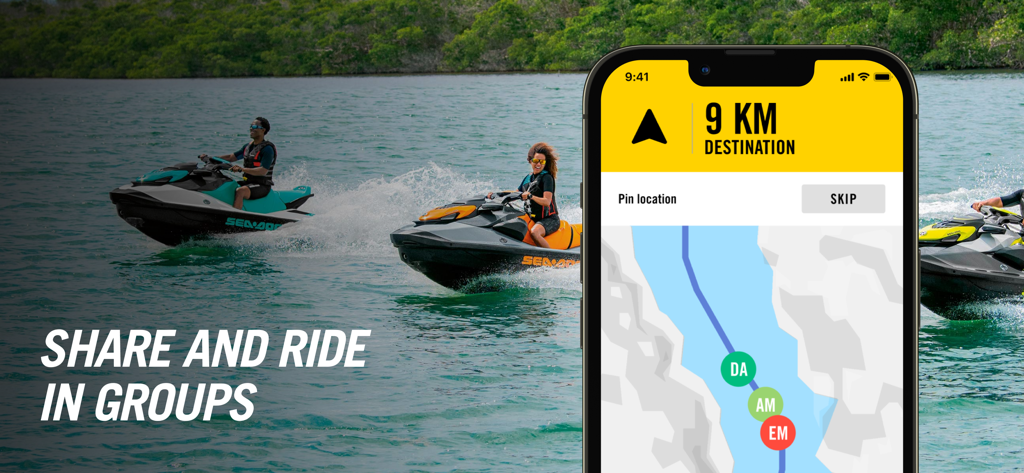
BRP GO app displaying group tracking and navigation for people riding Sea-Doo personal watercraft
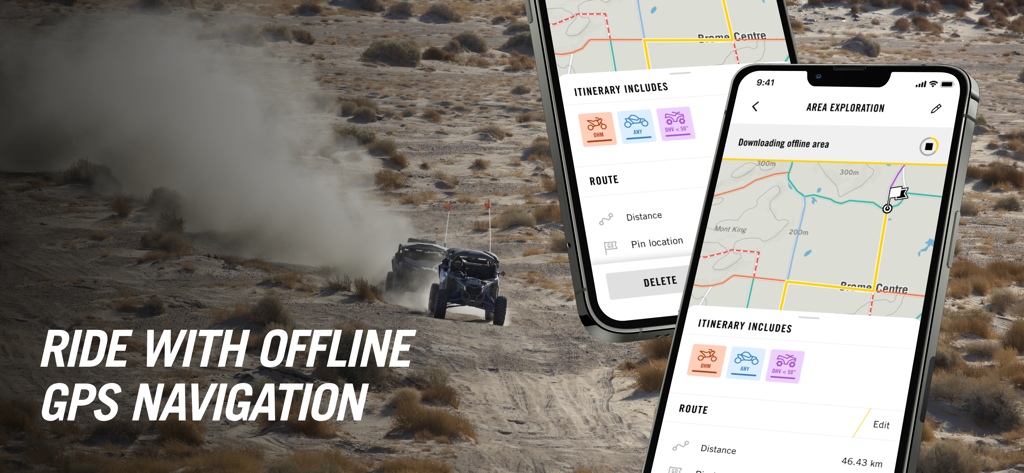
BRP GO app interface for offline GPS navigation on off-road trails
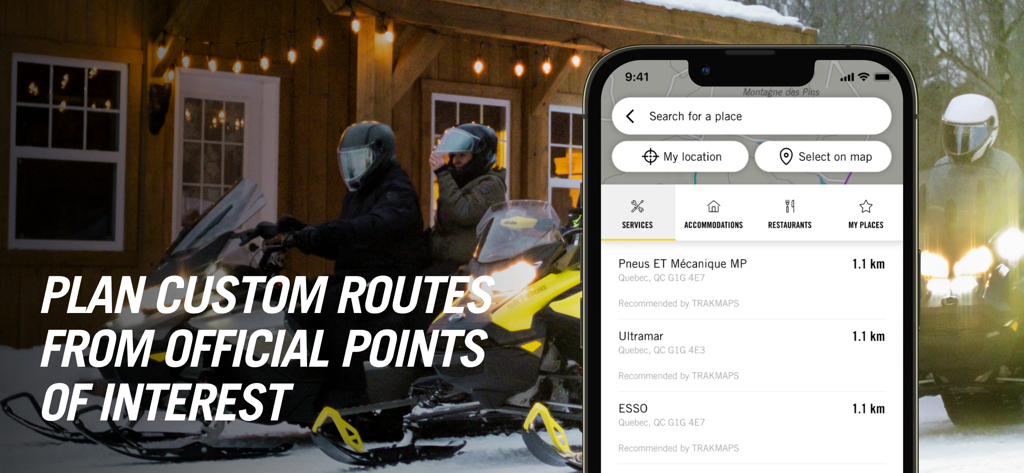
Snowmobilers planning a custom route using official points of interest on the BRP GO navigation app.
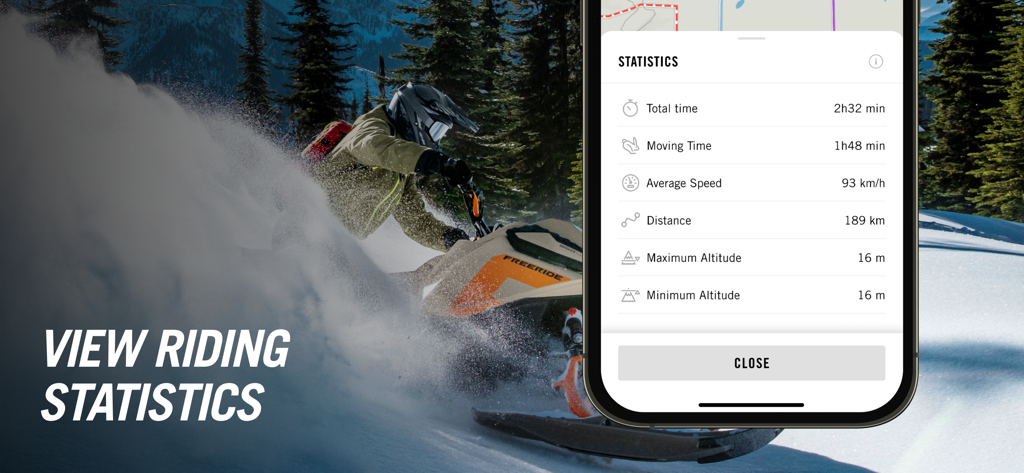
Snowmobile rider using BRP GO app to view riding statistics including speed and distance
Description
Download
More Like This
Apps with similar features and user experience

Detecht - Motorcycle App & GPS
Detecht Technologies AB
REVER - Motorcycle GPS & Rides
Rever, LLC
NYSSA Snowmobile Trails
Mapgears Inc.
Scenic Motorcycle Navigation
Applified Life Ltd.
Trails Offroad: Offline Maps
TRAILS OFFROAD LLC
Overland Bound One: Maps & GPS
Overland Bound Inc

Stegra.io - Motorcycle GPS
Stegraio AB
GoSnowmobiling NB
Mapgears Inc.
Lost Riders
Lost Riders, LLC
This page is not an official page of the app or its developer, but an independent editorial publication created for informational and commentary purposes. Unless expressly stated otherwise, neither the app nor its developer is affiliated with, endorsed by, sponsored by, authorized by, or otherwise officially connected with MWM, Apple, Google Play, the app publisher, or the app's developer, and nothing on this page implies that the app was developed using MWM's services. Any trademarks, logos, screenshots, and other content remain the property of their respective owners.