
This page is not an official page of the app or its developer, but an independent editorial publication created for informational and commentary purposes. Unless expressly stated otherwise, neither the app nor its developer is affiliated with, endorsed by, sponsored by, authorized by, or otherwise officially connected with MWM, Apple, Google Play, the app publisher, or the app's developer, and nothing on this page implies that the app was developed using MWM's services. Any trademarks, logos, screenshots, and other content remain the property of their respective owners.

Bulletpoint
Turn your PDFs, photos, and YouTube videos into active recall flashcards in seconds. Designed for the high-achieving student who wants to ace exams without the burnout.
Downloads
44K+User Rating
Total Ratings
200Publisher
Category
EducationLocales
1Latest Version
1.31.0Size
125.7 MBFirst Released
Jan 22, 2023Study Smarter, Finish Faster
Stop wasting hours on manual summaries and tedious formatting. Bulletpoint uses AI and OCR to turn your lectures, PDFs, and videos into perfect notes and flashcards instantly.
Highlight to Summarize
Use your Apple Pencil or finger to mark up any PDF or photo. Our OCR technology instantly converts your highlights into clean, organized bullet points.
YouTube to Study-Aids
Stop passive watching. Transform educational YouTube videos directly into interactive quizzes and flashcards to master complex topics in record time.
The following screenshots and description are sourced directly from the app's official store listing and are the property of the app developer.
App Store
Screenshots
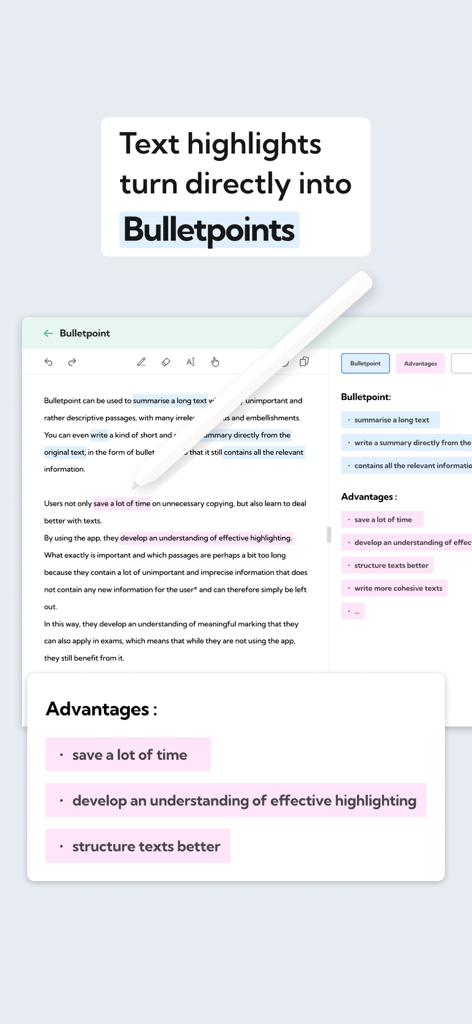
Interface of Bulletpoint app converting text highlights into bullet points on an iPad screen.
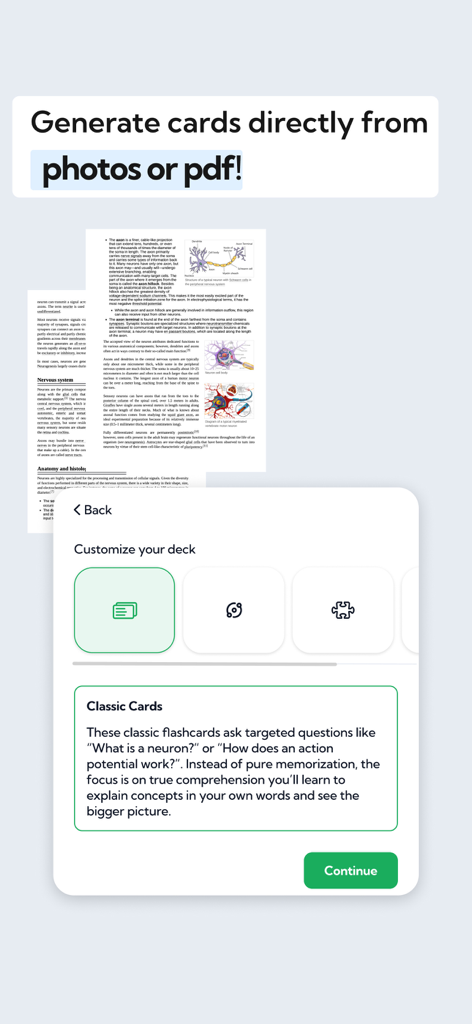
Bulletpoint app interface showing how to generate classic study cards directly from photos or PDF documents
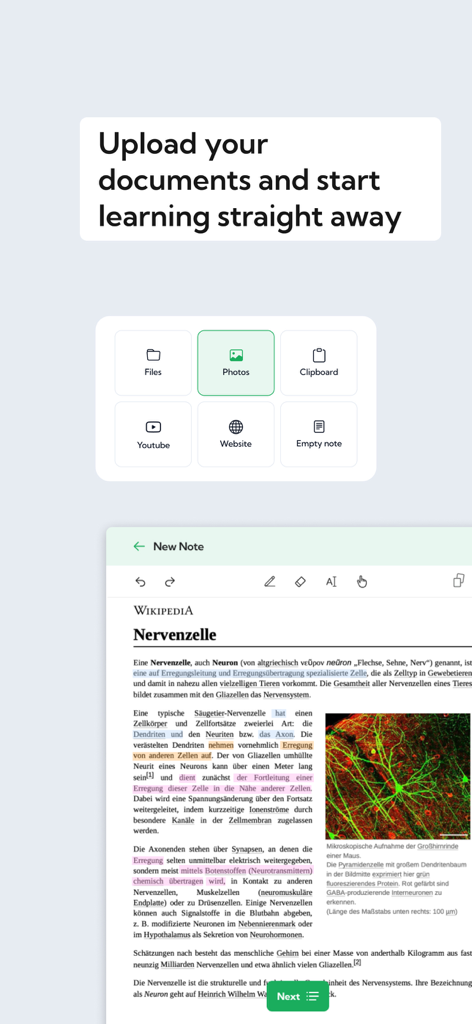
Interface of Bulletpoint app showing document upload options and text highlighting for study notes
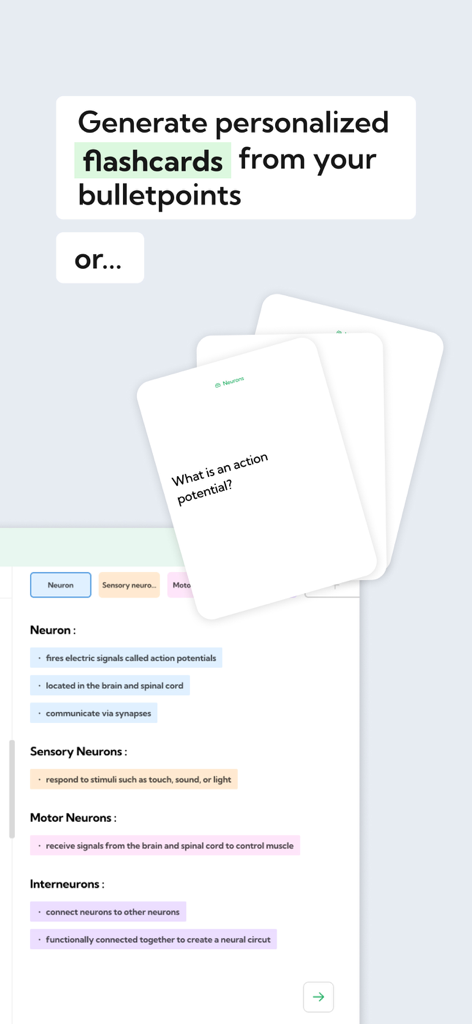
Digital flashcards being generated from highlighted study notes about neurons in the Bulletpoint app
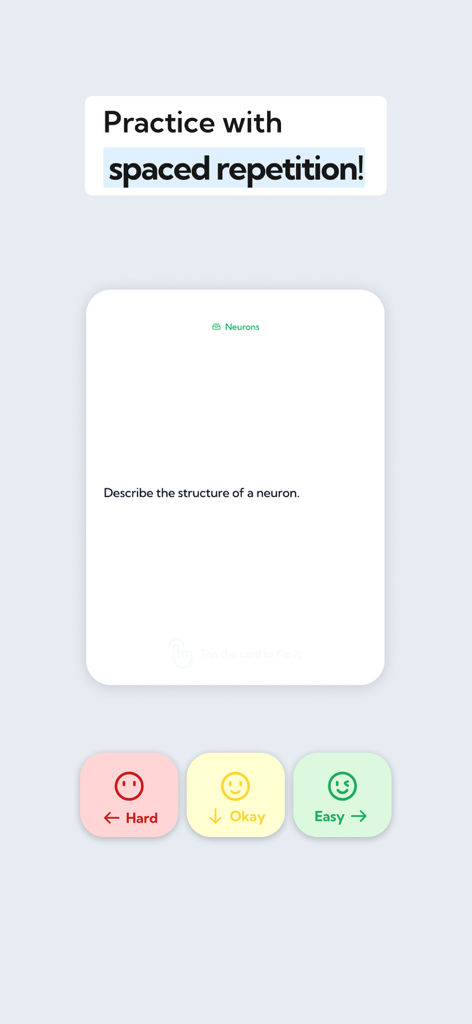
Bulletpoint app flashcard interface showing spaced repetition study mode with difficulty rating buttons.
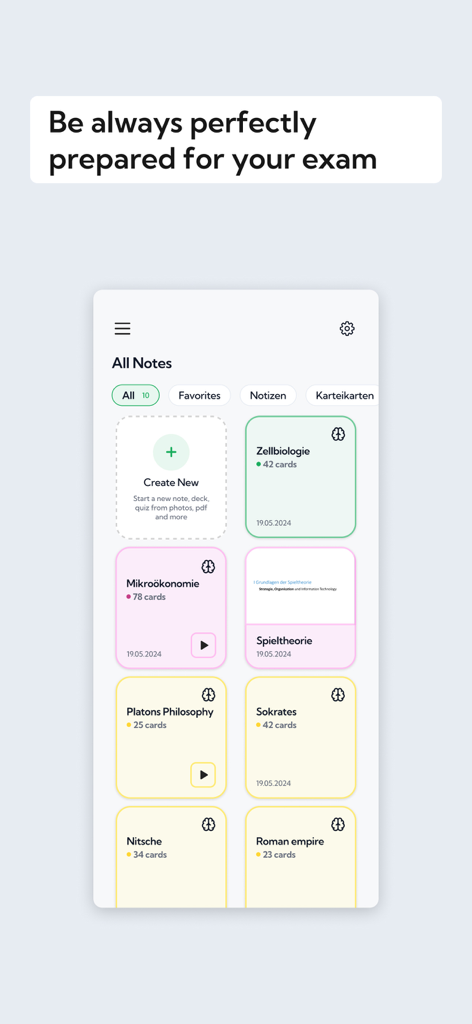
Bulletpoint app interface showing organized study folders and flashcards for subjects like biology and philosophy.
Description
Download
More Like This
Top-ranked apps in the same category

Duolingo - Language Lessons
Duolingo, Inc

Speak & Learn English: Learna
DEEP FLOW SOFTWARE SERVICES - FZCO

驾考宝典-科一科四驾驶证考试驾考通
Wuhan Jiakaobaodian Information Service Co., Ltd.

Toca Boca World
Toca Boca AB

Google Classroom
Google LLC

作业帮-中小学家长作业检查和辅导工具
Guangzhou Polar Future Culture Technology Co., Ltd

Gauth: AI Study Companion
GAUTHTECH PTE. LTD.

学信网
Student Information Consultation Service Co., Ltd.

Quizlet: More than Flashcards
Quizlet Inc
This page is not an official page of the app or its developer, but an independent editorial publication created for informational and commentary purposes. Unless expressly stated otherwise, neither the app nor its developer is affiliated with, endorsed by, sponsored by, authorized by, or otherwise officially connected with MWM, Apple, Google Play, the app publisher, or the app's developer, and nothing on this page implies that the app was developed using MWM's services. Any trademarks, logos, screenshots, and other content remain the property of their respective owners.