Business Card Scanner + Reader

Business Card Scanner + Reader

Download on App StoreDownload on Google Play
Logo of Business Card Scanner + Reader

Business Card Scanner + Reader: Turn Every Handshake into a Digital Lead

Stop wasting hours on manual data entry. Effortlessly scan, organize, and export contacts to your CRM with advanced OCR technology and secure cloud sync.

Publisher

Asad Ahsan

Category

Business

Downloads

26K+

User Rating

4.5/5

Total Ratings

1K+

Locales

69

A Glimpse of Efficiency

Discover the interface used by 26K+ users.

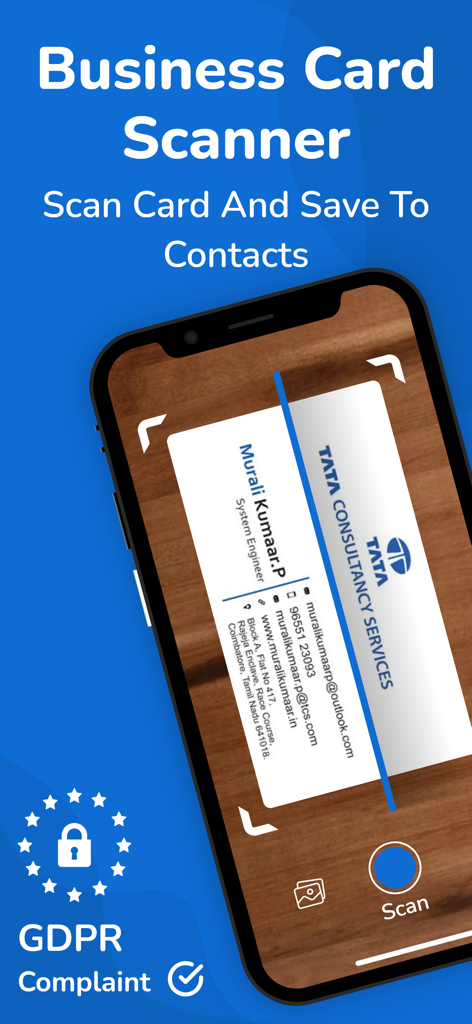
A smartphone scanning a physical business card to save contact information digitally
A smartphone scanning a physical business card to save contact information digitally

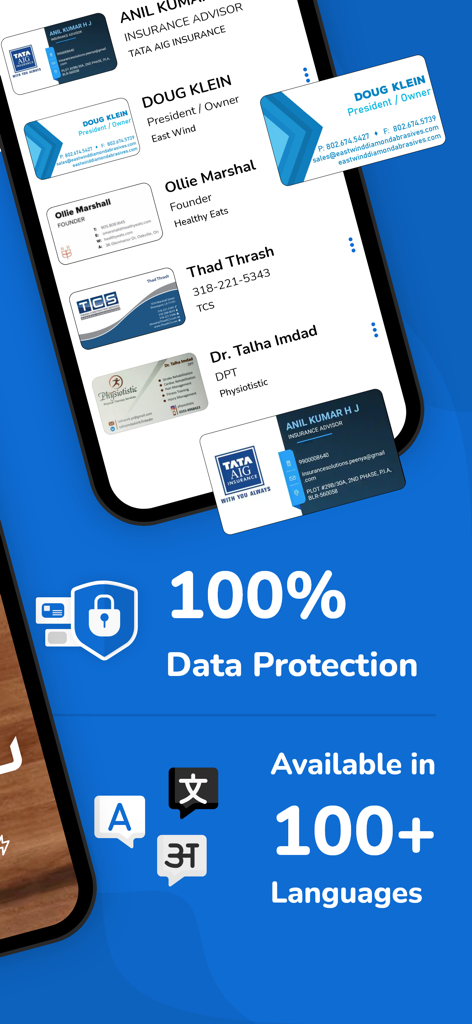
Interface of a business card scanner app highlighting data protection features and support for over 100 languages.
Interface of a business card scanner app highlighting data protection features and support for over 100 languages.

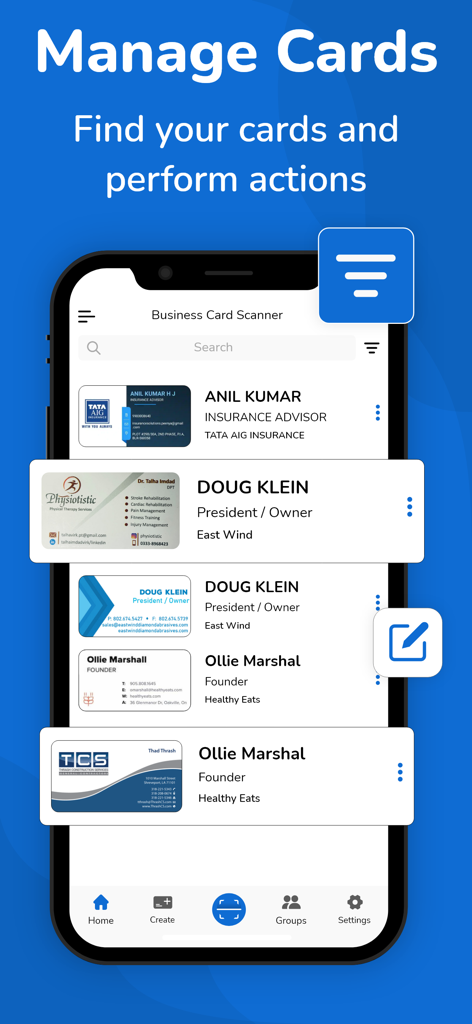
A mobile phone screen displaying the Manage Cards feature of the Business Card Scanner app with a list of digitized contacts.
A mobile phone screen displaying the Manage Cards feature of the Business Card Scanner app with a list of digitized contacts.

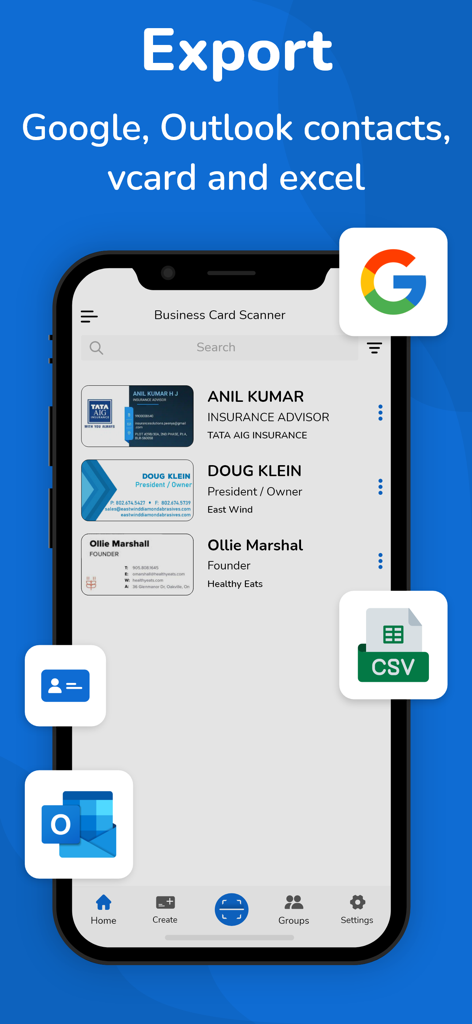
Business card scanner app interface showing export options to Google Outlook vCard and CSV
Business card scanner app interface showing export options to Google Outlook vCard and CSV

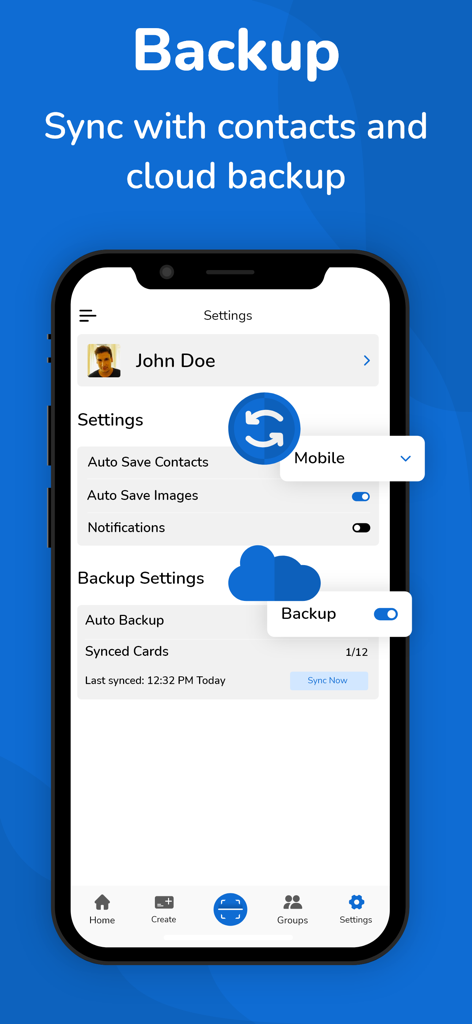
Settings screen of the business card scanner app showing cloud backup and contact sync options
Settings screen of the business card scanner app showing cloud backup and contact sync options

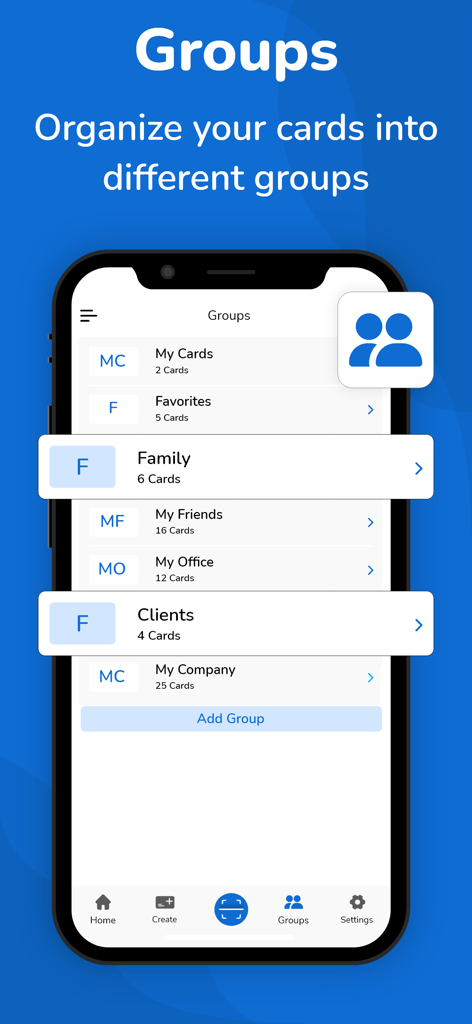
Interface of the business card scanner app showing contact categorization into groups like clients and office.
Interface of the business card scanner app showing contact categorization into groups like clients and office.

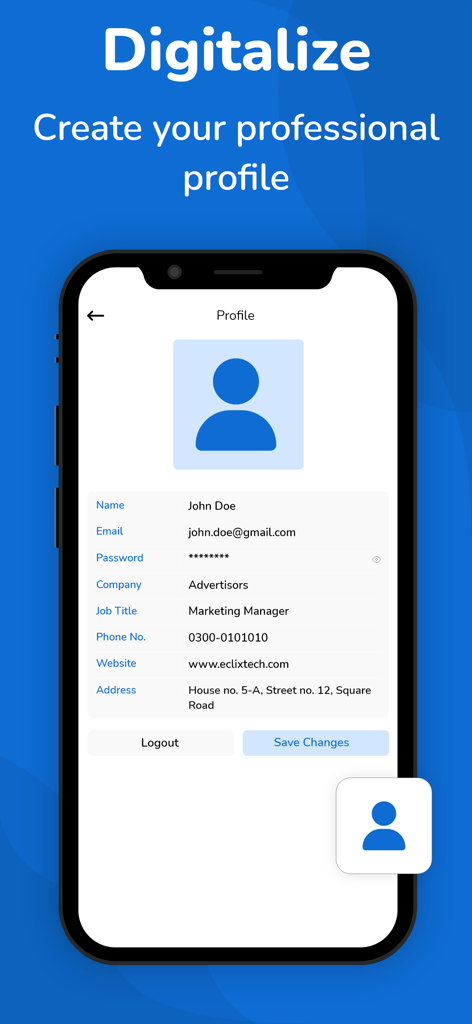
Smartphone screen showing the professional profile setup in the Business Card Scanner app

Smartphone screen showing the professional profile setup in the Business Card Scanner app

Turn Every Handshake into a Digital Connection

The tools that make this app stand out, trusted by 26K+ users.

Precision AI Scanning

Advanced OCR technology captures names, titles, and emails with near-perfect accuracy in seconds, saving you hours of busy work.

☁️

Cloud Backup & Sync

Keep your professional network safe and accessible across all your devices with automatic cloud synchronization and secure storage.

📤

Seamless CRM Export

Fuel your sales pipeline by exporting contacts directly to Google, Outlook, or CSV files for instant follow-up.

About the app

Everything you need to know about Business Card Scanner + Reader.

Description

Business card scanner is also a digital business card reader. Now, you no longer need to spend a couple of hours manually entering a stack of business cards into your database. The business card scanner + reader can do it for you by quickly transferring and organizing business card contact information into digitally transcribed contacts. Now, you can scan many cards using the online business card organizer app. No doubt this business card scanner makes it easy for you to remember more about the individuals you meet. The free business card scanner app scans business cards with Optical Character Recognition (OCR) and everything into a contact note, including: • Name, company, title, and other contact information • An image of the card How Does a Business Card Scanner App Work? Business cards play a crucial role in quickly sharing contact information with someone. It gives a professional first impression especially when you meet with a potential client. There’s no doubt these cards remain a constant even as people use the business card scanner + reader app to store their paper cards into digital business cards. The business card scanner app for iOS helps to scan business cards and organize the contact information into the contact list of your phone. The business card reader app uses your phone's camera for card scanning stores the entire information in a digitized way and converts a card to a virtual business card. Ease of Use: The business card organizer app makes organizing, scanning, and transcribing business cards relatively simple. What Look For The Best Business Card Reader App: Aim for a business card scanner app that provides you with advanced OCR features, a high degree of accuracy, ease of use, device capability, and additional features such as different OCR language support. For most individuals, the free version of the business card organizer app will be sufficient according to their needs. The free version of the business card keeper will quickly and accurately save the information for your new contact. However, marketers may account for a paid version of the card scanner app so they can readily & accurately save their cards in a single place and access them when required. Best Features Provided By Business Card Scanner App: Let’s take a look at the advanced features of this app. • The app uses advanced OCR technology to scan business cards, it recognizes the text of cards and transcribes them in digital form • Business card reader scans QR Code and fetches the contact information • Allow you to store business cards in a digitized way • Allow auto-sync of contacts • Support a cloud-based (auto backup) system for your contacts • Export business contacts help to export scanned contacts to Google (CSV), Outlook (CSV), and vcard files. • Import allows you to import the contacts from the vcard file to your app • The business card scanner allows you to read and scan the multilanguage cards. This business card app supports more than 30 languages • Scanning limits: When it comes to a free plan, users get limited card scanning, to enjoy unlimited scanning you have to head to the business card scanner app pro version Let’s Sum Up: So, say goodbye to piles of paper business cards right now, and scan and organize your card contacts into a digitized form using the business card organizer app. Disclaimer: This app is originally built and not copied from any other source. Your privacy is fully respected - we do not share your personal data with any third parties. - Privacy policy https://www.cardscanner.co/privacy - Terms of Services https://www.cardscanner.co/terms - Website https://www.cardscanner.co/ - Contact Email cardscannerpro@gmail.com

Latest Version

1.0.50

Size

59.7 MB

First Released

Feb 6, 2021

Turn Every Handshake into a Digital Lead

Stop wasting hours on manual data entry. Join over 26,000 professionals who use our AI-powered OCR to digitize, sync, and export contacts in seconds.

Download on App StoreDownload on Google Play

App information, icons, screenshots, and descriptions displayed on this page are sourced from the Apple App Store and are the property of their respective developers. Download estimates and rankings are based on MWM's proprietary models and may not reflect actual figures. This page is provided for informational and analytical purposes only.

Believe this page infringes your intellectual property? File a dispute