
This page is not an official page of the app or its developer, but an independent editorial publication created for informational and commentary purposes. Unless expressly stated otherwise, neither the app nor its developer is affiliated with, endorsed by, sponsored by, authorized by, or otherwise officially connected with MWM, Apple, Google Play, the app publisher, or the app's developer, and nothing on this page implies that the app was developed using MWM's services. Any trademarks, logos, screenshots, and other content remain the property of their respective owners.


Cached View
The ultimate tool for researchers and digital archivists. Save full-page scrolling screenshots, search cached content offline, and enjoy a distraction-free reading experience—anytime, anywhere.
Downloads
0User Rating
Total Ratings
0Publisher
Category
ReferenceLocales
33Latest Version
1.1.0Size
6.5 MBFirst Released
Nov 6, 2024Capture and Control Your Web Knowledge
The ultimate tool for researchers and digital archivists to save, organize, and access web pages offline with ease.
True Offline Archiving
Save historical snapshots of any page. Access your research even in subway dead zones or when Wi-Fi fails.
Seamless Full-Page Captures
Don't settle for partial views. Grab entire articles and long-form threads in one high-quality, scrolling image.
The following screenshots and description are sourced directly from the app's official store listing and are the property of the app developer.
App Store
Screenshots
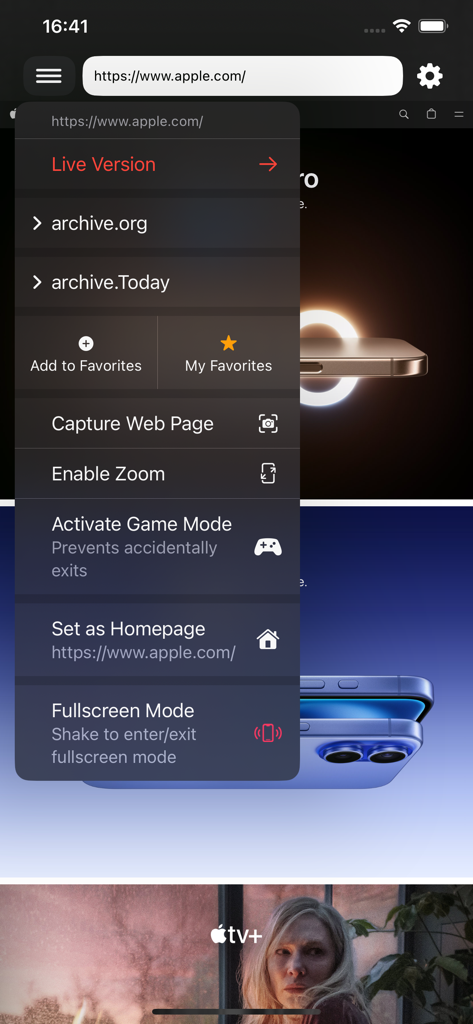
Screenshot of the Cached View app menu showing options for web archiving screen capture and focus mode

Cached View app interface showing options to view live or archived versions of a website using Archive.org and Archive.Today.
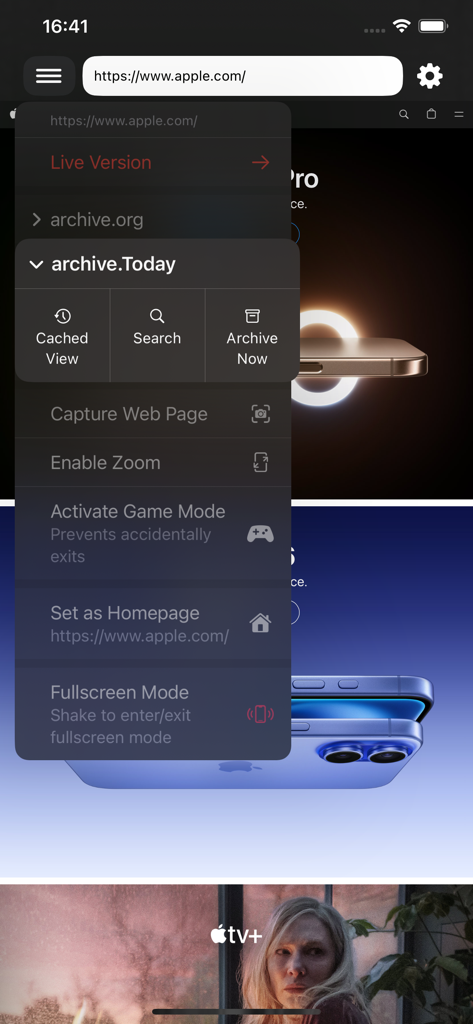
Cached View app interface showing menu options for web archiving and fullscreen mode

Favorites screen of the Cached View app showing a list of saved web page links
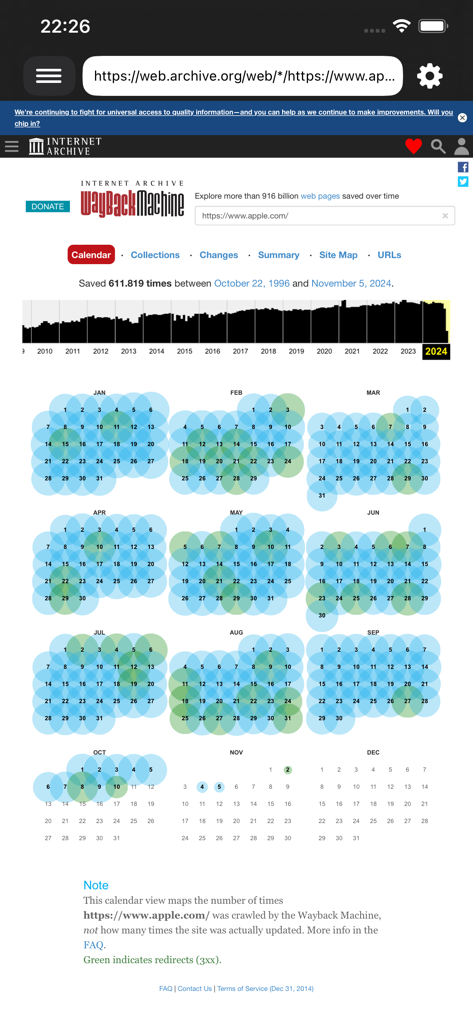
Interface of the Cached View app displaying the Wayback Machine calendar view for a website historical snapshots
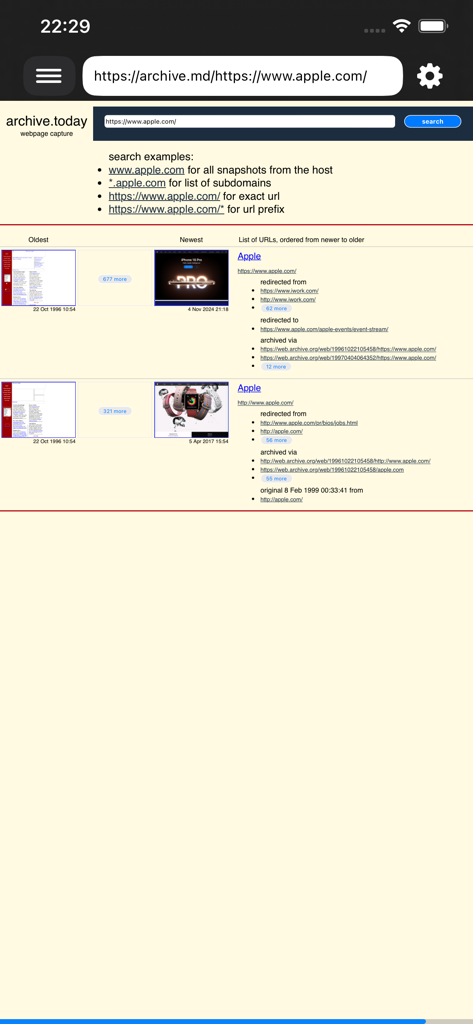
Interface of the Cached View app displaying archived snapshots and historical versions of a website.
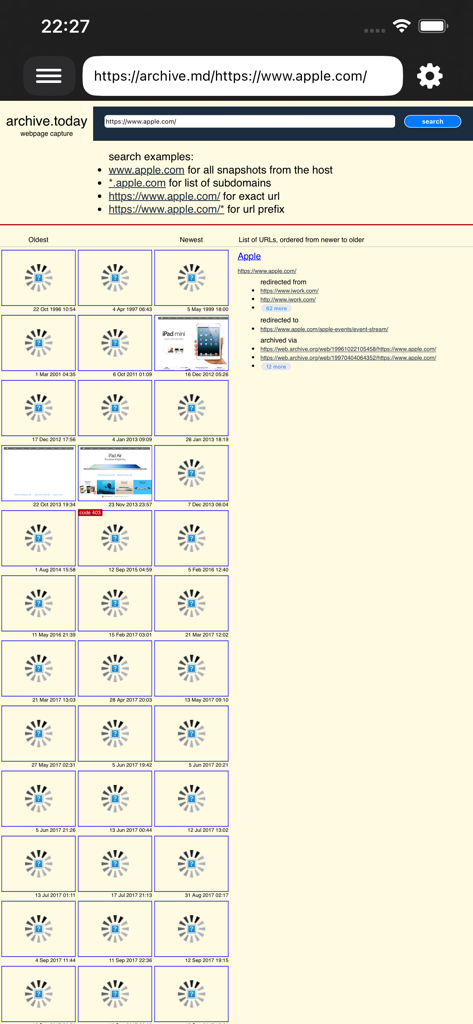
Screenshot of the Cached View app showing historical snapshots and archived versions of a webpage
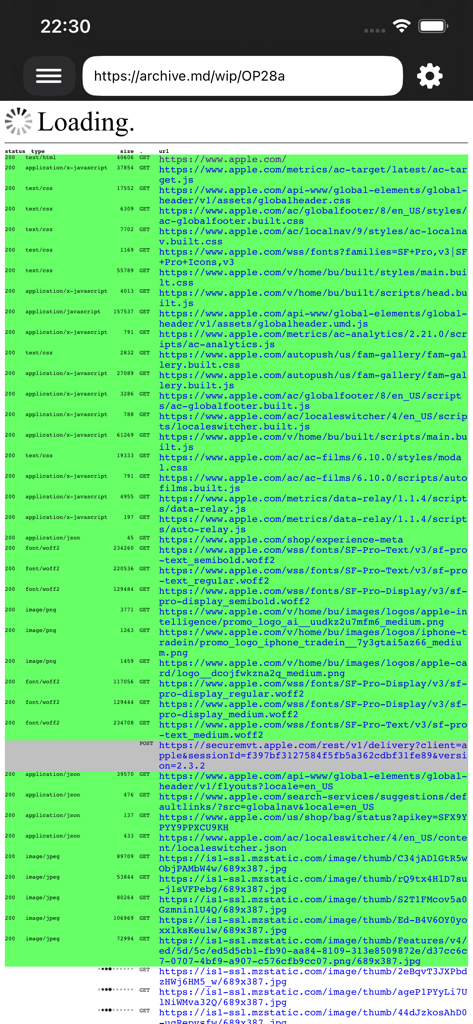
Interface of the Cached View app showing a technical list of loaded web assets and resources from an archived page.
Description
Download
More Like This
Top-ranked apps in the same category

Google Translate
Google LLC

火箭沙盒
P2E CO., LTD.

Bible
Life.Church

Youdao Dictionary
Beijing NetEase Youdao Computer System Co.,Ltd

Hallow: Prayer & Meditation
Hallow, Inc.

Muslim Pro: Ramadan 2026
Bitsmedia Pte Ltd

Naver Papago - AI Translator
NAVER Corp.

Lok l0k: Watch Drama TV,Movies
Olivia Harris

Translate Now - AI Translator
AIR APPS SYSTEMS, UNIPESSOAL, LDA
This page is not an official page of the app or its developer, but an independent editorial publication created for informational and commentary purposes. Unless expressly stated otherwise, neither the app nor its developer is affiliated with, endorsed by, sponsored by, authorized by, or otherwise officially connected with MWM, Apple, Google Play, the app publisher, or the app's developer, and nothing on this page implies that the app was developed using MWM's services. Any trademarks, logos, screenshots, and other content remain the property of their respective owners.