
This page is not an official page of the app or its developer, but an independent editorial publication created for informational and commentary purposes. Unless expressly stated otherwise, neither the app nor its developer is affiliated with, endorsed by, sponsored by, authorized by, or otherwise officially connected with MWM, Apple, Google Play, the app publisher, or the app's developer, and nothing on this page implies that the app was developed using MWM's services. Any trademarks, logos, screenshots, and other content remain the property of their respective owners.

Calligraphy Practice · Cursive
Transform your penmanship into a work of art. Use AR tracing to practice elegant lettering on paper, design custom tattoos, and create Pinterest-perfect stationery for every occasion.
Downloads
229K+User Rating
Total Ratings
1K+Publisher
Category
Graphics & DesignLocales
1Latest Version
8.9Size
103.6 MBFirst Released
Aug 2, 2021Master the Art of Beautiful Writing
From mindful daily practice to professional DIY projects, our tools help you transform your handwriting into stunning works of art.
Magic AR Tracing
Project any font directly onto your paper using your camera to build perfect muscle memory and learn strokes effortlessly.
100+ Aesthetic Styles
Explore a massive library of brush lettering, modern cursive, and elegant scripts curated for your next Pinterest-worthy creation.
Frequently Asked Questions
Everything you need to know about Calligraphy Practice · Cursive
What is the Calligraphy Practice app?
The Calligraphy Practice app is a powerful tool for improving calligraphy, hand lettering, and cursive writing. It allows users to explore, customize, and trace various fonts and alphabets.
Can I trace custom text in the Calligraphy Practice app?
Yes, the Calligraphy Practice app allows users to add their own text for custom lettering, quotes, names, or tattoo ideas. This text is adjustable within the font editor.
Does Calligraphy Practice offer an AR tracing mode?
Yes, the Calligraphy Practice app includes an AR tracing mode. Users place their device above paper to follow lines and practice calligraphy strokes, shapes, and letterforms directly.
What features are included in the Pro-version of the Calligraphy Practice app?
The Pro-version of Calligraphy Practice unlocks all calligraphy fonts and styles, enables unlimited custom words and text, and removes advertisements from the application.
What kind of fonts and styles does the Calligraphy Practice app support?
The Calligraphy Practice app supports a large library of writing styles, lettering fonts, and cursive handwriting examples. These include brush lettering, ornamental, modern, and traditional cursive styles.
Can users customize their word art designs in Calligraphy Practice?
Yes, users customize word art designs within the Calligraphy Practice app. Options include adjusting size, spacing, rotation, layout, colors, backgrounds, and importing images for unique compositions.
Does Calligraphy Practice help with learning individual letters?
Yes, Calligraphy Practice helps users learn individual letters. It provides full alphabet tracing for practice (A-Z) and animated letter tracing tutorials that teach strokes step by step.
How can I create decorative typography using the Calligraphy Practice app?
The Calligraphy Practice app enables creation of decorative typography. Users can design unique lettering compositions, word art, quotes, tattoo ideas, and typography posters using its features.
The following screenshots and description are sourced directly from the app's official store listing and are the property of the app developer.
App Store
Screenshots
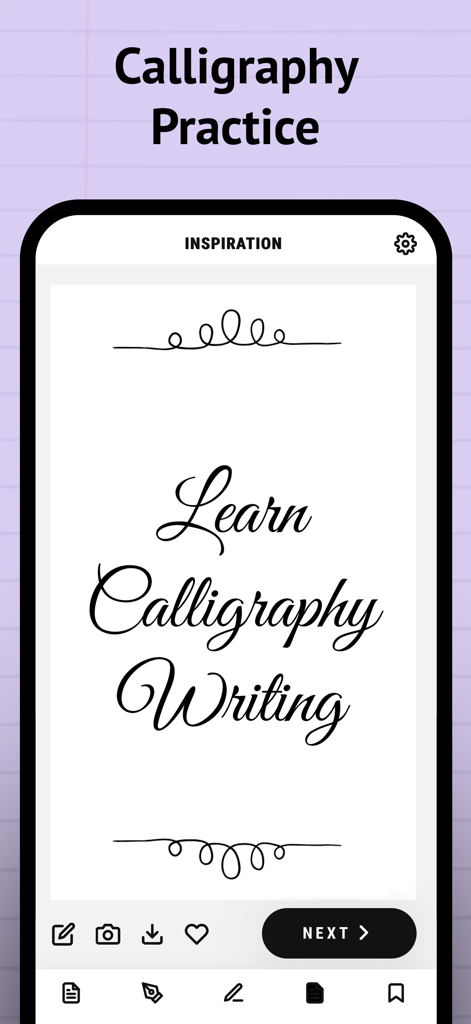
Inspiration screen of the Calligraphy Practice app showing cursive writing styles.
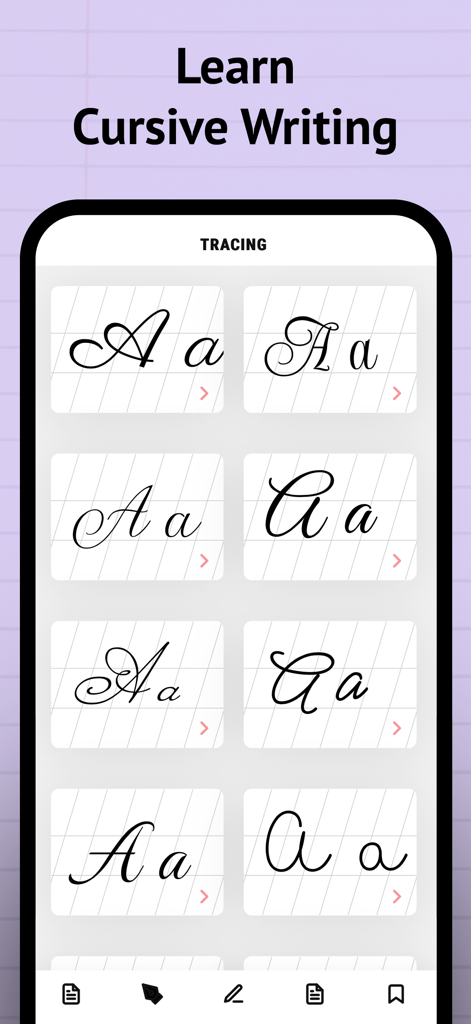
A smartphone screen displaying various styles of cursive letters for tracing and handwriting practice.
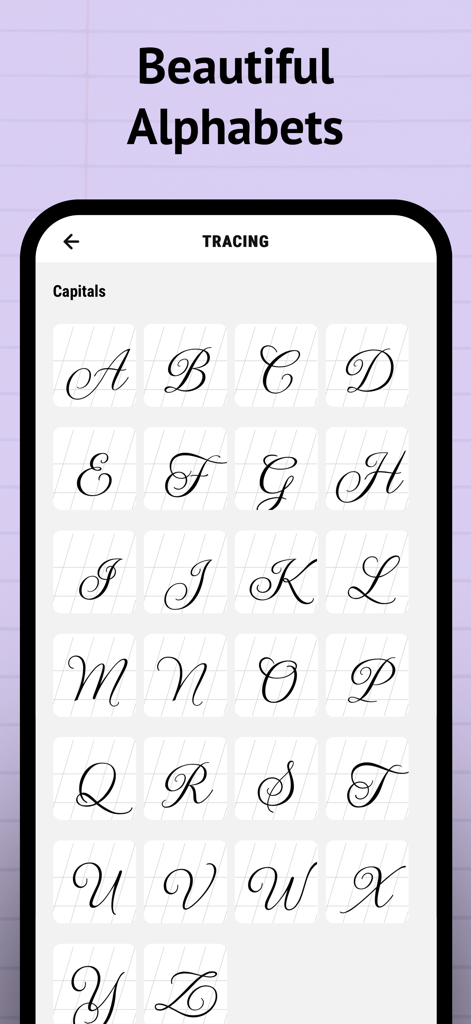
A grid of elegant cursive capital letters for calligraphy tracing practice.
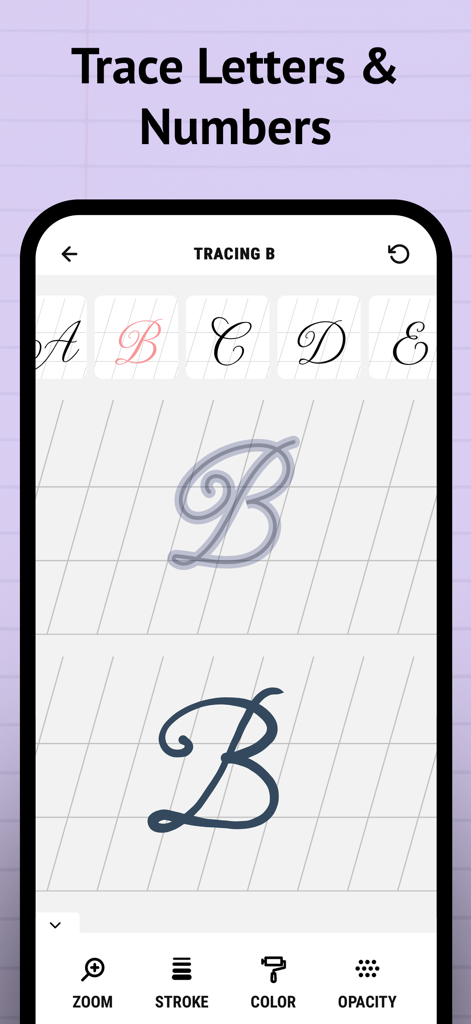
Interface of the Calligraphy Practice app showing a cursive letter B being traced with tools for stroke color and opacity
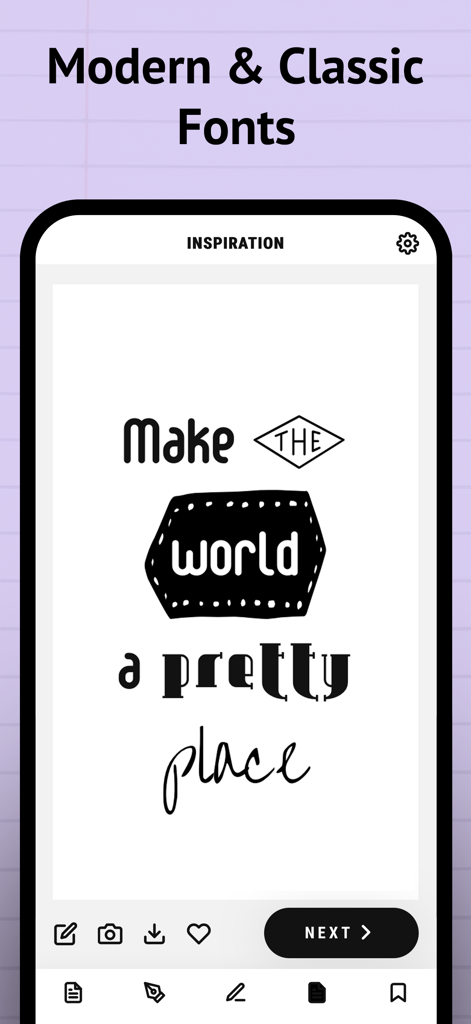
Mobile app screen showing various calligraphy font styles and a lettering design example
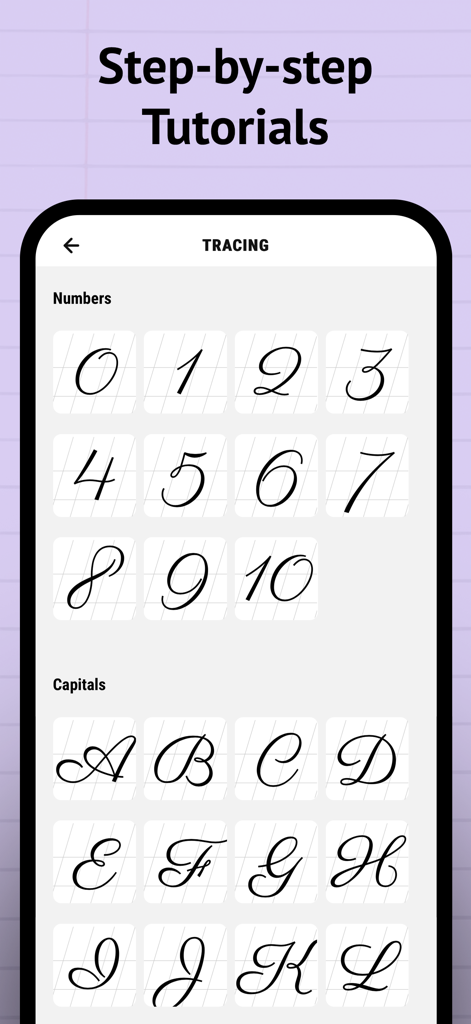
Screenshot of the Calligraphy Practice app showing tracing tutorials for cursive numbers and capital letters
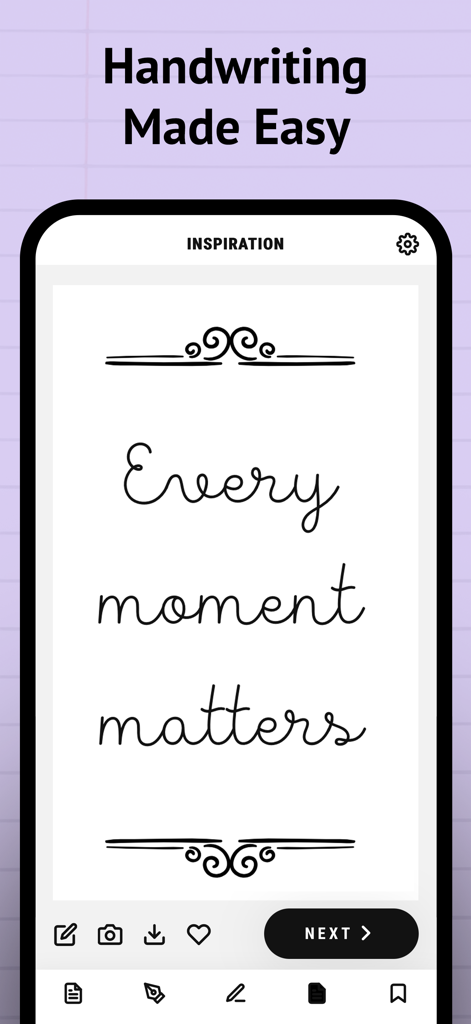
A mobile app screenshot showing the cursive text Every moment matters with decorative flourishes under the headline Handwriting Made Easy.
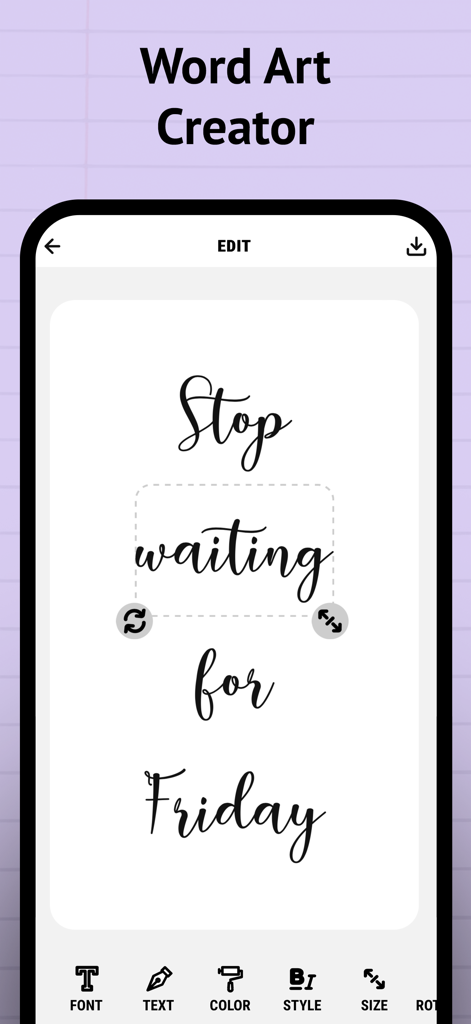
Mobile app interface showing a word art editor with cursive calligraphy text that reads Stop waiting for Friday
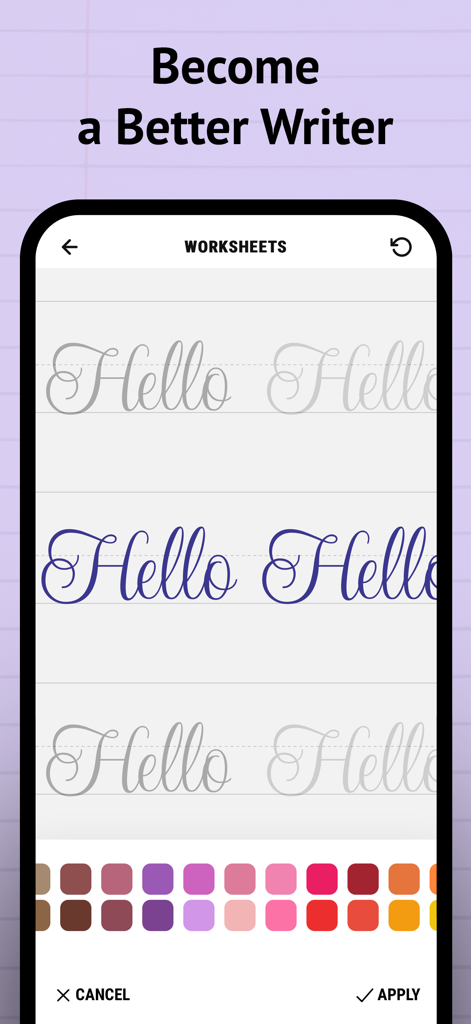
A mobile screen showing a cursive writing worksheet with the word Hello and a color picker
Description
Download
More Like This
Apps with similar features and user experience

Write It! Korean
Jernung, LLC

MOJiKana: Hiragana & Katakana
Hugecore Information Technology (Guangzhou) Co.,Ltd.

Writey Cursive Handwriting
Writey B.V.
Cursive: Learn Cursive
enoiu
Cursively Handwriting Practice
ASVETA CZ s.r.o.
宝宝学写字硬笔书法-小学生字典词典工具
森 袁
Dynamilis Handwriting Practice
School Rebound SA
LetraKid: Kids Writing Letters
Parkel Soft SRL

Calligraphy Master: Cursive
Hangzhou Good Play Network Technology Co., Ltd
This page is not an official page of the app or its developer, but an independent editorial publication created for informational and commentary purposes. Unless expressly stated otherwise, neither the app nor its developer is affiliated with, endorsed by, sponsored by, authorized by, or otherwise officially connected with MWM, Apple, Google Play, the app publisher, or the app's developer, and nothing on this page implies that the app was developed using MWM's services. Any trademarks, logos, screenshots, and other content remain the property of their respective owners.