
This page is not an official page of the app or its developer, but an independent editorial publication created for informational and commentary purposes. Unless expressly stated otherwise, neither the app nor its developer is affiliated with, endorsed by, sponsored by, authorized by, or otherwise officially connected with MWM, Apple, Google Play, the app publisher, or the app's developer, and nothing on this page implies that the app was developed using MWM's services. Any trademarks, logos, screenshots, and other content remain the property of their respective owners.

Cursive: Learn Cursive
Bridge the gap between digital and analog. From teaching your children a legacy skill to perfecting your own signature or journal style, practice beautiful penmanship with interactive tracing, animated guides, and custom word lists.
Downloads
186K+User Rating
Total Ratings
3K+Publisher
Category
EducationLocales
7Latest Version
6.0.0Size
58.6 MBFirst Released
Sep 7, 2022Master the Art of Hand-Written Script
From bridging the school curriculum gap to perfecting your personal signature, our guided tracing tools make mastering cursive simple and satisfying for all ages.
Personalized Practice Sheets
Go beyond the alphabet. Type your name, signature, or favorite quotes to generate custom cursive exercises tailored to your personal goals.
Animated Stroke Guidance
Never guess a movement again. Follow fluid, step-by-step animations that show you exactly how to form every uppercase and lowercase letter correctly.
Frequently Asked Questions
Everything you need to know about Cursive: Learn Cursive
How does Cursive: Learn Cursive help with cursive practice?
Cursive: Learn Cursive allows users to practice cursive writing by tracing. It supports both uppercase and lowercase letters and provides animated stroke order guidance for each letter.
Does Cursive: Learn Cursive show stroke order?
Yes, Cursive: Learn Cursive displays animated stroke order for each letter. This feature assists users in learning the correct formation of cursive characters.
What special characters does Cursive: Learn Cursive support?
Cursive: Learn Cursive supports special characters found in German and Spanish, including ä, ö, ß, ü, and ñ. It also supports words with accent marks.
What languages does Cursive: Learn Cursive support?
Cursive: Learn Cursive supports English, German, Spanish, French, Italian, and Portuguese for cursive practice. Users can switch between these languages.
Can I look up word meanings in Cursive: Learn Cursive?
Yes, Cursive: Learn Cursive includes a search button to look up word meanings. This action opens an external browser to provide definitions.
Can users add custom words to Cursive: Learn Cursive?
Yes, Cursive: Learn Cursive allows users to add their own typed text as custom words for practice. These custom words can be sorted and deleted.
What customization options are available in Cursive: Learn Cursive?
Cursive: Learn Cursive offers various customization options. Users can change the font and size of example text, adjust pen thickness and color, and toggle between pen and eraser.
Does Cursive: Learn Cursive support dark mode?
Yes, Cursive: Learn Cursive supports dark mode. Users can also change the app's theme color to personalize their learning environment.
Can I change the tracing example style in Cursive: Learn Cursive?
Yes, Cursive: Learn Cursive allows users to switch example styles. Options include with line, without line, or no lines, providing flexibility for practice.
The following screenshots and description are sourced directly from the app's official store listing and are the property of the app developer.
App Store
Screenshots
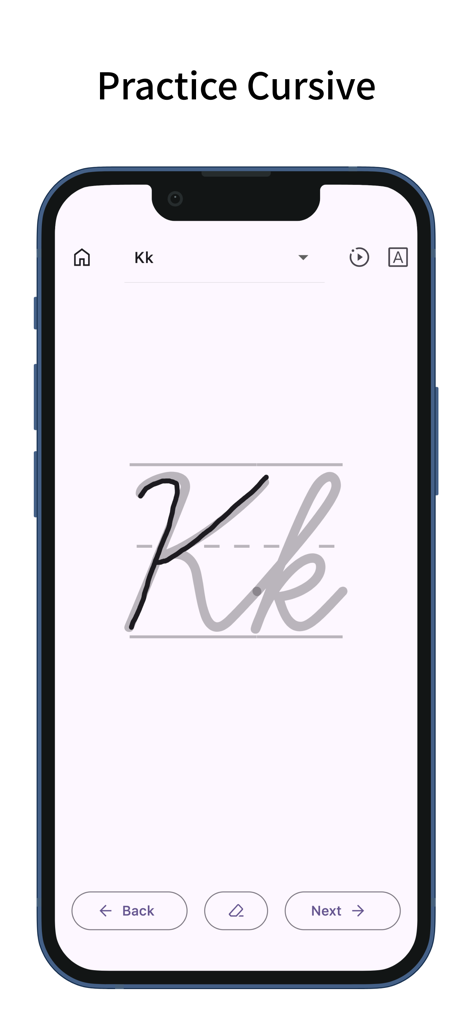
A mobile interface for practicing the cursive letter K with tracing lines and navigation controls.
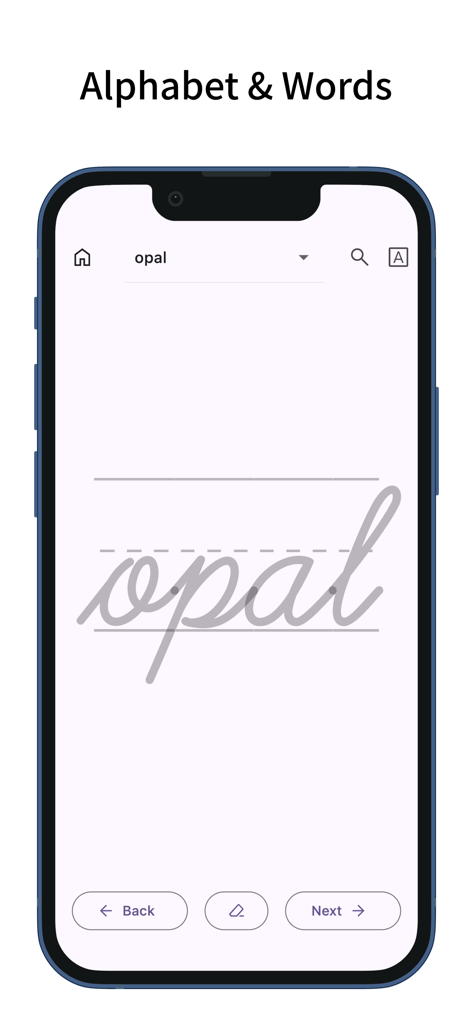
A smartphone screen displaying the word opal in cursive script for tracing practice
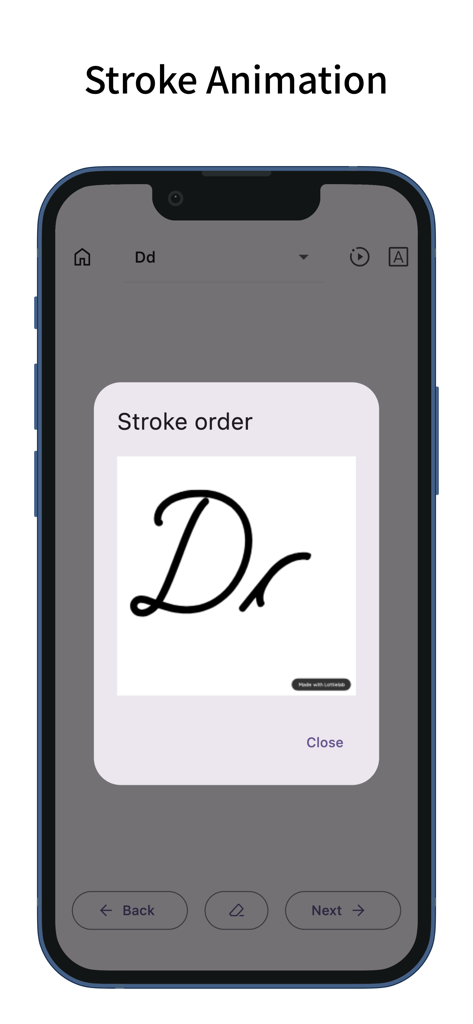
Stroke order animation for the letter D in the cursive learning app
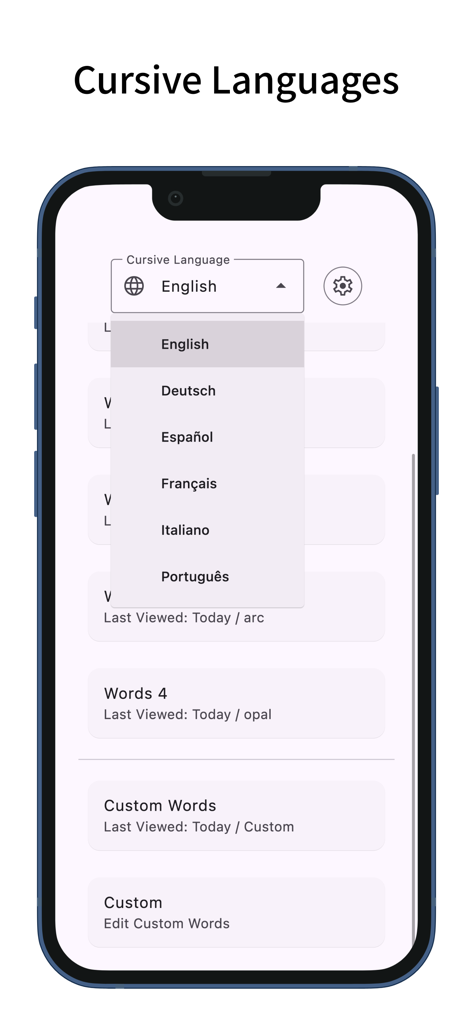
Smartphone screen showing the language selection menu in the Cursive Learn Cursive app.
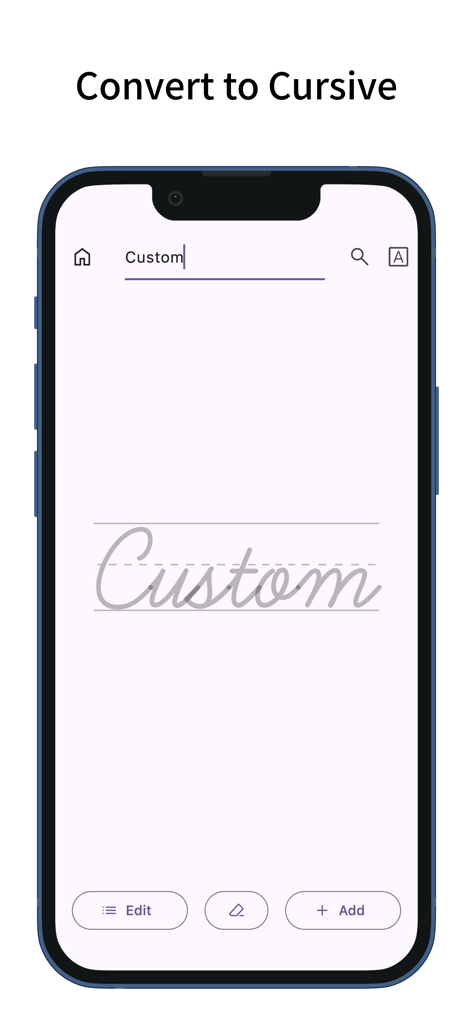
Smartphone screen showing the convert to cursive feature where typed text becomes a handwriting template
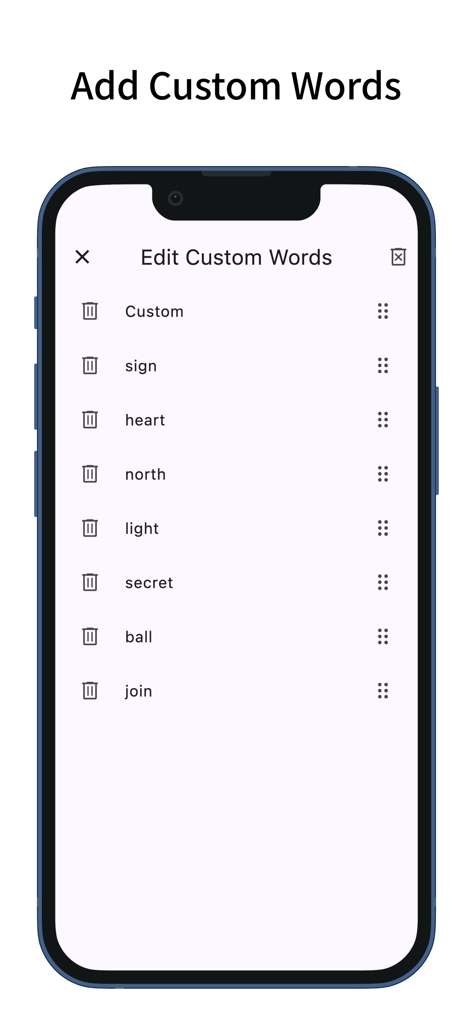
Screenshot of the Edit Custom Words screen in the Cursive Learn Cursive app
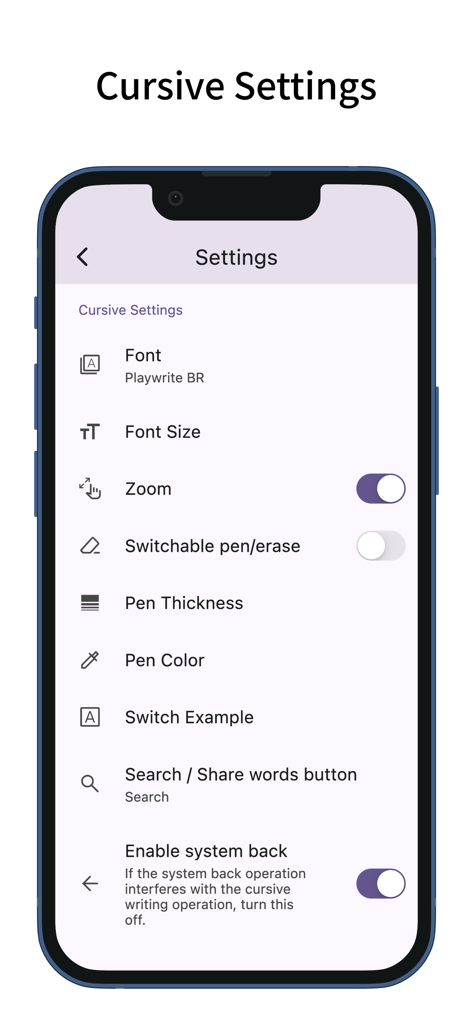
Settings screen of the Cursive Learn app displaying options for font pen thickness and zoom
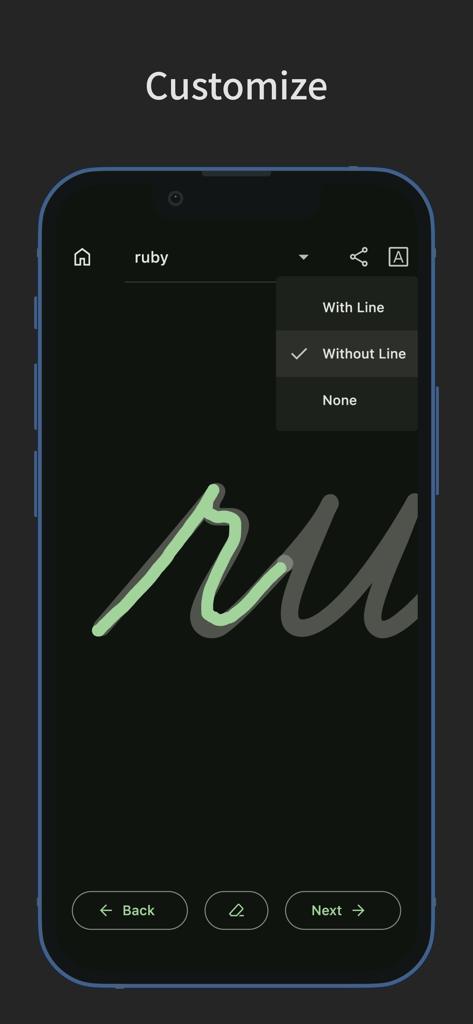
A smartphone interface showing customization options for cursive handwriting practice in dark mode.
Description
Download
More Like This
Apps with similar features and user experience

Write It! Korean
Jernung, LLC

MOJiKana: Hiragana & Katakana
Hugecore Information Technology (Guangzhou) Co.,Ltd.

Writey Cursive Handwriting
Writey B.V.
Cursively Handwriting Practice
ASVETA CZ s.r.o.

Calligraphy Practice · Cursive
Lidwien Veugen
宝宝学写字硬笔书法-小学生字典词典工具
森 袁
Dynamilis Handwriting Practice
School Rebound SA
LetraKid: Kids Writing Letters
Parkel Soft SRL

Calligraphy Master: Cursive
Hangzhou Good Play Network Technology Co., Ltd
This page is not an official page of the app or its developer, but an independent editorial publication created for informational and commentary purposes. Unless expressly stated otherwise, neither the app nor its developer is affiliated with, endorsed by, sponsored by, authorized by, or otherwise officially connected with MWM, Apple, Google Play, the app publisher, or the app's developer, and nothing on this page implies that the app was developed using MWM's services. Any trademarks, logos, screenshots, and other content remain the property of their respective owners.