
This page is not an official page of the app or its developer, but an independent editorial publication created for informational and commentary purposes. Unless expressly stated otherwise, neither the app nor its developer is affiliated with, endorsed by, sponsored by, authorized by, or otherwise officially connected with MWM, Apple, Google Play, the app publisher, or the app's developer, and nothing on this page implies that the app was developed using MWM's services. Any trademarks, logos, screenshots, and other content remain the property of their respective owners.


CameraVision
The smart, cost-effective way for educators and professionals to project live documents, physical objects, and demonstrations to any screen or projector in stunning HD.
Downloads
230K+User Rating
Total Ratings
100Publisher
Category
BusinessLocales
3Latest Version
2.5.0Size
1.6 MBFirst Released
Jan 3, 2011Empower Your Presentations with Professional Clarity
Bridge the gap between physical objects and digital displays. CameraVision turns your Apple device into a versatile, high-definition document camera for any classroom, boardroom, or studio.
Instant Document Camera
Replace expensive, bulky overhead projectors. Use your iPhone or iPad to project textbooks, physical artifacts, or live manual tasks directly to a large screen in Full HD.
Professional Presentation Tools
Keep your audience focused with an on-screen pointer, reference grids, and a clean interface that hides distracting UI elements for a polished, professional look.
The following screenshots and description are sourced directly from the app's official store listing and are the property of the app developer.
App Store
Screenshots
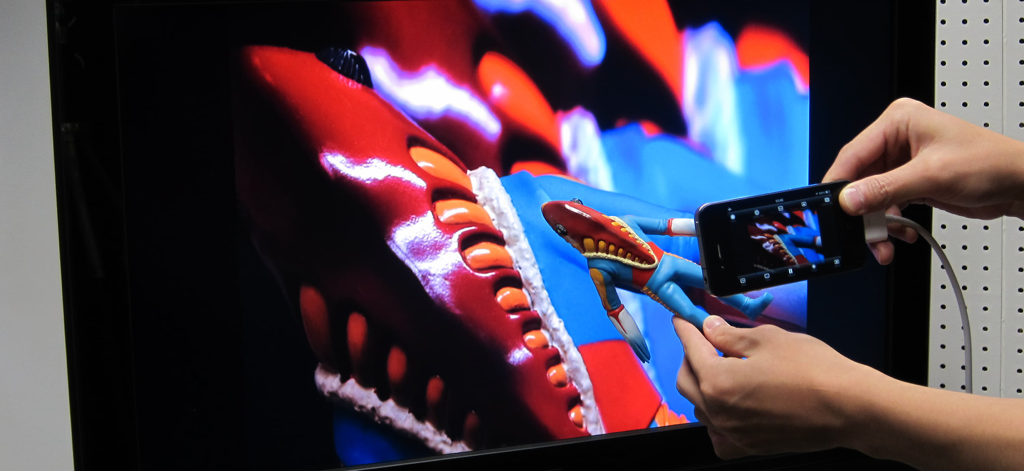
iPhone using CameraVision app to project a live camera feed of a small figurine onto a large TV monitor
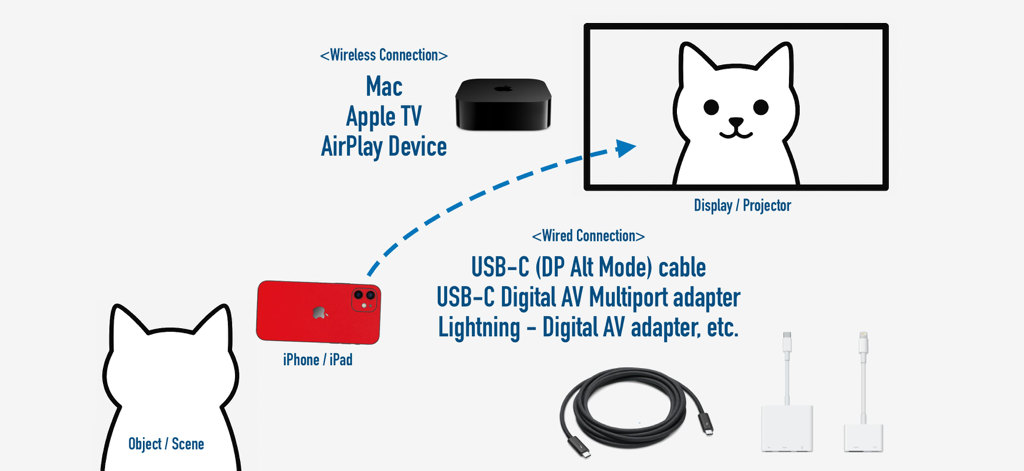
A diagram illustrating wireless and wired connection options from an iPhone to an external display for the CameraVision app.
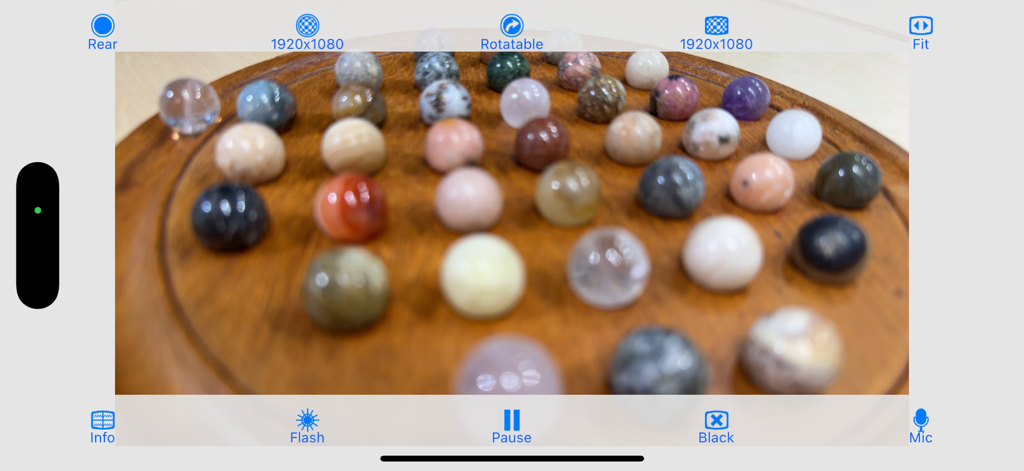
CameraVision app interface showing a live high definition view of small colorful spheres for a physical demonstration
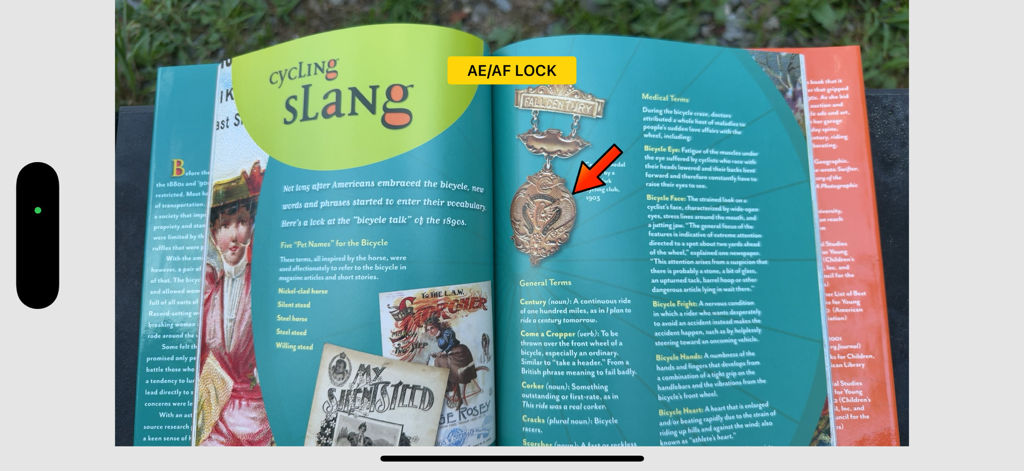
CameraVision app interface showing a book with focus and exposure lock enabled and a red pointer for presentations.
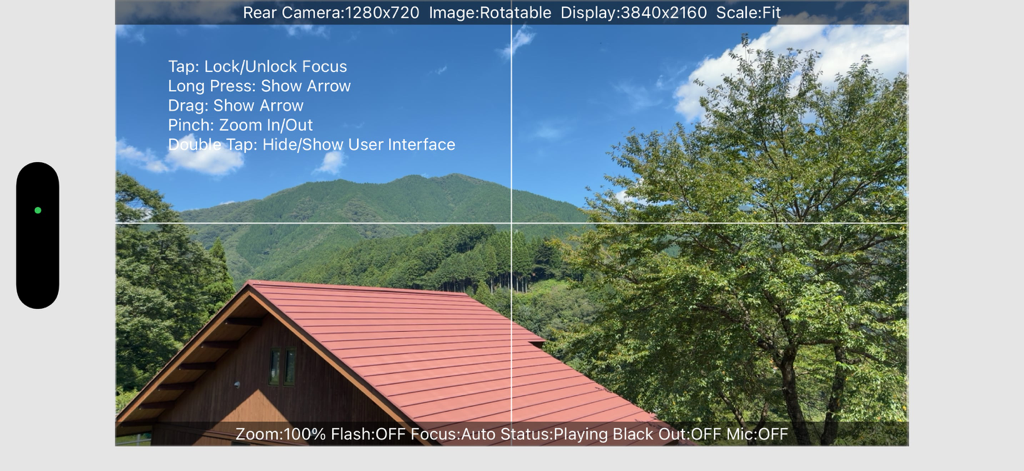
CameraVision app interface showing a live camera feed with grid lines and on-screen gesture instructions
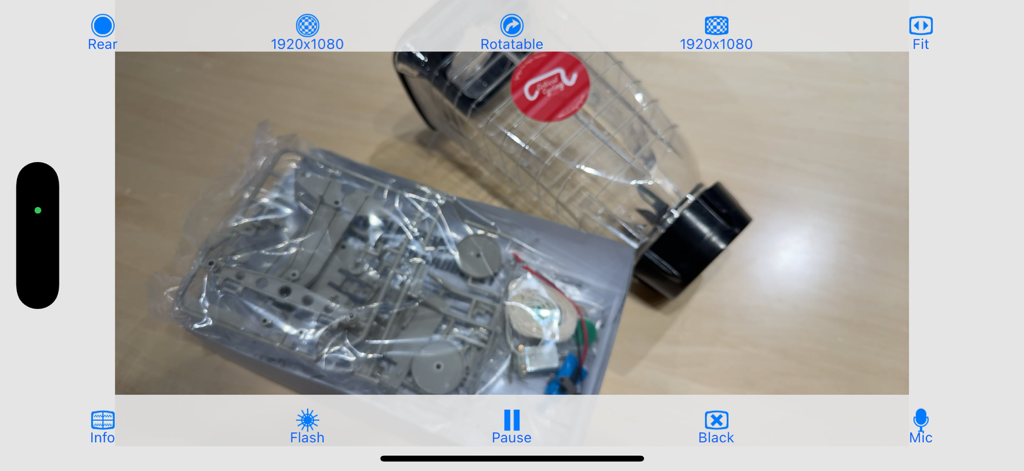
CameraVision mobile app interface showing a live camera feed of physical objects with presentation controls
Description
Download
More Like This
Top-ranked apps in the same category

Microsoft Teams
Microsoft Corporation

Zoom Workplace
Zoom Communications, Inc.

WhatsApp Business
WhatsApp Inc.

Indeed Job Search
Indeed Inc.

LinkedIn: Network & Job Finder
LinkedIn Corporation

Adobe Acrobat Reader: Sign PDF
Adobe Inc.

WeCom-Work Communication&Tools
Tencent Technology (Shenzhen) Company Limited

BOSS直聘-招聘求职找工作神器
Beijing China Product Bo Farce Network Technology Co., Ltd.

DingDing - Redefine Work in AI
DingTalk Technology Co., Ltd.
This page is not an official page of the app or its developer, but an independent editorial publication created for informational and commentary purposes. Unless expressly stated otherwise, neither the app nor its developer is affiliated with, endorsed by, sponsored by, authorized by, or otherwise officially connected with MWM, Apple, Google Play, the app publisher, or the app's developer, and nothing on this page implies that the app was developed using MWM's services. Any trademarks, logos, screenshots, and other content remain the property of their respective owners.