
This page is not an official page of the app or its developer, but an independent editorial publication created for informational and commentary purposes. Unless expressly stated otherwise, neither the app nor its developer is affiliated with, endorsed by, sponsored by, authorized by, or otherwise officially connected with MWM, Apple, Google Play, the app publisher, or the app's developer, and nothing on this page implies that the app was developed using MWM's services. Any trademarks, logos, screenshots, and other content remain the property of their respective owners.
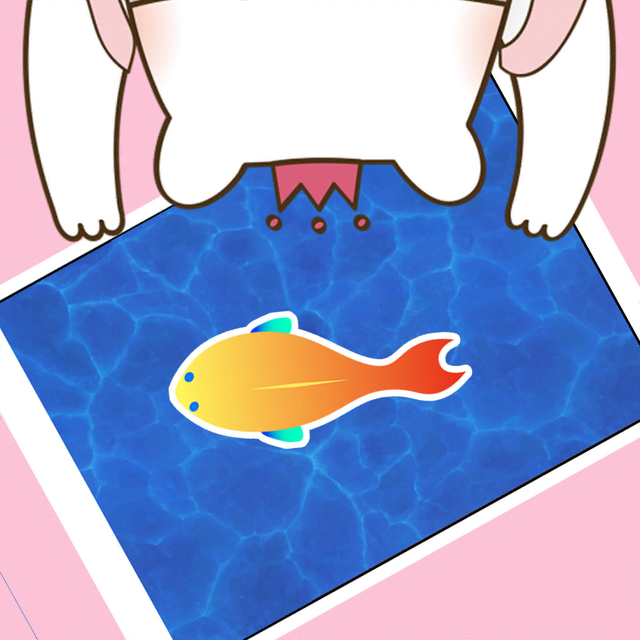

Cat Toy - Game for Cats
Keep your indoor cat active, happy, and mentally stimulated with HD hunting simulations. From darting lasers to swimming fish, provide the premium enrichment your pet deserves right on your iPad or iPhone.
Downloads
1M+User Rating
Total Ratings
36K+Publisher
Category
EntertainmentLocales
33Latest Version
1.9.6Size
166.6 MBFirst Released
Sep 16, 2021Unlock Your Cat's Natural Instincts
The #1 digital playground designed to keep indoor cats physically active and mentally sharp through interactive HD toy simulations.
Endless Toy Variety
Keep your hunter engaged with a rotating selection of fish, lasers, and insects that prevent boredom and play fatigue.
Stress-Free Enrichment
Cure "pet parent guilt" by providing hours of safe, autonomous entertainment while you work or relax.
Frequently Asked Questions
Everything you need to know about Cat Toy - Game for Cats
How do I play Cat Toy - Game for Cats HD?
To play Game for Cats HD, first click Settings to select music and the number of toys. Then, select a cat toy, place your iPhone or iPad flat, and attract your cat to play.
What types of toys does Cat Toy - Game for Cats simulate?
Cat Toy - Game for Cats offers simulated moving fish, mouse, laser, ladybug, butterfly, dragonfly, gecko, rabbit, bird, and ball for cats to catch.
Can users adjust game settings in Game for Cats HD?
Yes, users can adjust settings in Game for Cats HD. The game description instructs players to click on "Settings" to select the music and the number of toys.
What devices are compatible with Cat Toy - Game for Cats?
Cat Toy - Game for Cats is compatible with iPhone or iPad. Players place these devices flat next to their cat to initiate gameplay.
How can I contact support for the Cat Toy - Game for Cats app?
You can contact support for the Cat Toy - Game for Cats app by sending an email to info@yyapps.com for any questions or suggestions.
The following screenshots and description are sourced directly from the app's official store listing and are the property of the app developer.
App Store
Screenshots
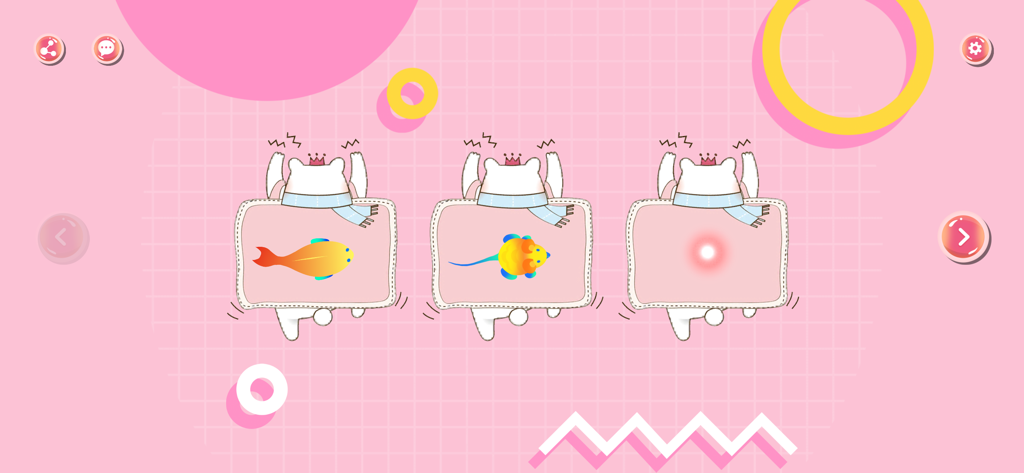
Selection screen of the Cat Toy app featuring a fish mouse and laser pointer on a pink background
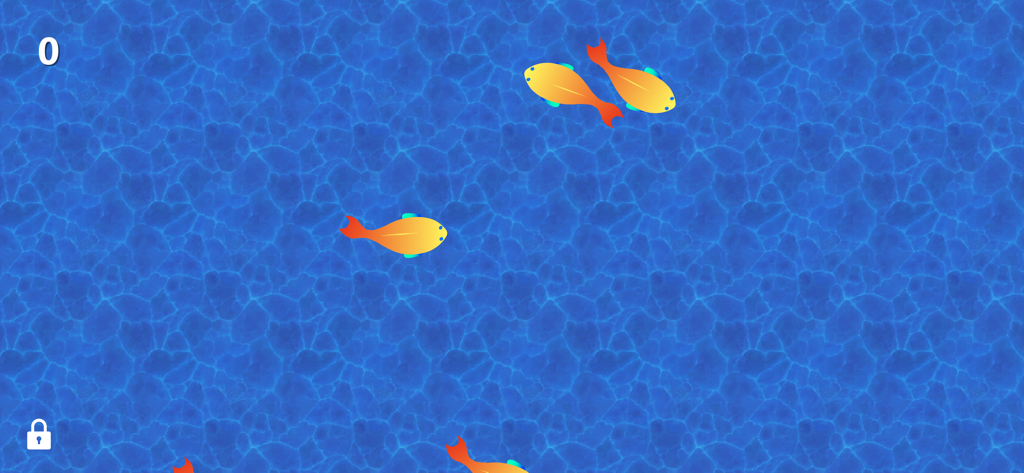
Digital orange and yellow fish swimming in a blue water background for a cat to catch.
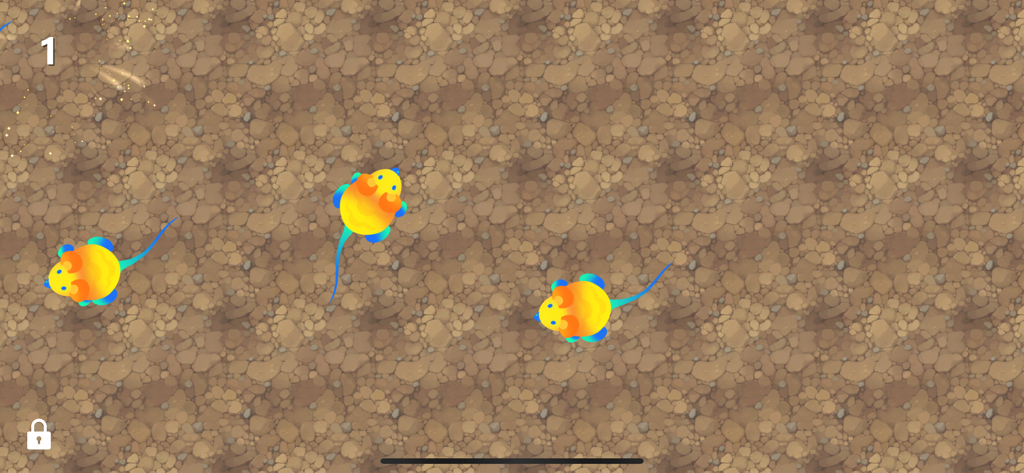
Digital colorful mice moving on a stony ground background for cats to catch
Description
Download
More Like This
Apps with similar features and user experience

Peppy Cat: Game For Cats
Uniqo Lab FZC

Games For Cats - Cat Toy,Peppy
若辰 卢
CatVerse - Cat Games for Cat
Jing Ting Yu

Jolly Dog: Game For Pets
Uniqo Lab FZC
Games for Cats & Kitty
Jose Hall

Games for Cats: Meow Fishing
Juriks Balodis
Games for Cats Cat Toy – Meow
Gameville Studio LLC

Games for Cats: Fish & Mouse
Rocky Limandauw
This page is not an official page of the app or its developer, but an independent editorial publication created for informational and commentary purposes. Unless expressly stated otherwise, neither the app nor its developer is affiliated with, endorsed by, sponsored by, authorized by, or otherwise officially connected with MWM, Apple, Google Play, the app publisher, or the app's developer, and nothing on this page implies that the app was developed using MWM's services. Any trademarks, logos, screenshots, and other content remain the property of their respective owners.