
This page is not an official page of the app or its developer, but an independent editorial publication created for informational and commentary purposes. Unless expressly stated otherwise, neither the app nor its developer is affiliated with, endorsed by, sponsored by, authorized by, or otherwise officially connected with MWM, Apple, Google Play, the app publisher, or the app's developer, and nothing on this page implies that the app was developed using MWM's services. Any trademarks, logos, screenshots, and other content remain the property of their respective owners.

Certum SimplySign
Transform your smartphone into a professional tool for signing legally binding documents anywhere. Stay compliant with international standards and manage secure e-Delivery without the need for physical readers.
Downloads
86K+User Rating
Total Ratings
100Publisher
Category
BusinessLocales
2Latest Version
7.5.7Size
37.8 MBFirst Released
Jul 4, 2017Elevate Your Business with Secure Digital Signatures
Certum SimplySign transforms your mobile device into a powerful, cloud-based signing tool, designed for professionals who demand top-tier security without being tied to a desk.
Hardware-Free Mobility
Eliminate the need for physical cards or USB readers. Sign any document instantly from your smartphone, whether you are at the airport or in the boardroom.
Global Legal Validity
Ensure your signatures are recognized internationally. Fully compliant with eIDAS standards for cross-border transactions and absolute legal certainty.
Frequently Asked Questions
Everything you need to know about Certum SimplySign
What is Certum SimplySign?
Certum SimplySign transforms your smartphone into a state-of-the-art tool for signing electronic documents. It enables quick and secure signing directly on your mobile device, anywhere and anytime.
Can I sign documents on my phone with Certum SimplySign?
Yes, Certum SimplySign allows users to sign electronic documents directly on their mobile device. It provides a quick and secure method for signing anywhere, anytime.
Does SimplySign integrate with Certum's e-Delivery?
Yes, SimplySign is designed for users planning to utilize Certum's e-Delivery service. The application supports this integration for efficient digital processes.
How do I add documents to Certum SimplySign?
To add documents, navigate to the 'My documents' screen within the SimplySign app. Tap the 'ADD DOCUMENT' button to import your files for signing.
How do I sign a document using Certum SimplySign?
First, select or add your document in 'My documents'. Then, tap the 'Sign' button. The app displays a 'Signing...' progress and confirms the 'Signed document' upon completion.
What happens after signing a document in SimplySign?
After a successful signature, Certum SimplySign confirms the 'Signed document'. You then have options to 'Sign next document' or 'Send the document' directly from the app.
The following screenshots and description are sourced directly from the app's official store listing and are the property of the app developer.
App Store
Screenshots
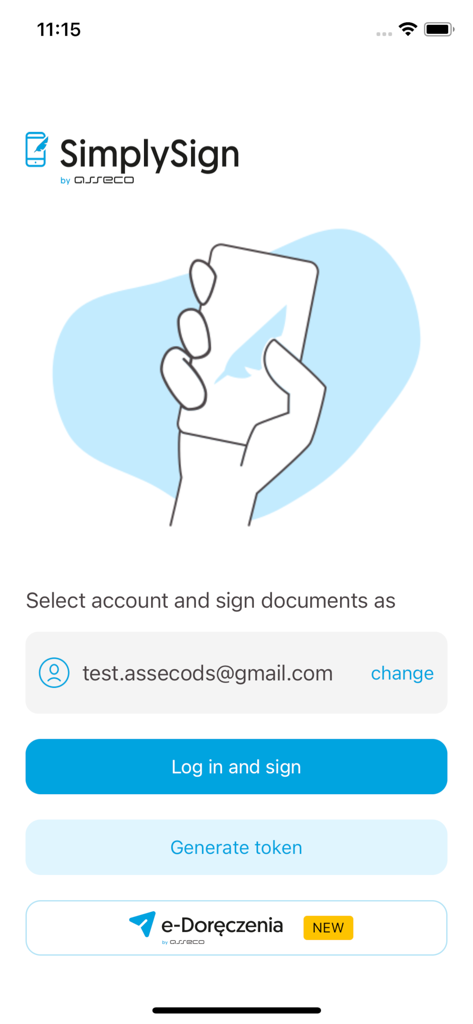
SimplySign mobile app login interface for electronic document signing and token generation.
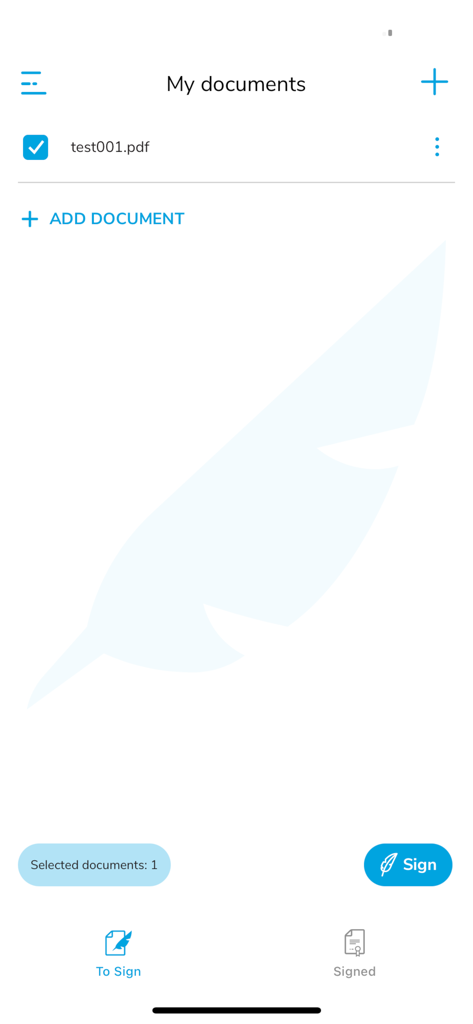
Mobile app interface of Certum SimplySign showing a list of documents with one PDF file selected for digital signature
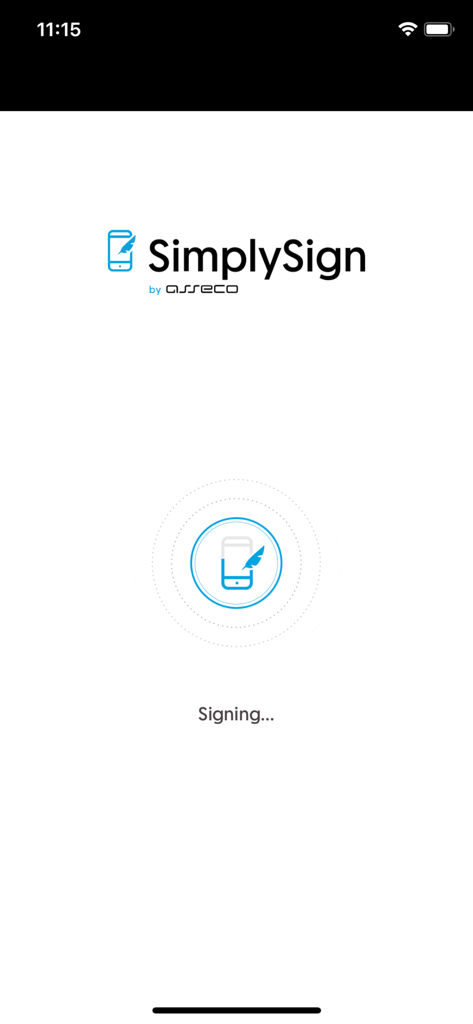
Certum SimplySign mobile app splash screen showing the signing status
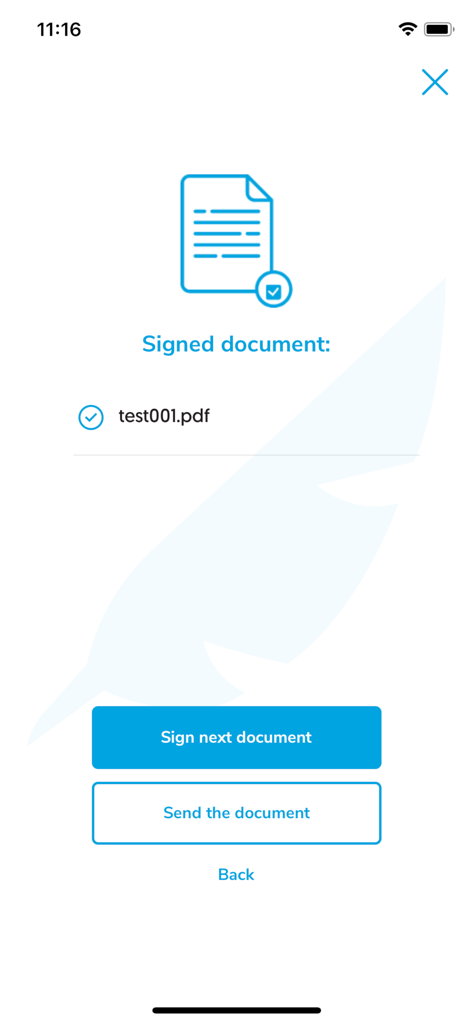
Confirmation screen in Certum SimplySign showing a successfully signed PDF document with options to sign another or send it
Description
Download
More Like This
Top-ranked apps in the same category

Microsoft Teams
Microsoft Corporation

Zoom Workplace
Zoom Communications, Inc.

WhatsApp Business
WhatsApp Inc.

Indeed Job Search
Indeed Inc.

LinkedIn: Network & Job Finder
LinkedIn Corporation

Adobe Acrobat Reader: Sign PDF
Adobe Inc.

WeCom-Work Communication&Tools
Tencent Technology (Shenzhen) Company Limited

BOSS直聘-招聘求职找工作神器
Beijing China Product Bo Farce Network Technology Co., Ltd.

DingDing - Redefine Work in AI
DingTalk Technology Co., Ltd.
This page is not an official page of the app or its developer, but an independent editorial publication created for informational and commentary purposes. Unless expressly stated otherwise, neither the app nor its developer is affiliated with, endorsed by, sponsored by, authorized by, or otherwise officially connected with MWM, Apple, Google Play, the app publisher, or the app's developer, and nothing on this page implies that the app was developed using MWM's services. Any trademarks, logos, screenshots, and other content remain the property of their respective owners.