
This page is not an official page of the app or its developer, but an independent editorial publication created for informational and commentary purposes. Unless expressly stated otherwise, neither the app nor its developer is affiliated with, endorsed by, sponsored by, authorized by, or otherwise officially connected with MWM, Apple, Google Play, the app publisher, or the app's developer, and nothing on this page implies that the app was developed using MWM's services. Any trademarks, logos, screenshots, and other content remain the property of their respective owners.

Chevron
Experience the ultimate convenience with contactless mobile payments and earn up to 50¢ off per gallon. Seamlessly integrated with Apple CarPlay for the modern, efficient driver.
Downloads
4M+User Rating
Total Ratings
318K+Publisher
Category
TravelLocales
1Latest Version
5.4.1Size
100.8 MBFirst Released
Apr 23, 2019The Smartest Way to Refuel
Upgrade your driving experience with seamless mobile payments, high-value rewards, and effortless integration with your favorite devices.
Pay from Your Driver’s Seat
Skip the pump interface and stay in your car. Reserve your pump and pay securely through the app or Apple CarPlay for a faster, contactless experience.
Maximize Every Mile
Join Chevron Texaco Rewards to earn points on fuel and ExtraMile snacks. Redeem your balance for massive savings of up to 50¢ off per gallon.
Frequently Asked Questions
Everything you need to know about Chevron
How do I pay for fuel using the Chevron app?
Yes, the Chevron app allows users to pay for gas or diesel from their driver's seat. Users link a payment method, reserve the pump in-app, and then fuel up.
Can I earn rewards with the Chevron app?
Yes, the Chevron app includes the Chevron Texaco Rewards program. Users earn points on fuel and select in-store purchases, redeemable for up to 50¢ off per gallon at participating stations.
What payment methods are accepted by the Chevron app?
The Chevron app accepts various payment methods including Apple Pay, Techron Advantage Card, Checking Pay, credit/debit cards, PayPal, Venmo, and gift/ePromo cards for contactless payment.
Does the Chevron app help find participating stations?
Yes, the Chevron app helps users find participating stations using its in-app station finder. Users can filter results specifically for locations that support Rewards Programs.
Are digital receipts available in the Chevron app?
Yes, the Chevron app provides digital receipts for all mobile payments. After fueling, the transaction details and receipt are automatically available directly within the app.
Is the Chevron app compatible with Apple CarPlay or Apple Watch?
Yes, the Chevron app offers compatibility with Apple CarPlay for finding locations and paying for fuel. It also supports Apple Watch for fueling and redeeming rewards at participating locations.
The following screenshots and description are sourced directly from the app's official store listing and are the property of the app developer.
App Store
Screenshots
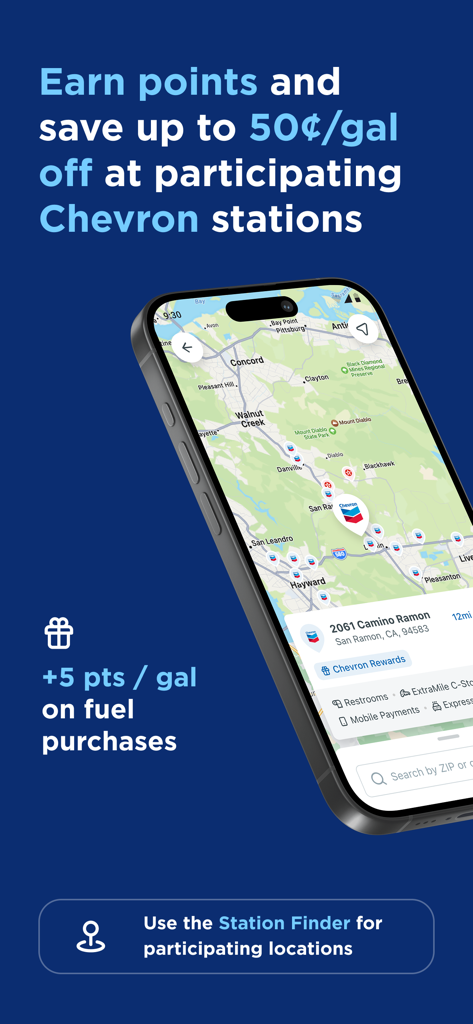
Chevron app station finder map with gas rewards
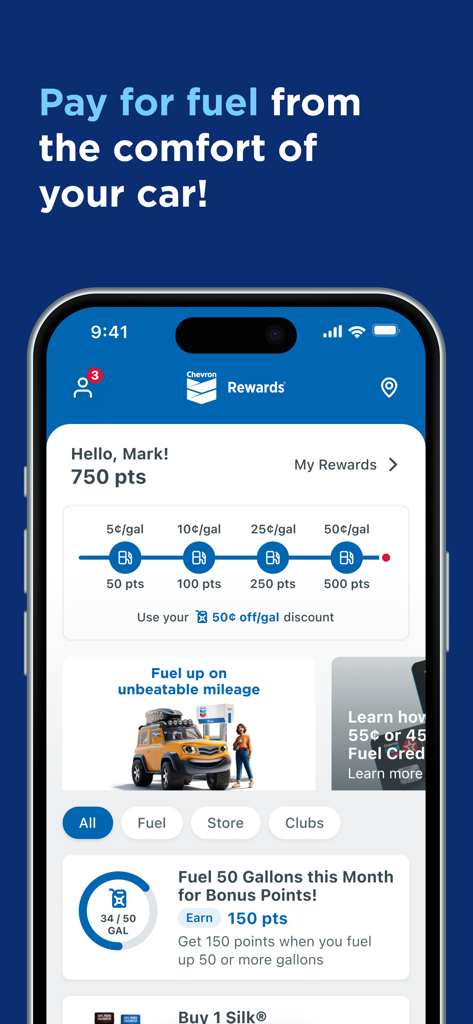
Chevron app user dashboard showing points balance and progress towards gas discounts
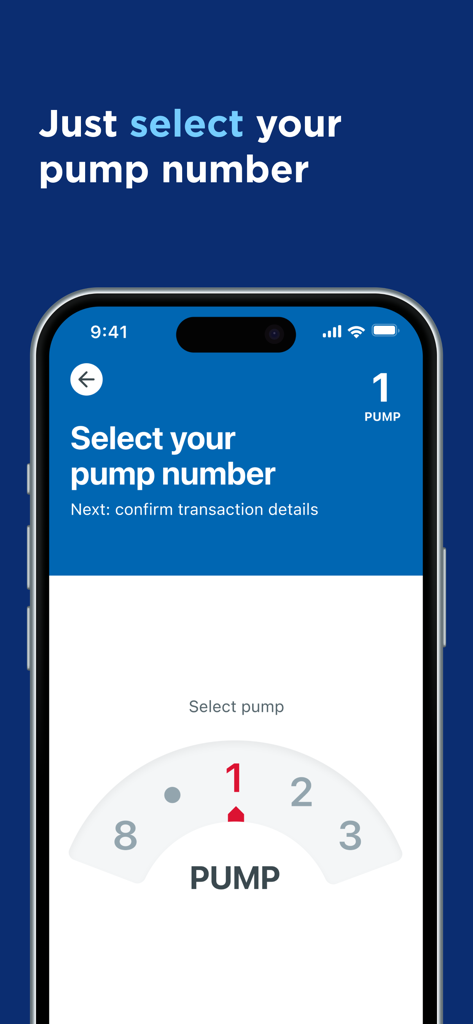
Selecting a pump number in the Chevron mobile app
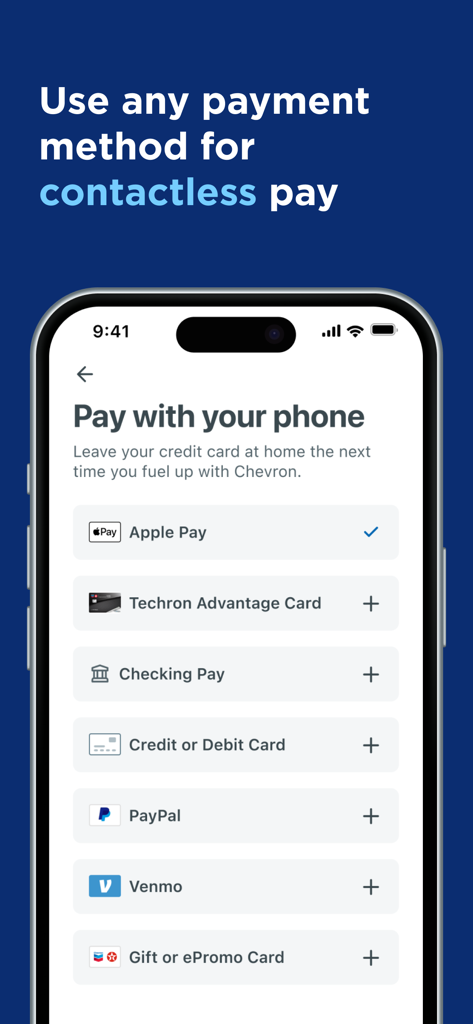
Chevron app screen showing contactless payment options like Apple Pay PayPal and Venmo
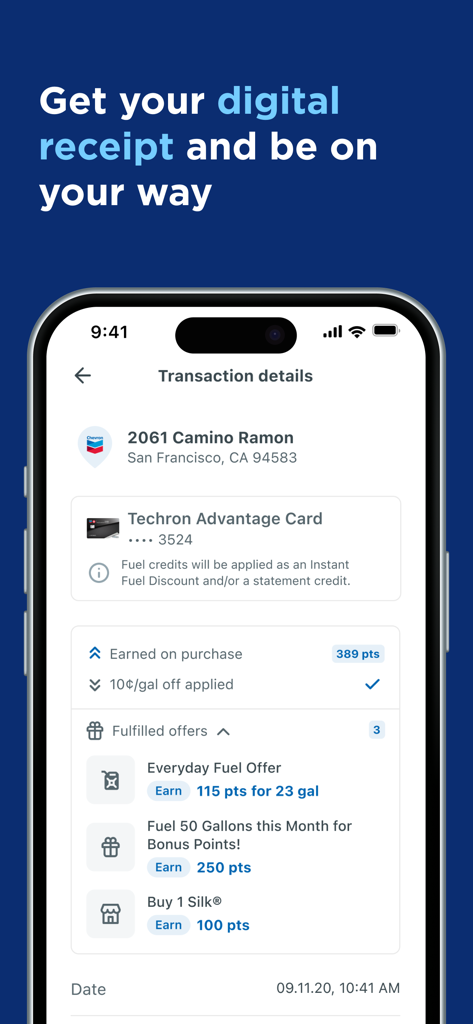
Chevron app screen displaying digital receipt with transaction details rewards earned and fuel discounts
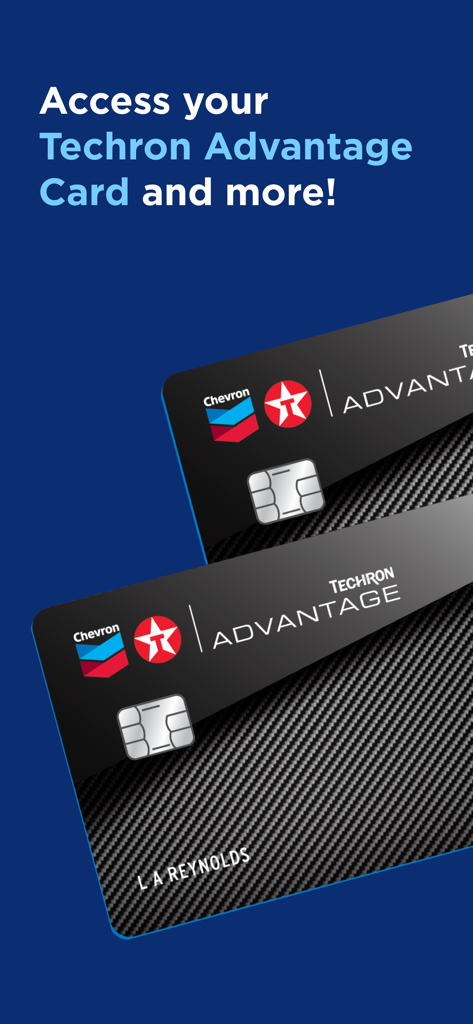
Chevron mobile app screen showing digital access to the Techron Advantage Card
Description
Download
More Like This
Apps with similar features and user experience
Shell: Fuel, Charge & More
Shell Information Technology International B.V.

earnify
BP Products North America Inc
Exxon Mobil Rewards+
Exxon Mobil Corporation
Marathon ARCO Rewards
Stuzo, LLC
Murphy Drive Rewards
Murphy USA Inc
SmartRewards by EG America
Cumberland Farms, Inc

Pilot: myRewards
Pilot Travel Centers, LLC
RaceTrac
RaceTrac Petroleum
Kwik Rewards
Kwik Trip, Inc.
This page is not an official page of the app or its developer, but an independent editorial publication created for informational and commentary purposes. Unless expressly stated otherwise, neither the app nor its developer is affiliated with, endorsed by, sponsored by, authorized by, or otherwise officially connected with MWM, Apple, Google Play, the app publisher, or the app's developer, and nothing on this page implies that the app was developed using MWM's services. Any trademarks, logos, screenshots, and other content remain the property of their respective owners.