
This page is not an official page of the app or its developer, but an independent editorial publication created for informational and commentary purposes. Unless expressly stated otherwise, neither the app nor its developer is affiliated with, endorsed by, sponsored by, authorized by, or otherwise officially connected with MWM, Apple, Google Play, the app publisher, or the app's developer, and nothing on this page implies that the app was developed using MWM's services. Any trademarks, logos, screenshots, and other content remain the property of their respective owners.


Classroom Spy
Eliminate digital distractions and keep every student on track. View live screens, take remote control, and manage your entire computer lab with a single tap from your iPad or iPhone.
Downloads
0User Rating
Total Ratings
0Publisher
Category
EducationLocales
-Latest Version
5.6.2Size
43.3 MBFirst Released
Oct 2, 2016Master Your Digital Classroom
Classroom Spy gives you the visibility and tools you need to eliminate digital distractions and foster a high-performing learning environment from your iPad or iPhone.
Real-Time Live Monitoring
View every student's screen simultaneously with live thumbnails, ensuring they stay on task and off distracting websites or games.
One-Tap Management
Save valuable instruction time by executing bulk actions across all computers instantly, such as locking screens for eyes-front moments.
The following screenshots and description are sourced directly from the app's official store listing and are the property of the app developer.
App Store
Screenshots
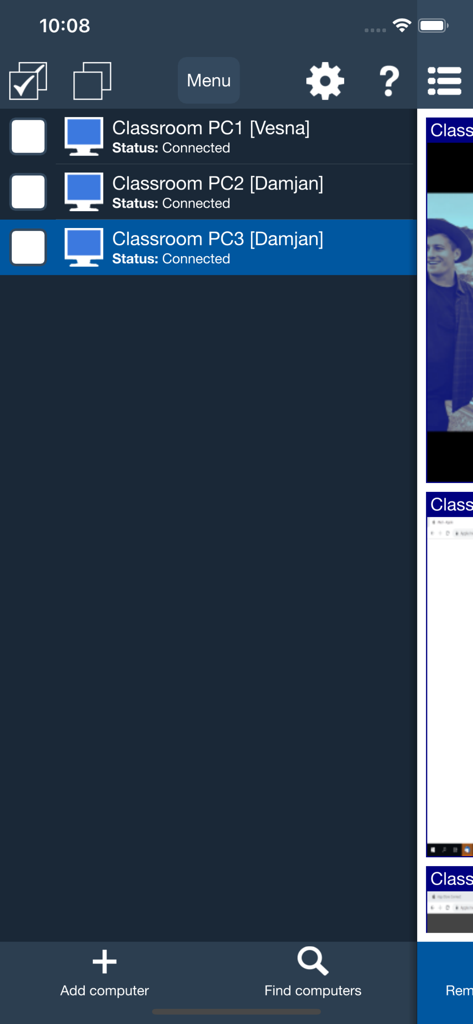
Interface of Classroom Spy app showing a list of connected student computers and their status
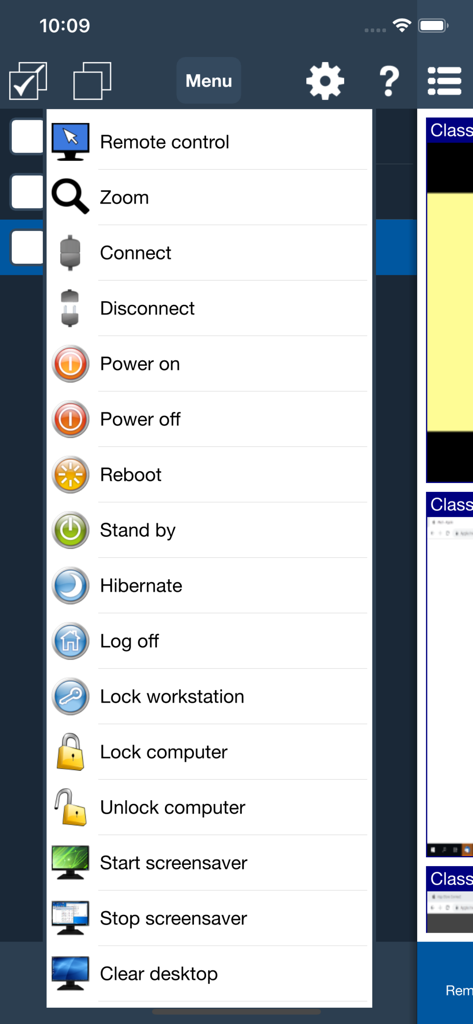
Classroom Spy app interface displaying a menu of remote control and computer management actions for teachers.
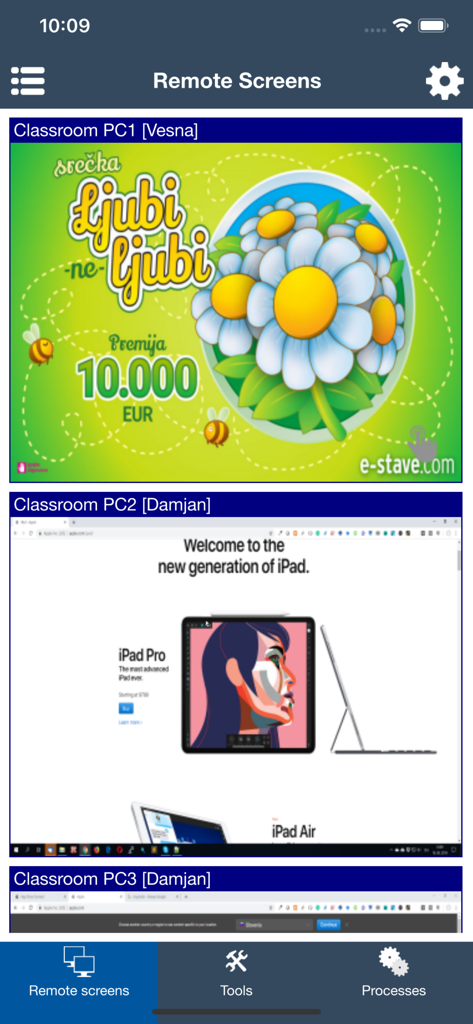
Classroom Spy app interface showing live thumbnails of multiple remote student computer screens for classroom management
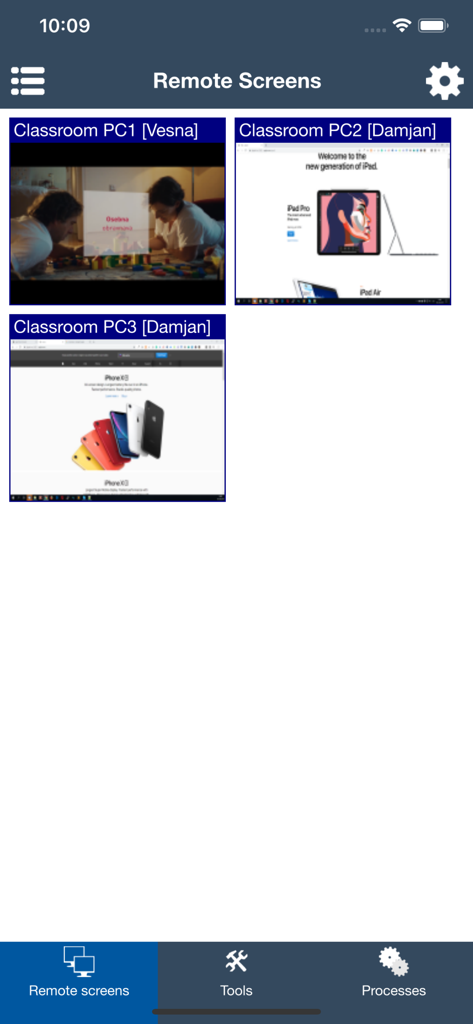
Classroom Spy app showing live thumbnails of student computer screens
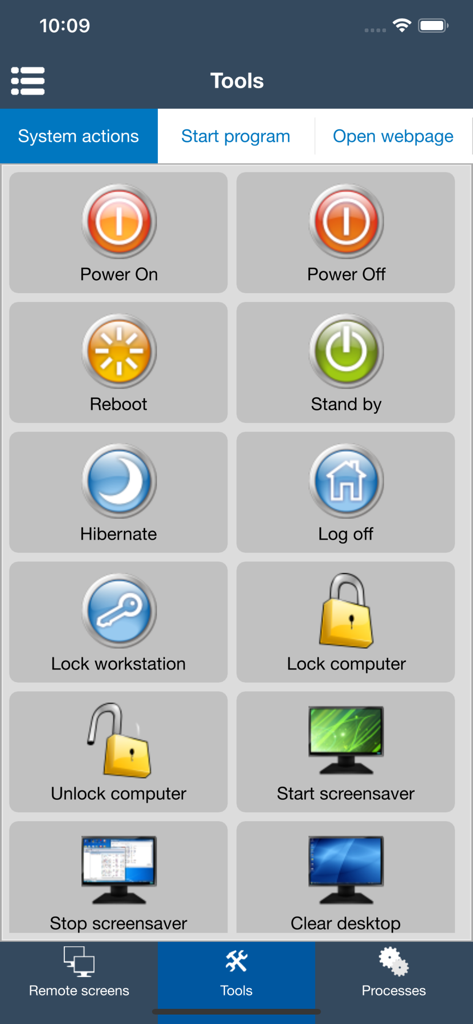
Classroom Spy app interface showing remote system action buttons for controlling student computers such as power off and lock
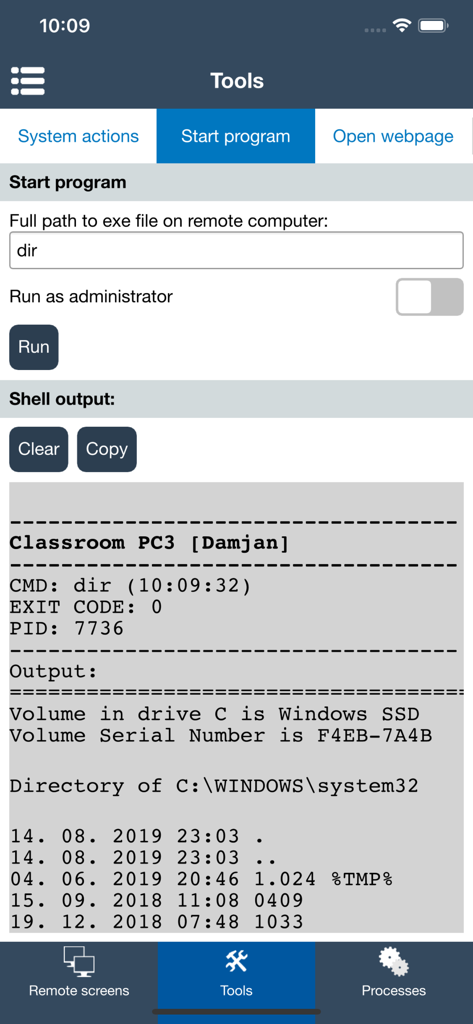
Interface for running remote commands and viewing shell output on student computers
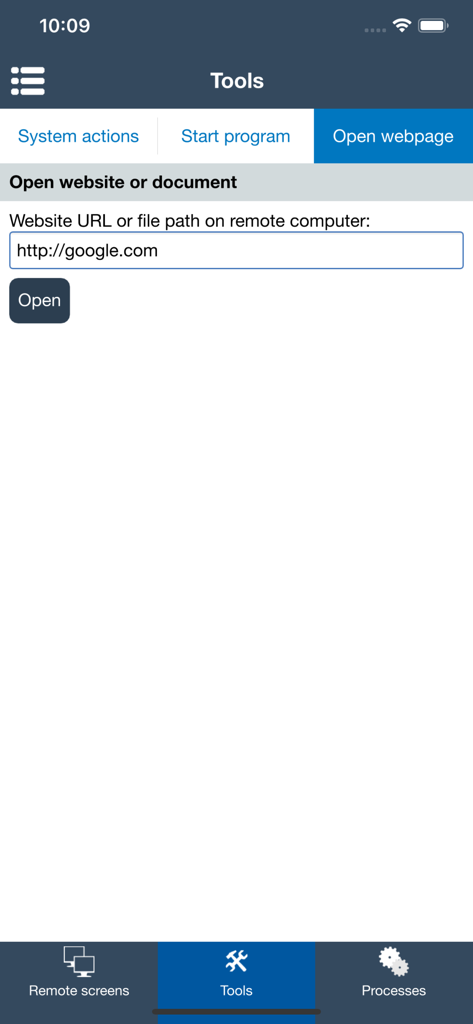
Classroom Spy app interface showing the tool to remotely open a website URL on student computers
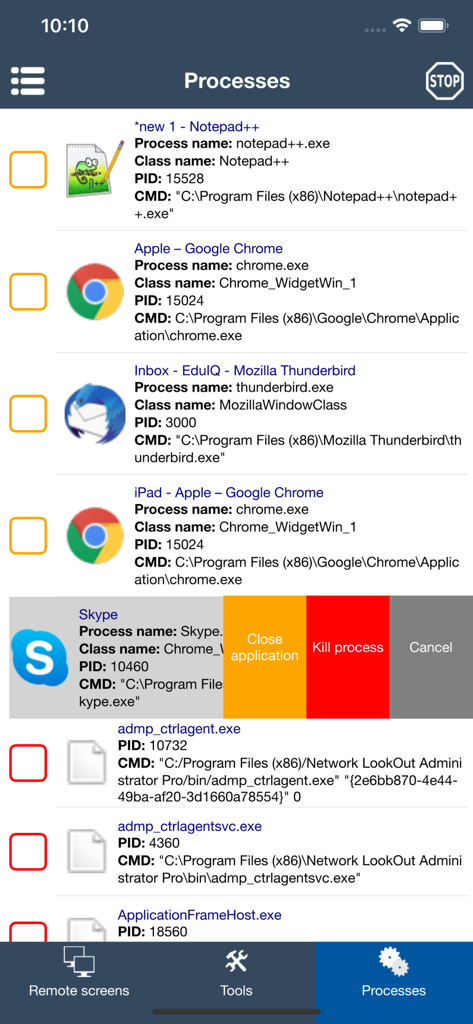
Interface of the Classroom Spy app showing a list of active computer processes with options to close or kill applications remotely
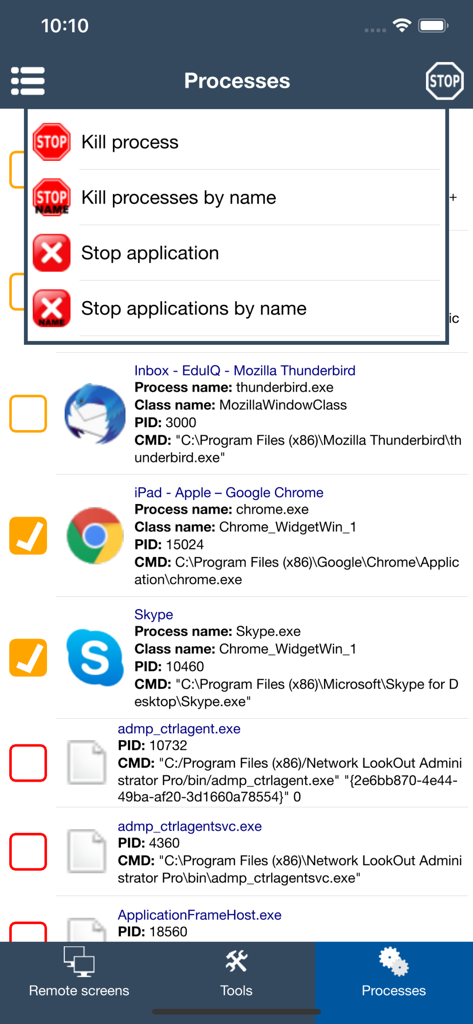
Mobile interface of Classroom Spy showing a list of running processes on a student computer with options to kill or stop applications.
Description
Download
More Like This
Top-ranked apps in the same category

Duolingo - Language Lessons
Duolingo, Inc

驾考宝典-科一科四驾驶证考试驾考通
Wuhan Jiakaobaodian Information Service Co., Ltd.

Speak & Learn English: Learna
DEEP FLOW SOFTWARE SERVICES - FZCO

Toca Boca World
Toca Boca AB

学信网
Student Information Consultation Service Co., Ltd.
Google Classroom
Google LLC

作业帮-中小学家长作业检查和辅导工具
Guangzhou Polar Future Culture Technology Co., Ltd

Gauth: AI Study Companion
GAUTHTECH PTE. LTD.

驾校一点通-2025驾校学车考驾照
Tianjin 58 driver Information Technology Co. Ltd.
This page is not an official page of the app or its developer, but an independent editorial publication created for informational and commentary purposes. Unless expressly stated otherwise, neither the app nor its developer is affiliated with, endorsed by, sponsored by, authorized by, or otherwise officially connected with MWM, Apple, Google Play, the app publisher, or the app's developer, and nothing on this page implies that the app was developed using MWM's services. Any trademarks, logos, screenshots, and other content remain the property of their respective owners.