
This page is not an official page of the app or its developer, but an independent editorial publication created for informational and commentary purposes. Unless expressly stated otherwise, neither the app nor its developer is affiliated with, endorsed by, sponsored by, authorized by, or otherwise officially connected with MWM, Apple, Google Play, the app publisher, or the app's developer, and nothing on this page implies that the app was developed using MWM's services. Any trademarks, logos, screenshots, and other content remain the property of their respective owners.


ClinicalKey Student Bookshelf
Carry your entire digital library on your iPad or iPhone. Access trusted Elsevier textbooks offline, sync notes across devices, and build your knowledge with integrated flashcards and highlighters designed for clinical success.
Downloads
322K+User Rating
Total Ratings
700Publisher
Category
MedicalLocales
33Latest Version
11.2.1Size
185.0 MBFirst Released
Feb 2, 2018Your Entire Medical Library in Your Pocket
Master your medical curriculum with offline access to world-class Elsevier textbooks and powerful active-learning tools designed for the modern medical student.
Ditch the Heavy Textbooks
Access gold-standard texts like Netter’s Anatomy and Robbins Pathology from one device. Carry 100+ volumes without the weight.
High-Efficiency Study Tools
Turn text into highlights and instant flashcards. Leverage active recall tools designed to help you ace the USMLE and clinical rotations.
Frequently Asked Questions
Everything you need to know about ClinicalKey Student Bookshelf
What is the ClinicalKey Student Bookshelf app?
The ClinicalKey Student Bookshelf app provides access to your personal bookshelf across devices. It includes tools for medical knowledge enhancement like note-making, highlighting, and flashcard creation.
What are the system requirements for the ClinicalKey Student Bookshelf app?
The ClinicalKey Student Bookshelf app requires iOS 15 or newer. Users must also have an active ClinicalKey Student account to utilize its features.
Can I create flashcards with the ClinicalKey Student Bookshelf app?
Yes, the ClinicalKey Student Bookshelf app allows users to create image and keyword flashcards to facilitate faster learning of concepts.
How do I access my books on the ClinicalKey Student Bookshelf app?
To access books, download the app, then sign in with your CK Student email and password. You must also launch titles on the CK Student website to synchronize them to your app bookshelf.
What languages does the ClinicalKey Student Bookshelf app support?
The ClinicalKey Student Bookshelf app is available in English, Spanish, French, German, and Portuguese, catering to a diverse user base.
Is an internet connection required to use the ClinicalKey Student Bookshelf app?
Yes, an internet connection is required for the initial sign-in on your university network and to synchronize your book collection within the ClinicalKey Student Bookshelf app.
Can I take notes and highlight text in the ClinicalKey Student Bookshelf app?
Yes, the ClinicalKey Student Bookshelf app allows users to make and share notes, and highlight key text within their study materials.
Does the ClinicalKey Student Bookshelf app offer a read-aloud feature?
Yes, the ClinicalKey Student Bookshelf app includes a "Read Aloud" feature, allowing users to listen to their books for an alternative study method.
Can I search for content within the ClinicalKey Student Bookshelf app?
Yes, the ClinicalKey Student Bookshelf app provides a global search function to quickly find concepts, images, and annotations across your study materials.
Are annotations and highlights synchronized across devices in ClinicalKey Student Bookshelf?
Yes, the ClinicalKey Student Bookshelf app ensures that saved items, including annotations and highlights, sync instantly across all your devices.
The following screenshots and description are sourced directly from the app's official store listing and are the property of the app developer.
App Store
Screenshots
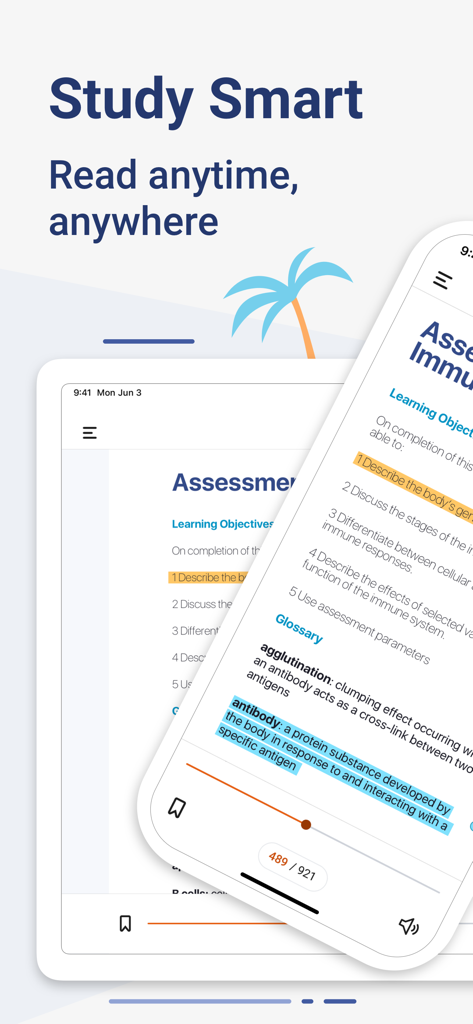
ClinicalKey Student Bookshelf app on tablet and phone displaying medical textbook highlights and learning objectives.
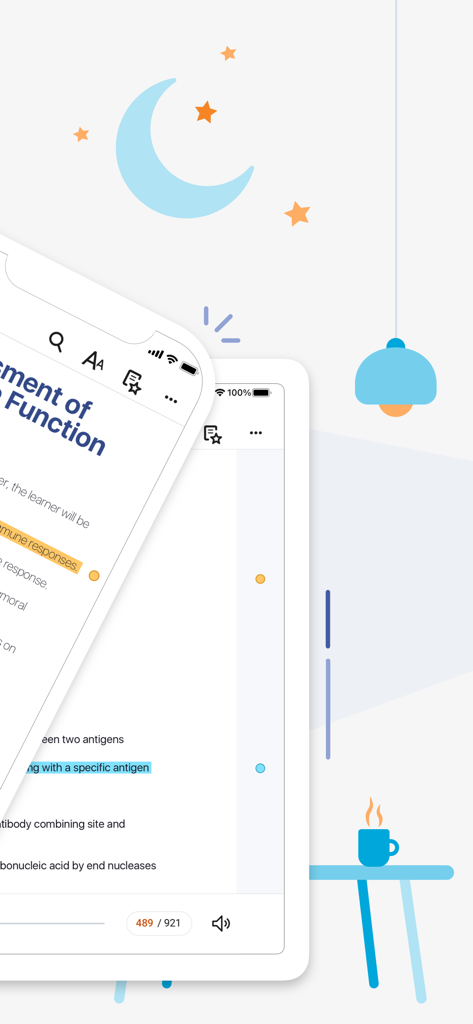
ClinicalKey Student Bookshelf app showing highlighted medical textbook pages on a smartphone and tablet
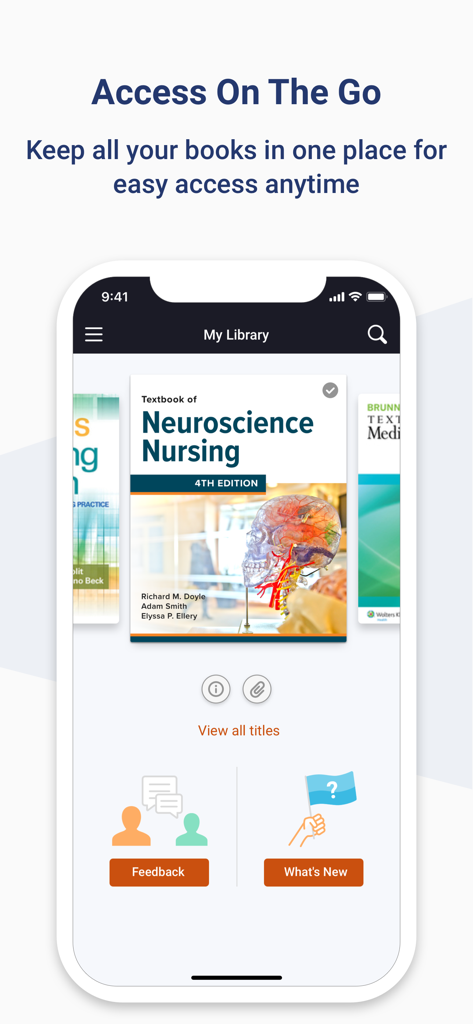
ClinicalKey Student Bookshelf app interface showing medical textbooks on a mobile screen
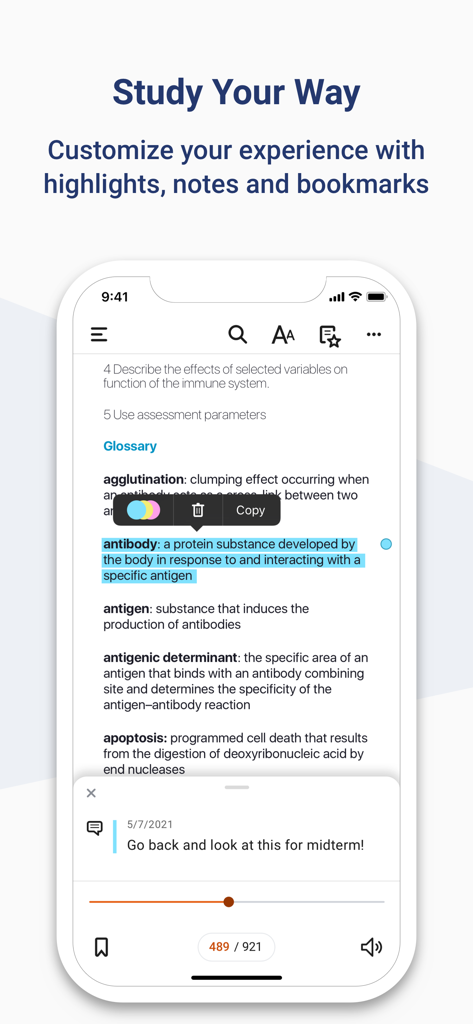
Interface of the ClinicalKey Student Bookshelf app showing text highlighting and personalized study notes.
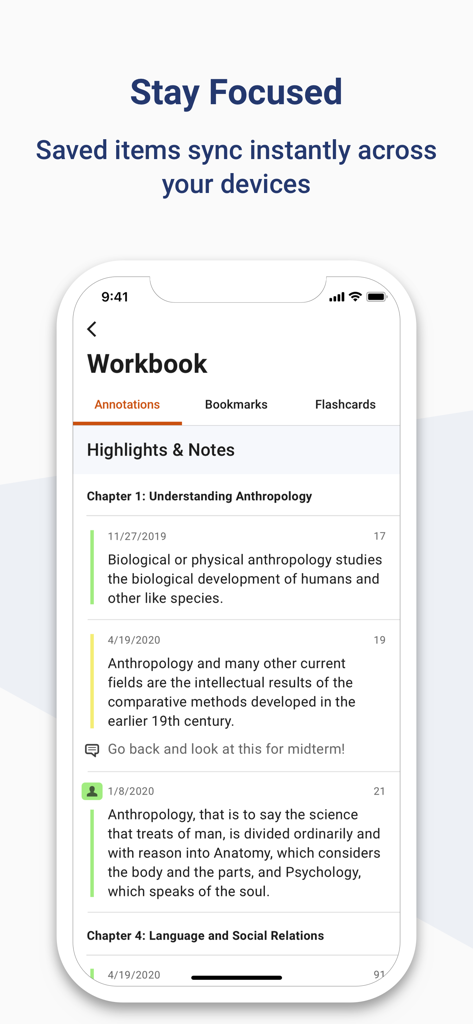
Interface of ClinicalKey Student app showing synced medical study highlights and notes in the workbook section.
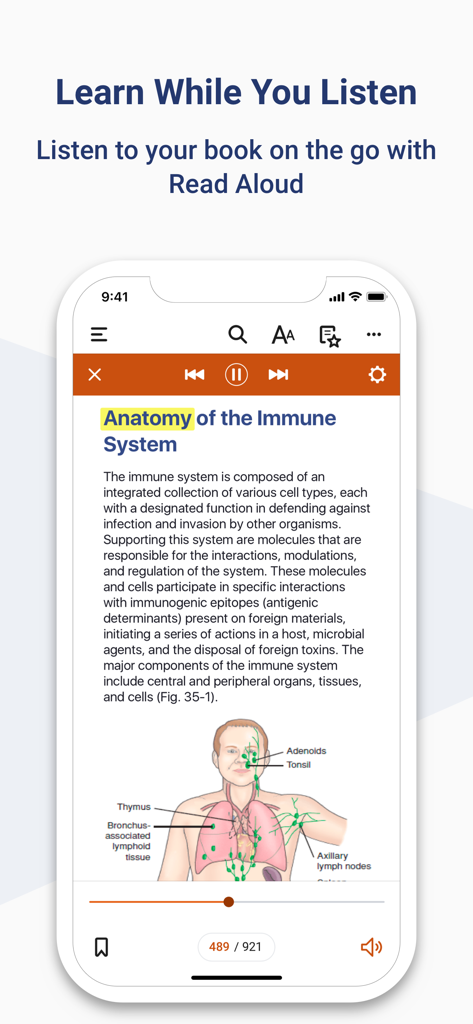
ClinicalKey Student Bookshelf app interface showing the Read Aloud feature with an anatomy textbook page
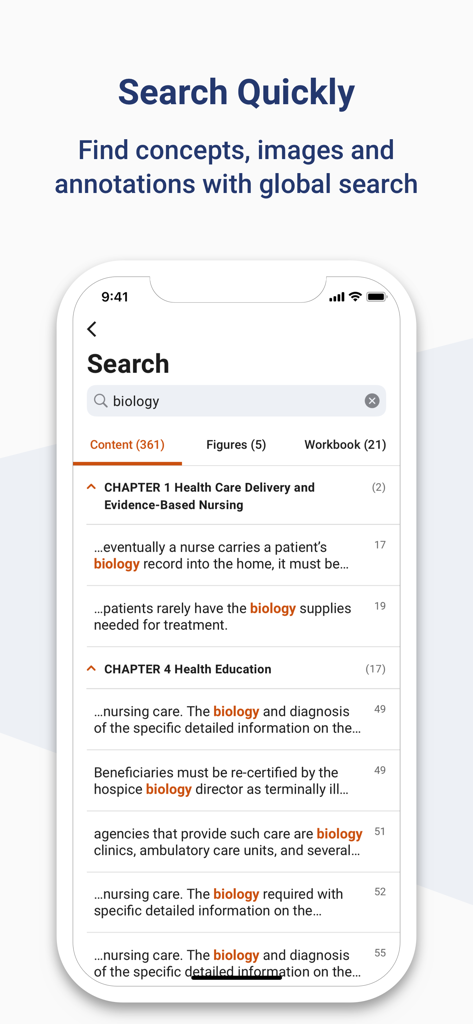
Screenshot of the ClinicalKey Student Bookshelf app showing global search results for the term biology within medical textbooks
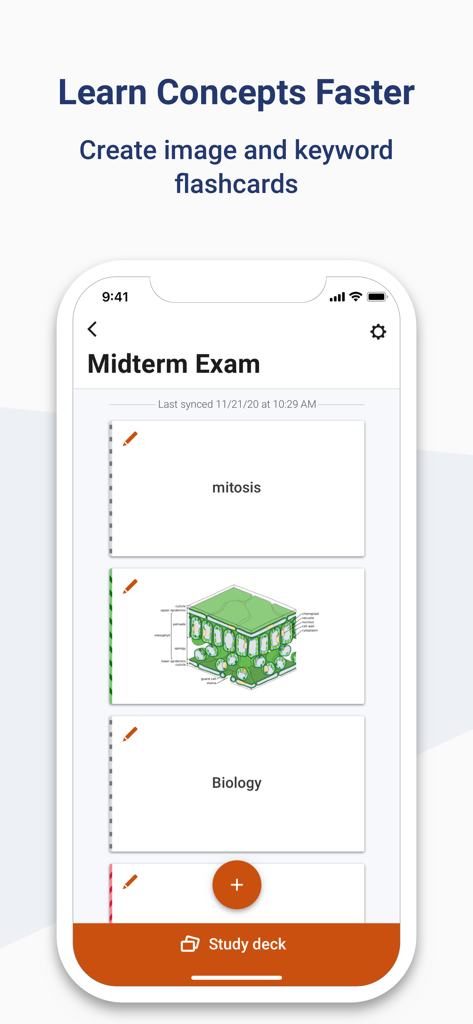
ClinicalKey Student Bookshelf app screen displaying image and keyword flashcards for exam preparation
Description
Download
More Like This
Apps with similar features and user experience

Pearson+ | Study Prep & eTexts
Pearson Education, Inc.

Biblia Reina Valera Santa 1960
Antonio Reis

Bookshelf
VitalSource Technologies LLC

ReadAnywhere
McGraw-Hill Higher Education

Elsevier eBooks on VitalSource
Elsevier Inc.

Perlego: Books & Textbooks
PERLEGO LIMITED

Tibetan Dictionary
Tim Lewis

Minha Biblioteca
Minha Biblioteca Ltda.

FAR/AIM - FAA Pilot Reference
Tekk Innovations LLC
This page is not an official page of the app or its developer, but an independent editorial publication created for informational and commentary purposes. Unless expressly stated otherwise, neither the app nor its developer is affiliated with, endorsed by, sponsored by, authorized by, or otherwise officially connected with MWM, Apple, Google Play, the app publisher, or the app's developer, and nothing on this page implies that the app was developed using MWM's services. Any trademarks, logos, screenshots, and other content remain the property of their respective owners.