
This page is not an official page of the app or its developer, but an independent editorial publication created for informational and commentary purposes. Unless expressly stated otherwise, neither the app nor its developer is affiliated with, endorsed by, sponsored by, authorized by, or otherwise officially connected with MWM, Apple, Google Play, the app publisher, or the app's developer, and nothing on this page implies that the app was developed using MWM's services. Any trademarks, logos, screenshots, and other content remain the property of their respective owners.


ClinicalKey
Empower your clinical decisions with instant access to Elsevier’s comprehensive library. Confirm diagnoses, stay current across 30+ specialties, and earn CME/MOC credits—all through your institutional subscription.
Downloads
517K+User Rating
Total Ratings
300Publisher
Category
MedicalLocales
6Latest Version
2.12.2Size
49.5 MBFirst Released
Nov 20, 2015Precision at the Point of Care
Bridge the gap between quick clinical answers and deep evidence-based research with the most trusted medical resource in your pocket.
Fast Clinical Answers
Confirm diagnoses and treatment plans in seconds with easy-to-scan synopses designed for busy rounds.
Unrivaled Medical Depth
Access full-text journals and 1,000+ textbooks across 30+ specialties for comprehensive clinical decision support.
Frequently Asked Questions
Everything you need to know about ClinicalKey
What is the ClinicalKey app?
ClinicalKey is an essential resource for medical professionals, offering comprehensive clinical knowledge. It provides trusted information to confirm diagnoses, guide treatments, and advance critical thinking skills.
Does the ClinicalKey app require a subscription?
Yes, the ClinicalKey app requires an institutional subscription for content access. Users must have a subscription through their organization.
How do I access ClinicalKey content after downloading the app?
After downloading the ClinicalKey app, connect to your organization's account. Choose 'Access via Network' for quick answers or 'Access via Institution' for other connection methods.
Can I earn CME credits using ClinicalKey?
Yes, ClinicalKey registrants earn CME and fulfill MOC requirements. Create or sign into your Elsevier ClinicalKey account to track and claim free CME/MOC/CE credits.
What medical content is available in the ClinicalKey app?
The ClinicalKey app provides trusted content across 30+ specialties, including clinical overviews, drug monographs, full-text books, journals, guidelines, multimedia, and mobile medical calculators.
Does ClinicalKey offer drug monographs?
Yes, the ClinicalKey app includes drug monographs. Users can access detailed information on various drugs, such as Amoxicillin, directly within the application.
Can ClinicalKey users save their favorite content?
Yes, ClinicalKey users can save their favorite content. Registering or signing into an Elsevier ClinicalKey user account enables users to favorite and store materials.
Does ClinicalKey include medical calculators?
Yes, the ClinicalKey app features mobile-optimized clinical calculators. It provides tools like the MELDNa Score (2008) for End-Stage Liver Disease.
The following screenshots and description are sourced directly from the app's official store listing and are the property of the app developer.
App Store
Screenshots
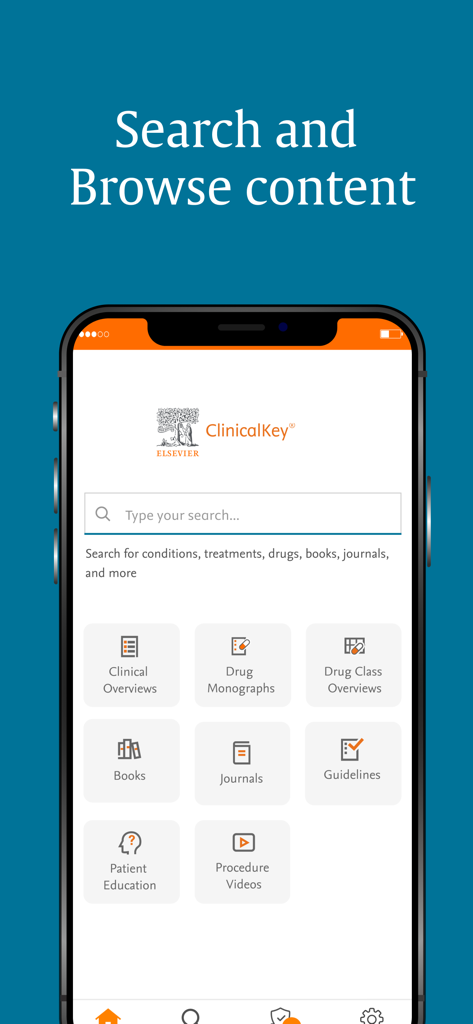
ClinicalKey app home screen showing a search bar and medical resource categories including clinical overviews books and journals
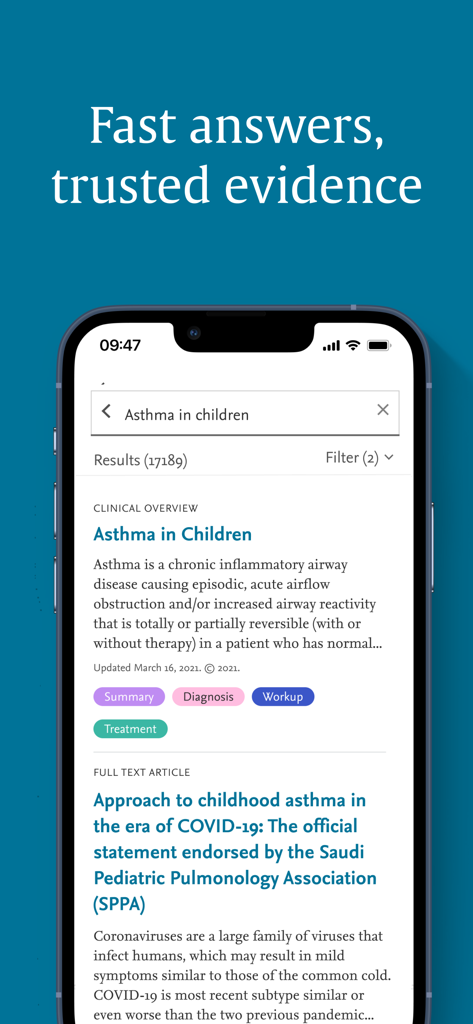
Mobile app screen showing medical search results for asthma in children with clinical overviews and full text articles
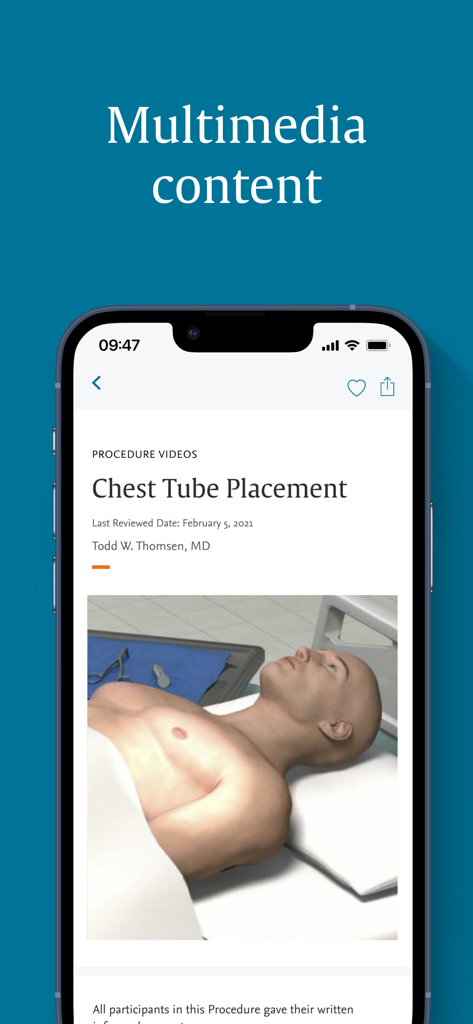
ClinicalKey app screenshot displaying a medical procedure video for chest tube placement with a 3D anatomical model.
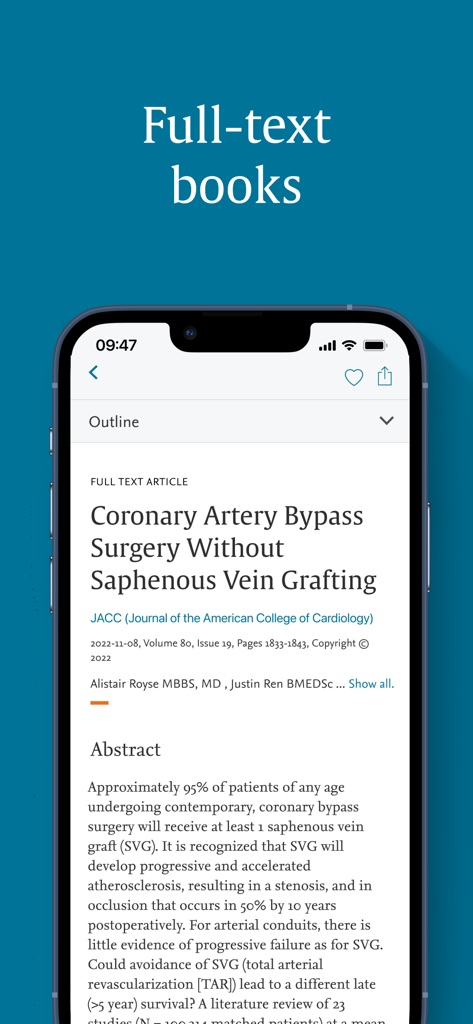
Smartphone screen showing a full-text medical article in the ClinicalKey app
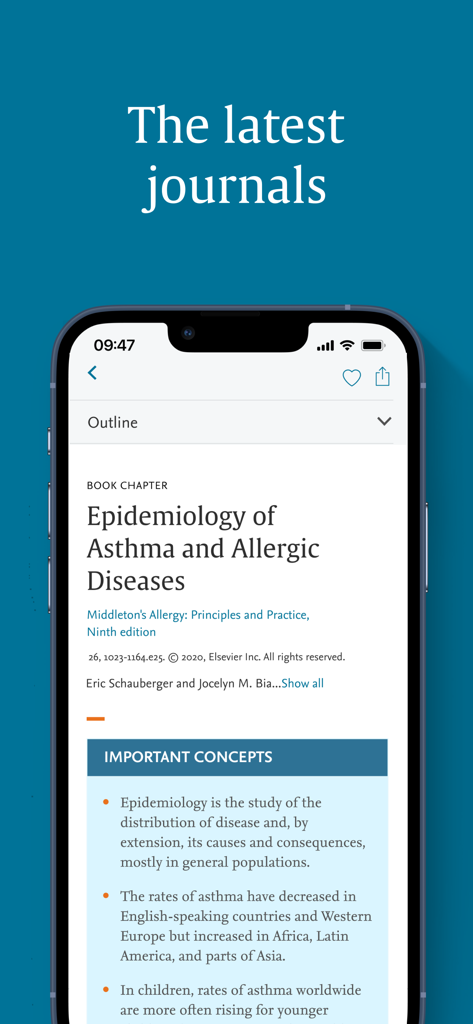
A smartphone screen displaying a medical book chapter about asthma epidemiology on the ClinicalKey app
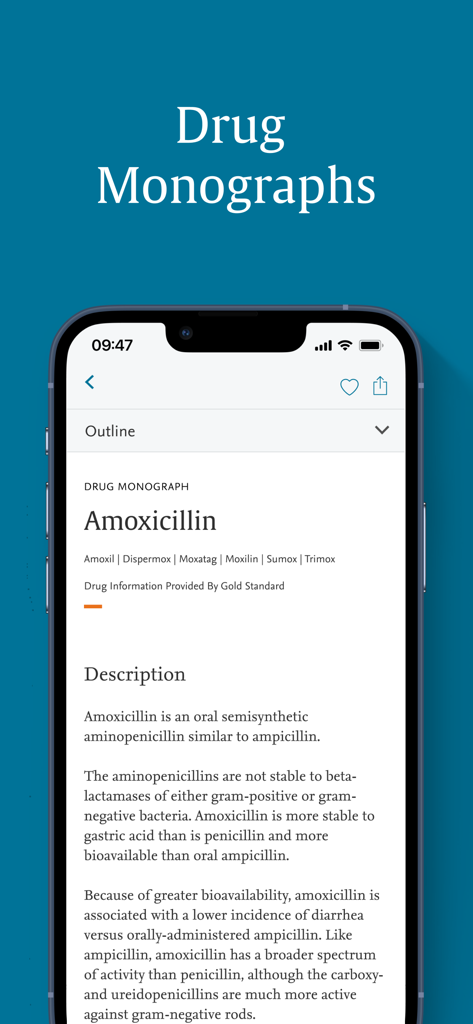
A medical drug monograph for Amoxicillin displayed on the ClinicalKey mobile app interface
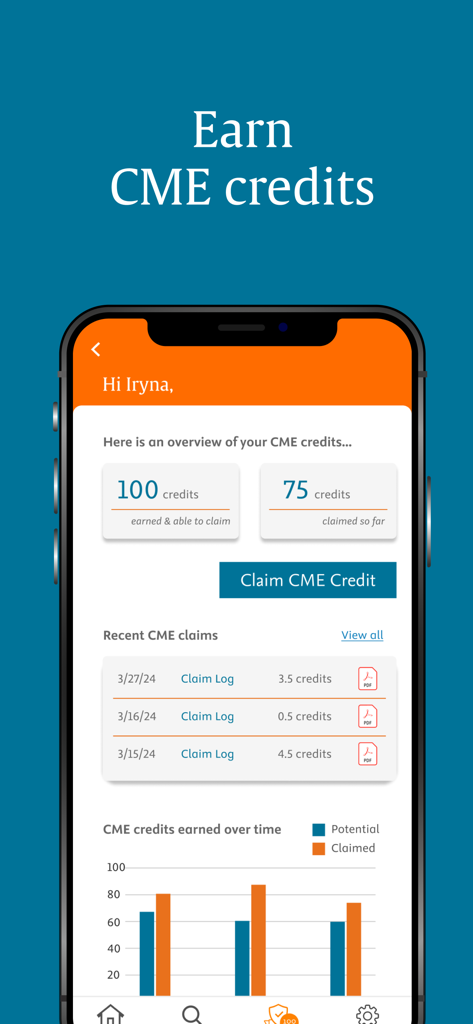
The ClinicalKey app interface showing a CME credits dashboard with tracking for earned and claimed credits and a progress chart.
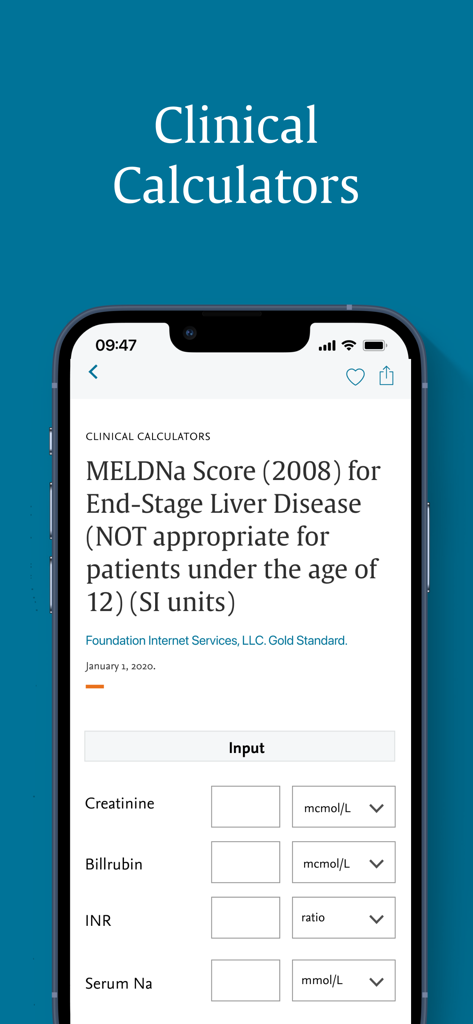
ClinicalKey mobile app screen showing a clinical calculator for MELDNa score for end-stage liver disease
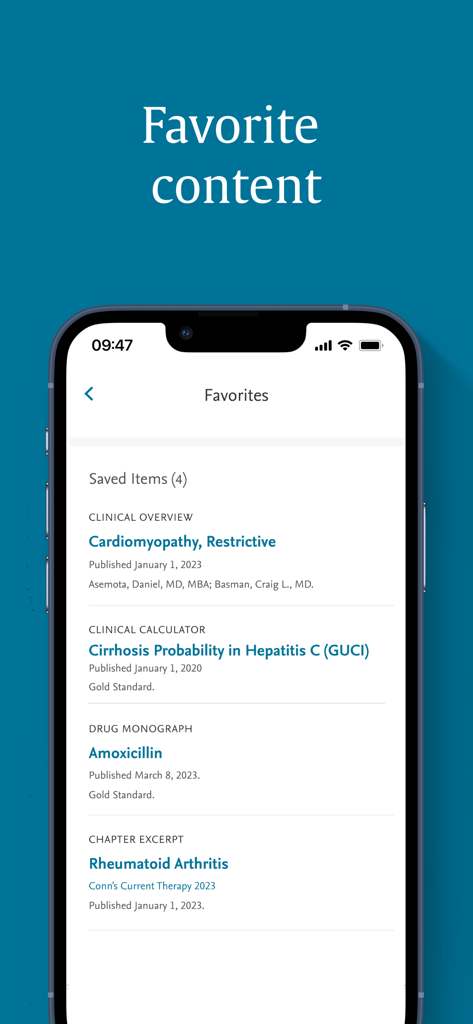
ClinicalKey mobile app interface showing the Favorites screen with saved medical articles and clinical tools.
Description
Download
More Like This
Apps with similar features and user experience

OpenEvidence
OpenEvidence Inc.

MDCalc Medical Calculator
MDCalc Ltd., Inc.

Drugs.com Medication Guide
Drugsite Trust

用药助手 - 丁香园出品
Guanlan Networks (Hangzhou) Co. Ltd.

AMBOSS Medical Knowledge
AMBOSS SE

知源中医
Chongqing Caochen Technology Co., Ltd.

Gestational Age (baby's age)
Daniel Correia
ESC Pocket Guidelines
Societe Europeenne de Cardiologie SEC

Sanford Guide Antimicrobial
Antimicrobial Therapy Inc
This page is not an official page of the app or its developer, but an independent editorial publication created for informational and commentary purposes. Unless expressly stated otherwise, neither the app nor its developer is affiliated with, endorsed by, sponsored by, authorized by, or otherwise officially connected with MWM, Apple, Google Play, the app publisher, or the app's developer, and nothing on this page implies that the app was developed using MWM's services. Any trademarks, logos, screenshots, and other content remain the property of their respective owners.