CLIPish Tall Animations
Download on App Store

This page is not an official page of the app or its developer, but an independent editorial publication created for informational and commentary purposes. Unless expressly stated otherwise, neither the app nor its developer is affiliated with, endorsed by, sponsored by, authorized by, or otherwise officially connected with MWM, Apple, Google Play, the app publisher, or the app's developer, and nothing on this page implies that the app was developed using MWM's services. Any trademarks, logos, screenshots, and other content remain the property of their respective owners.

Logo of CLIPish Tall Animations
Download on App Store

CLIPish Tall Animations

Stop sending basic GIFs. Use our secret stacking trick to send massive, multi-part animations that take over the screen and leave your friends wondering how you did it.

Key Figures

Downloads

0

User Rating

3.8/5

Total Ratings

0

Publisher

Dating DNA, Inc.

Category

Social Networking

Locales

1

Latest Version

1.29

Size

483.3 MB

First Released

Apr 23, 2018
Features

Take Over the Screen

Stop sending basic stickers. Use our unique stacking technology to send towering animations that demand attention and leave your friends asking, 'How did you do that?'

Towering Stacks

Chain multiple segments together to create massive, vertical animations that dwarf standard GIFs and emojis.

iMessage Magic

The smart extension handles the heavy lifting, guiding you to send segments in the perfect order for a flawless stack.

The following screenshots and description are sourced directly from the app's official store listing and are the property of the app developer.

App Store

Screenshots
CLIPish Tall Animations - CLIPish Tall Animations app splash screen featuring a cartoon giraffe and a blue background
CLIPish Tall Animations app splash screen featuring a cartoon giraffe and a blue background

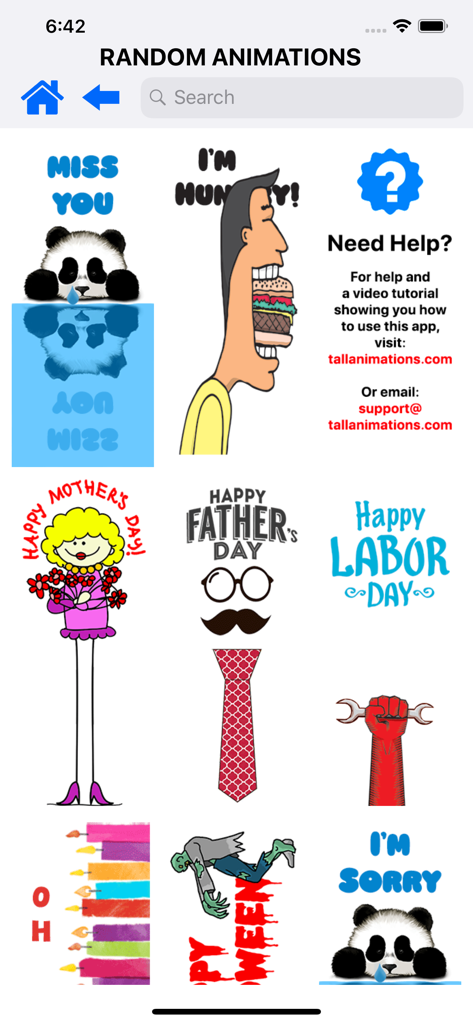
CLIPish Tall Animations - A gallery of vertical tall animations and stickers for iMessage featuring characters and holiday themes
A gallery of vertical tall animations and stickers for iMessage featuring characters and holiday themes

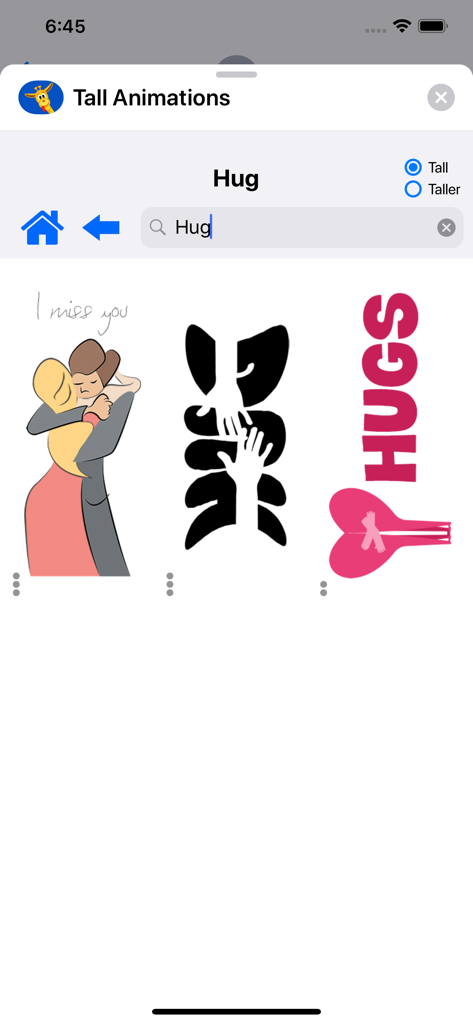
CLIPish Tall Animations - Search results for hug animations in the CLIPish Tall Animations app
Search results for hug animations in the CLIPish Tall Animations app

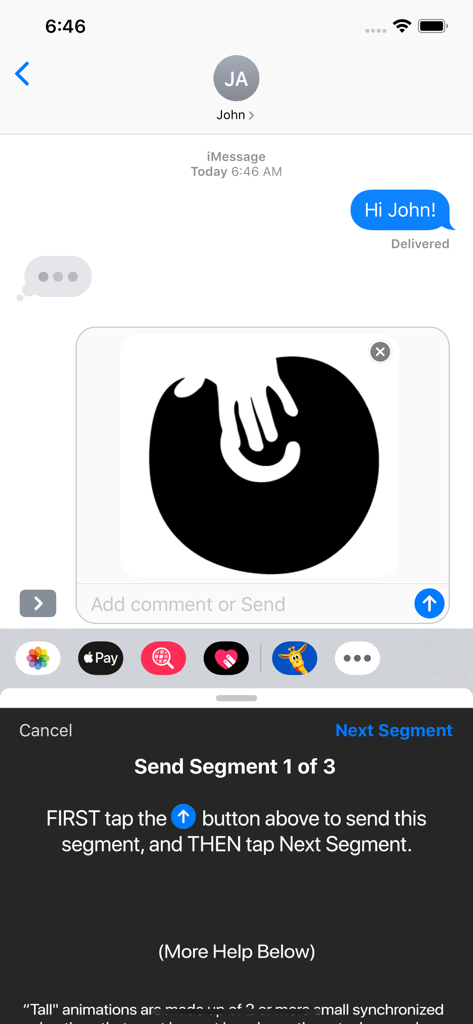
CLIPish Tall Animations - An iMessage interface showing the first segment of a three-part tall animation being prepared for sending with step-by-step instructions.
An iMessage interface showing the first segment of a three-part tall animation being prepared for sending with step-by-step instructions.

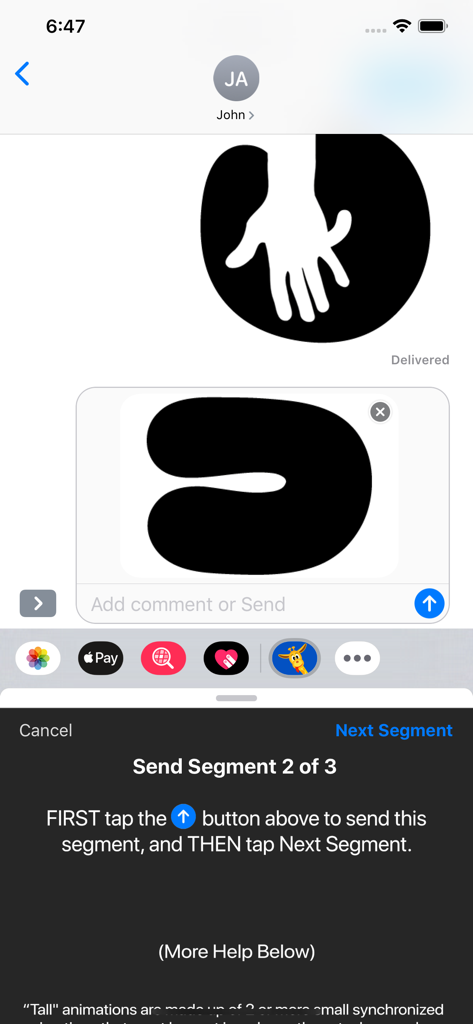
CLIPish Tall Animations - An iPhone screen showing the process of sending tall animations in segments within iMessage
An iPhone screen showing the process of sending tall animations in segments within iMessage

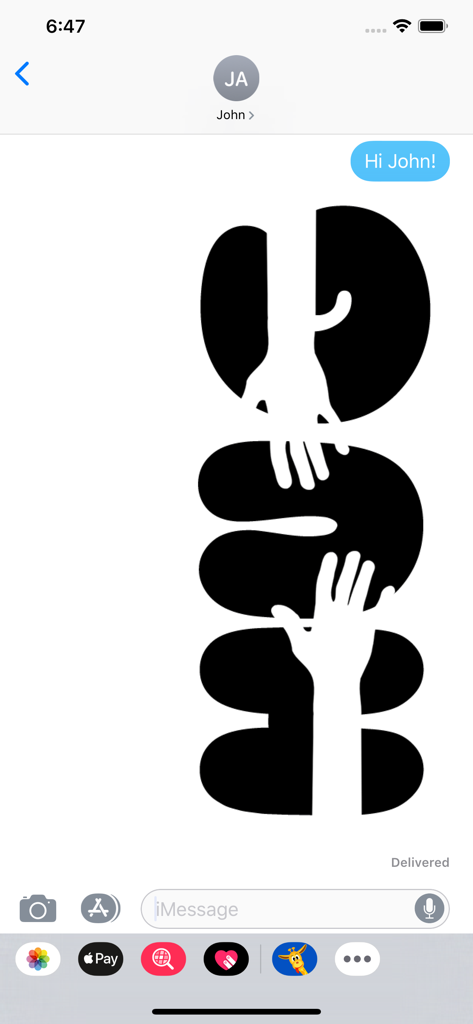
CLIPish Tall Animations - A tall black and white vertically stacked animation sent within an iPhone iMessage conversation.
A tall black and white vertically stacked animation sent within an iPhone iMessage conversation.

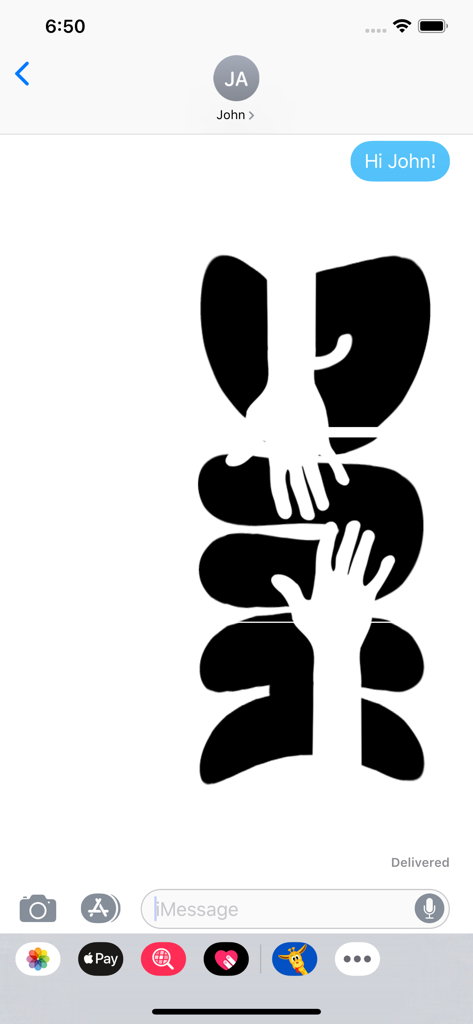
CLIPish Tall Animations - A tall segmented animation in an iMessage chat window showing a black and white graphic with hands.
A tall segmented animation in an iMessage chat window showing a black and white graphic with hands.

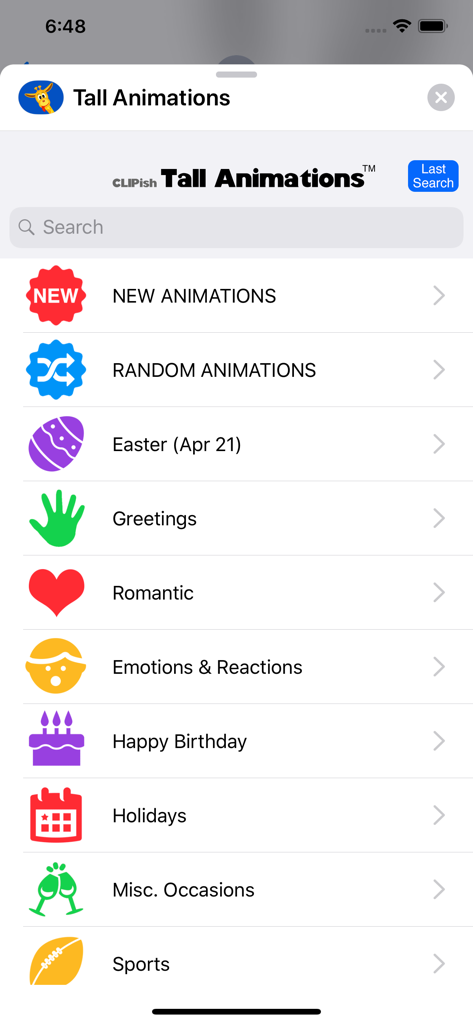
CLIPish Tall Animations - Menu of the CLIPish Tall Animations app showing a list of animation categories like Romantic and Greetings
Menu of the CLIPish Tall Animations app showing a list of animation categories like Romantic and Greetings

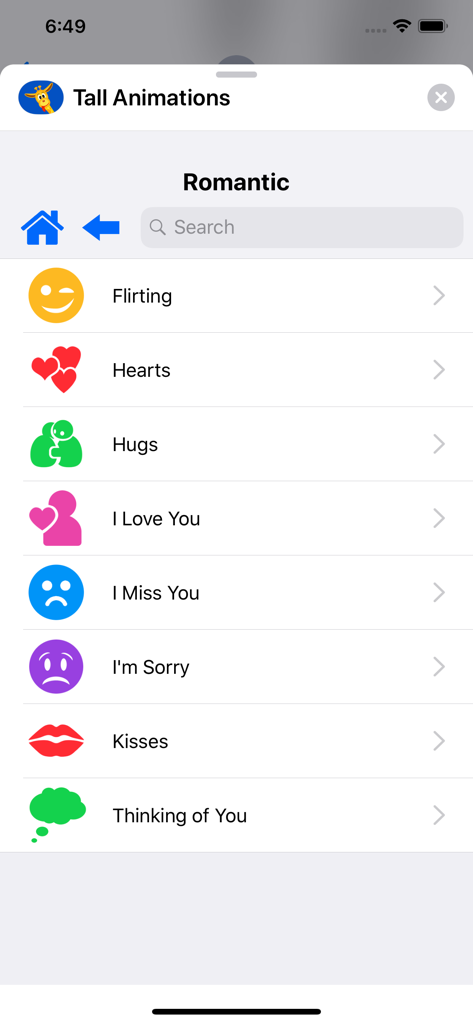
CLIPish Tall Animations - Menu of romantic message categories in the CLIPish Tall Animations app including flirting hearts and hugs.
Menu of romantic message categories in the CLIPish Tall Animations app including flirting hearts and hugs.

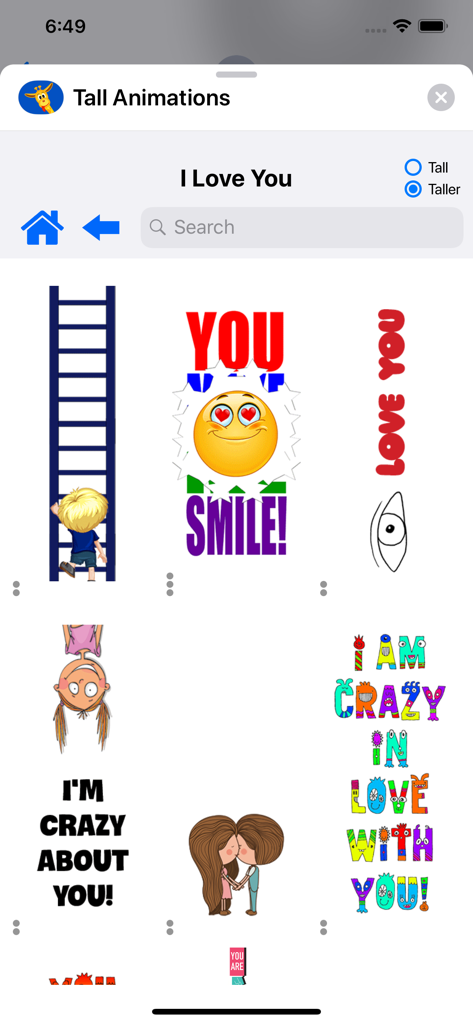
CLIPish Tall Animations - A variety of tall vertical animations for iMessage from the CLIPish app showing romantic stickers

A variety of tall vertical animations for iMessage from the CLIPish app showing romantic stickers

Description

New from the makers of CLIPish! Magically send TOWERING animations with iMessage! TRY IT NOW: Text "TALL" to 214-949-3738 to receive a free Tall Animation text message--you have to see them to believe them! Amaze your friends with how you're able to send such TALL animations! There's never been an app like this before. Hundreds of all-new, original animations you won't find anywhere else! THE TRICK? “Tall" animations are made up of 2 or more small synchronized animations that must be sent in order so they stack properly on top of each other when received by others. Don't worry, the Tall Animations app keeps track of all the different ”segments” and walks you through sending them in the proper order. HOW IT WORKS: To send an animation, use the iMessage extension of the app and simply tap on the animation you wish to send. The app will load the first segment into the iMessage app for you to send. You then tap the Send button in iMessage to send it off. You then tap the Next Segment button to load the next segment for you to send, and so on. This will continue until all segments have been sent. Most animations are two segments "tall," but some are more. TALL vs TALLER MODE: You will normally use the Tall setting. However, if you know you are sending an animation to someone with an iPhone X or iPhone "Plus" you can choose to use the Taller setting, which will look better on these larger-display devices. STAND-ALONE APP vs iMESSAGE EXTENSION: You can share the animations from the stand-alone app (uses cut and paste), but they won't be in the "tall" mode. To send the animations as segments to create the tall animations, use the iMessage extension of the app. ▬▬▬▬▬▬▬▬▬▬▬▬▬▬▬▬▬▬▬▬▬▬▬ ONLY SENDING FIRST SEGMENT? The Tall Animations iMessage app will only work properly when used from within AN EXISTING text message. If you try using it when starting a new text message (tapping New Text Message icon and entering in a name or number), iOS closes the Tall Animation app after you send the first segment. So, if you want to send Tall Animations to someone new, just send them any TEXT message FIRST (such as "Hi Karen!"), which will create the text message log and then you can use Tall Animations without any problems. NEED HELP? Visit tallanimations.com to see why Tall Animations are so cool and for a tutorial video that shows you how to install and use Tall Animations from either iMessage or the stand-alone app. * On rare occasions, depending on the type of device and Internet connection the user has who is receiving your text messages, animations may not appear stacked in the correct order. * Some images featured are public domain. If you believe your work has been included in err, please let us know so it can be removed. WRITE US! support@tallanimations.com

Download

Download on App Store

This page is not an official page of the app or its developer, but an independent editorial publication created for informational and commentary purposes. Unless expressly stated otherwise, neither the app nor its developer is affiliated with, endorsed by, sponsored by, authorized by, or otherwise officially connected with MWM, Apple, Google Play, the app publisher, or the app's developer, and nothing on this page implies that the app was developed using MWM's services. Any trademarks, logos, screenshots, and other content remain the property of their respective owners.