
This page is not an official page of the app or its developer, but an independent editorial publication created for informational and commentary purposes. Unless expressly stated otherwise, neither the app nor its developer is affiliated with, endorsed by, sponsored by, authorized by, or otherwise officially connected with MWM, Apple, Google Play, the app publisher, or the app's developer, and nothing on this page implies that the app was developed using MWM's services. Any trademarks, logos, screenshots, and other content remain the property of their respective owners.

Clone App - Multiple Account
The ultimate utility to run dual accounts for WhatsApp, Facebook, and Instagram. Effortlessly separate work from play, recover deleted messages, and save statuses with the all-in-one power tool built for efficiency.
Downloads
901K+User Rating
Total Ratings
3K+Publisher
Category
Social NetworkingLocales
1Latest Version
7.4.5Size
52.7 MBFirst Released
Jan 8, 2022Maximize Your Digital Efficiency
Seamlessly manage multiple accounts and unlock pro-level messaging tools on a single device tailored for your professional and personal life.
Dual Space Management
Separate your professional and personal lives instantly without the cost or hassle of carrying a second phone.
Advanced Media Toolkit
Save stories, download statuses, and recover deleted messages with one tap to keep your records safe and organized.
Frequently Asked Questions
Everything you need to know about Clone App - Multiple Account
How do I use Clone App for Whats Web?
Clone App for Whats Web allows you to use multiple accounts on one device. Scan the QR Code from your main account to link it. This enables dual accounts for messaging and other apps.
What is Clone App - Multiple Account?
Clone App - Multiple Account is a utility application. It enables users to operate multiple accounts of chat applications and social media simultaneously on a single device.
Can Clone App - Multiple Account recover deleted messages?
Yes, Clone App - Multiple Account can recover text messages and various media attachments. This includes pictures, videos, voice notes, audio, animated GIFs, and stickers from your linked accounts.
Does Clone App - Multiple Account have a status saver feature?
Yes, Clone App - Multiple Account includes a Status Saver feature. It allows users to download photos, videos, audio, and contacts from statuses within the application.
What is the Direct Chat feature in Clone App?
The Direct Chat feature in Clone App allows users to open a chat conversation directly. This function works even with unknown numbers, eliminating the need to save contacts first.
Can I use Clone App for social media and gaming?
Yes, Clone App supports cloning popular social and gaming applications. Users can access multiple accounts simultaneously for apps like Facebook and Instagram, and gain advantages in mobile games.
Is Clone App - Multiple Account affiliated with WhatsApp?
No, Clone App - Multiple Account is an unofficial tool for WhatsApp. It is explicitly stated that this application is not affiliated with WhatsApp or any other company.
Does Clone App interfere with data from original accounts?
No, data from accounts managed by Clone App - Multiple Account does not interfere with each other. The app ensures separate data storage for each cloned account.
Does Clone App support Dark Mode?
Yes, Clone App supports Dark Mode. This feature allows users to enjoy chatting with a dark interface, which can be beneficial for night-time use.
Can I share media using Clone App?
Yes, Clone App facilitates media sharing. Users can send photos, videos, audio, contacts, and document files through the application's interface.
The following screenshots and description are sourced directly from the app's official store listing and are the property of the app developer.
App Store
Screenshots
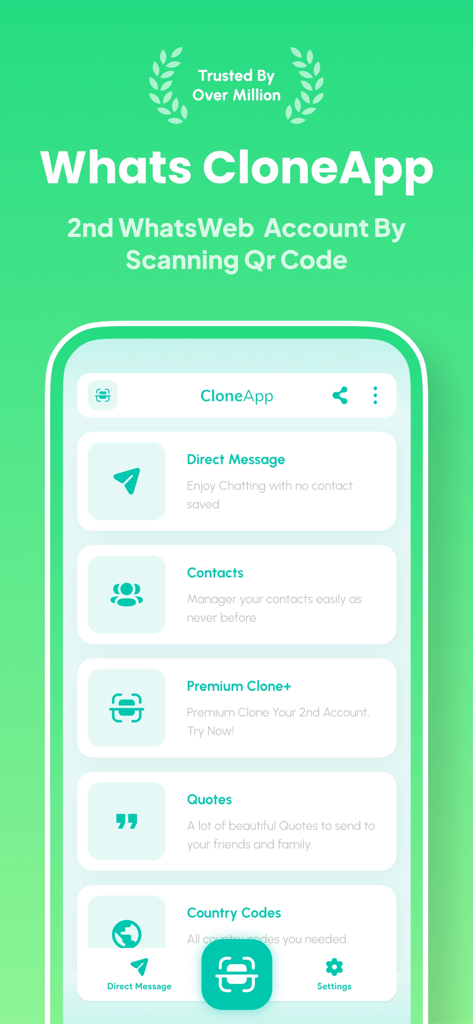
Interface of Clone App showing features for multiple account management and direct messaging
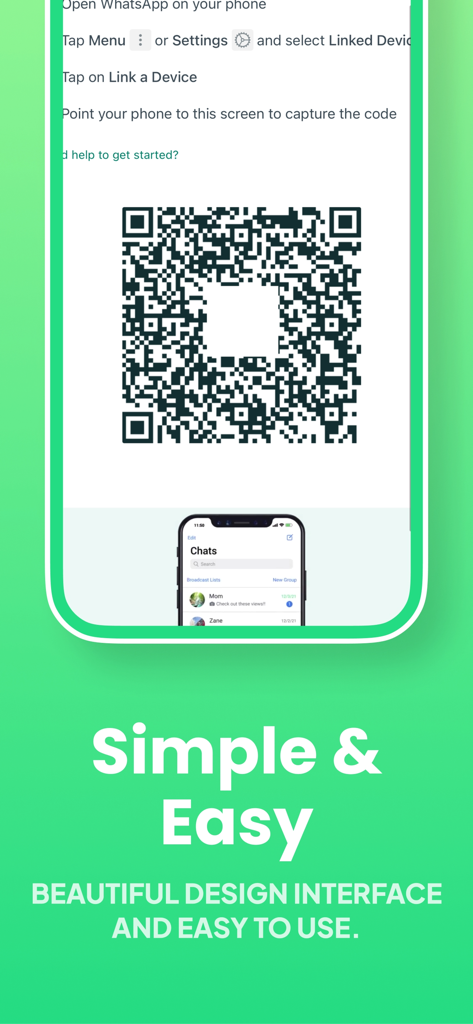
QR code screen for linking a second messaging account in the Clone App.
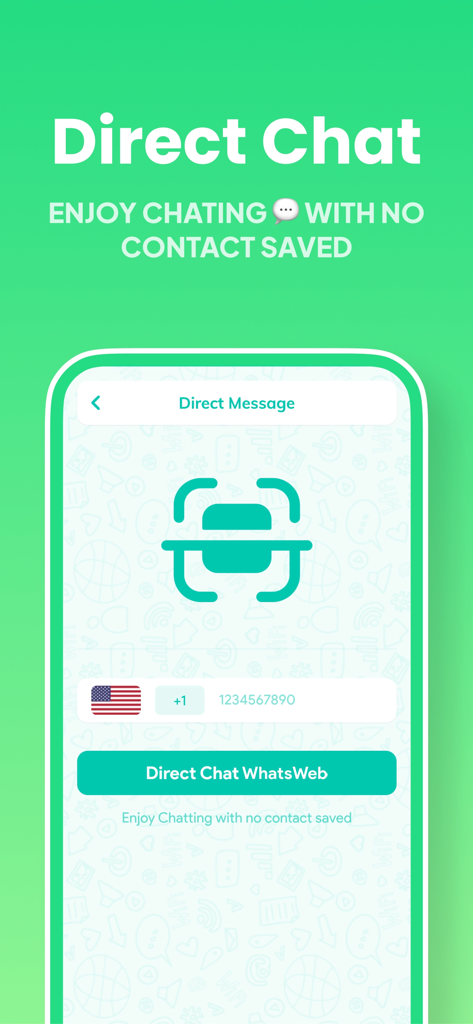
Screenshot of the Clone App Direct Chat feature allowing users to message phone numbers without saving them as contacts.
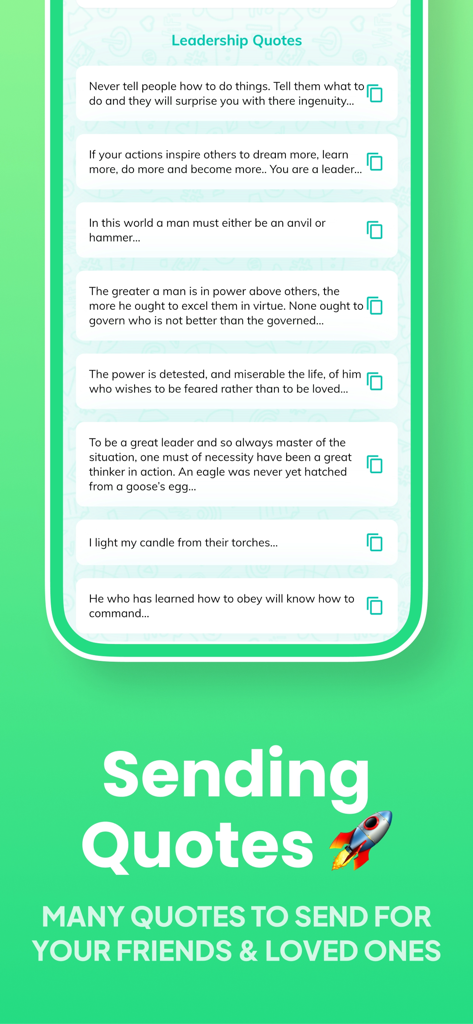
Interface of the Clone App showing a list of leadership quotes to share with friends.
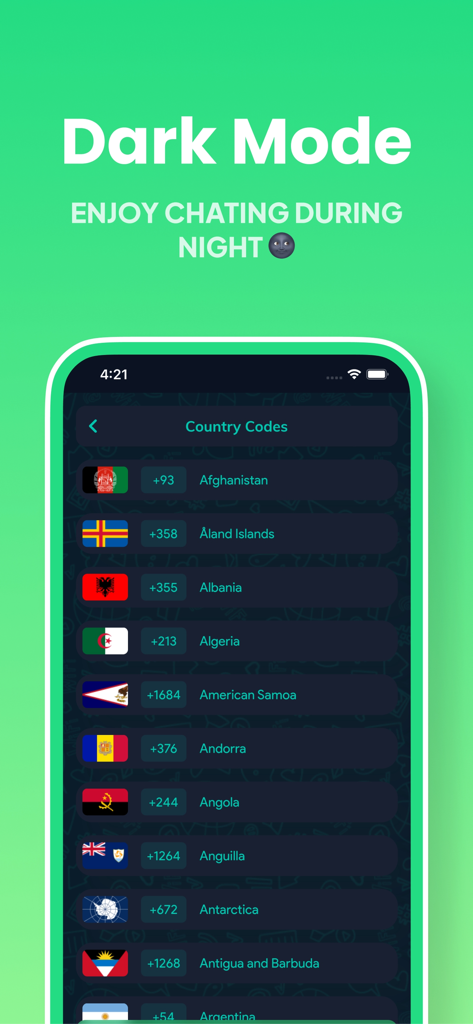
Dark mode interface of the Clone App showing a list of international country codes and flags
Description
Download
More Like This
Apps with similar features and user experience

Dual Messenger, Whats Web Chat
中华 阳

Parallel Space: Dual Account
Huong Le Thi
WA Web - Dual Messenger ⁺
雨双 柯
WA Web - Dual Chat
碧 郑
Dual Web Chat for WhatsWA
SEAMOBI TECH PTE LTD

Parallel App ~ Dual Accounts
Shobhaben Ukani
Dual Messenger-Duo Web Chatapp
Changsha Liangchao Technology Co., Ltd.

Multiple Accounts: Dual Spaces
Kokila Ukani

Clone App - Multiple Accounts
Siddharth bhadani
This page is not an official page of the app or its developer, but an independent editorial publication created for informational and commentary purposes. Unless expressly stated otherwise, neither the app nor its developer is affiliated with, endorsed by, sponsored by, authorized by, or otherwise officially connected with MWM, Apple, Google Play, the app publisher, or the app's developer, and nothing on this page implies that the app was developed using MWM's services. Any trademarks, logos, screenshots, and other content remain the property of their respective owners.